New Trade Zone
Trade Zone is now live
Use the new Trade Zone for auctions and instant-price trades so Pokemon and item offers are easy to find.

Masterbroccoli
Registered User
-
Joined
-
Last visited
Everything posted by Masterbroccoli
-
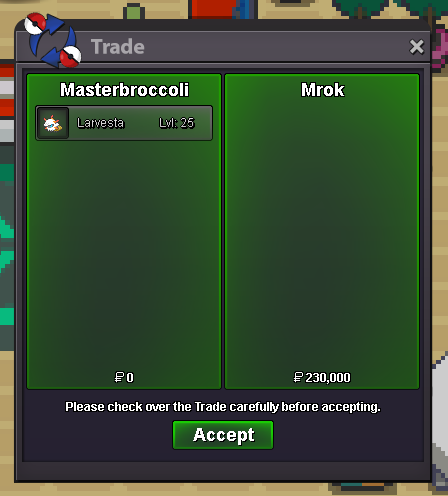
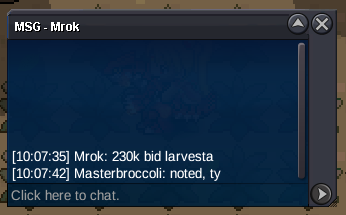
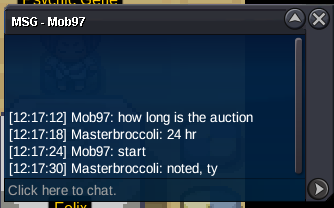
bumpStarting bid: 200k Min bid: 30k I only accept pokedollars as payment. Auction ends 24 hours after first bid. Winning bid: 230k by Mrok Auction ended: Saturday, 2 May 2026 12:17 p.m. GMT +2
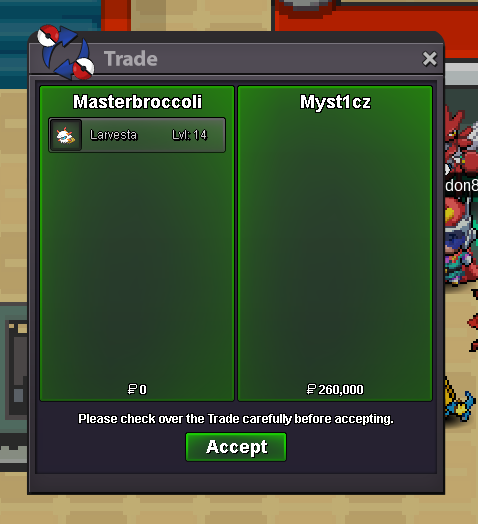
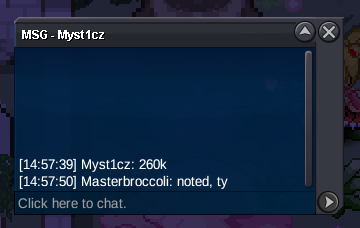
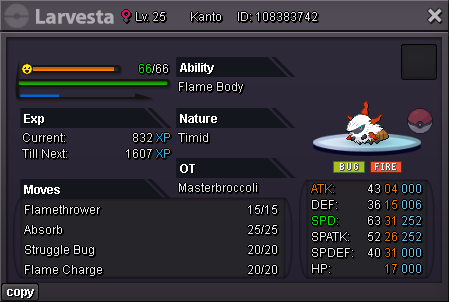 Starting bid: 100k Min bid: 30k I only accept pokedollars as payment. Auction ends 24 hours after first bid. Winning bid: 260k by Myst1cz Auction ended: Saturday 14 February 2026 4:42 p.m. GMT +1
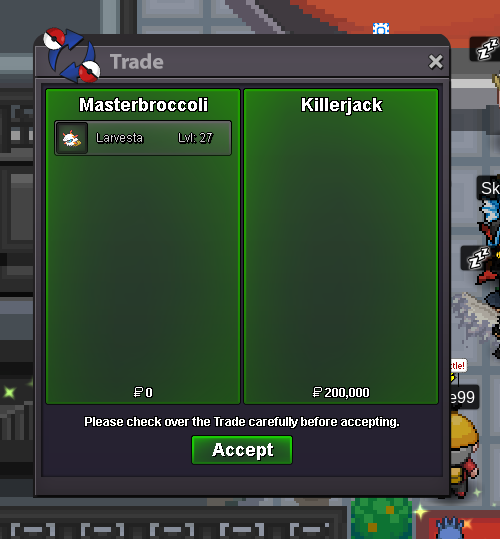
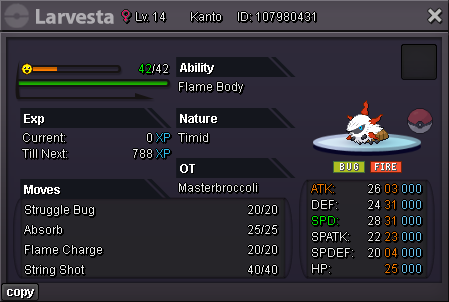 Starting bid: 100k Min bid: 30k I only accept pokedollars as payment. Auction ends 24 hours after first bid. Winning bid: 200k by killerjack Auction ended: Thursday 5 February 2026 5:02 p.m. GMT +1
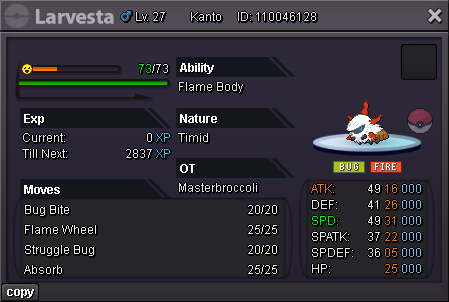 Starting price: 2m Min bid: 200k I only accept pokedollars as payment. Auction ends 72h after first bid. Current bid: 3.2m by Yeda Auction ends at 2025/10/25 6:44 p.m. GMT +2
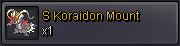 Starting bid: 200k Min bid: 50k I only accept pokedollars as payment. Auction ends 48 hours after first bid.
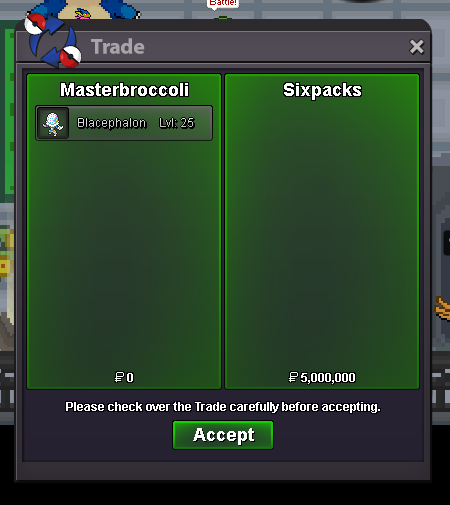
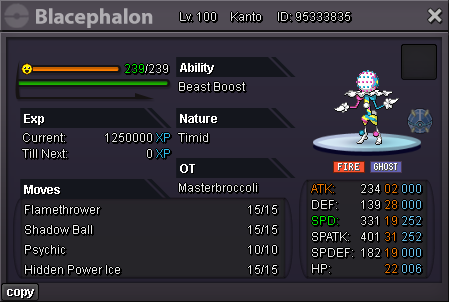 7m2Starting bid: 250k Min bid: 50k I only accept pokedollars as payment. Auction ends 48 hours after first bid. Current bid: 5m by Sixpacks Auction ends Thursday 2025/9/4 8:45 p.m. GMT +2 HP Rock
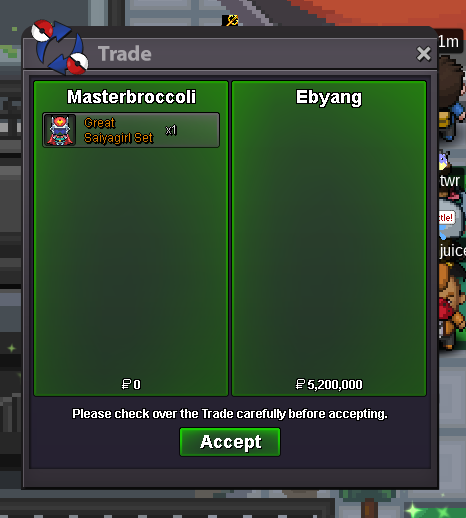
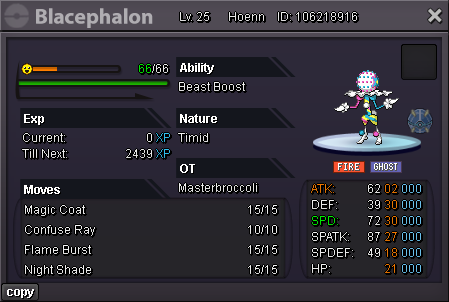 Starting offer: 2m Min bid: 200k Cash only Auction ends seven days after first bid. Winning bid: 5.2m by Ebyang Auction ended at Sunday 2025/8/24 2:58 p.m. GMT +2
 As topic says.It worked, thanks!Hi! I have a guild officer who got permanently banned (they were being an idiot), and now I cannot remove them from the guild. When I try, it says they need to be online (for demote, I cannot kick). How can I remove them from my guild? Chat commands /cgkick and /cgdemote did not work. Any help would be appreciated! 🙂
Account
Navigation
Search
Configure browser push notifications
Chrome (Android)
- Tap the lock icon next to the address bar.
- Tap Permissions → Notifications.
- Adjust your preference.
Chrome (Desktop)
- Click the padlock icon in the address bar.
- Select Site settings.
- Find Notifications and adjust your preference.
Safari (iOS 16.4+)
- Ensure the site is installed via Add to Home Screen.
- Open Settings App → Notifications.
- Find your app name and adjust your preference.
Safari (macOS)
- Go to Safari → Preferences.
- Click the Websites tab.
- Select Notifications in the sidebar.
- Find this website and adjust your preference.
Edge (Android)
- Tap the lock icon next to the address bar.
- Tap Permissions.
- Find Notifications and adjust your preference.
Edge (Desktop)
- Click the padlock icon in the address bar.
- Click Permissions for this site.
- Find Notifications and adjust your preference.
Firefox (Android)
- Go to Settings → Site permissions.
- Tap Notifications.
- Find this site in the list and adjust your preference.
Firefox (Desktop)
- Open Firefox Settings.
- Search for Notifications.
- Find this site in the list and adjust your preference.