




New Trade Zone
Trade Zone is now live
Use the new Trade Zone for auctions and instant-price trades so Pokemon and item offers are easy to find.


Tba7
Registered User
-
Joined
-
Last visited
Everything posted by Tba7
-
Victini + Time Flute Dungeon Service
-
Yeah. Contact me on Discord @tba7 for faster replySure, let me know when you are available. Discord: @tba7
 Victini + Time Flute Dungeon Service
 Victini + Time Flute Dungeon Service
 +1 Nice way to incentivize players!Victini + Time Flute Dungeon Service in Silver from my alt account!
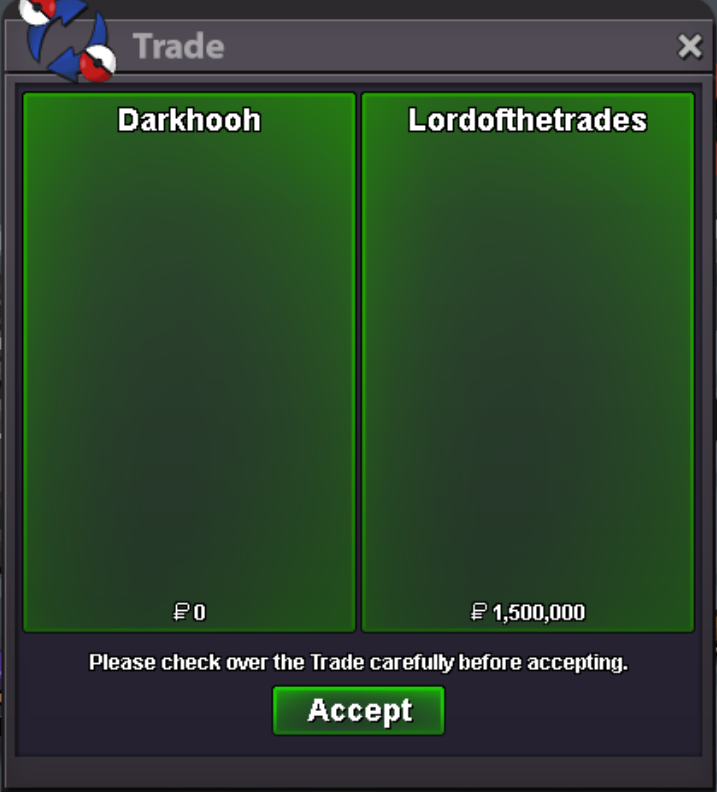 Victini + Time Flute Dungeon Service in Silver from my alt account!
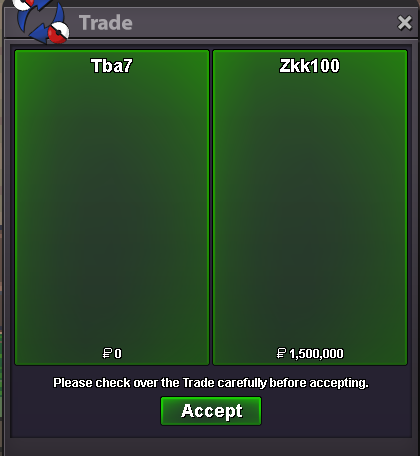
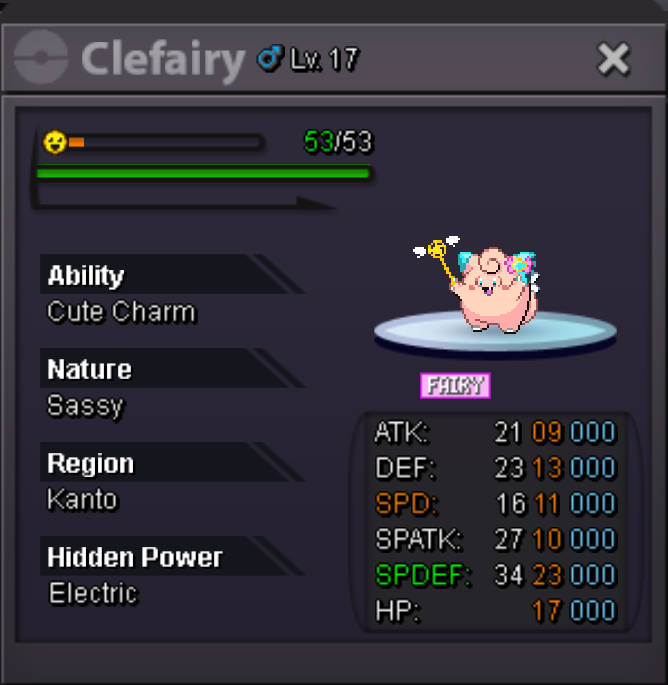
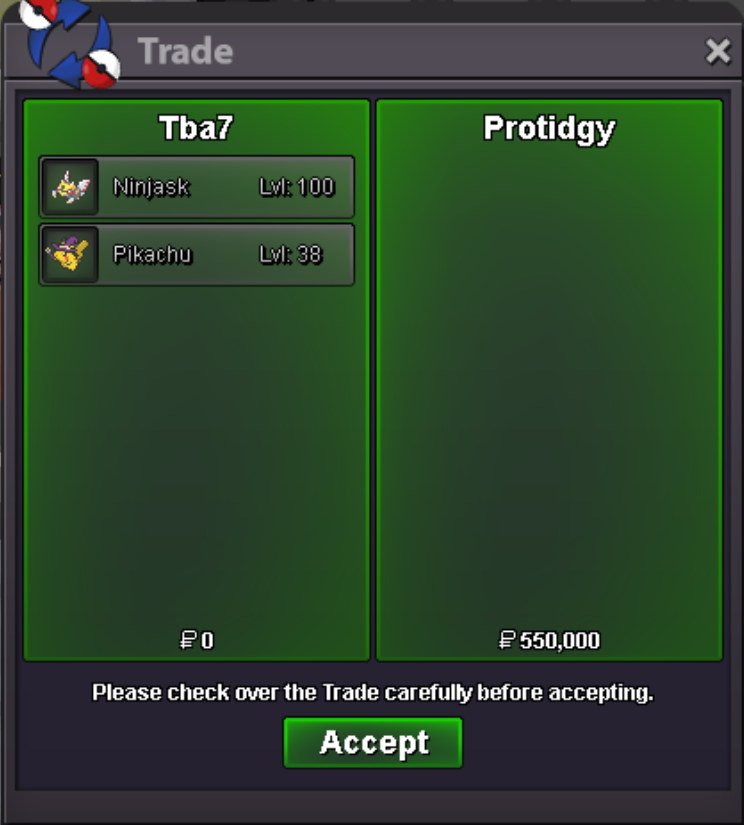
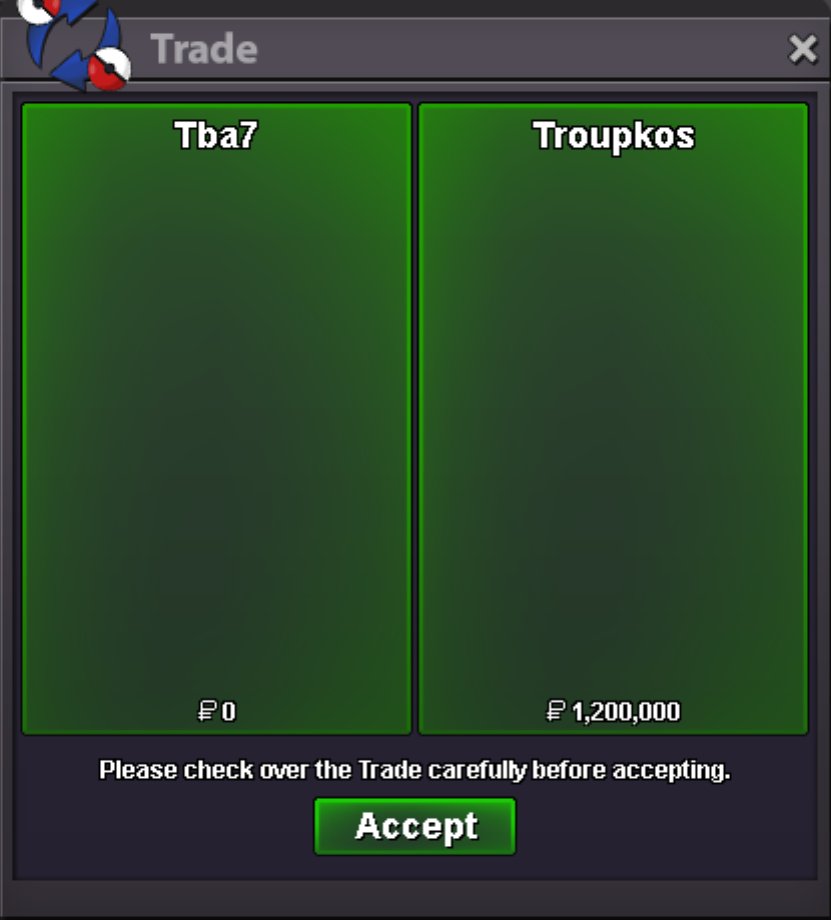
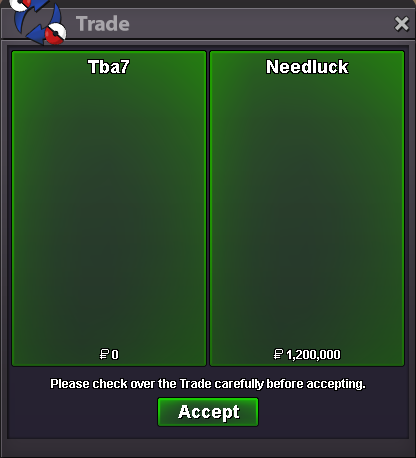
Victini Dungeon Service done by my alt account in Silver. 1.2m for Victini + 300k for service to unlock Crater Dungeon + Time Flute (efficient gameplay)
Victini + Time Flute Dungeon Service in Silver from my alt account!
Victini Dungeon Service done by my alt account in Silver. 1.2m for Victini + 300k for service to unlock Crater Dungeon + Time Flute (efficient gameplay)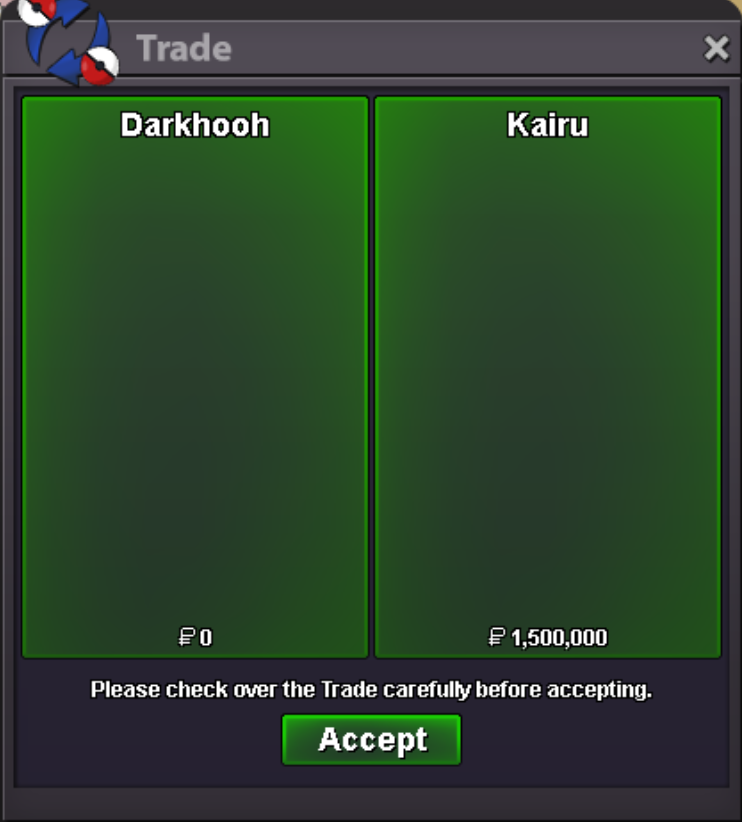 Victini Dungeon Service done by my alt account in Silver. 1.2m for Victini + 300k for service to unlock Crater Dungeon + Time Flute (efficient gameplay)
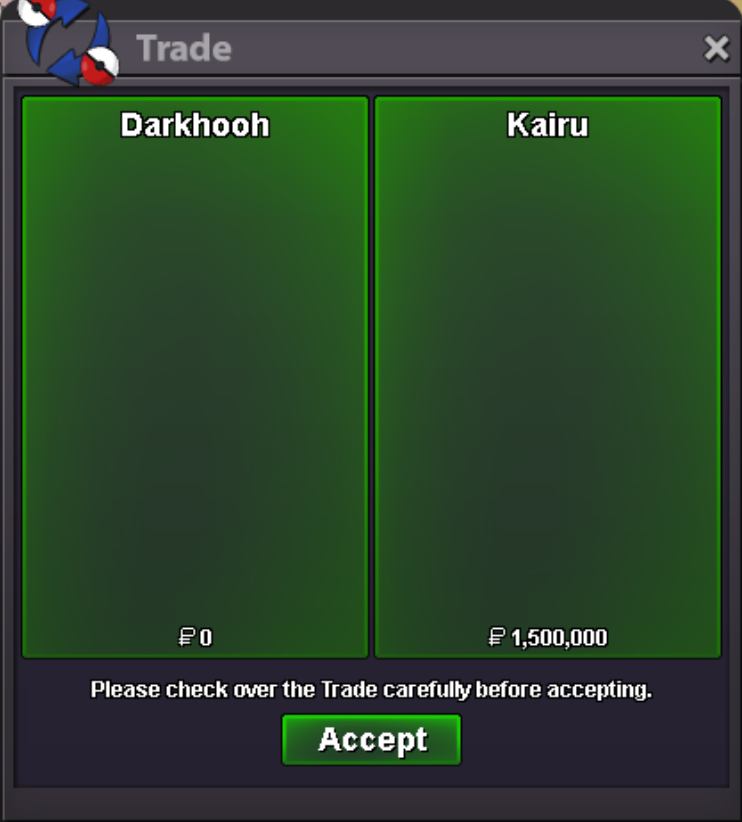 Victini Dungeon Service
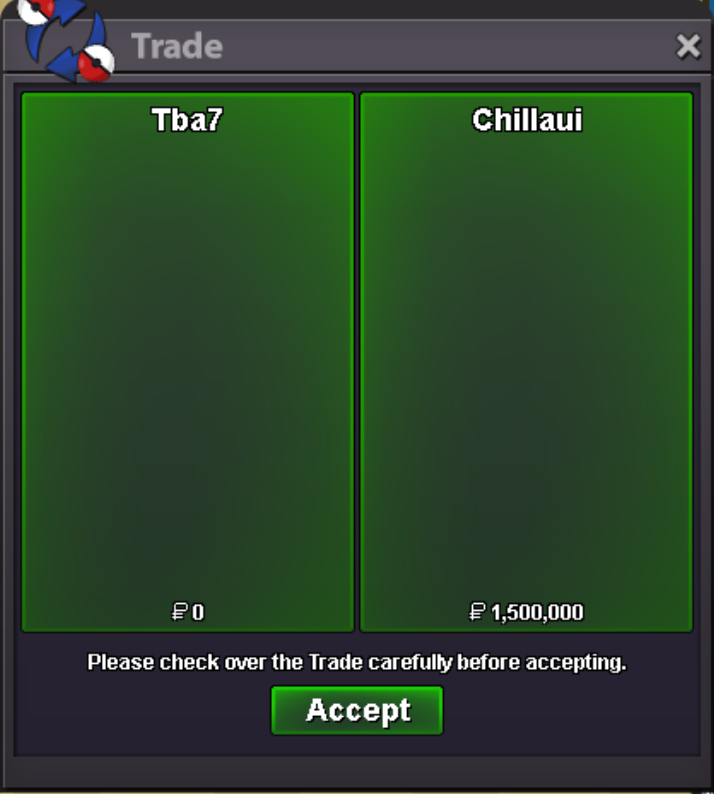
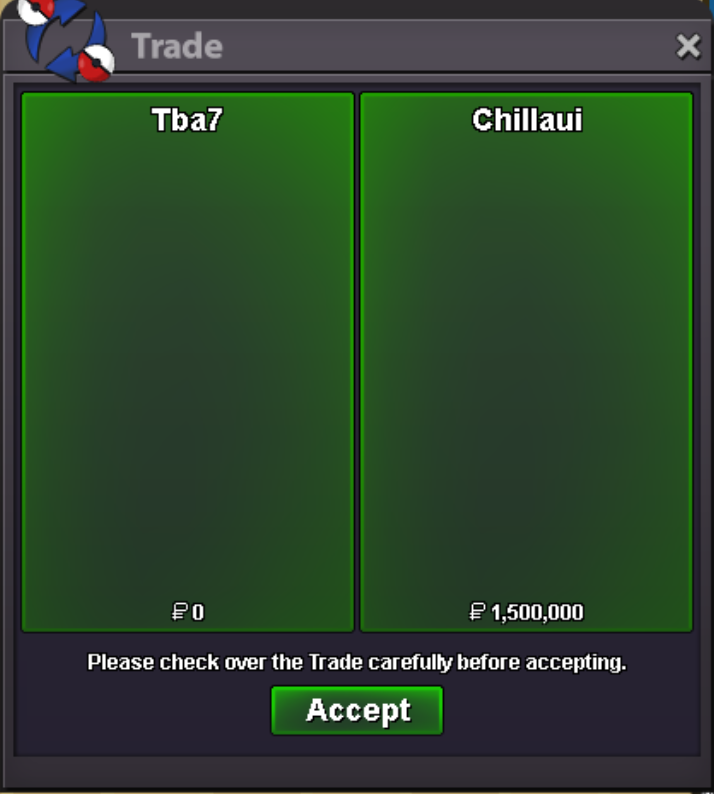
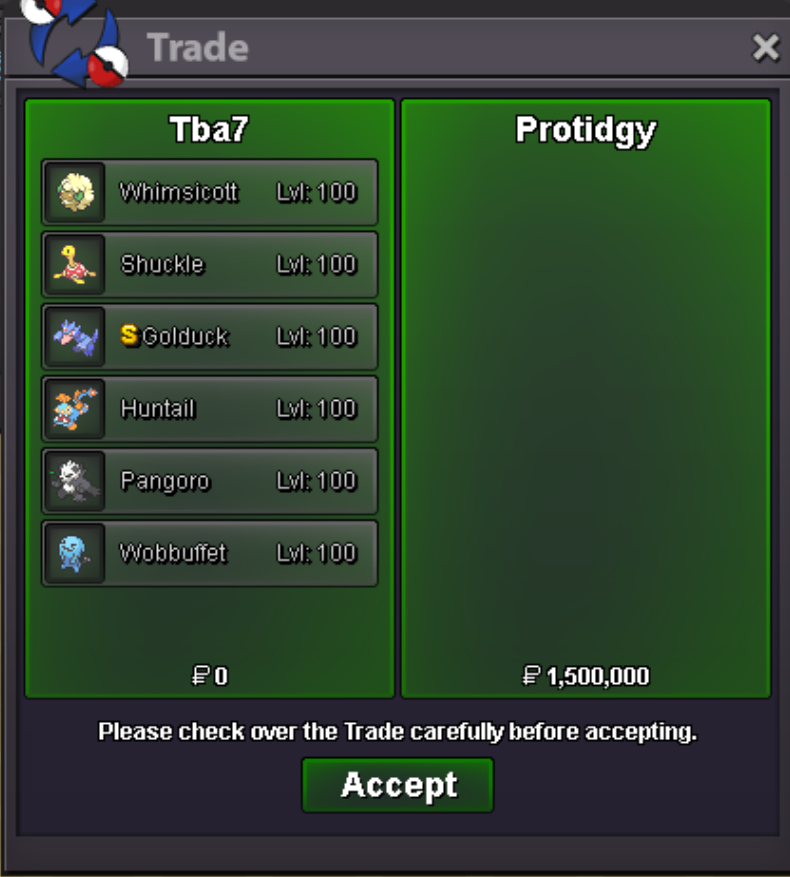
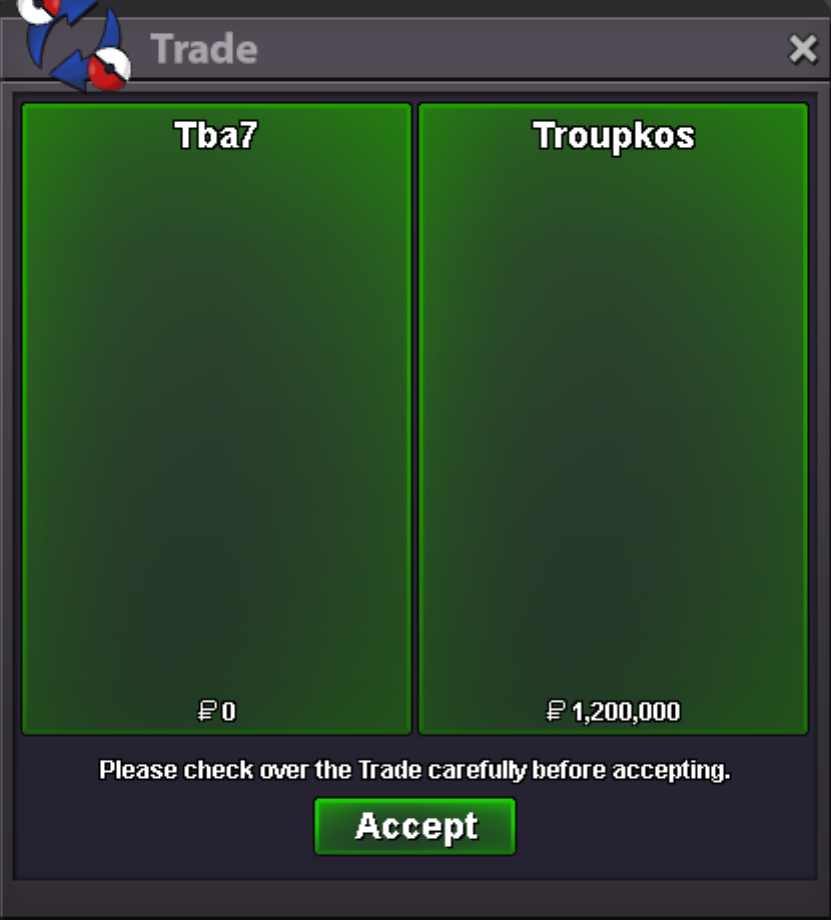 Victini Dungeon Service + Guaranteed Time Flute Service. 1.5m total
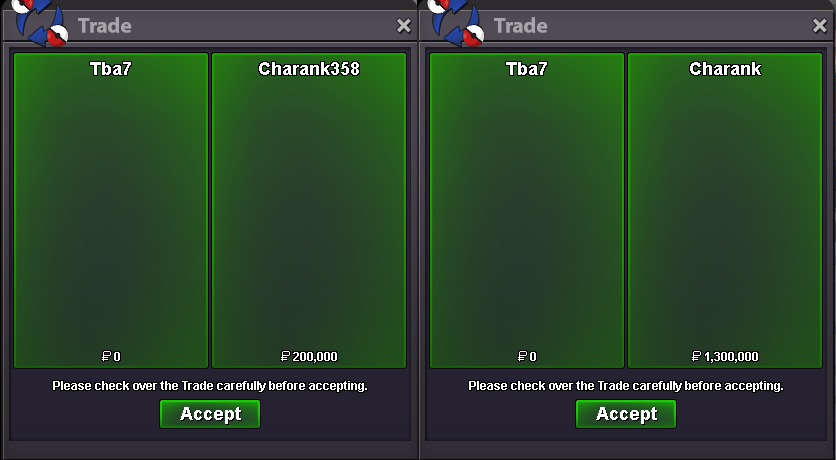 Victini Dungeon Service + Guaranteed Time Flute Service. 1.5m total
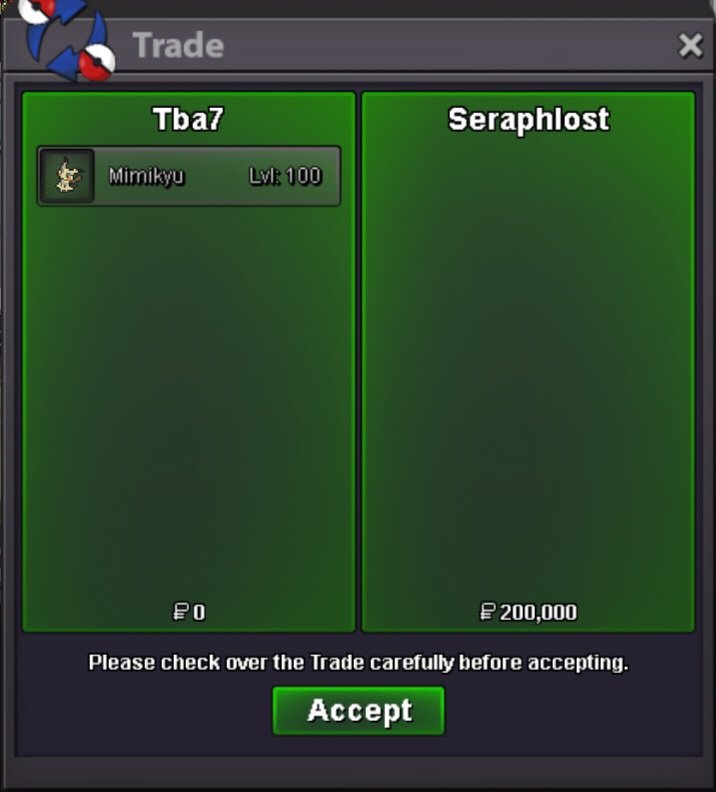
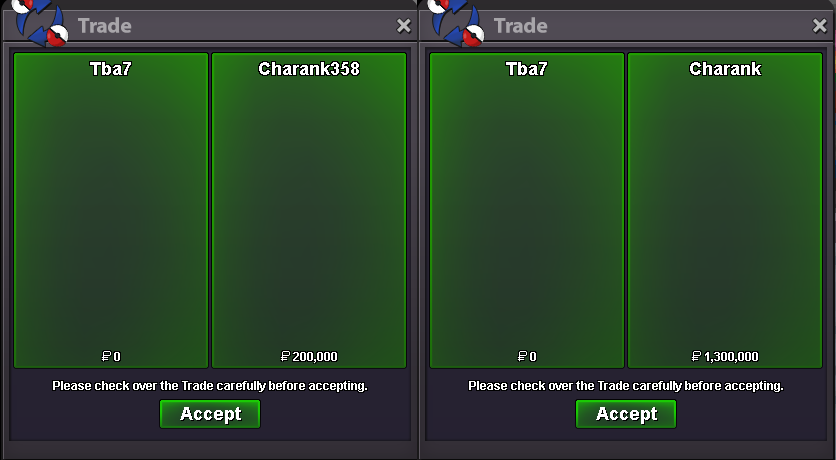 Hoopa Dungeon Service (6 dungeon runs to get 6 Rings for Hoopa Unbound) Service paid in Silver to my alt account by custommers friend.
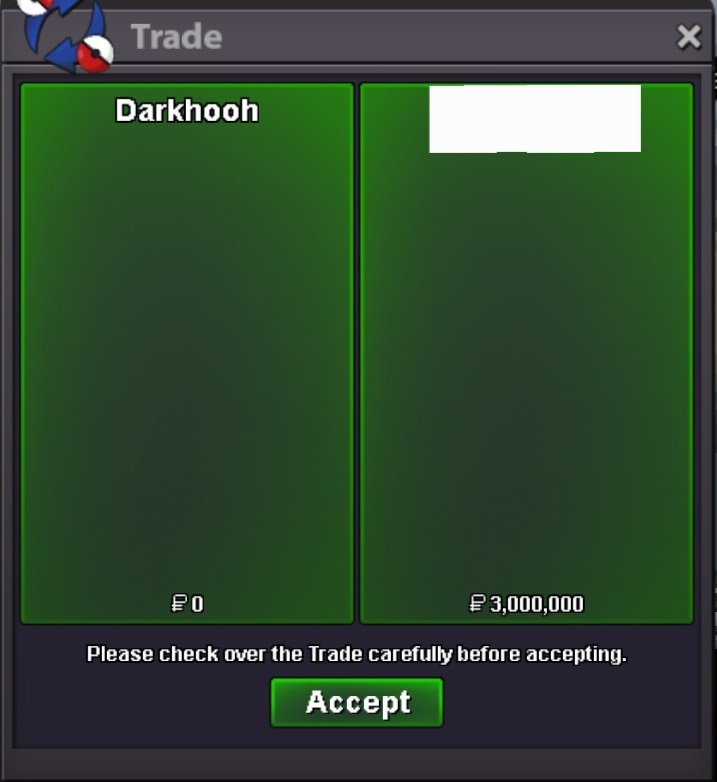 Hoopa Dungeon Service (6 dungeon runs to get 6 Rings for Hoopa Unbound) Service paid in Silver to my alt account by custommers friend.
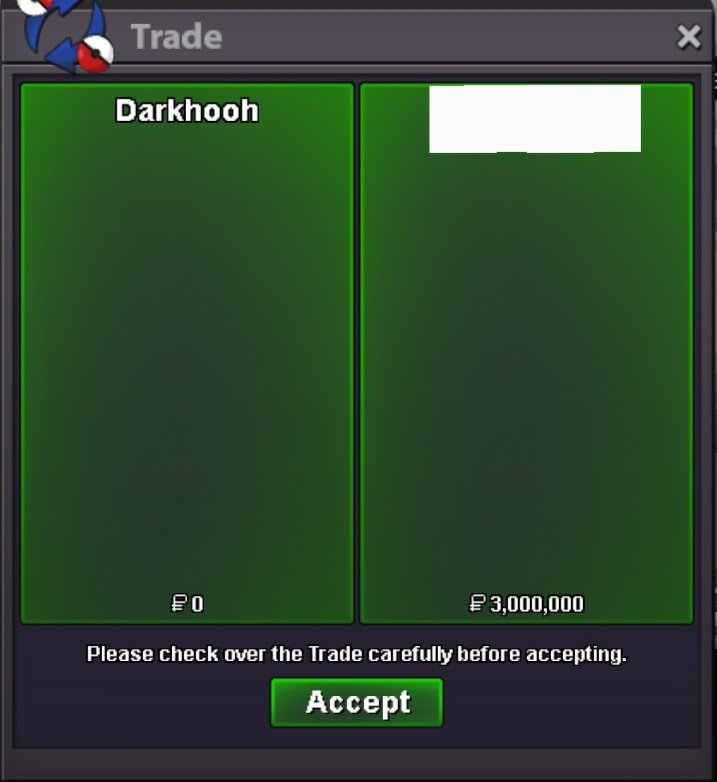 Hoopa Dungeon Service (5 dungeon runs to get 6 Rings for Hoopa Unbound)
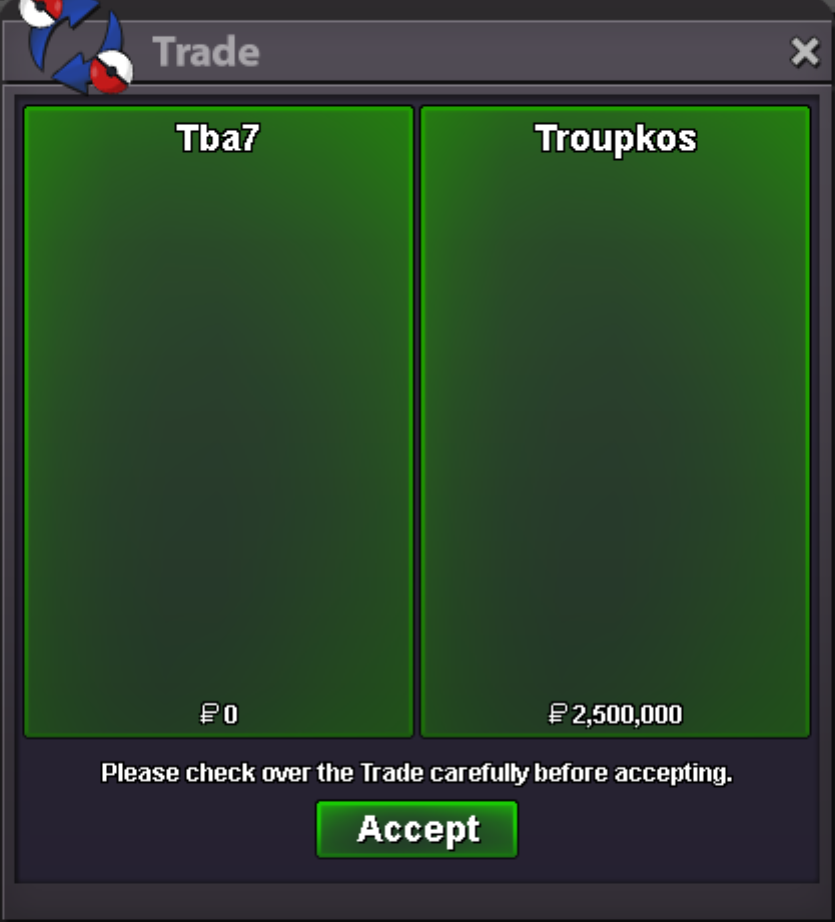 Hoopa Dungeon Service (5 dungeon runs to get 6 Rings for Hoopa Unbound)
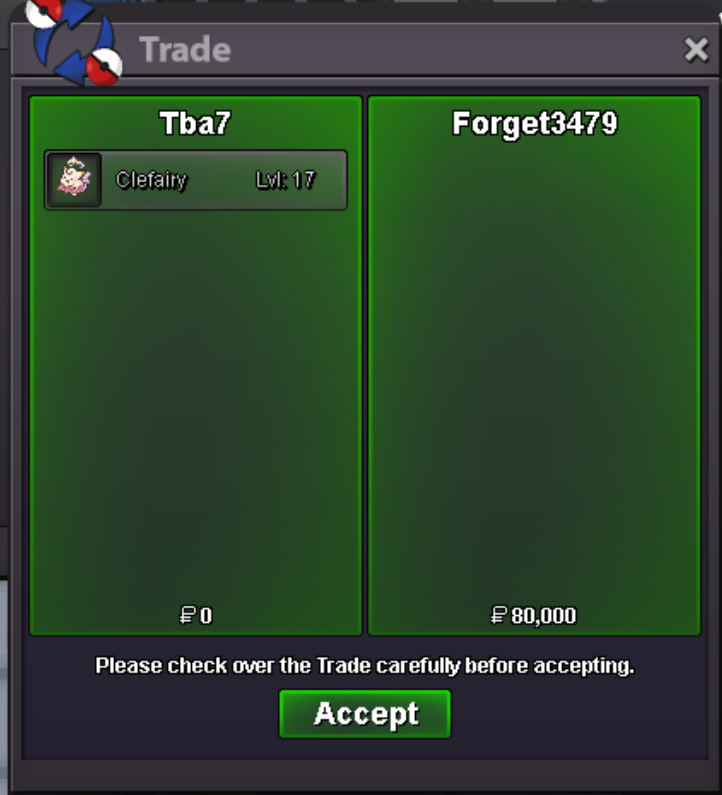
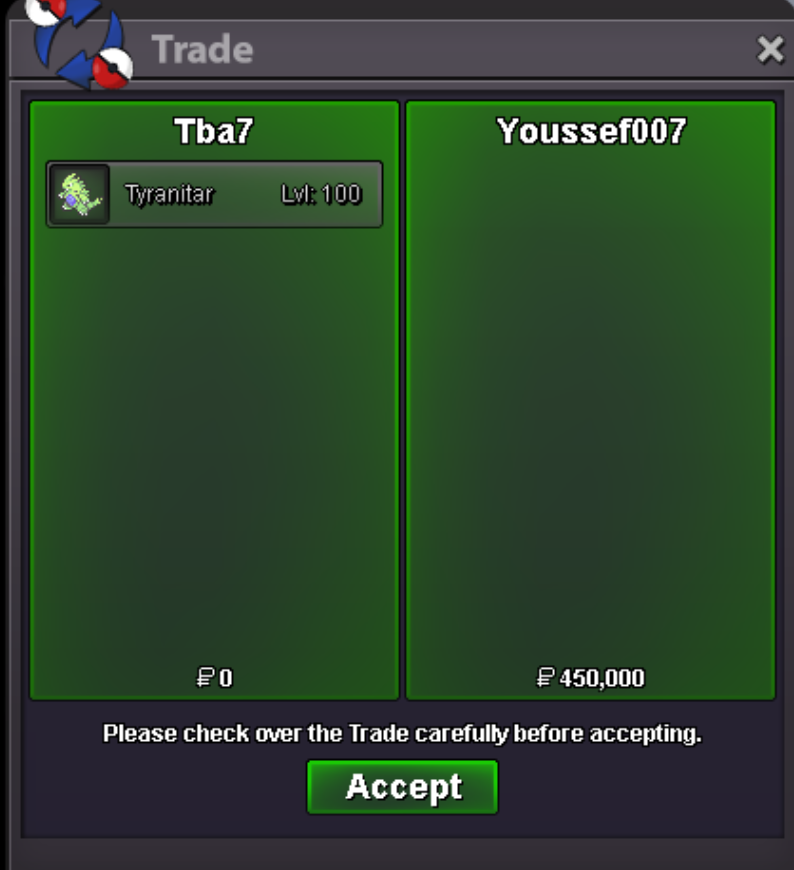
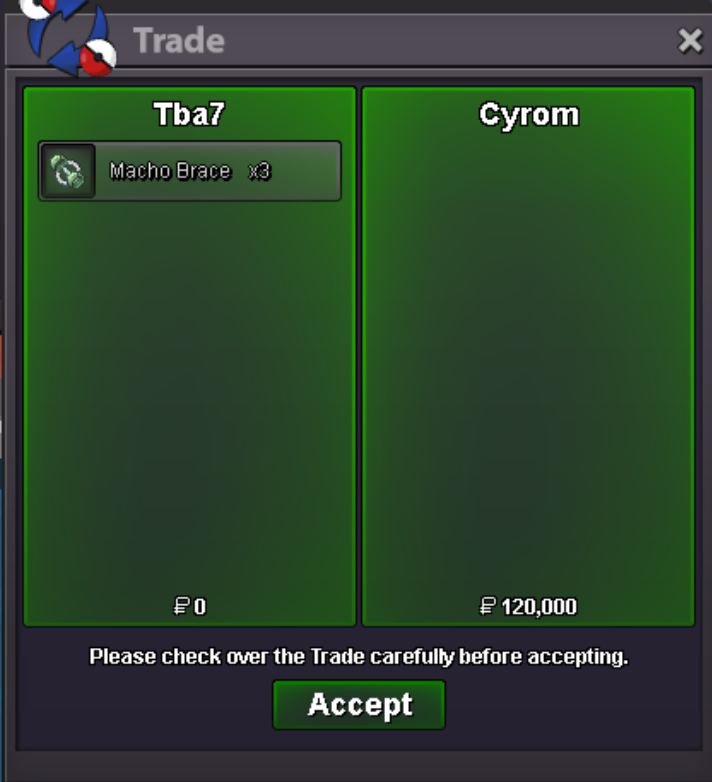

Account
Navigation
Search
Configure browser push notifications
Chrome (Android)
- Tap the lock icon next to the address bar.
- Tap Permissions → Notifications.
- Adjust your preference.
Chrome (Desktop)
- Click the padlock icon in the address bar.
- Select Site settings.
- Find Notifications and adjust your preference.
Safari (iOS 16.4+)
- Ensure the site is installed via Add to Home Screen.
- Open Settings App → Notifications.
- Find your app name and adjust your preference.
Safari (macOS)
- Go to Safari → Preferences.
- Click the Websites tab.
- Select Notifications in the sidebar.
- Find this website and adjust your preference.
Edge (Android)
- Tap the lock icon next to the address bar.
- Tap Permissions.
- Find Notifications and adjust your preference.
Edge (Desktop)
- Click the padlock icon in the address bar.
- Click Permissions for this site.
- Find Notifications and adjust your preference.
Firefox (Android)
- Go to Settings → Site permissions.
- Tap Notifications.
- Find this site in the list and adjust your preference.
Firefox (Desktop)
- Open Firefox Settings.
- Search for Notifications.
- Find this site in the list and adjust your preference.