




New Trade Zone
Trade Zone is now live
Use the new Trade Zone for auctions and instant-price trades so Pokemon and item offers are easy to find.


Tba7
Registered User
-
Joined
-
Last visited
-
Currently
Viewing Topic: PokeLink - All PRO Services - All in One Place
Everything posted by Tba7
-
Victini Dungeon Service + Time Flute! Really appreciate the tip! Thanks a lot!
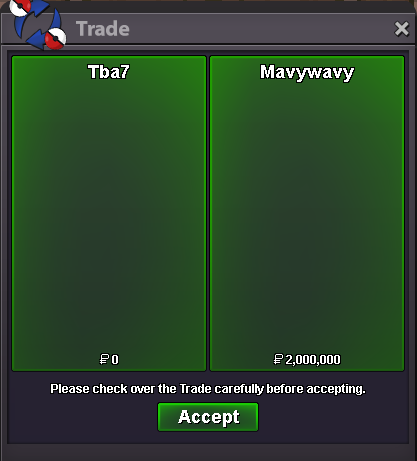 Victini Dungeon Service + Time Flute! Really appreciate the tip! Thanks a lot!
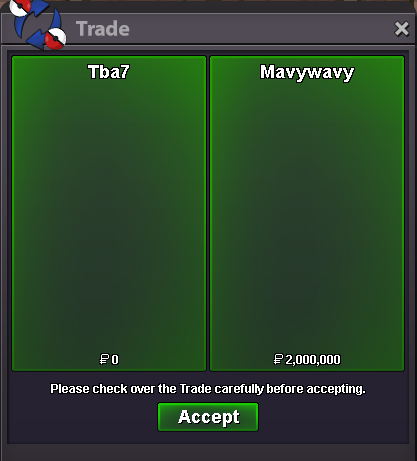 Meloetta Dungeon Service. Thanks for the tip!
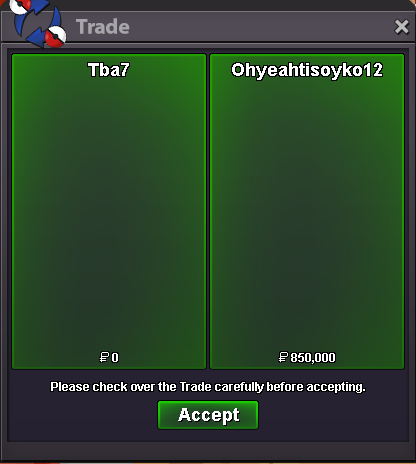 Meloetta Dungeon Service. Thanks for the tip!
Sure let me know when you can do the tradeI just came online just now. I'm usually available after work 4 pm gmt+1Sure. Let me know when you can trade^^+1 Achievements are a good way to encourage players to explore, learn new mechanics and complete difficult tasks, such as dungeons, keeping players engaged for a longer time.start^^Yep it's in the Dev to-do: I'm typing here to BUMP this post! Playing PRO for several years, it can def be tiring to change team members individually one by one, so having different presets to chose from would be awesome for sure!
Meloetta Dungeon Service. Thanks for the tip!
Sure let me know when you can do the tradeI just came online just now. I'm usually available after work 4 pm gmt+1Sure. Let me know when you can trade^^+1 Achievements are a good way to encourage players to explore, learn new mechanics and complete difficult tasks, such as dungeons, keeping players engaged for a longer time.start^^Yep it's in the Dev to-do: I'm typing here to BUMP this post! Playing PRO for several years, it can def be tiring to change team members individually one by one, so having different presets to chose from would be awesome for sure! Successful Meloetta Dungeon Service. GG WP!
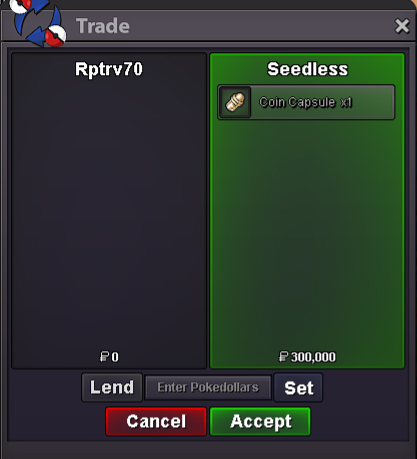 Successful Meloetta Dungeon Service. GG WP!
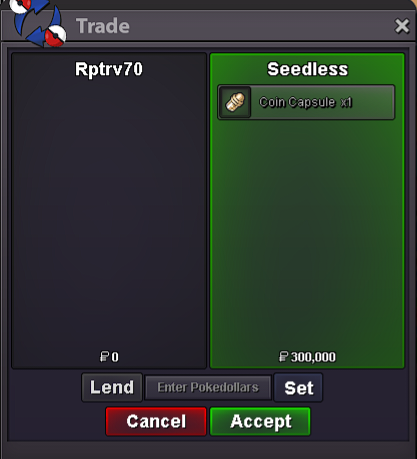 Successful Victini Dungeon Service. GG WP!
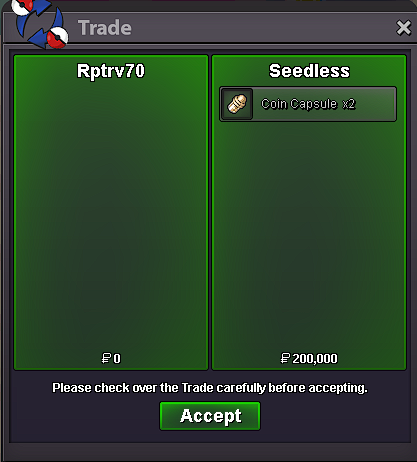 Successful Victini Dungeon Service. GG WP!
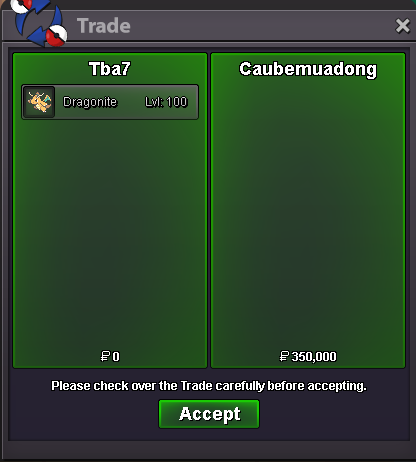
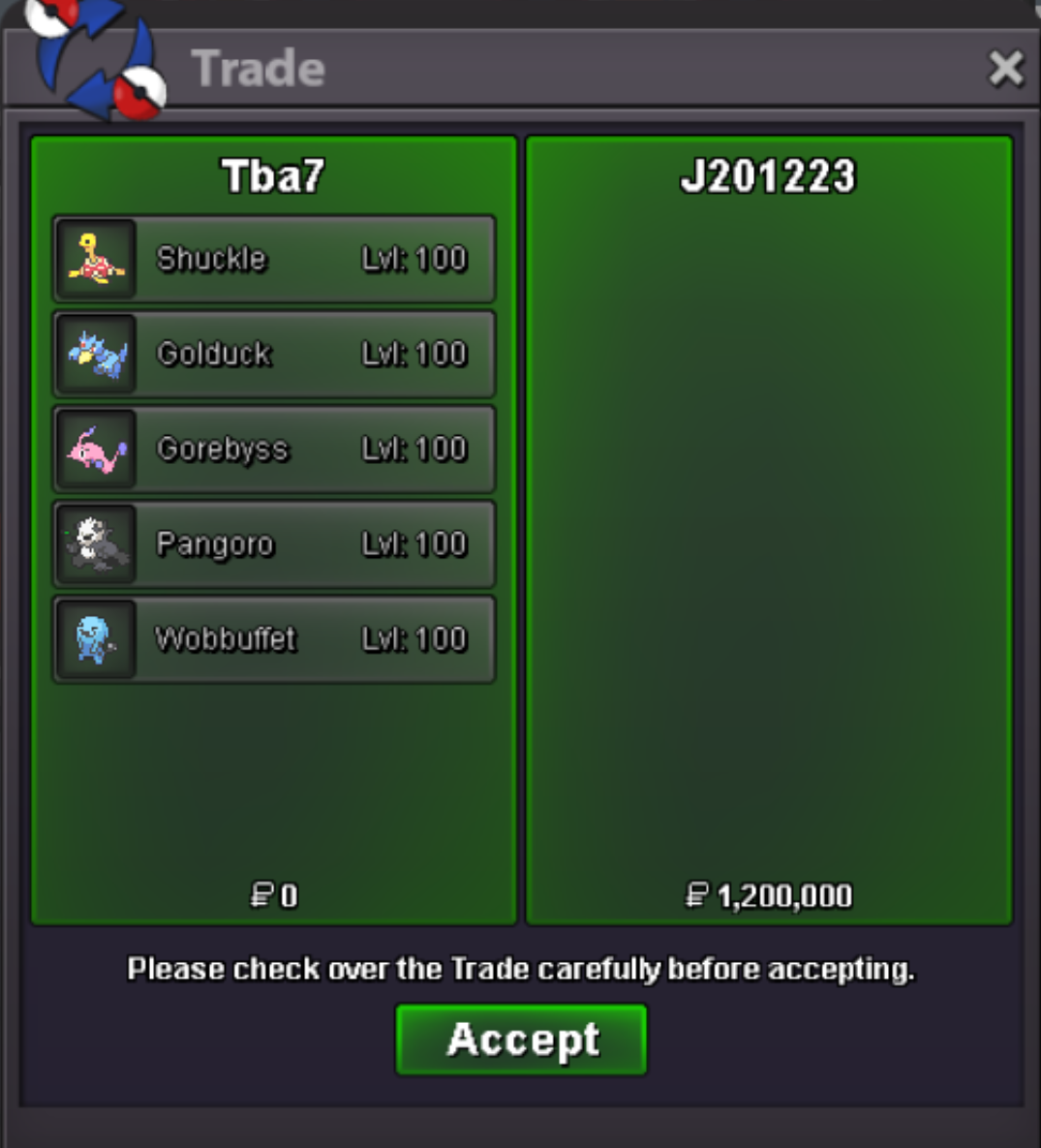
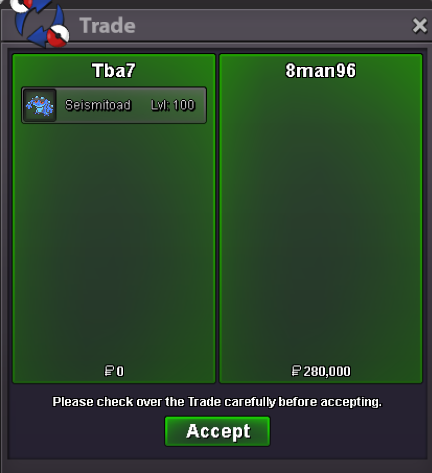
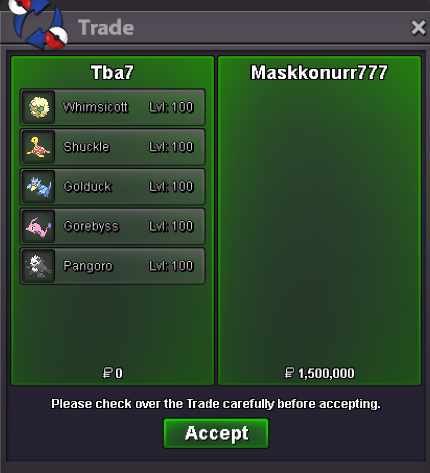
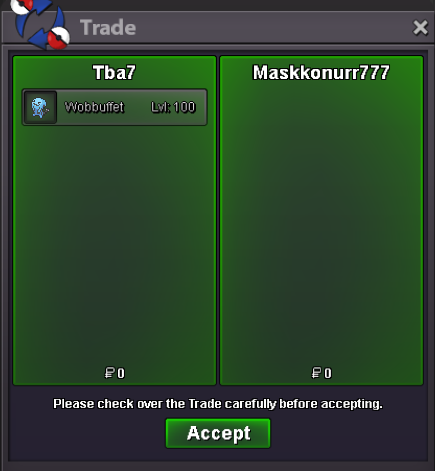
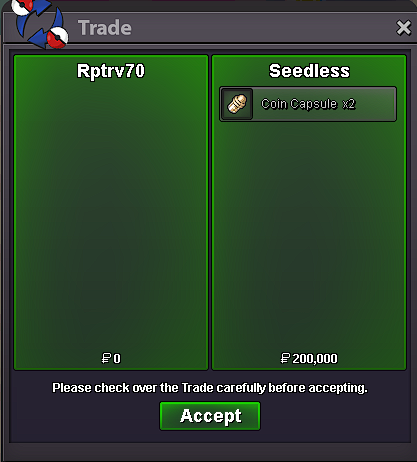 I'm in Vermilion now if you are ready for the trade ^^
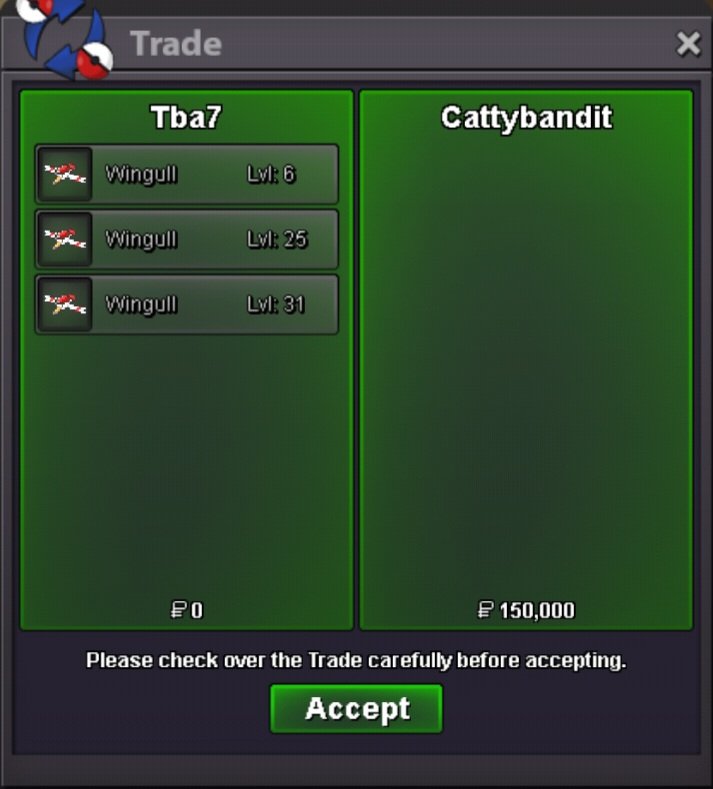
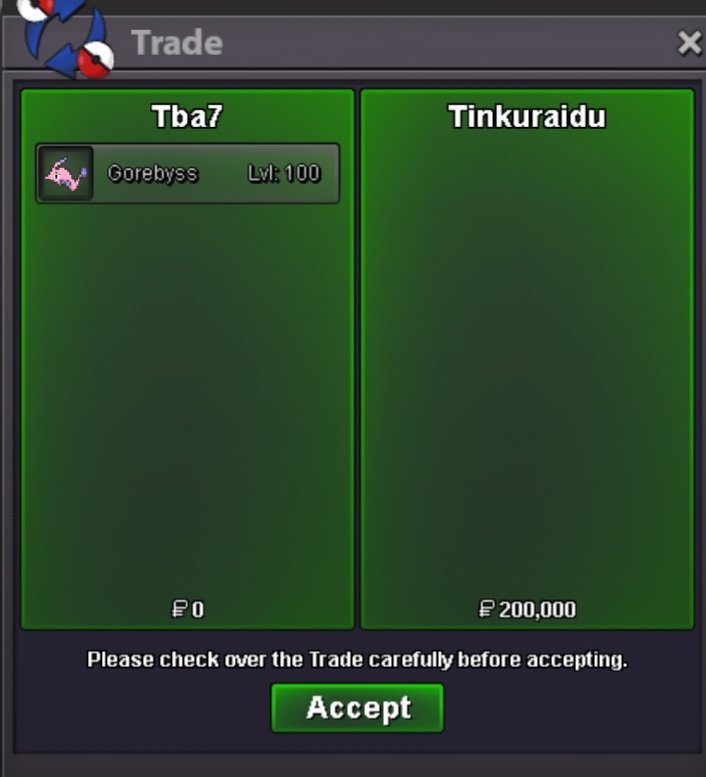
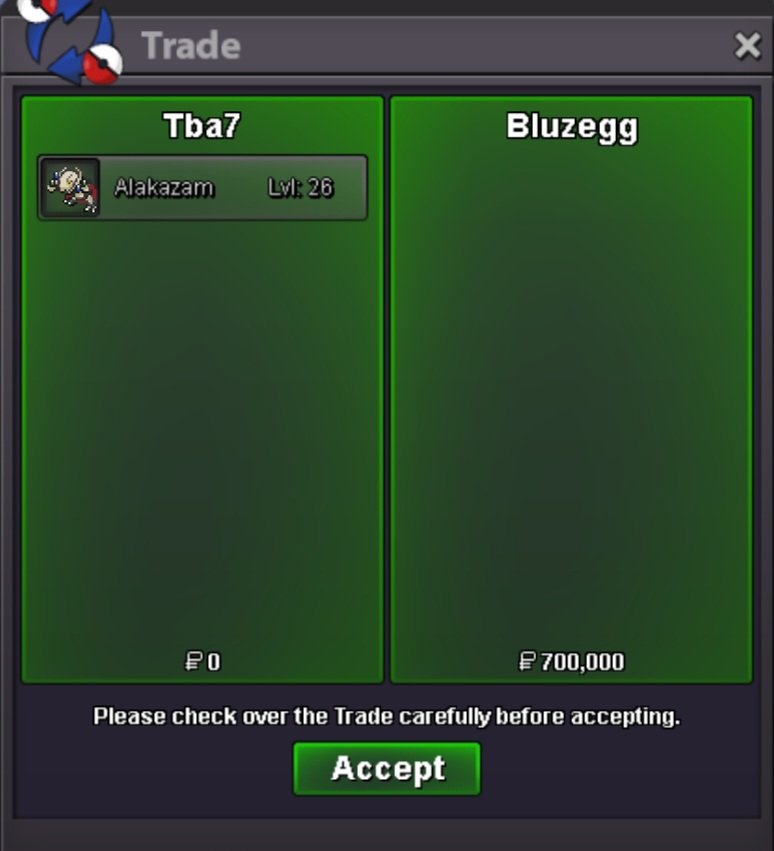
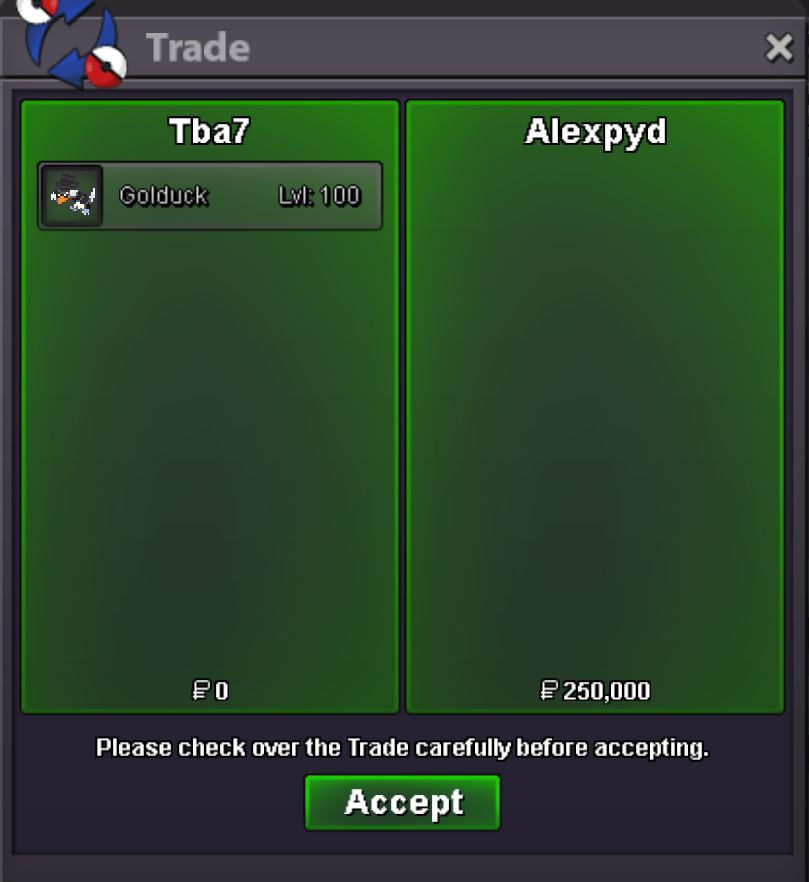
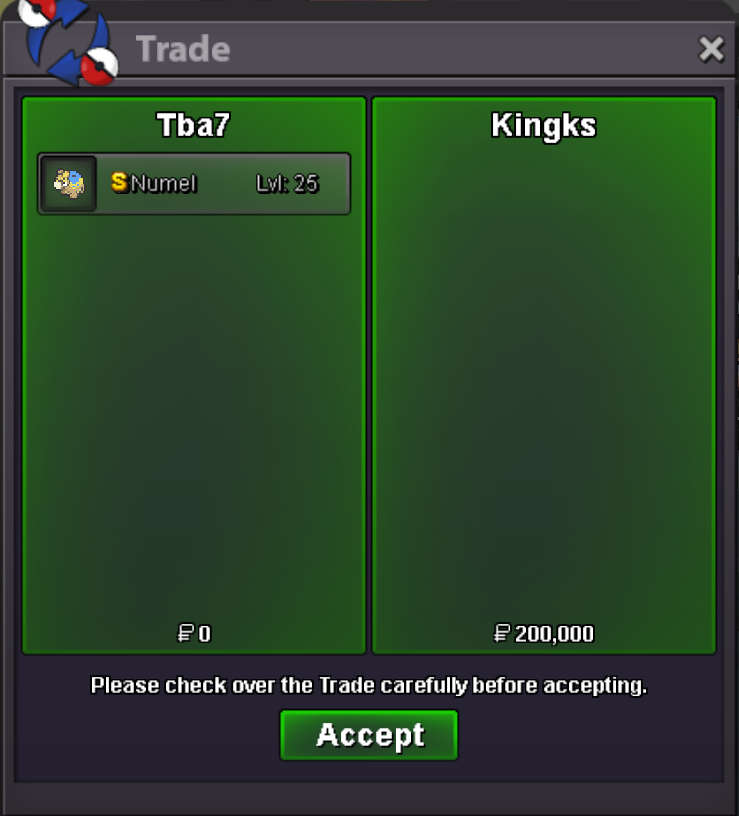

Account
Navigation
Search
Configure browser push notifications
Chrome (Android)
- Tap the lock icon next to the address bar.
- Tap Permissions → Notifications.
- Adjust your preference.
Chrome (Desktop)
- Click the padlock icon in the address bar.
- Select Site settings.
- Find Notifications and adjust your preference.
Safari (iOS 16.4+)
- Ensure the site is installed via Add to Home Screen.
- Open Settings App → Notifications.
- Find your app name and adjust your preference.
Safari (macOS)
- Go to Safari → Preferences.
- Click the Websites tab.
- Select Notifications in the sidebar.
- Find this website and adjust your preference.
Edge (Android)
- Tap the lock icon next to the address bar.
- Tap Permissions.
- Find Notifications and adjust your preference.
Edge (Desktop)
- Click the padlock icon in the address bar.
- Click Permissions for this site.
- Find Notifications and adjust your preference.
Firefox (Android)
- Go to Settings → Site permissions.
- Tap Notifications.
- Find this site in the list and adjust your preference.
Firefox (Desktop)
- Open Firefox Settings.
- Search for Notifications.
- Find this site in the list and adjust your preference.