New Trade Zone
Trade Zone is now live
Use the new Trade Zone for auctions and instant-price trades so Pokemon and item offers are easy to find.

Imemzz
Registered User
-
Joined
-
Last visited
-
s sold :)
-
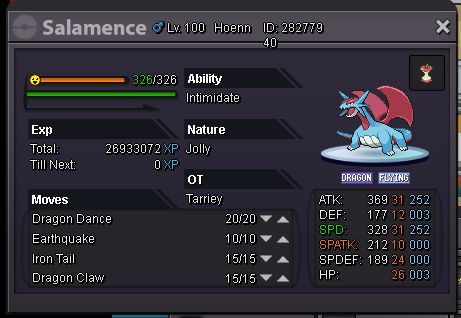
S.O 400k min bid raise 25k... insta 750k put on commend ur bid, and name in game :)
-
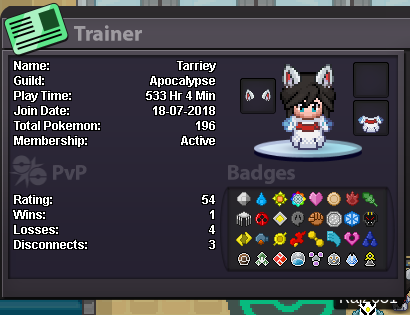
- Why do you want to join NoMercy? - i m an active player, i think i need great guild like nomercy. and i think i can make lot contribution for this guild - What can you contribute to NoMercy? - i can contribute with helping rating guild ladder, and some poke, or moneym because my other goal only collecting shinies and do pvp - Other than having fun playing the game, what are your goals in PRO? - i think my main goal is to climb the top ladder. soo thats i think i must join this guild, and yeah, sub goal, something like collectingg item, and shiny stuff, like shiny girlfriend XD - How old are you and other than English, what languages do you speak? - Im 23, i can use bahasa indonesia, but im active english, because my job only uses english only as language XD but i know, my english still messy XD -Have you ever been banned in PRO, and why? - never. - What is your discord name and ID tag number? (Example: teerav#0975) - Tarriey#9972 Provide a screenshot of your Trainer Card. and, chat me on discord, if u accept me as member