




New Trade Zone
Trade Zone is now live
Use the new Trade Zone for auctions and instant-price trades so Pokemon and item offers are easy to find.

Dan33
Registered User
-
Joined
-
Last visited
Everything posted by Dan33
-
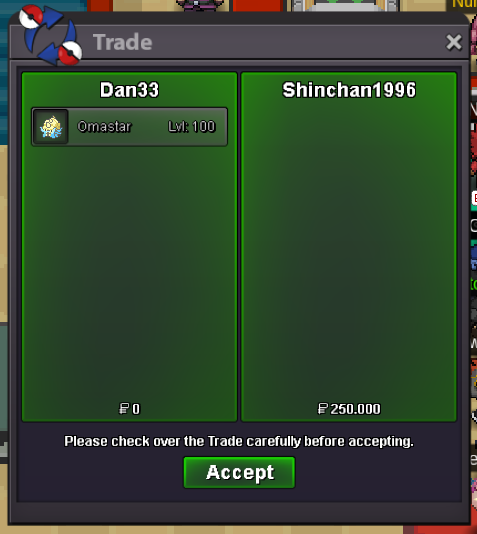
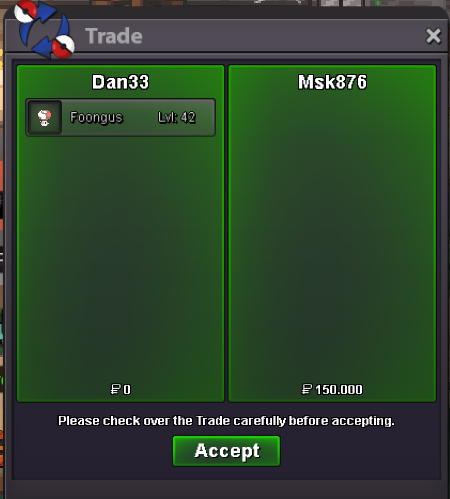
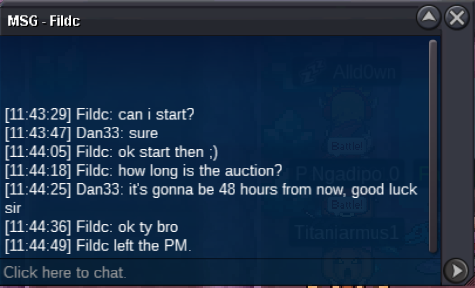
Sure, pm me in game so we can make the tradeOkay bro, i'm online in game if you want to make the tradeI can accept 250kLet me know when you're online to make the trade.I start Hippo.Let me know when you're online to make the tradeI pay the insta. Pm me in game or discord when you're avaliable to make the trade. Dan33#5561+1! Nice idea, i feel like both excas and digspots are a bit 'outdated' and they could gain appeal with a revamp.@MSK876 you won the foongus, pm me on discord Dan33#5561 , or in game and we can trade. @Flexforlife you won the gligar, pm me on discord Dan33#5561 , or in game and we can trade.Noted, thank you.Hello everyone, i'm auctioning this mons for 48H auction's starting point is the time this threat was posted ending point will be on the 17/11, at 13:10 (GMT + 1) minimum offer/raise is 50k no insta good luck! c.o. : - C.o. : 150k c.o. : 150k c.o. : - c.o. : -


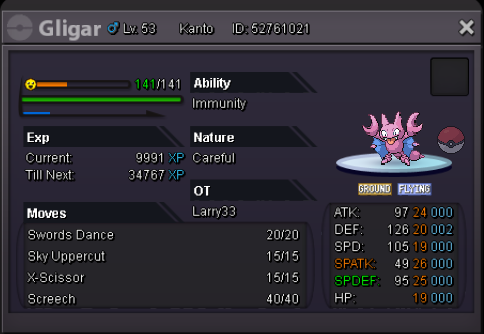
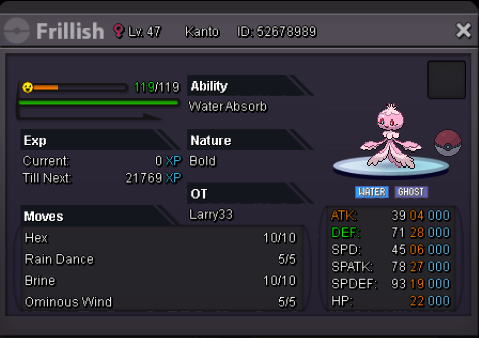
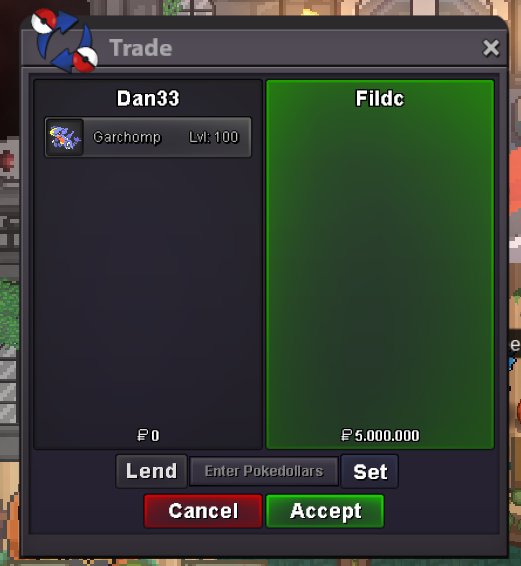
 Starting offer : 2m Insta : 5m Min raise : 500k Other payments : Rerolls (750k) CCs (400k) Duration : 48 hours after the first bid The pokemon is from Silver, so if a Gold player wants it he has to transfer to get it.



Account
Navigation
Search
Configure browser push notifications
Chrome (Android)
- Tap the lock icon next to the address bar.
- Tap Permissions → Notifications.
- Adjust your preference.
Chrome (Desktop)
- Click the padlock icon in the address bar.
- Select Site settings.
- Find Notifications and adjust your preference.
Safari (iOS 16.4+)
- Ensure the site is installed via Add to Home Screen.
- Open Settings App → Notifications.
- Find your app name and adjust your preference.
Safari (macOS)
- Go to Safari → Preferences.
- Click the Websites tab.
- Select Notifications in the sidebar.
- Find this website and adjust your preference.
Edge (Android)
- Tap the lock icon next to the address bar.
- Tap Permissions.
- Find Notifications and adjust your preference.
Edge (Desktop)
- Click the padlock icon in the address bar.
- Click Permissions for this site.
- Find Notifications and adjust your preference.
Firefox (Android)
- Go to Settings → Site permissions.
- Tap Notifications.
- Find this site in the list and adjust your preference.
Firefox (Desktop)
- Open Firefox Settings.
- Search for Notifications.
- Find this site in the list and adjust your preference.