




New Trade Zone
Trade Zone is now live
Use the new Trade Zone for auctions and instant-price trades so Pokemon and item offers are easy to find.

Tommysweetz
Registered User
-
Joined
-
Last visited
-
Done Bro Tnx
-
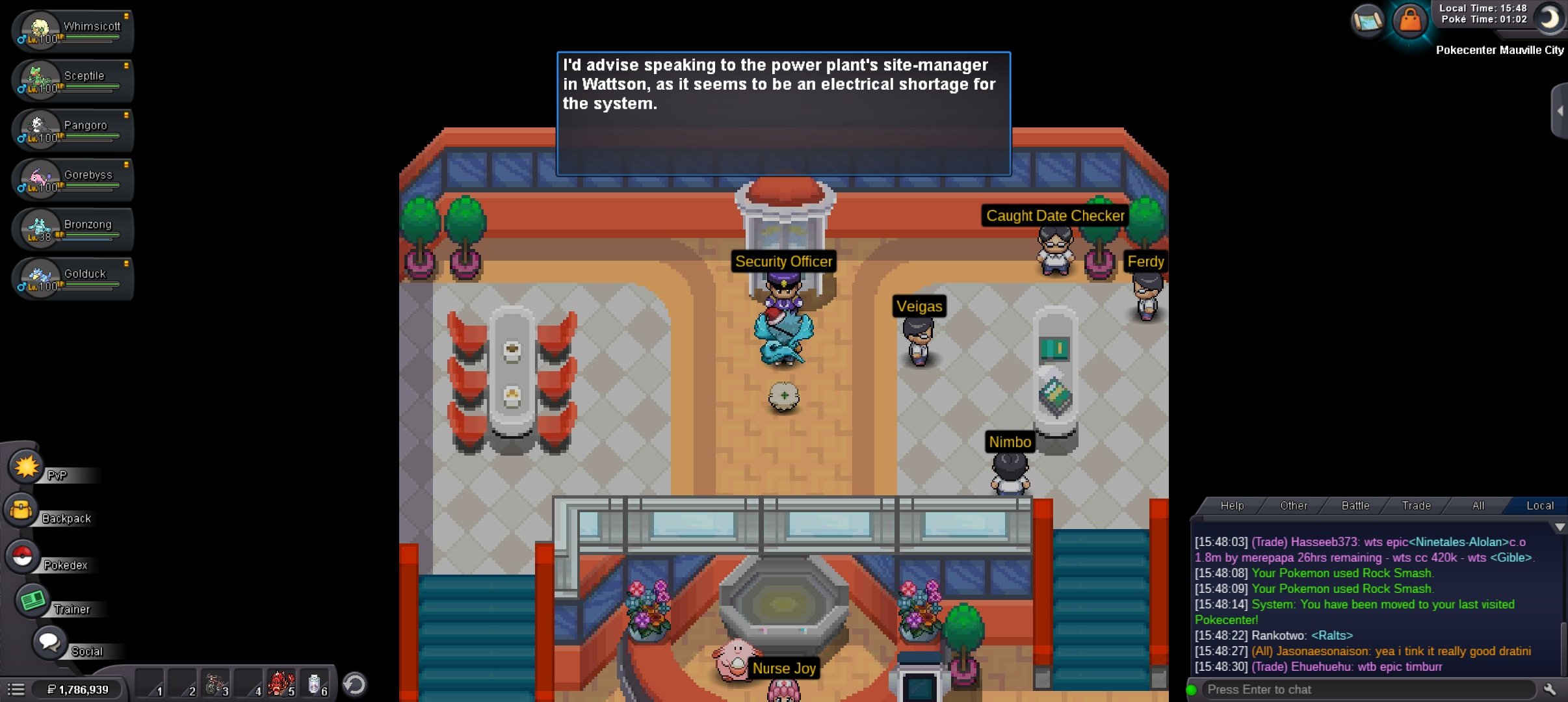
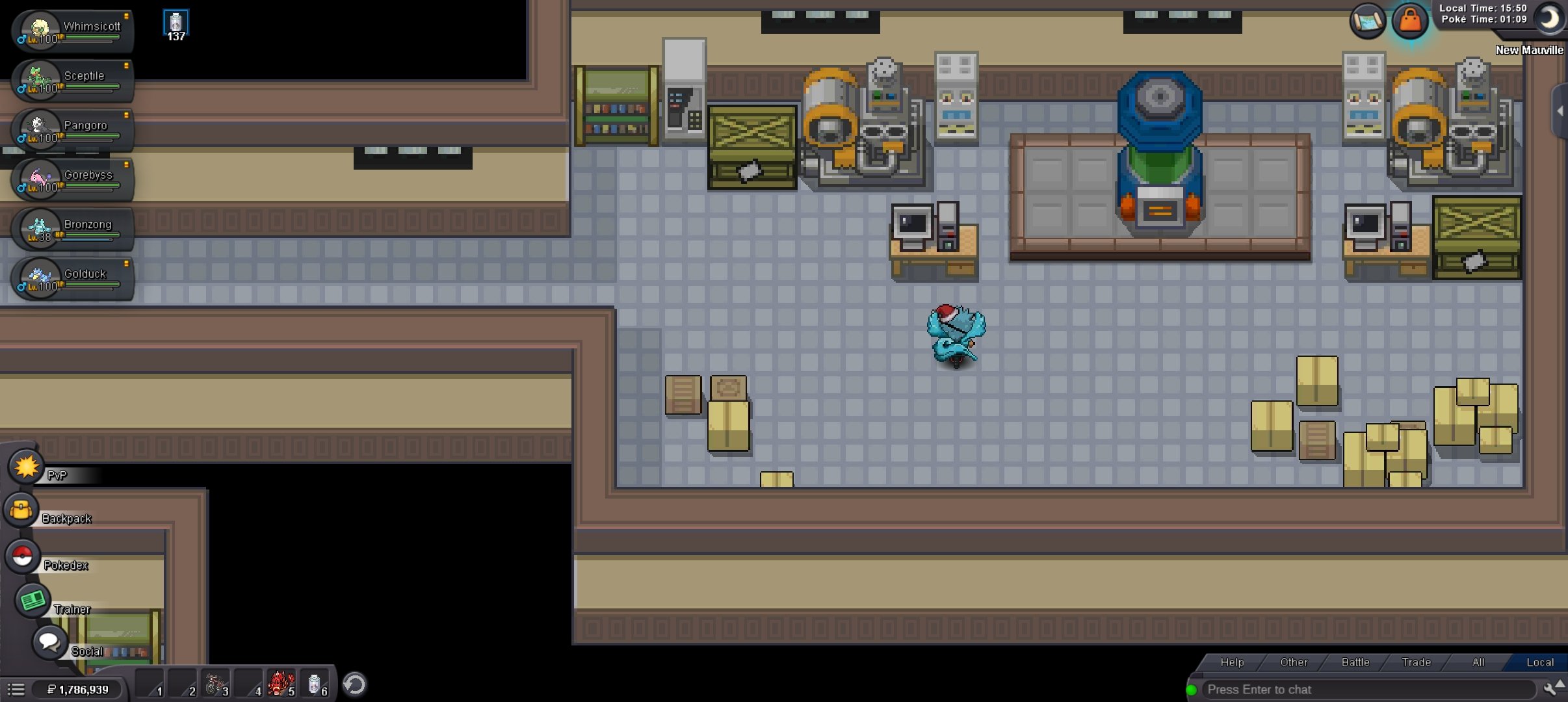
I Found Minum And Plusle.Then I Want to Wattson But He Wasn’t There 😕
-
Hello Anyone ?
-
I Did Everything Perfectly For Unlock Hoenn TP system. But I Am Facing Some Problem. Sorry For My Bad English :')
-
Hello, I accidentally released my chocolate togekiss fully leveled several months ago. I dont have a ss but I'm hoping this thread can help me. If recovered I would have a full collection. Thank you for your time -tommysweetz
-
Tommysweetz
-
THANK U SO MUCH!!! I'll be more careful next time!
-
thank you SO MUCH!!!! I'll be much more careful!!
-
hello I'm not sure if there is anything you guys can do for me but a few weeks ago I accidentally realesed my mew...yes I am very stupid but I was clearing my party and wasn't paying the best attention and I figured it was a lost cause but then my brother told me on rare occasions you guys will help recover lost pokes... no unfortunately I don't have the Id number ...but maybe since it's a Mew it might be recoverable still I don't know...well thanks for your time and hopefully you can help thanks.....Tommy Sweetz
-
hey I also had the problem of my game crashing every time I get in a battle. ad because of this bug I lost my chance for a 3rd fight with sage which is really annoying but whatever if someone could please offer me a solution to this is would be really helpful. thank you