New Trade Zone
Trade Zone is now live
Use the new Trade Zone for auctions and instant-price trades so Pokemon and item offers are easy to find.

Yiao
Registered User
-
Joined
-
Last visited
-
start 500k
-
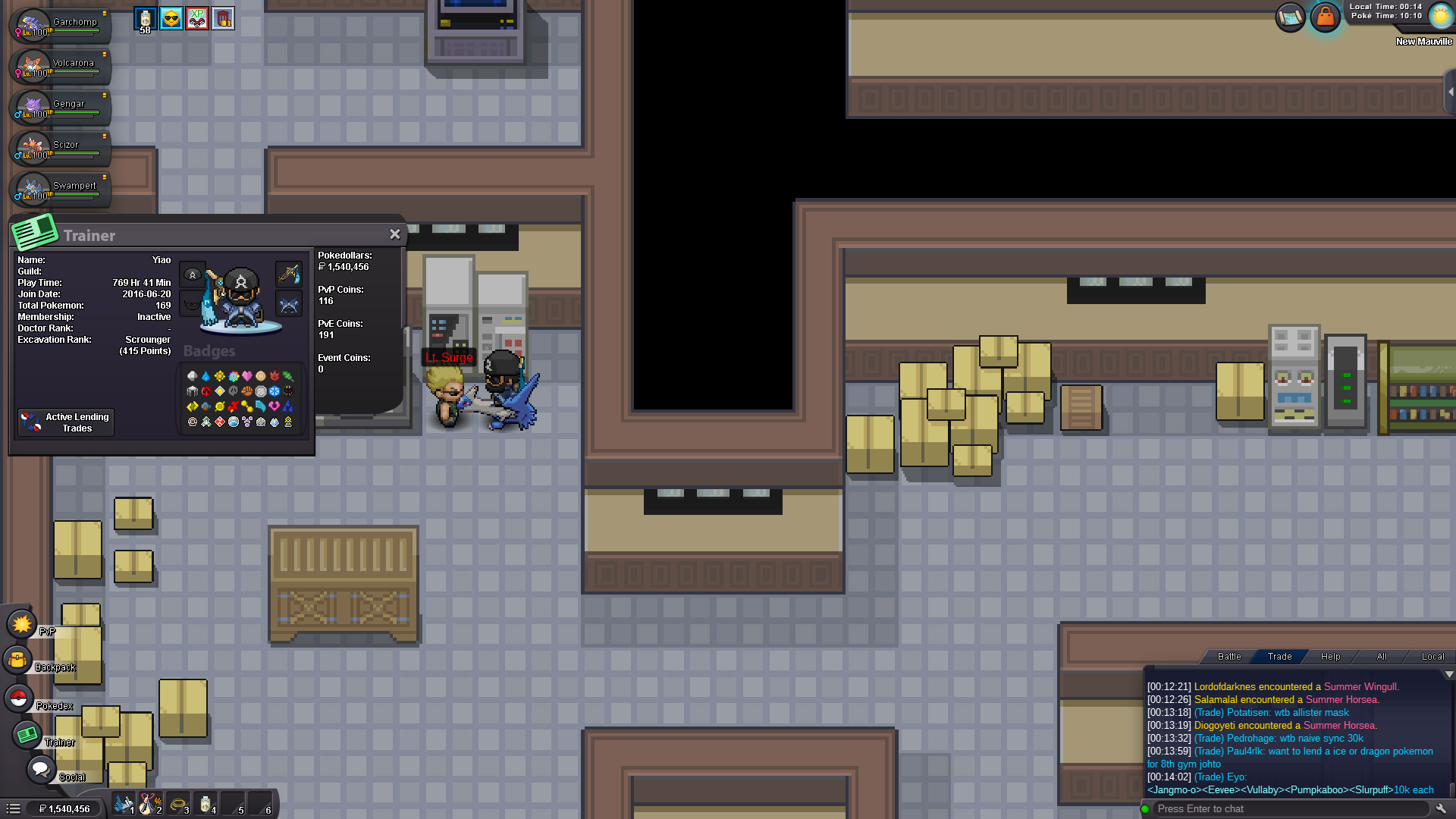
Yes today its 194, i thought i lost pve points from the other bosses too but since you can see how many i have i guess that's it. Thanks for the info.
-
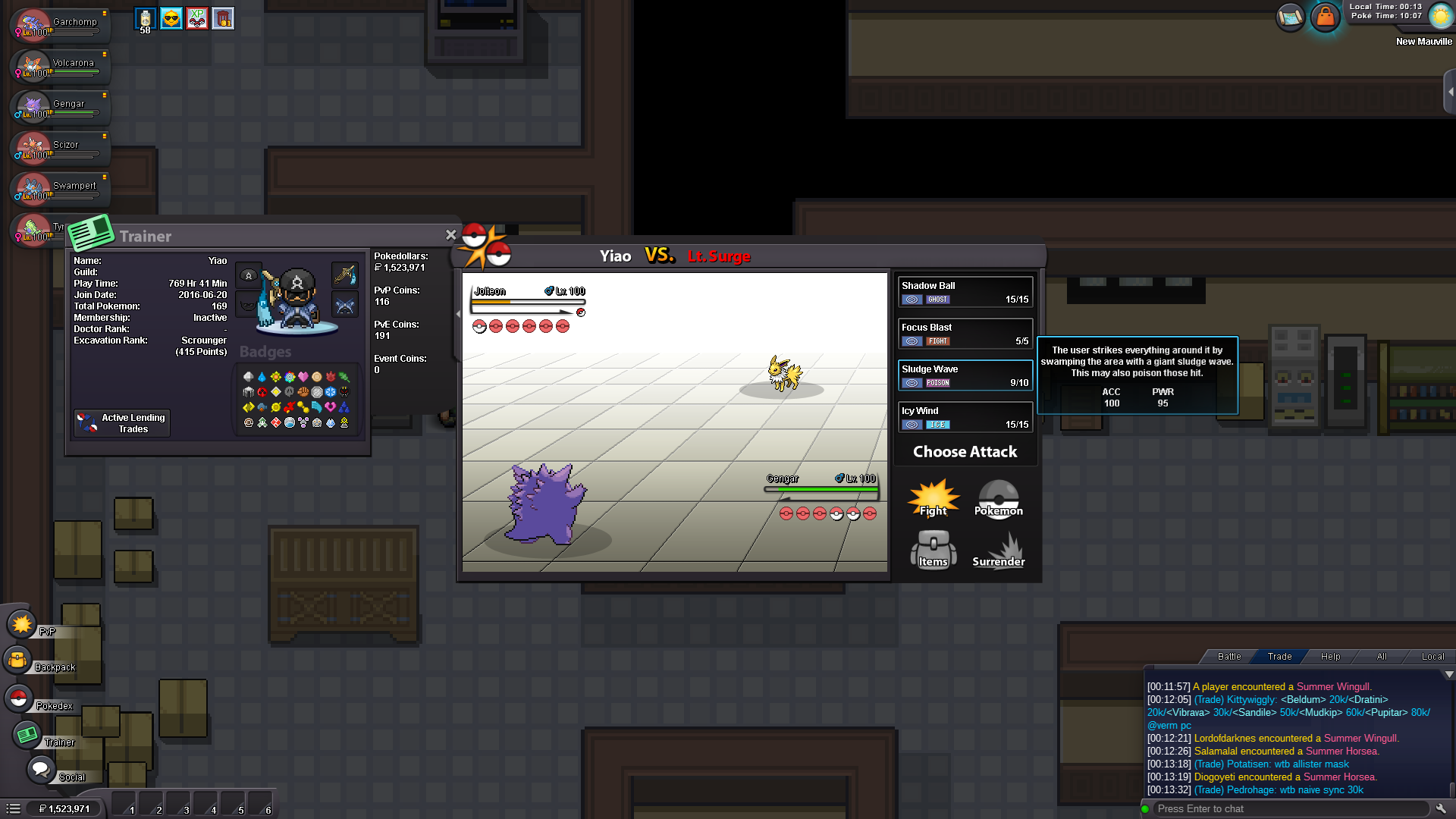
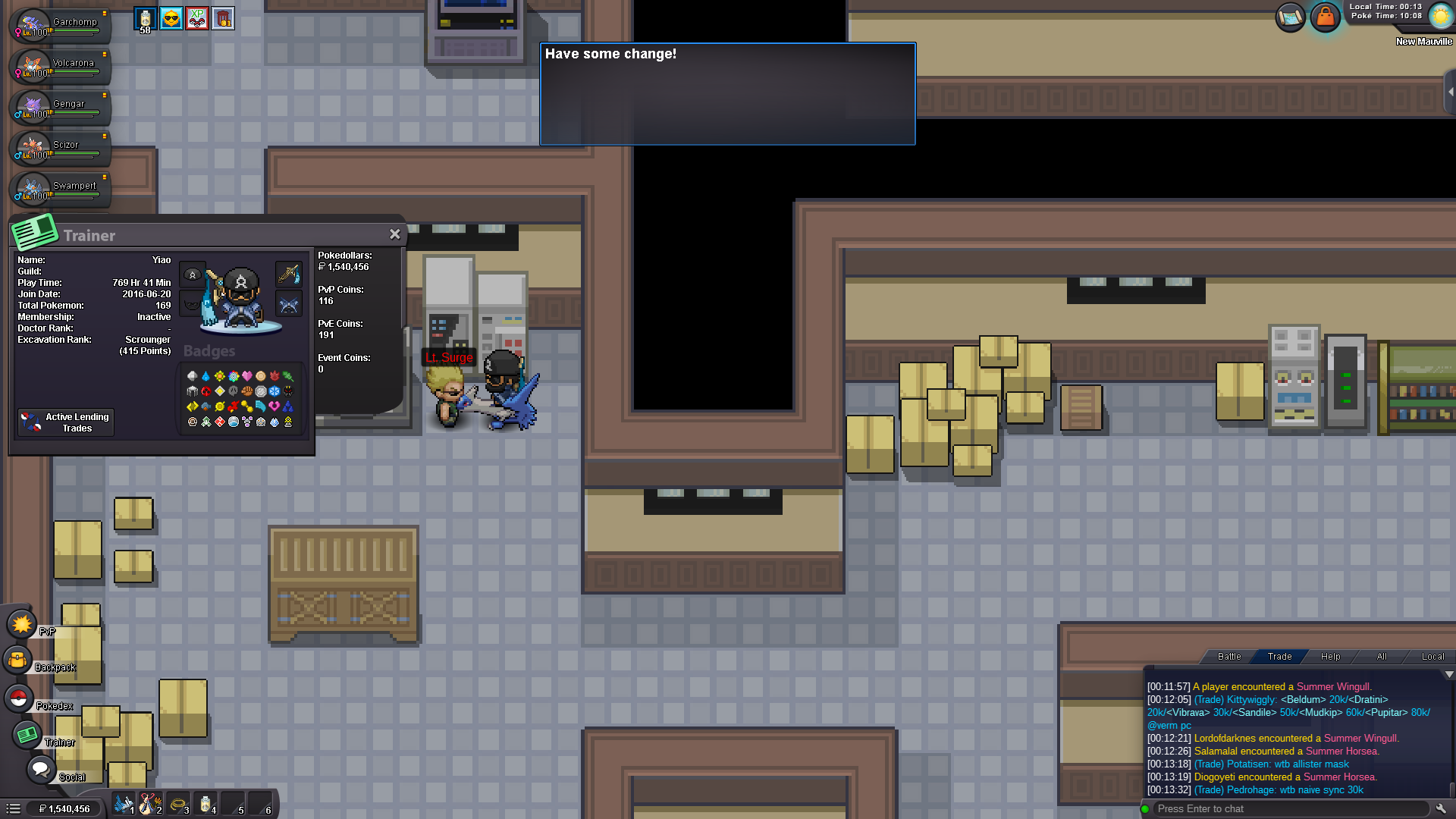
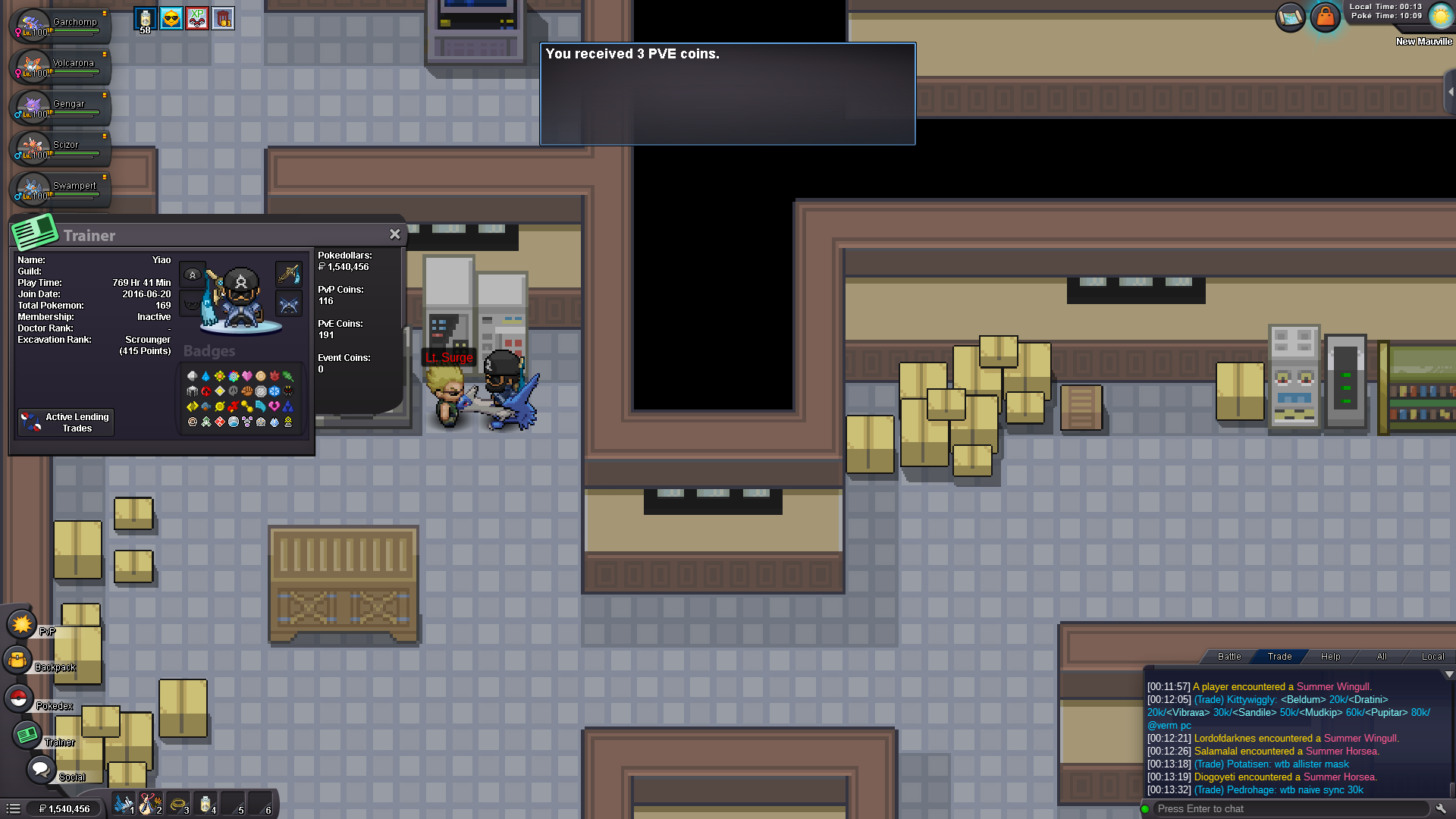
As you see in pics i dont gain the amount of pve coins, sadly i realised it when i reached hoen, after i allready did kanto and johto run. Nothing happens even if i close the tab and reopen it or quit and log in back to game.
-
Feel free to make an offer.
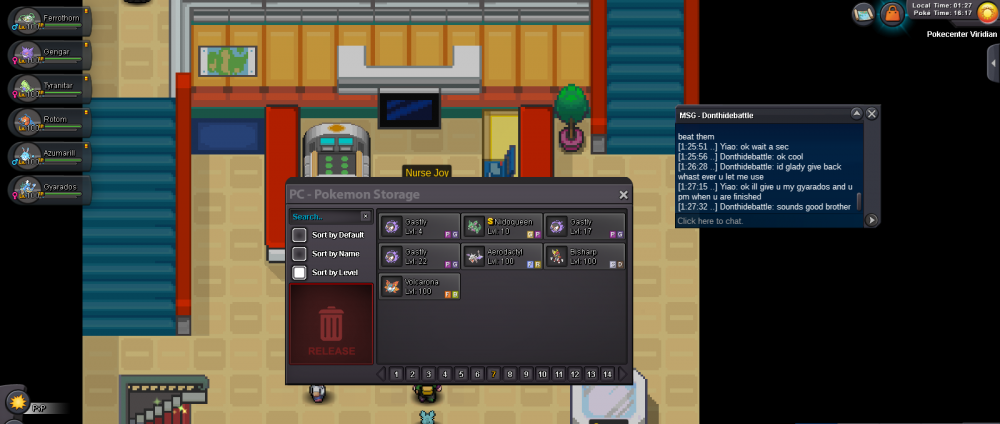
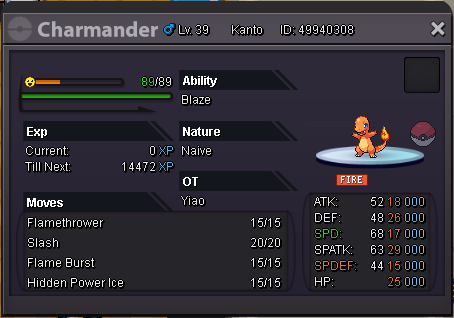 how much for hydreigon?In fact i just tried to help this guy and give him my gyarados to beat elite4, didnt ask for payment. I dont think he scams or something like that but i just cant find him online, thats the only screenshot i have. We also talked about his friend that he wanted the same help with elite4 as him so he probably traded with his friend too, i dont really know in which account my gyardos is right now. Could you help me with that and bring it back?
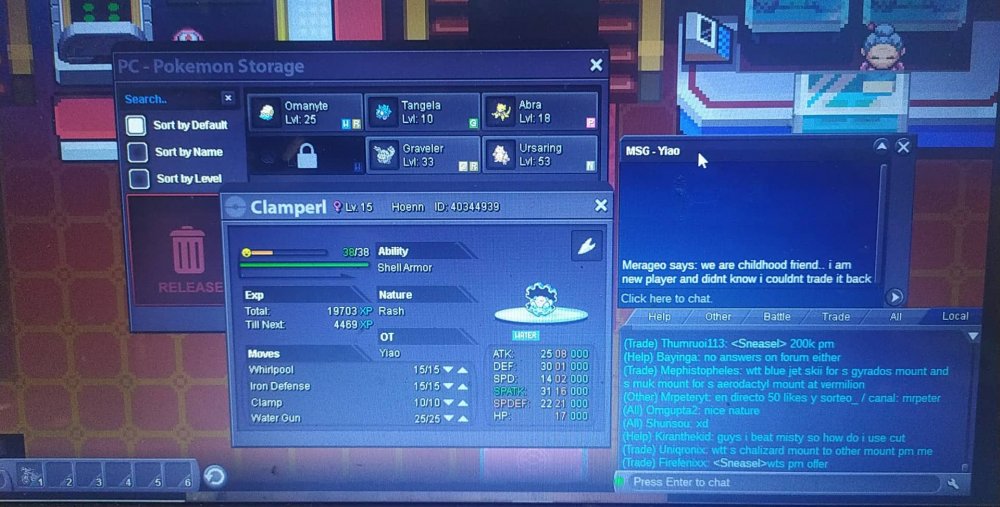
 while i was trying to do the sinnoh quest and evolve my clampearl i trade it with a friend that is in kanto and now its locked, i thought he could trade it back if he is in elite but no. We are friends in real life and we were talking in discord while we were trading so he just sent me a pic from his laptop saying that we are friends irl anyway and my clampearl ofcourse, My in game name is "Yiao" and he is "Merageo"