




New Trade Zone
Trade Zone is now live
Use the new Trade Zone for auctions and instant-price trades so Pokemon and item offers are easy to find.

Secteurja
Registered User
-
Joined
-
Last visited
Everything posted by Secteurja
-
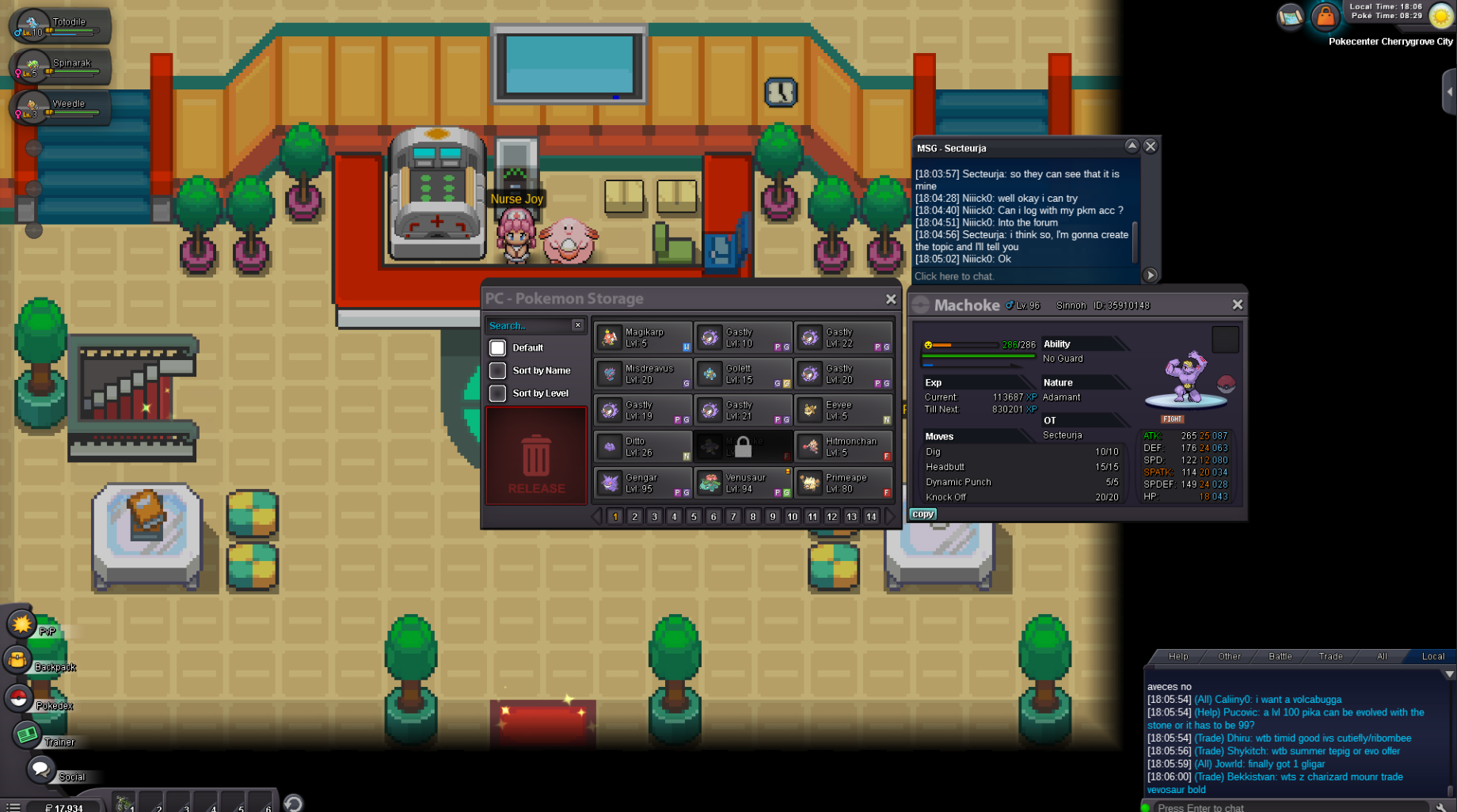
Hi ! I play on Gold server and my name is Secteurja, I traded yesterday my machoke (from Sinnoh) to someone on Vulcan Island so it could evolve and the person would give it back to me, but the person is still in the Kanto region and can't take the poke out of the pc to give it to me. I really need this poke as I'm doing sinnoh with only 2 poke and this one was the main one. Here is the screen of the poke locked in the pc of Niiick0, who is the person I traded it.
-
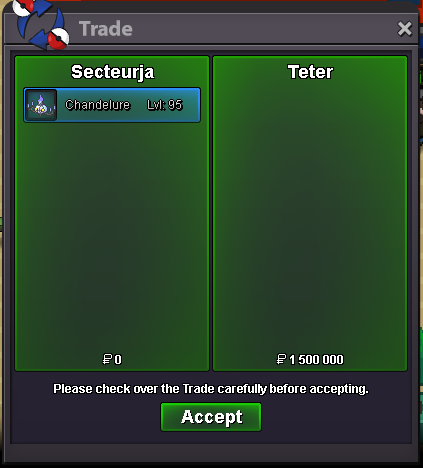
Okay thank you for the help, trade completed with Terer
-
Auction won by FuriousBliss for 1.6m gg, u can pm me ingame
-
Actualised, 50 mins left :)
-
-
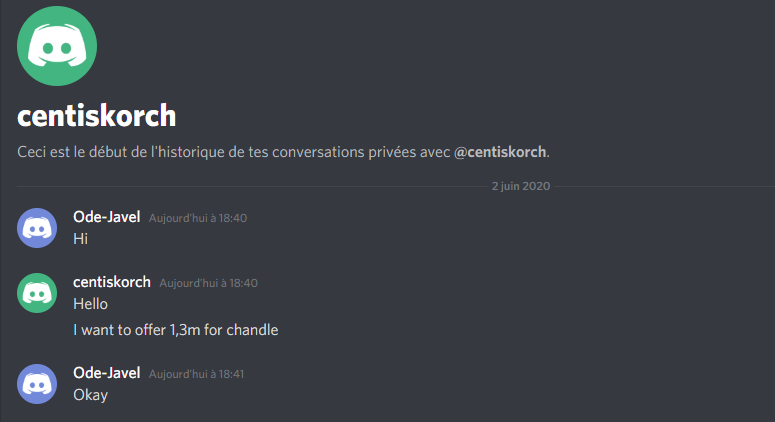
Current offer is now 1.3m
-
updated :)
-
-
Current offer is 1.1m

-
-
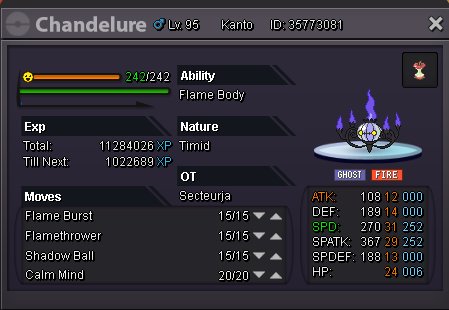
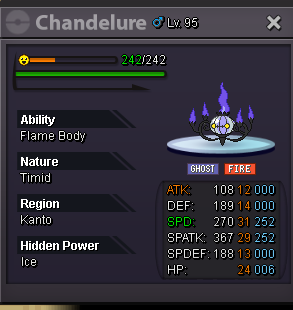
Hi, this is my first auction on the forum and I'm not english, so I'm sorry if there are some mistakes. The auction will end 48 hours after the first offer. I accept only : CC - 370k Pokedollars Starting Price : 1m Minimum Bid : 50k 100k Insta : 3m 2m5 Actual offer : 1.6M End : 06/02/2020 10:00PM
-
I'm waiting for you to log in limewire123, you won
-
I must be a little bit late, end in 3 hours
-
B.O is 400k Insta 1m2 ; End : tomorrow 22:30
