




New Trade Zone
Trade Zone is now live
Use the new Trade Zone for auctions and instant-price trades so Pokemon and item offers are easy to find.

Bhimoso
Registered User
-
Joined
-
Last visited
Everything posted by Bhimoso
-
-
-
@Scarlettrasza Mega Slowbro is still viable for many bosses, just harder to pull off. In sone bosses it's actually easier and in some it's harder. The ones that normally countered you now normally run out of PP or switch their pokemon and some that were a free setup might surprise you with a switch.
-
3m
-
-
-
Fully updated guide. Got tired of seeing 37 different boss guides that suggest having 12 different pokemon with really badly planned strategies, half baked and barely functioning with like 3 baton pass pokemon per team,, so I decided to reupdate it with multiple teams that have been tested among years. You only need 6, choose whichever team, but if you're going to ask me what you should choose, save up and skip the cheap and medium budget versions, and choose ANY of the Expensive ones.
-
6m
-
2m ursa
-
2m mienfoo
-
-
1m mienfoo
-
1m ursaluna
-
5m
-
2m
-
600k on da Sandshrew
-
Can be closed :D
-
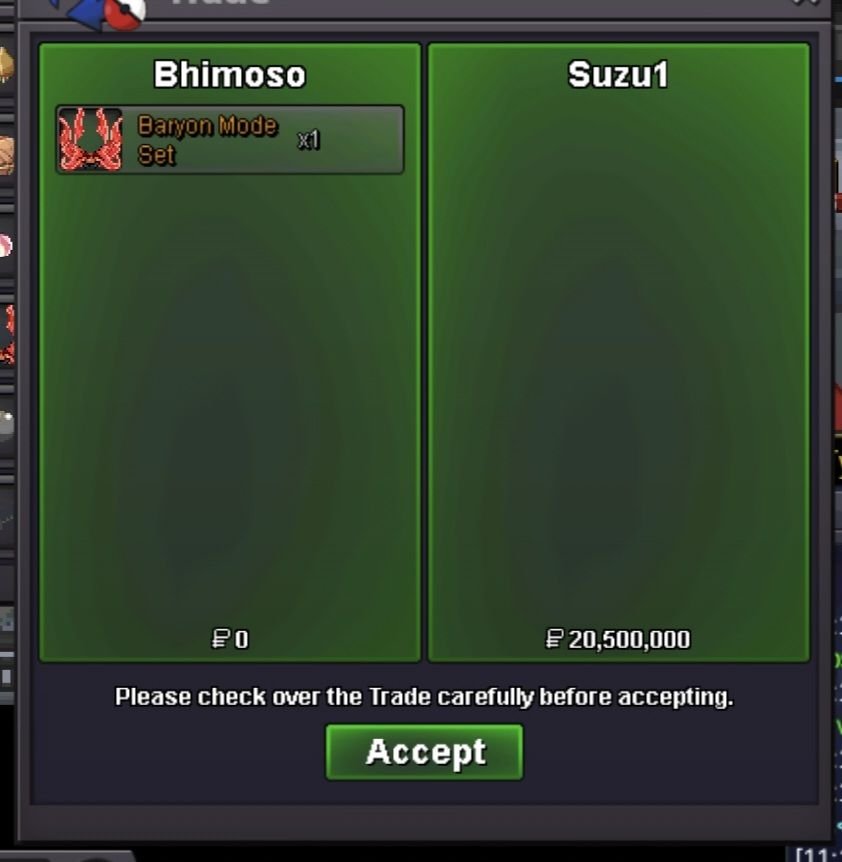
@Suzu1 Meet me in Verm! Online rn.
-
Bump, a bit over an hour left!
-
Started 08:46 PM CET (20:46 in Spain) Will last 24 hours from the bid, unless there's last 15 minute bid extensions.
-
Reduced the start bid ^^ 20m. Won't go lower than that.
-
Bump!
-
2.2m :VVVVVVVVVVVVV
-
2m
-
1.5m

