New Trade Zone
Trade Zone is now live
Use the new Trade Zone for auctions and instant-price trades so Pokemon and item offers are easy to find.

Doc3422
Registered User
-
Joined
-
Last visited
Everything posted by Doc3422
-
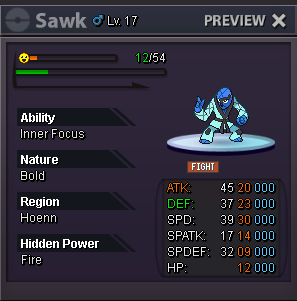
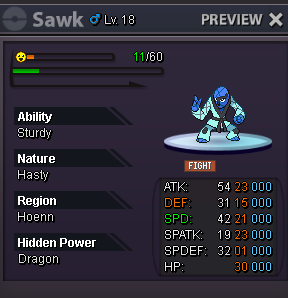
comment your offer below!
 have the rarity of a pokemon show in the pokedex just like it does on discord when you type ^s in bot commands this would make the interface much easier and is a small change that can help a lot of beginner players understand spawns and stuff!!ya ik but i want a shot at dialga palkia and giratina. Those are some of the most popular legendaries ever!!!!A key feature that attracts people to the pokemon universe is the legendary pokemon that they literally make whole movies about. it would be cool if you could catch these pokemon in any way to make the experience of the game feel a lot more like the actual pokemon franchise and fun for every player. I don't get why certain legendaries are off limits to catch but I don't think it is quiet necessary to even have them "off-limits".Hi so im an old player that used to play back in 2017 and want to try it out again. I merged my "blue" account with the current ones and on the dash board in transferred my information into a silver account. But when i try and login in to the account on the actual game it wont let me (it always say "Can not connect to the server"). Have no idea what to do now but please help!