




New Trade Zone
Trade Zone is now live
Use the new Trade Zone for auctions and instant-price trades so Pokemon and item offers are easy to find.

Nyssa98
Registered User
-
Joined
-
Last visited
-
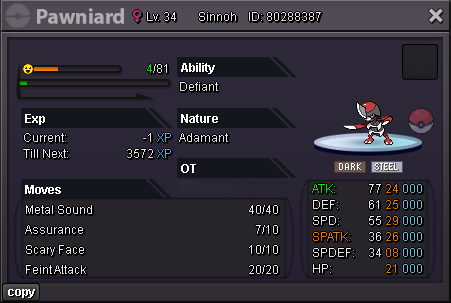
Starting offer: 500k Minimum raise: 50k Time: 24 hours after start Accept CC (500k) & IV RR (500k)
-
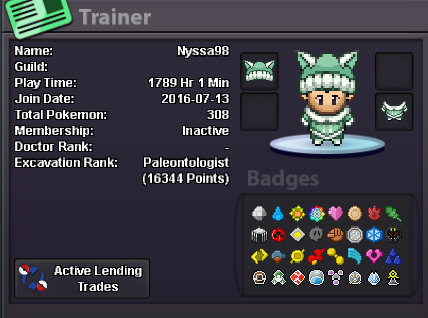
Hey ! What is your IGN? : Nyssa98 What is your discord? : nyssa98 Tell us a little about yourself (age, where are you from, interests) : 27, Belgium (fr), Pokemon fan since i am 6yo (shiny hunting on nintendo), work in a casino. How many hours do you currently have? (please link a picture of your trainer card) Do you know any existing members? What is the highest rating you have reached? i don't remember, i did a long break (2021) Why would you like to join us at Fireborn? Want to talk with some people, know more about the game, hunt with people 🙂
-
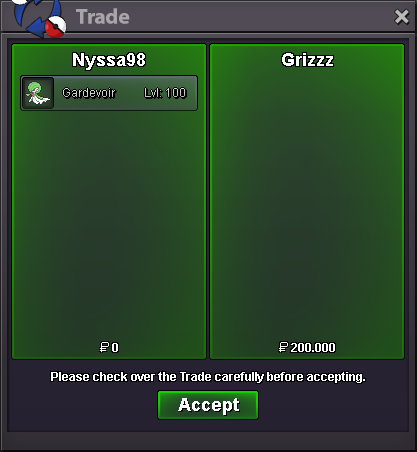
Oh okay ! Thanks for the answer 🙂Hi, why do we take dammage when we attack with struggle with the ability Rock head? 🙂 Not coded or bug ?Gardevoir timid sold ( delta alt )
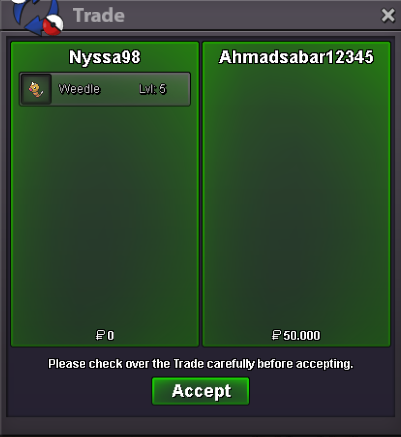
 weedle jolly sold
 Pm me guys when you are log, i am 🙂Larvesta bold sold
 Gible h.a impish sold Pawniard adamant defiant sold Marowak alola h.a sold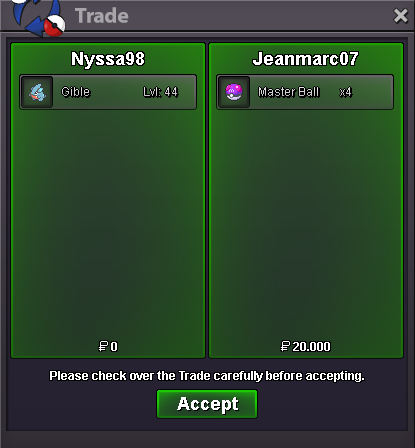
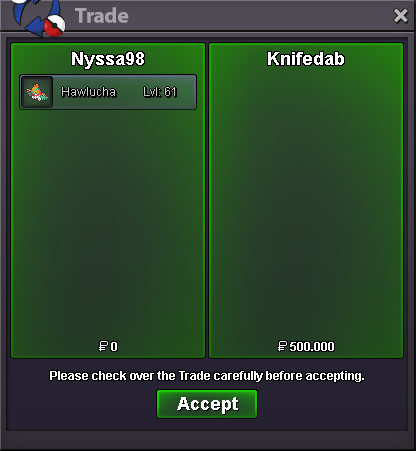
 Hawlucha adamant unburden sold
 bumpThank you for the answer. And i am sorry for my mistakes. The auction is now over. Qutlu won the auction. @Qutlupm me ingame when you can take the pkmn thanksOkay, adding 15min auction. biding under 3min left
