




New Trade Zone
Trade Zone is now live
Use the new Trade Zone for auctions and instant-price trades so Pokemon and item offers are easy to find.

Lexpressie
Registered User
-
Joined
-
Last visited
Everything posted by Lexpressie
-
Thank you the command worked for me! it's back to normal. Maybe all the players should get to know about this command in case it happens to others :)
-
Hi HappyMango, Thank you for replying. Yes i've OS windows. I have tried to use alt+enter and I get the same screen in windowed, I can scroll down but there is no apply button because the game is way too much zoomed in (my guess its the GUI Scale). I've even tried to connect my laptop to a tv with hdmi but there its the same. I tried deleting all the cache files but it wont change anything in the client. I tried changing resolution in deskop but it wont change anything in the client. Without any apply there is no way I can change anything in the options. Maybe there should be a quick key to get your options back to default in the future. For now I'm actually hoping you guys can help me solve this problem. Gr. Lexpressie
-
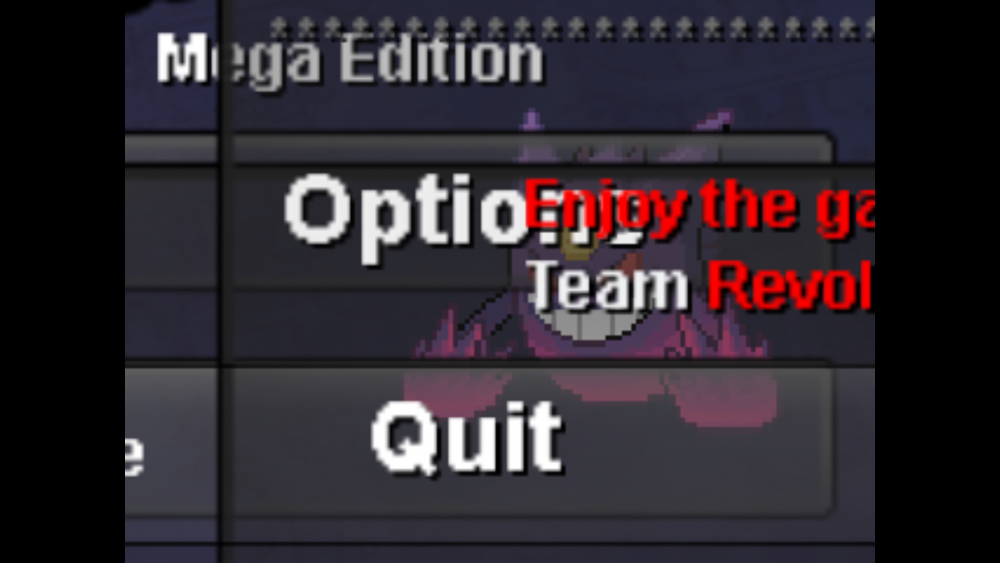
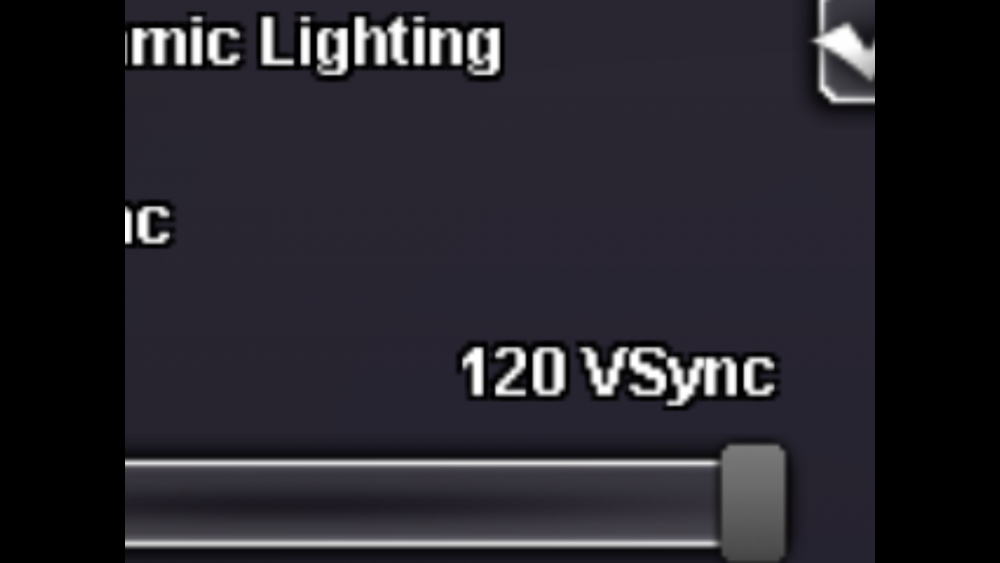
Since this new mega update there is a serious gamebreaking bug that cant make me log in or change my resolution or anything there for in options. I managed to take the wrong resolution for my screen and it zoomed all the way in and there is no way to undo it! Before when this happenend I could close my client and reopen it with a fitting resolution. Now when I open my client I see everything in a mix with options super big and no login button nothing everything is all over the place. (see pic) I tried to redownload the client after deleting it, I did download 64bit and download 32bit and the same problem occurs. I can't unbox fullscreen and when I drag over the zoomed in grey screen I can't drag low enough to get to the apply buttons either. I literally cant do anything! This is on a laptop device please help me.
-
I'm stuck too, I tried a lot of times to restart the game and my computer, But the odd thing is I can hear the noise from the game and click but see only the loading screen.. Can you admins please fix this? Lexpressie Server Yellow
-
Hello Kagawa, I've the same issue right now, Can you check on me plz? Server Yellow Thanks a lot Grtz lex


