




New Trade Zone
Trade Zone is now live
Use the new Trade Zone for auctions and instant-price trades so Pokemon and item offers are easy to find.

Flexforlife
Registered User
-
Joined
-
Last visited
Everything posted by Flexforlife
-
up
-
up
-
up
-
start
-
Serious categories Friendliest: Smoovey Wittiest: Lucifer Funniest: Sabetha Easiest to talk to: Didilel Most trustworthy: Walkyrion Most helpful: Caennethi Most influential: Raika Most intriguing: xZefire Favorite guide maker: Jadeash Favorite guild: New Leaf Best discussion sparker: Ske1n For fun categories Most likely to catch a sync fail rare or shiny form: Fabi72 Most likely to encounter a shiny or rare form and click run: Lykabaws Favorite staff member: Kvar Player who says they're retiring but not retiring yet: you that read it rightnow Favorite PRO Pokemon form: KDA Weavile Favorite Pokemon: Kirby
-
specs hurricane zapdos SOON 🔥Buying timid HLW taurosbumpupbumpbumpbumpbumpBuy staryustartbumpBumpstartwtb


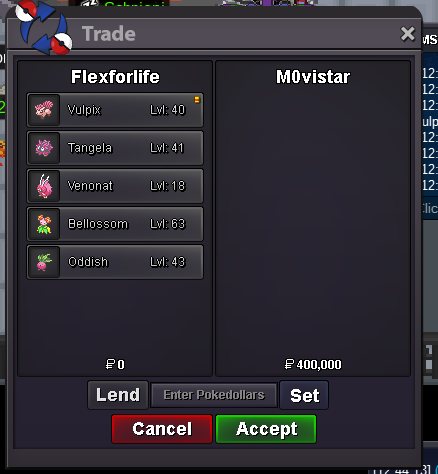

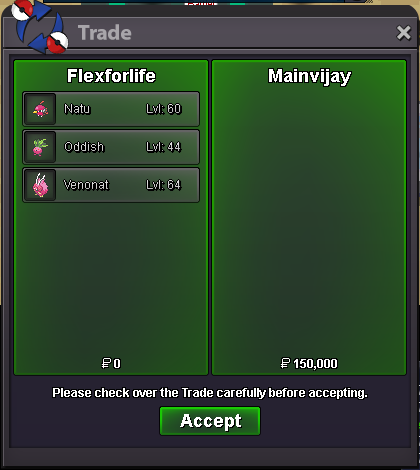
Account
Navigation
Search
Configure browser push notifications
Chrome (Android)
- Tap the lock icon next to the address bar.
- Tap Permissions → Notifications.
- Adjust your preference.
Chrome (Desktop)
- Click the padlock icon in the address bar.
- Select Site settings.
- Find Notifications and adjust your preference.
Safari (iOS 16.4+)
- Ensure the site is installed via Add to Home Screen.
- Open Settings App → Notifications.
- Find your app name and adjust your preference.
Safari (macOS)
- Go to Safari → Preferences.
- Click the Websites tab.
- Select Notifications in the sidebar.
- Find this website and adjust your preference.
Edge (Android)
- Tap the lock icon next to the address bar.
- Tap Permissions.
- Find Notifications and adjust your preference.
Edge (Desktop)
- Click the padlock icon in the address bar.
- Click Permissions for this site.
- Find Notifications and adjust your preference.
Firefox (Android)
- Go to Settings → Site permissions.
- Tap Notifications.
- Find this site in the list and adjust your preference.
Firefox (Desktop)
- Open Firefox Settings.
- Search for Notifications.
- Find this site in the list and adjust your preference.