




New Trade Zone
Trade Zone is now live
Use the new Trade Zone for auctions and instant-price trades so Pokemon and item offers are easy to find.

Flexforlife
Registered User
-
Joined
-
Last visited
Everything posted by Flexforlife
-
The pokemon that everyone really wants but nobody says it you struggle in the story? no problem he, got you coverd! you need some utility in your team? no problem, He got you coverd! you need a special attacker? no problem, he got you coverd! you need a PHYSCIAL attacker? no problem, he got you coverd you need a tanky mon? no problem, he got you coverd you need a fast mon with some hard hitting moves? no problem, he got you coverd you strugggle against serperior or other annoying substitute user? no problem, he got you coverd! you love to annoy chansey and skarmory? no problem, he got you coverd Im not talking about Kommo-o im talking about the real GOAT or in this case bat, Crobat not only is this pokemon fitting for halloween but as you just saw Crobat can be ANYTHING AND EVERYTHING! Santa Claus Crobat? HE GOT YOU COVERD Amos Bow Crobat? HE GOT YOU COVERD Life Guard Crobat?? HE GOT YOU COVERD BallonBat? HE GOT YOU COVERD ChocoBat? you get the point. there is no limit of what Crobat is capable off. he deserves a form, because he is just the best.
-
Golduck Nr 1 and 2
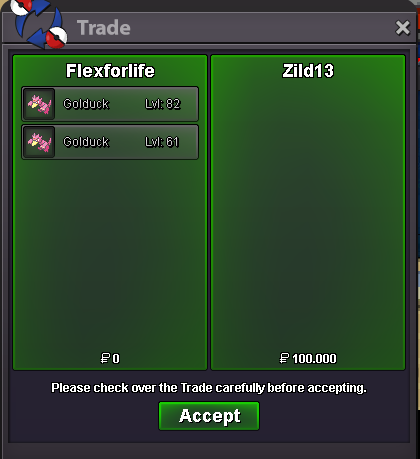
-
@VezzoLayer No, if you looking for a boss team https://pokepast.es/2f6386a8bb0bb983 this one works.
-
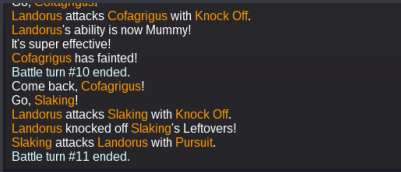
we will never know the true power of slaking! Like title said. how it should work: https://replay.pokemonshowdown.com/gen7ou-1570604422
-
Username: Flexforlife Server: Silver Your streamlink: https://www.twitch.tv/microisbad What type of content do you stream: PRO,card games
-
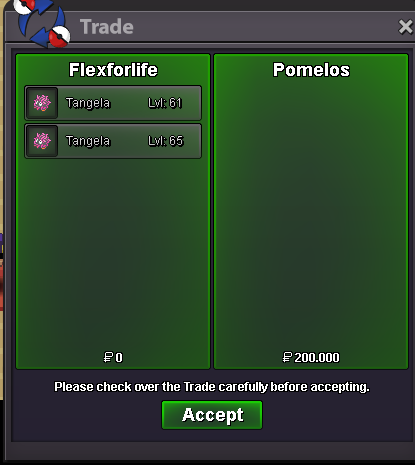
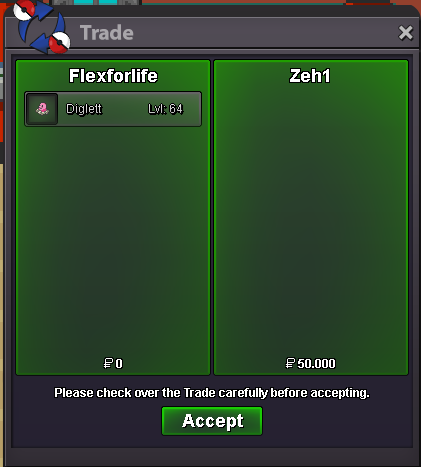
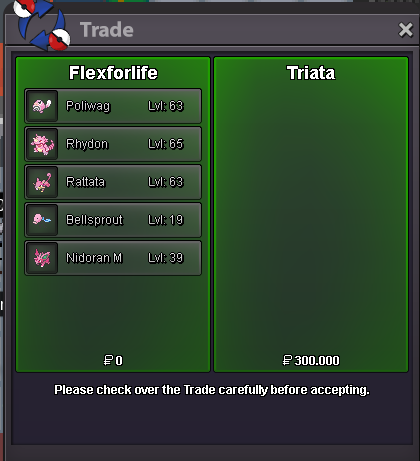
+ Tangela and weedle= 150k forgot 2te ss
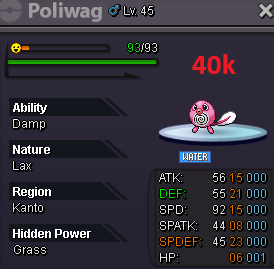
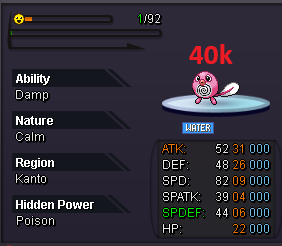
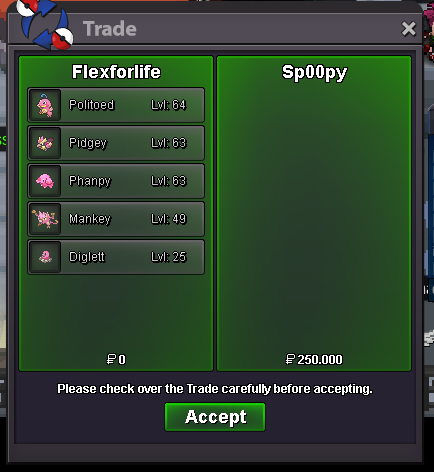 + arena diglett,poliwag,gloom (150k) forgot 2te trade screenshot
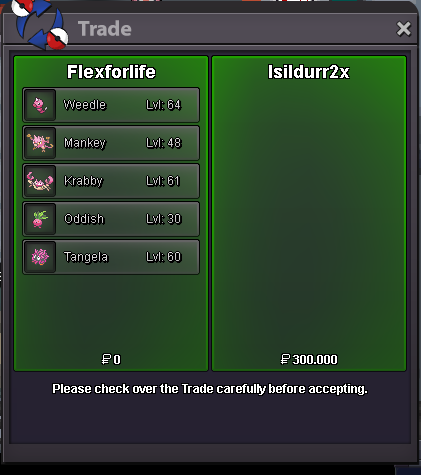 @isildurr2x alright are you online rightnow?ING: Flexforlife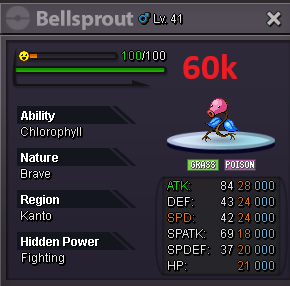
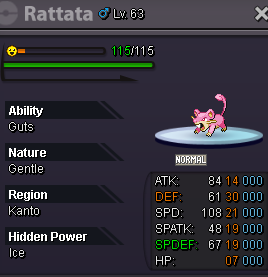
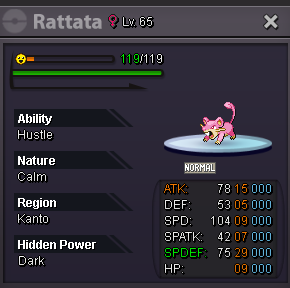
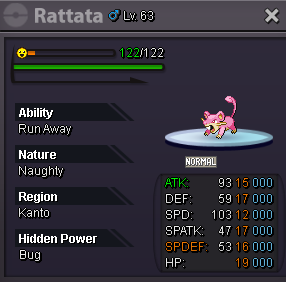
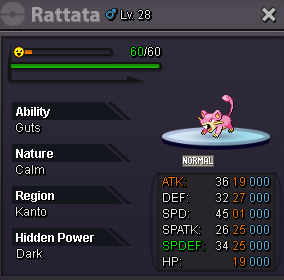
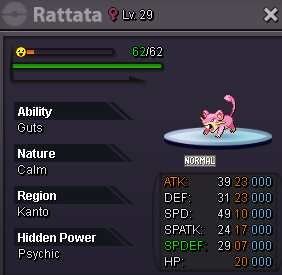
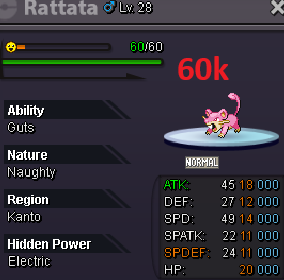
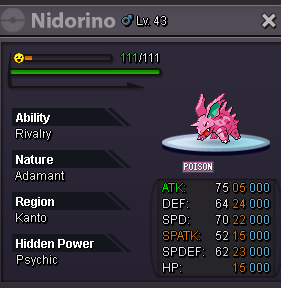
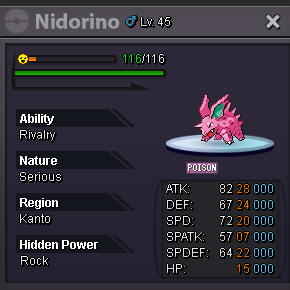
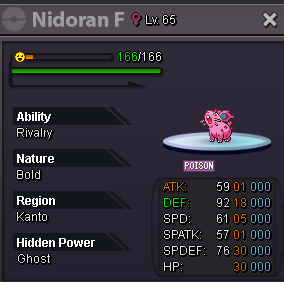
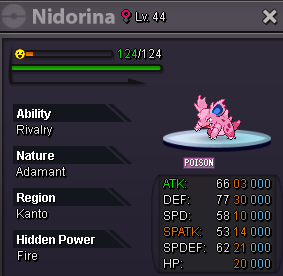
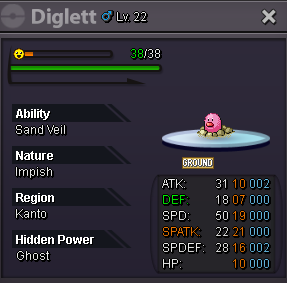
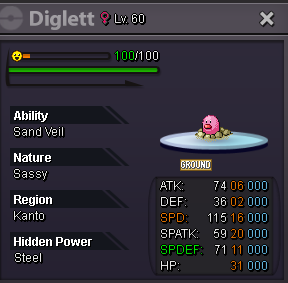
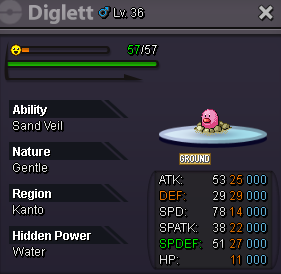

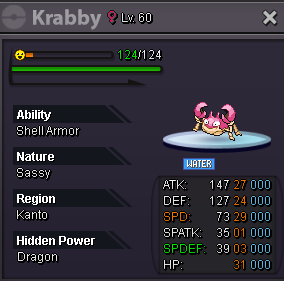

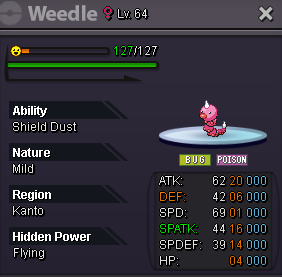
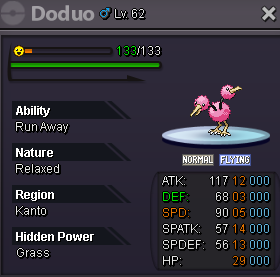
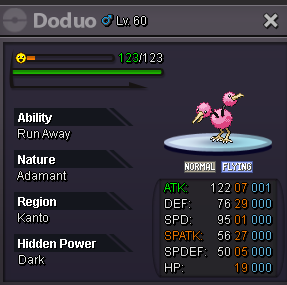
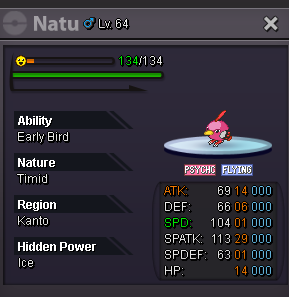
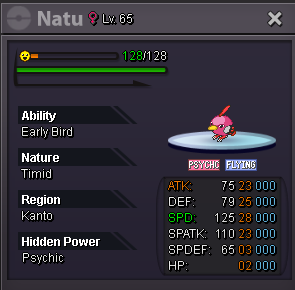
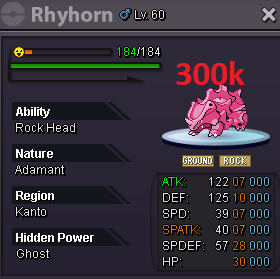
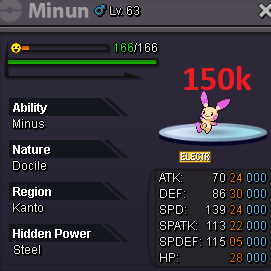
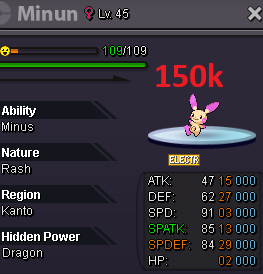
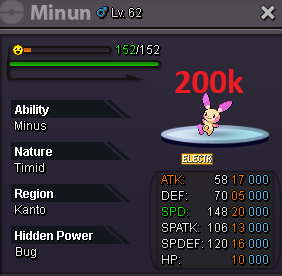
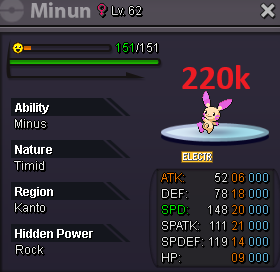
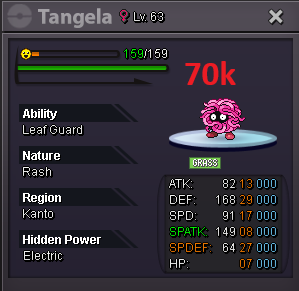



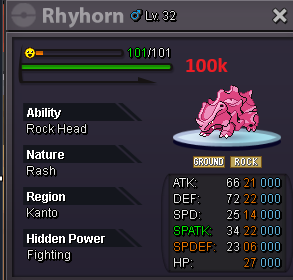
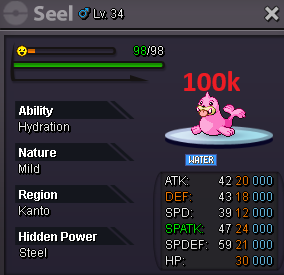
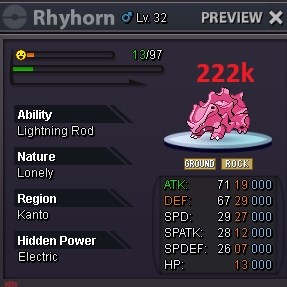
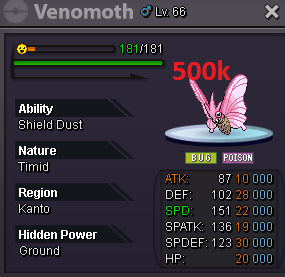
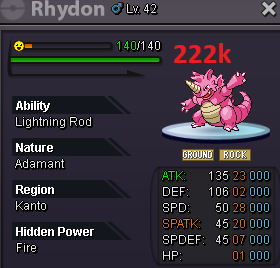
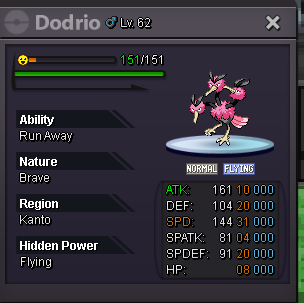
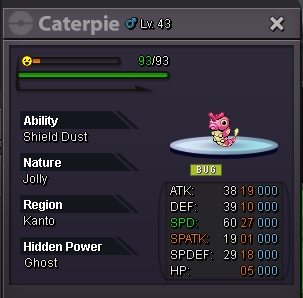

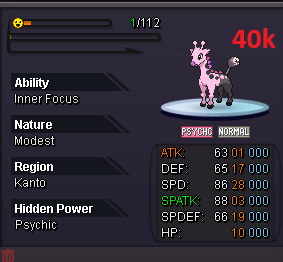
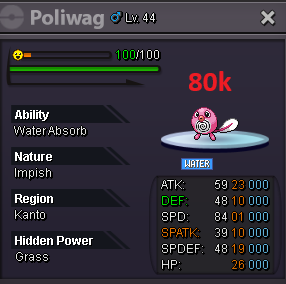
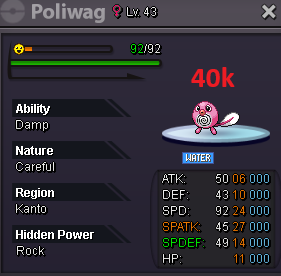
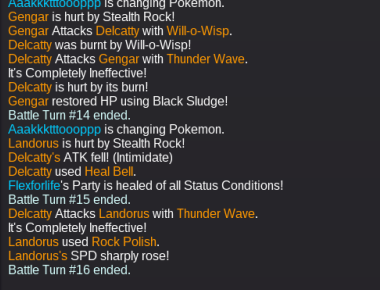
 stuff i did before that happend: step1: I was overtime in Mirage island and left the map mounted. step2: used escape rope done https://www.youtube.com/watch?v=94uMVlMUHZ0Like the title said. Evidence https://www.youtube.com/watch?v=03fyBy2YH14Item Name: Heavy-Duty-Boots Description: Immune to hazard damage.Hallo. Normalize + thunder wave does not paralyze ground typ pokemon. here is a showdown replay how it should work https://replay.pokemonshowdown.com/gen7ou-1485489943 i dont know if its a known bug so.. better safe than sorry .
 Hello, Both Frozen Cave Entrance and Mistpeak Valley on the xmas map has a questionmark spawn. my question: is this a bug or a new pokemon? nobody i ask has found the questionmark yet.
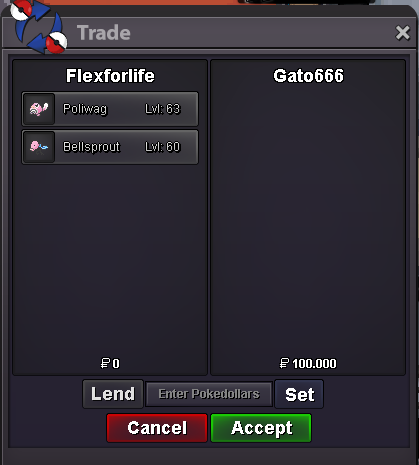
 so i won the charmander?Hello i take one pink, green and yellow party hat500k bid150k gligar



Account
Navigation
Search
Configure browser push notifications
Chrome (Android)
- Tap the lock icon next to the address bar.
- Tap Permissions → Notifications.
- Adjust your preference.
Chrome (Desktop)
- Click the padlock icon in the address bar.
- Select Site settings.
- Find Notifications and adjust your preference.
Safari (iOS 16.4+)
- Ensure the site is installed via Add to Home Screen.
- Open Settings App → Notifications.
- Find your app name and adjust your preference.
Safari (macOS)
- Go to Safari → Preferences.
- Click the Websites tab.
- Select Notifications in the sidebar.
- Find this website and adjust your preference.
Edge (Android)
- Tap the lock icon next to the address bar.
- Tap Permissions.
- Find Notifications and adjust your preference.
Edge (Desktop)
- Click the padlock icon in the address bar.
- Click Permissions for this site.
- Find Notifications and adjust your preference.
Firefox (Android)
- Go to Settings → Site permissions.
- Tap Notifications.
- Find this site in the list and adjust your preference.
Firefox (Desktop)
- Open Firefox Settings.
- Search for Notifications.
- Find this site in the list and adjust your preference.