




New Trade Zone
Trade Zone is now live
Use the new Trade Zone for auctions and instant-price trades so Pokemon and item offers are easy to find.

Coono
Registered User
-
Joined
-
Last visited
Everything posted by Coono
-
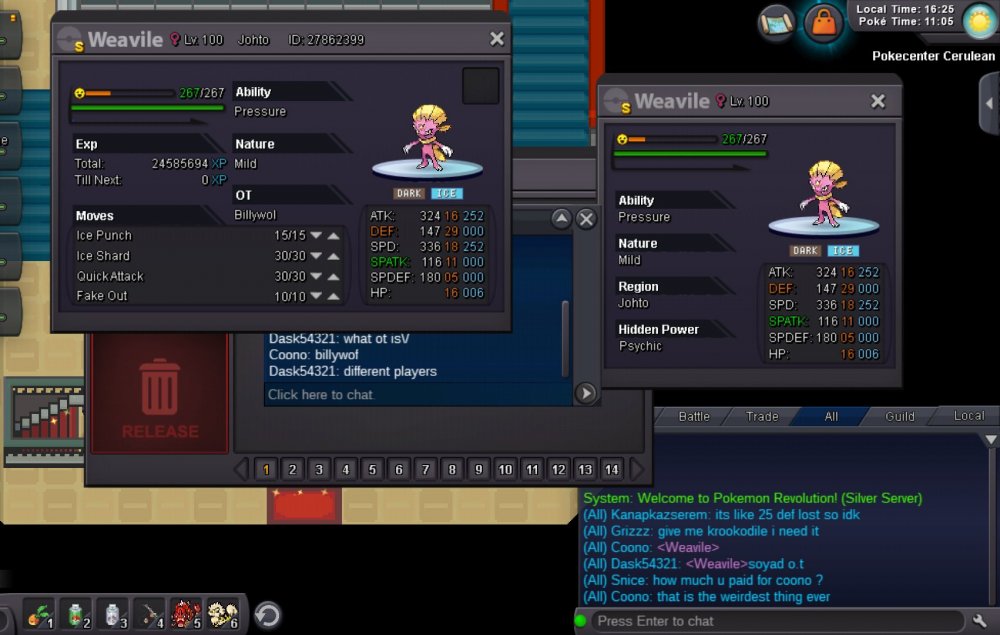
Saw a guy post a shiny weavile in trade chat, thought it looked pretty similar to mine so I dug mine out and.... well, see if you notice any similarities...
-
Buy Skarmory
-
800k
-
Aw man I wish I had known that, nobody in game chats or discord chats were helpful at all lol but that's fine
-
So on my alt account "mikejoones" I accidently bought a metagross mount from pve shop for 250 coins, i figured no big deal I'll just sell it but then found out it wasnt tradable and i dont want it. Is there anything i can so with it?
-
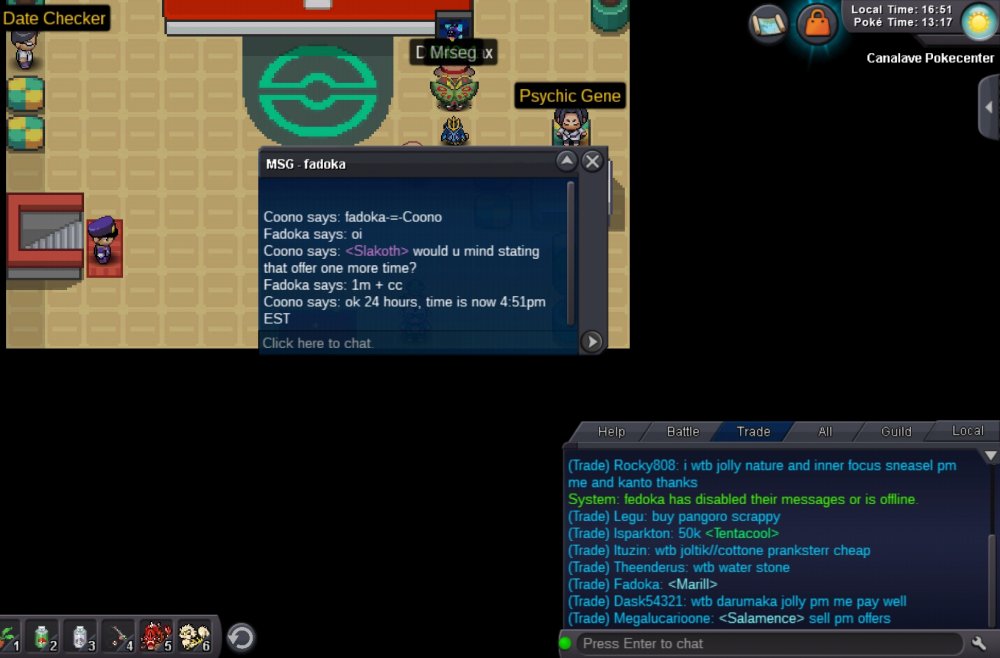
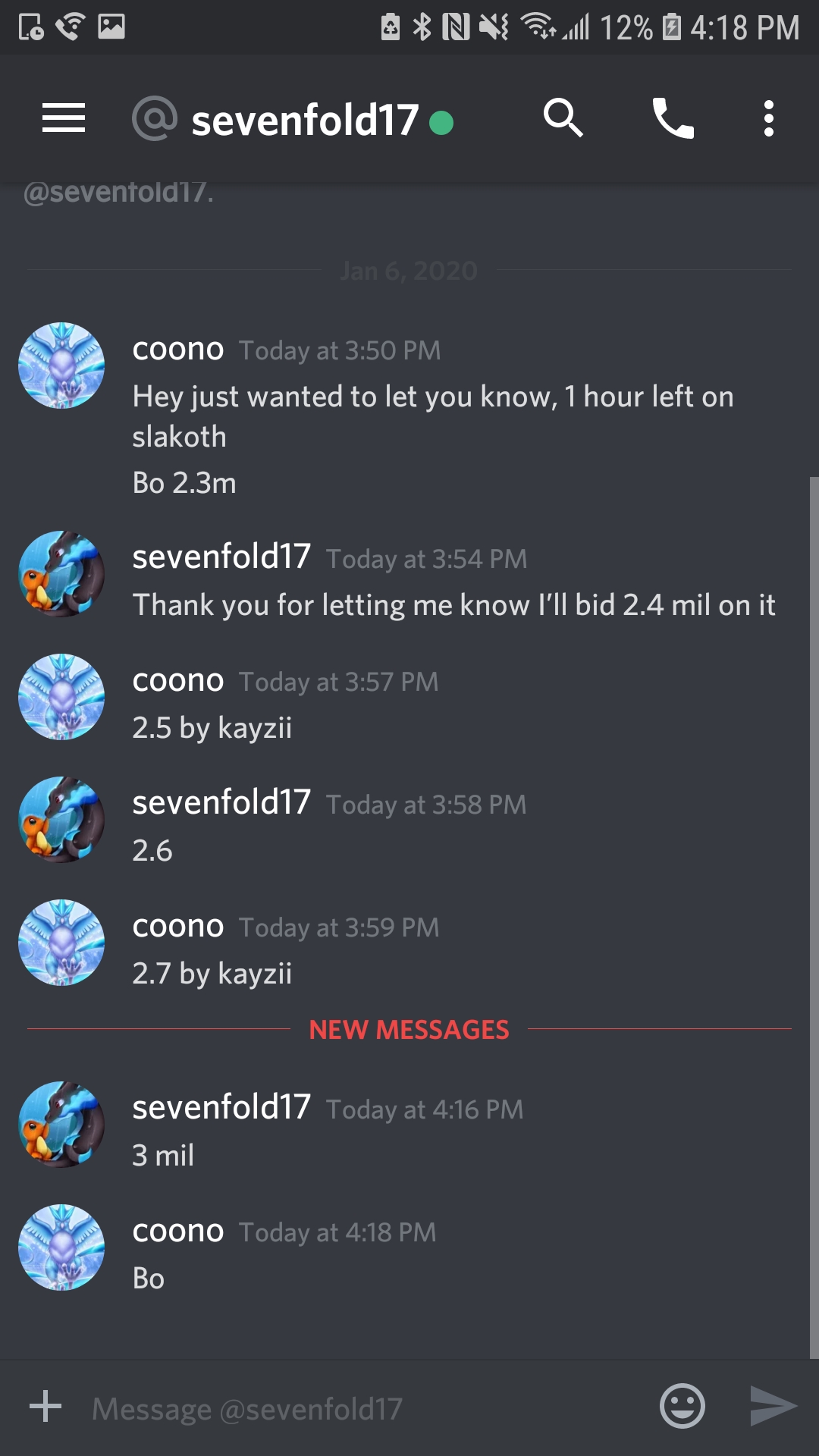
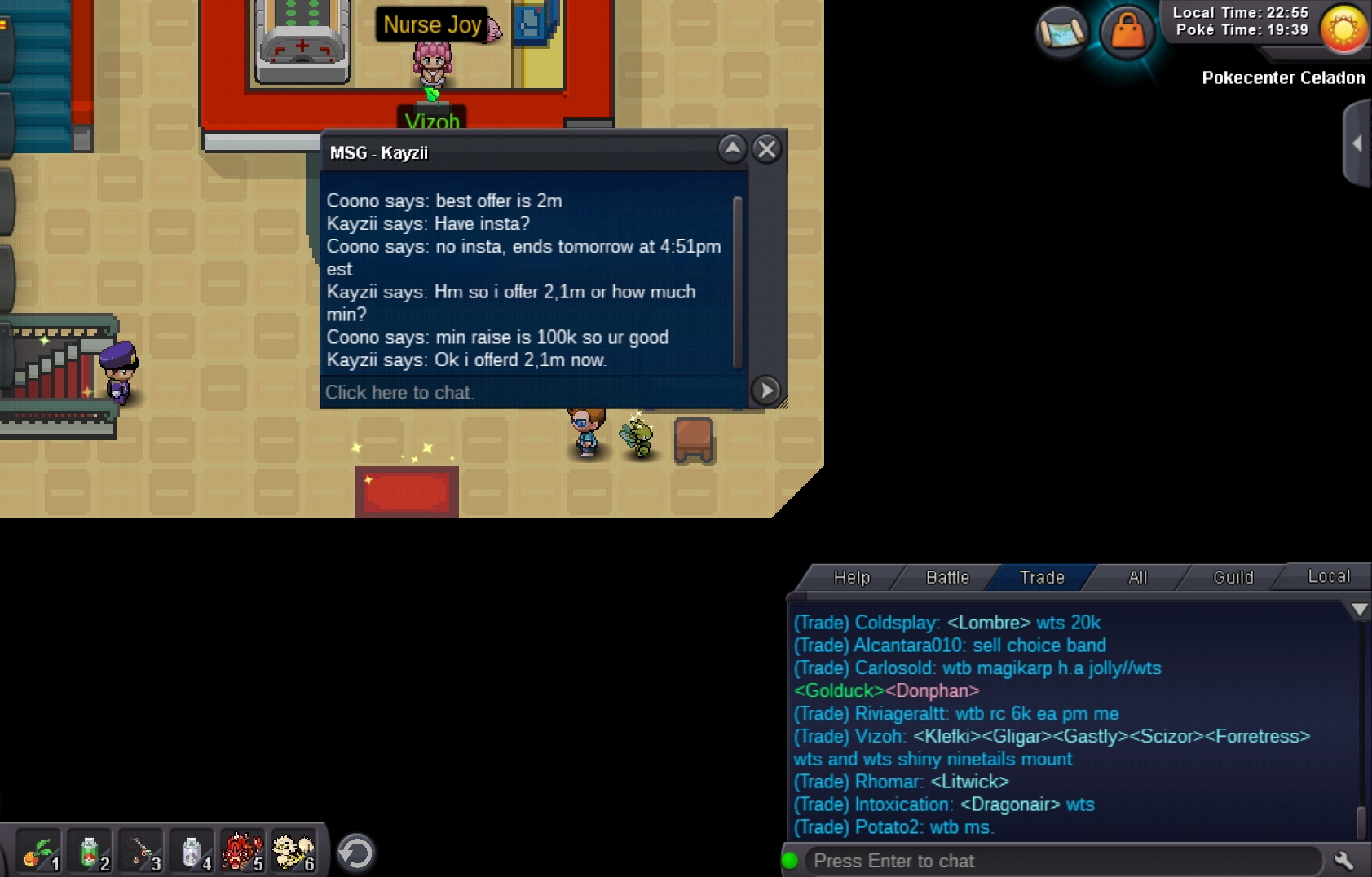
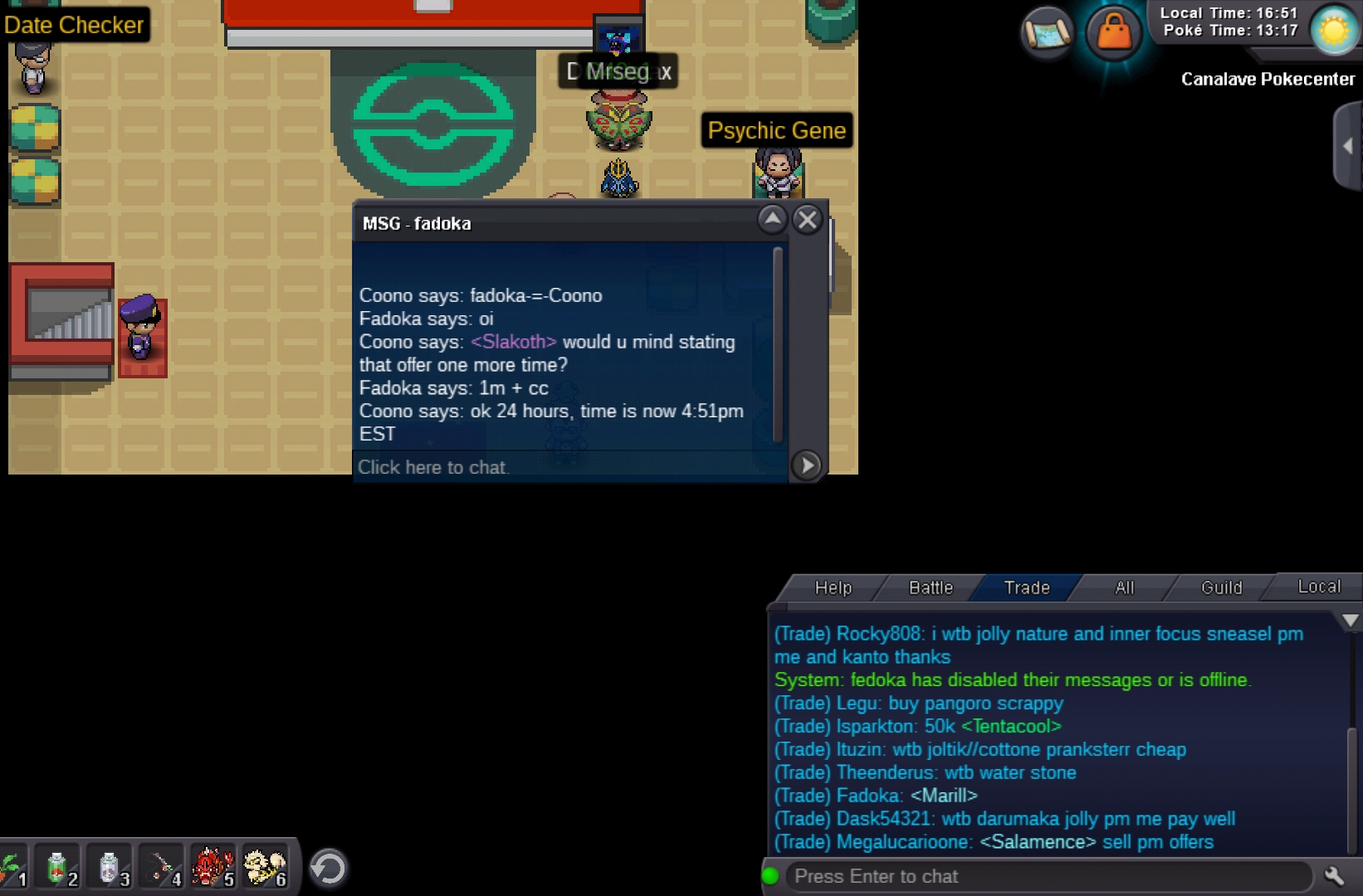
Ends in 1hr 20 min24 hours, auction ends Monday 1/6 @4:51pm 100k min raise Accept CC as 350k BO: 3m sevenfold17

 He is a reworked boss, server crashed just as I was about to beat him. When i came back from crash it had sent me back to pokecenter and when I want back to Oak I couldnt fight and my win streak was gone. Getting really frustrated because i dont think the rework has ever once actually worked for me. This happens every time, to lose out on the rewards is one thing but the win streak... that's just messed upI think the artists did a great job with xmasBumpBumpBumpMore UTs added.UpAdded some pokes





Account
Navigation
Search
Configure browser push notifications
Chrome (Android)
- Tap the lock icon next to the address bar.
- Tap Permissions → Notifications.
- Adjust your preference.
Chrome (Desktop)
- Click the padlock icon in the address bar.
- Select Site settings.
- Find Notifications and adjust your preference.
Safari (iOS 16.4+)
- Ensure the site is installed via Add to Home Screen.
- Open Settings App → Notifications.
- Find your app name and adjust your preference.
Safari (macOS)
- Go to Safari → Preferences.
- Click the Websites tab.
- Select Notifications in the sidebar.
- Find this website and adjust your preference.
Edge (Android)
- Tap the lock icon next to the address bar.
- Tap Permissions.
- Find Notifications and adjust your preference.
Edge (Desktop)
- Click the padlock icon in the address bar.
- Click Permissions for this site.
- Find Notifications and adjust your preference.
Firefox (Android)
- Go to Settings → Site permissions.
- Tap Notifications.
- Find this site in the list and adjust your preference.
Firefox (Desktop)
- Open Firefox Settings.
- Search for Notifications.
- Find this site in the list and adjust your preference.