New Trade Zone
Trade Zone is now live
Use the new Trade Zone for auctions and instant-price trades so Pokemon and item offers are easy to find.

Yavu25elim
Registered User
-
Joined
-
Last visited
Everything posted by Yavu25elim
-
Start
-
Actually this types of wrong nature and bad ivs pokemons is waste of time by making an auction. Use sync pokemons to catch correct nature. After a while you will solve this. So for that gastly, i suggest you to cover that pve coins. Middle game you will use that pve coins.
-
Auction will end in 7 hours 7:56 PM (GMT +0)Start Offer: 1k. Min Bid: 1k Duration: Auction will end 7 hours later from first bid Reroll Ticket: 510k Coin Capsule: 380k Hidden Power is Flying!
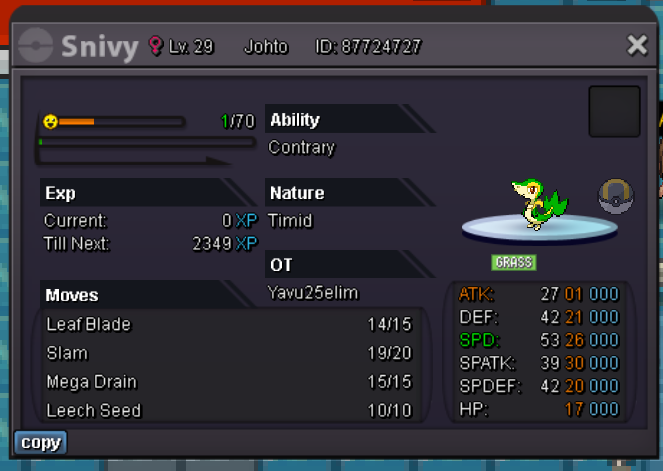
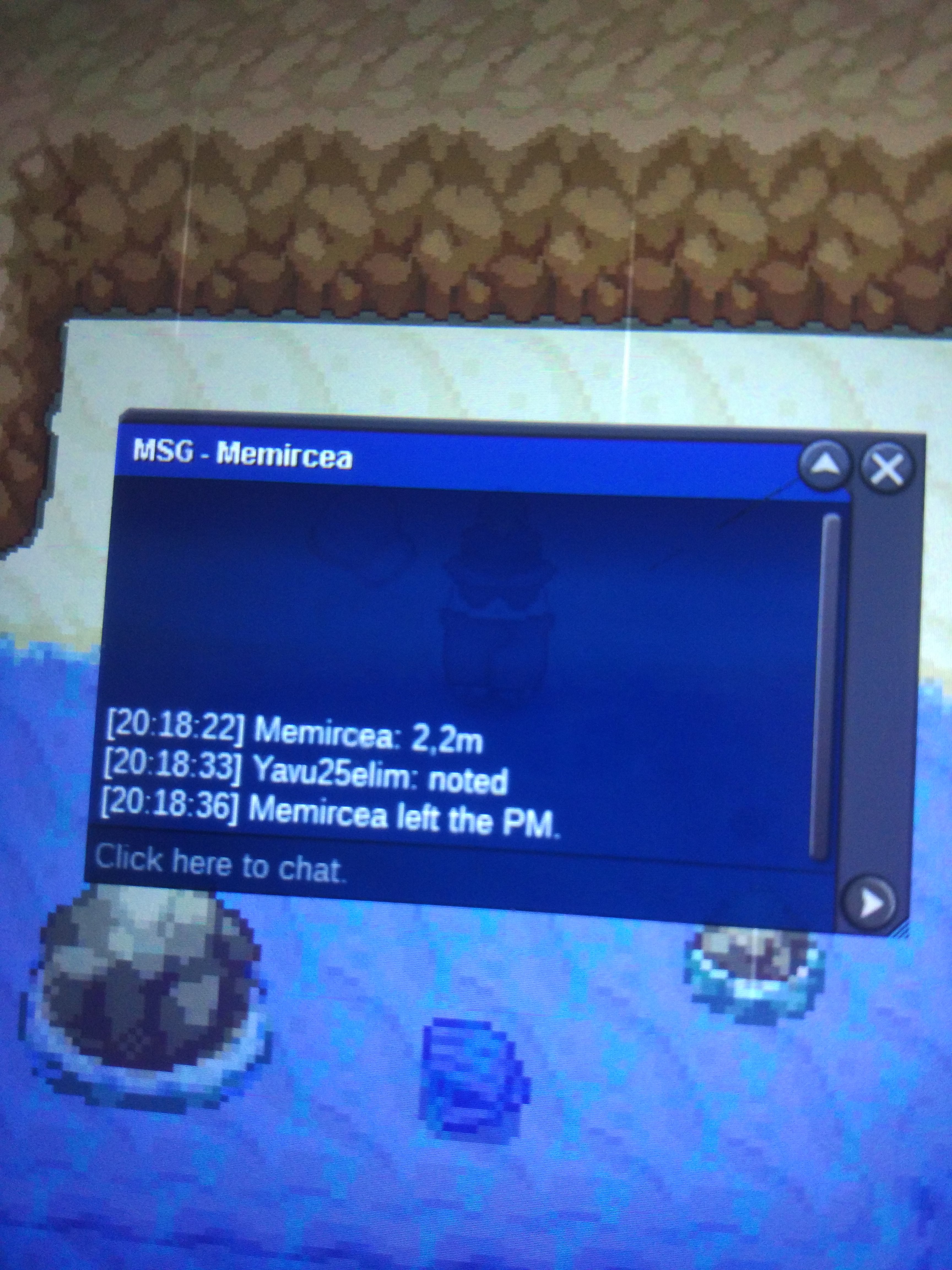
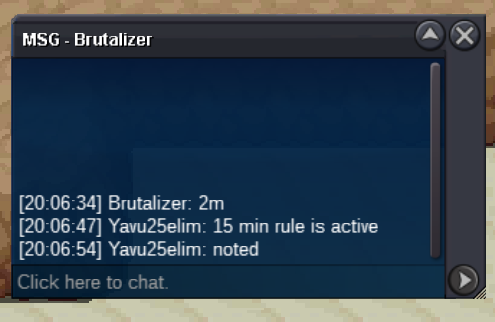
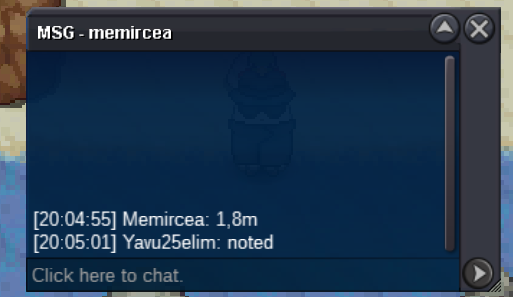
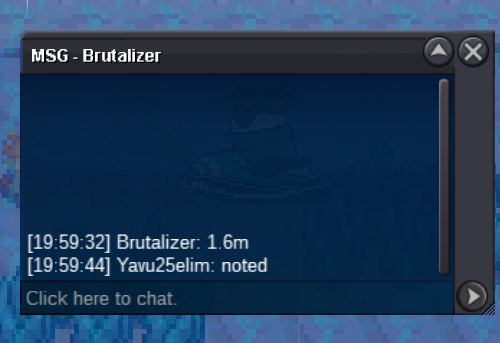
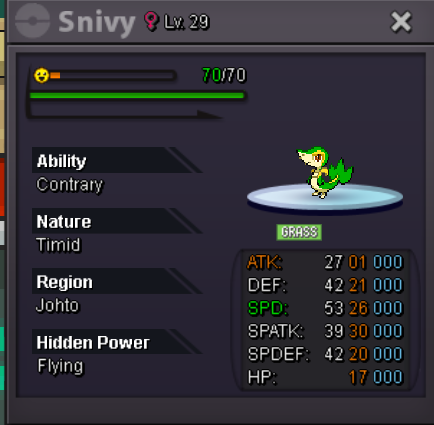 Sorry, i didnt see it is Gold. i am on silverStart allStart@Fercholarga wants to leave me naked. I'm done 😄😄2m11k+5001690001 😃15327891179728
Account
Navigation
Search
Configure browser push notifications
Chrome (Android)
- Tap the lock icon next to the address bar.
- Tap Permissions → Notifications.
- Adjust your preference.
Chrome (Desktop)
- Click the padlock icon in the address bar.
- Select Site settings.
- Find Notifications and adjust your preference.
Safari (iOS 16.4+)
- Ensure the site is installed via Add to Home Screen.
- Open Settings App → Notifications.
- Find your app name and adjust your preference.
Safari (macOS)
- Go to Safari → Preferences.
- Click the Websites tab.
- Select Notifications in the sidebar.
- Find this website and adjust your preference.
Edge (Android)
- Tap the lock icon next to the address bar.
- Tap Permissions.
- Find Notifications and adjust your preference.
Edge (Desktop)
- Click the padlock icon in the address bar.
- Click Permissions for this site.
- Find Notifications and adjust your preference.
Firefox (Android)
- Go to Settings → Site permissions.
- Tap Notifications.
- Find this site in the list and adjust your preference.
Firefox (Desktop)
- Open Firefox Settings.
- Search for Notifications.
- Find this site in the list and adjust your preference.