New Trade Zone
Trade Zone is now live
Use the new Trade Zone for auctions and instant-price trades so Pokemon and item offers are easy to find.

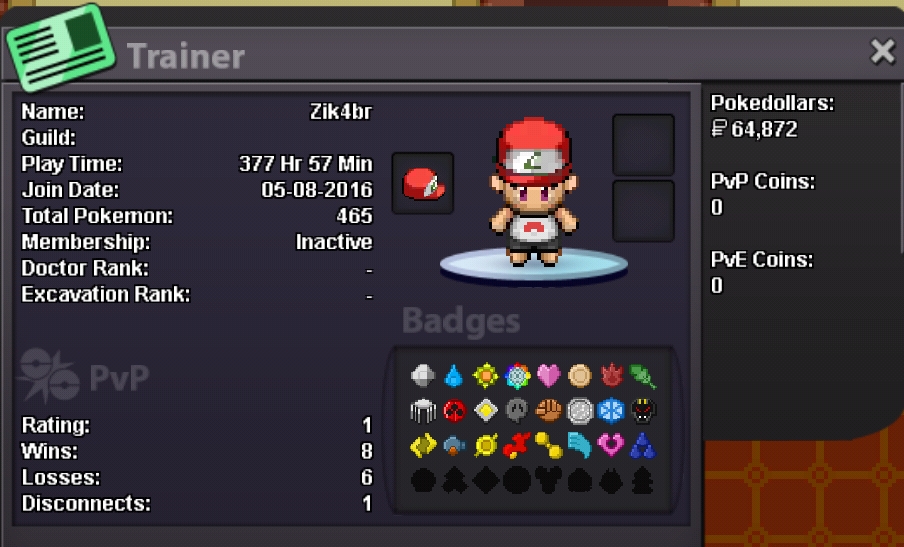
Zik4br
Registered User
-
Joined
-
Last visited
Everything posted by Zik4br
-
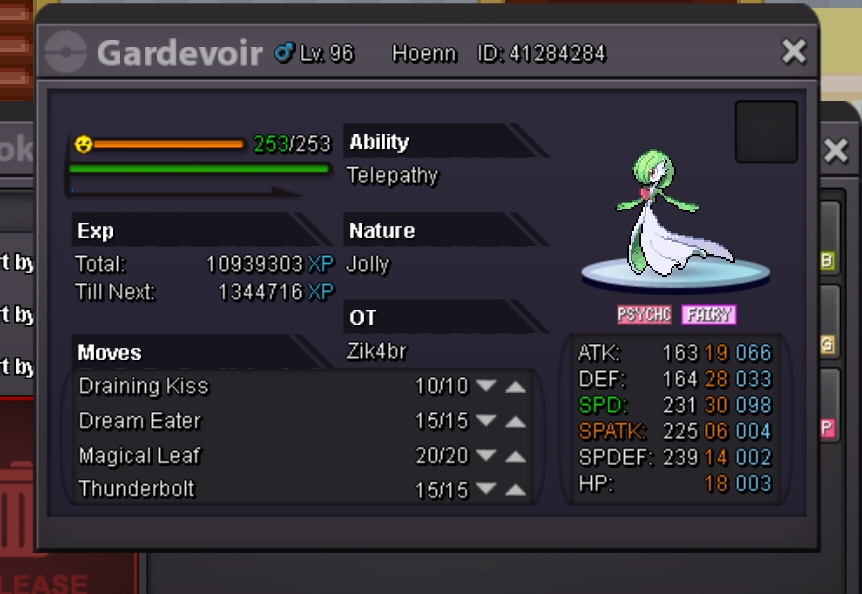
Ok.Thank you very muchCan Delevel for Kirlia?Backward Evolution to Kirlia?. help me!
 Re: ✰Cosmic✰ "Recruiting" Red Server~ *Updated* <r>1: How many hours you have played ?<br/> A: 6 days , 3 hours , 57 minutes<br/> <br/> 2: How many regions have it completed ?<br/> A: Two regions , Kanto and Johto<br/> <br/> 3: What is your ingame personal goal ?<br/> A: play for fun<br/> <br/> 4: Why do you feel Team Cosmic is the right place for you ?<br/> A: By being friendly<br/> <br/> 5: you are willing to lend a helping hand ?<br/> A: Yes , always when it is possible. <br/> <br/> <E>:y:</E> <E>:Crazy:</E> <E>:thanks:</E></r>Re: ✰Cosmic✰ "Recruiting" Red Server~ *Updated* <r>sorry for my english , is not as sharp haha <E>:Shocked:</E> <E>:Shy:</E></r>Re: ✰Cosmic✰ "Recruiting" Red Server~ *Updated* <r>hello , first good day.<br/> They are still recruiting ?<br/> I am Brazilian and I really like this game, and have finished the region of Kanto and Johto !<br/> <br/> I'm 18 , and I'm almost always active in the game,<br/> my nickname is Zik4br if they accept me be very grateful :) <3 <E>:Heart:</E> <E>:thanks:</E></r>Re: Memoire [international guild] all servers! <t>can recruit me ? I am Brazilian</t>