




New Trade Zone
Trade Zone is now live
Use the new Trade Zone for auctions and instant-price trades so Pokemon and item offers are easy to find.

Newrookie
Registered User
-
Joined
-
Last visited
-
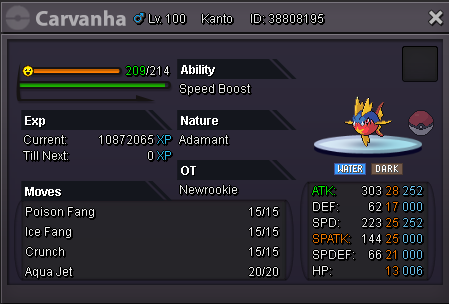
In-game name: Newrookie Server: Gold Pokemon ID and/or screenshot: 38808195 delevel to 97 plz
-
Thank you vely much , i have evolved.
-
Thank you Bro but I'm try already both (with hold item and without holding item) it's nothing happen
-
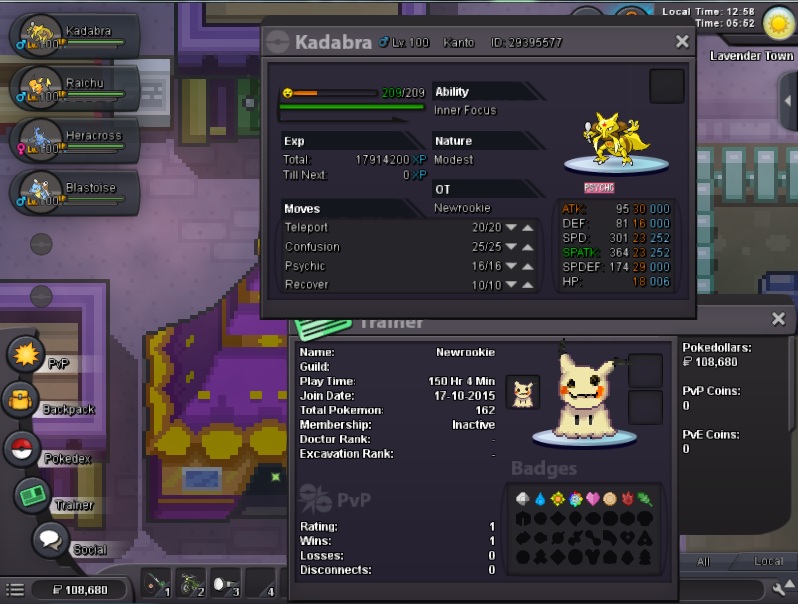
In-game name: Newrookie Server: Gold Timezone: GMT+7 I need help evolving my Kadabra into an Alakazam, I ever traded with players but it's not evolution. I'm available from 11 AM till 11 PM GMT+7. Thanks You Very Much! , or maybe Deleveling it to level 99 Thank again! This is my Topic for call help : https://pokemonrevolution.net/forum/topic/136597-url
-
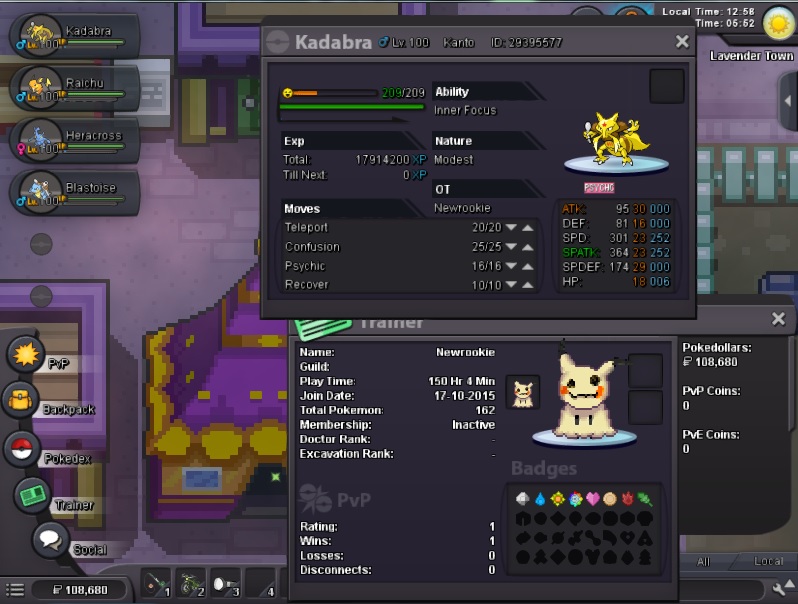
I'm traded with players but not happen anything , what should i do or i'm wrong ? [Help me please] Gold Server
-
Thank You ! Bro! , I change my password , I can login Now :D
-
Thank you , after me Select Merge already but i cant login ...:'(
-
Before Red and Blue Merge Server , I have 1 character for red and blue My Main Server Is Red , Help me T^T but i can login Gold Server with Create New Character My Email : Username : NewRookie