New Trade Zone
Trade Zone is now live
Use the new Trade Zone for auctions and instant-price trades so Pokemon and item offers are easy to find.

Misstepiggy
Registered User
-
Joined
-
Last visited
Everything posted by Misstepiggy
-
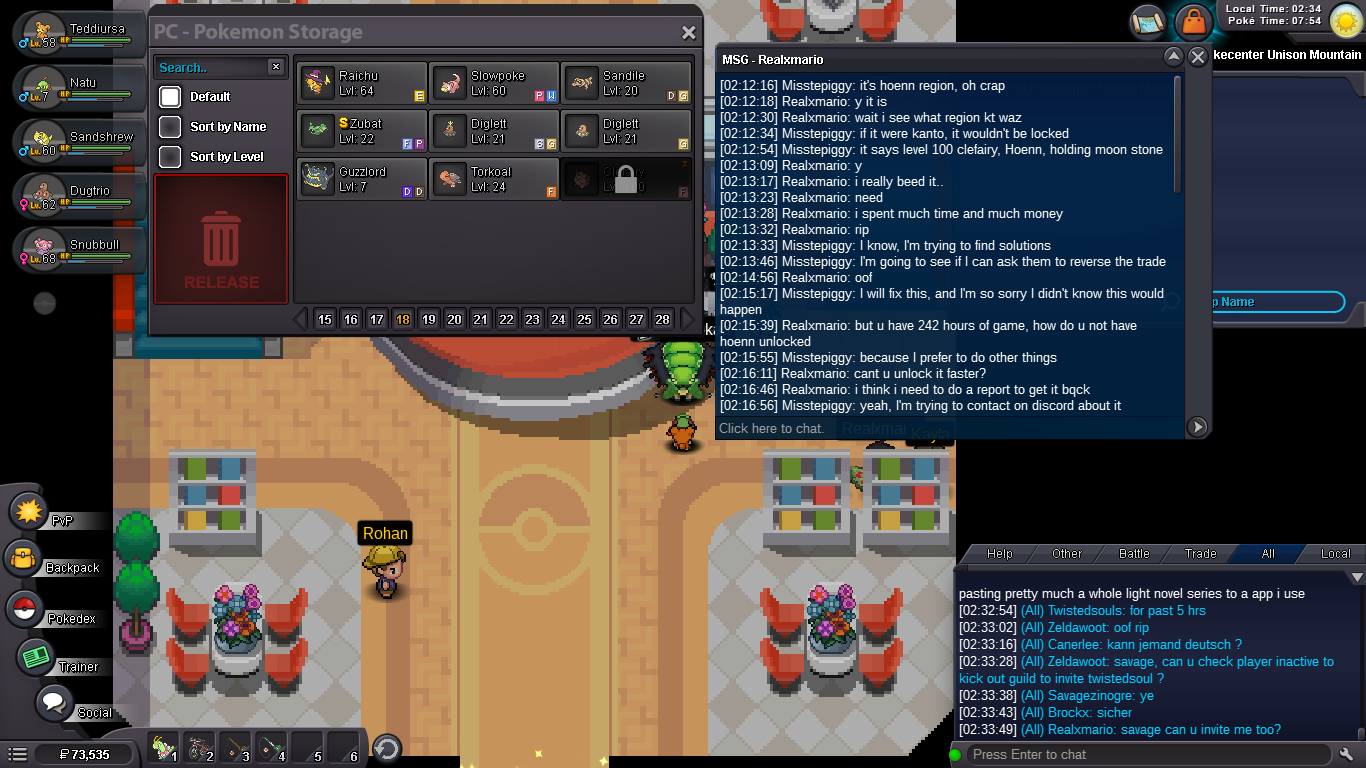
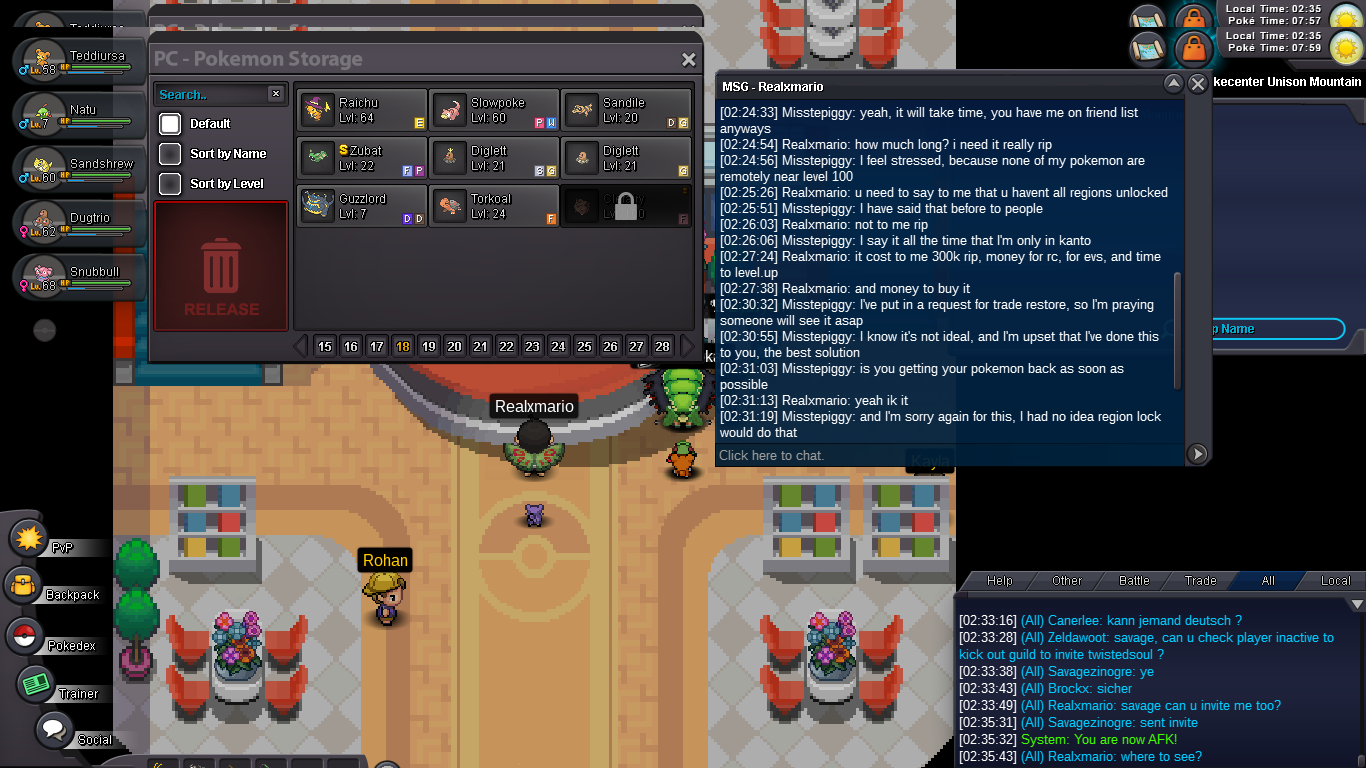
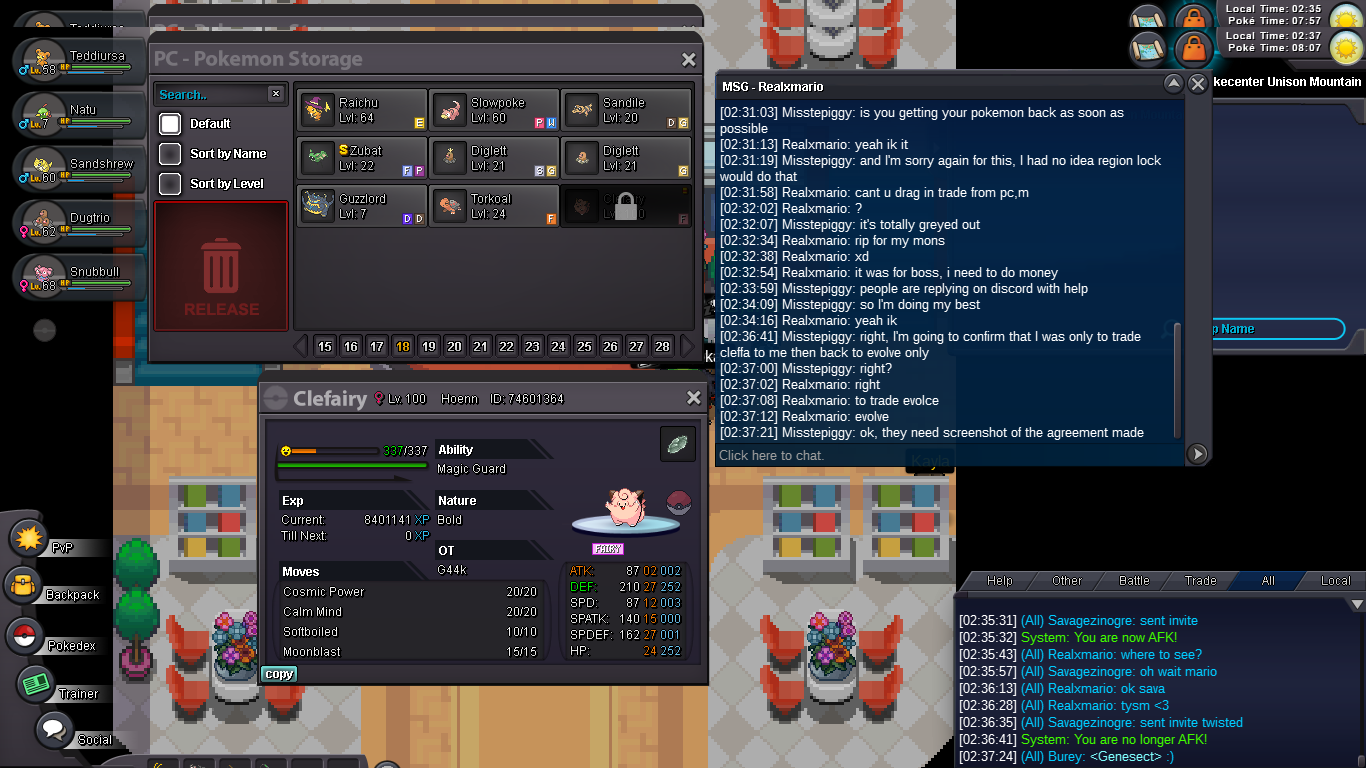
I'm Misstepiggy, on the Silver Server. I had agreed with Realxmario to trade his cleffa pokemon (level 100, ID 74601364, holding moonstone) in order for it to evolve. Then I would trade it back as a Clefairy. However, I am still progressing through Kanto region with only 5 badges, and the Cleffa was Hoenn region, so it locked and stayed stuck in my pc box. I attempted to drag it to party in order to trade back, but couldn't. The screenshots reflect my panic, and attempts to find a way to return Realxmario's pokemon back, as I had no intention of keeping it, and no way of repaying him for his expensive pokemon (my low pokedollar amount compared to how much he says it cost him in messages!) I also requested trade restore in discord- but my friends informed me that I should use this forum thread instead. If this is granted, I will be so grateful for you saving Realxmario's pokemon! (Edit: Thank you for dealing with this! Although I was panicking, you dealt with it in only an hour! I will be more careful with trades in future)