




New Trade Zone
Trade Zone is now live
Use the new Trade Zone for auctions and instant-price trades so Pokemon and item offers are easy to find.


Gwynble1dd
Registered User
-
Joined
-
Last visited
Everything posted by Gwynble1dd
-
@Financebro 1st hatenna is yours, pm me in game wqhen u are online, please Auction for 2ns Hatenna is Ongoingunder which is wrote (starting bid is available after third bid is over)1st Auction (Over) 2nd Auction (Over) 3rd auction (Over) 4th Auction (Over)
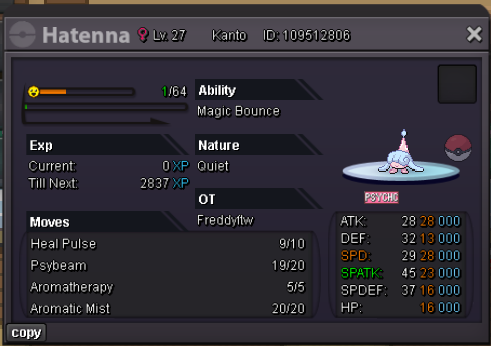
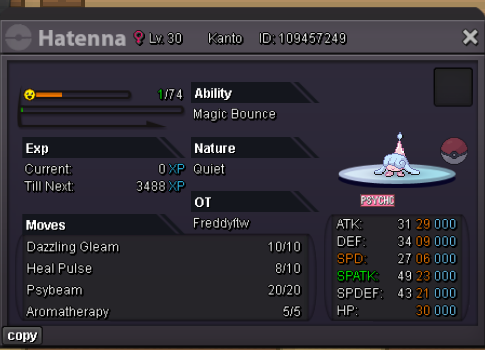
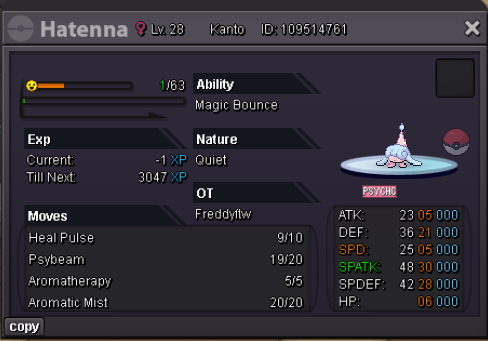
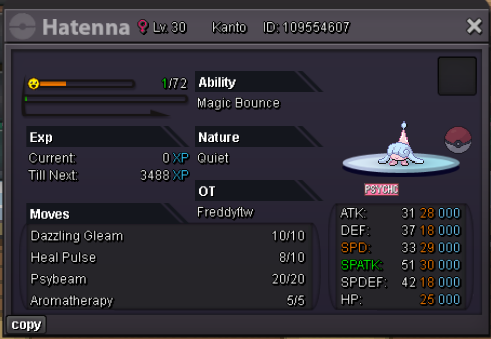
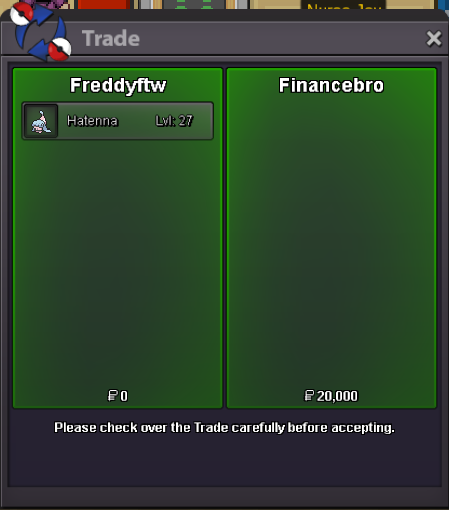
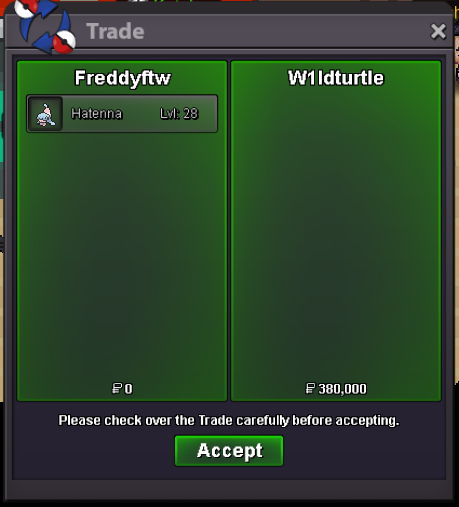
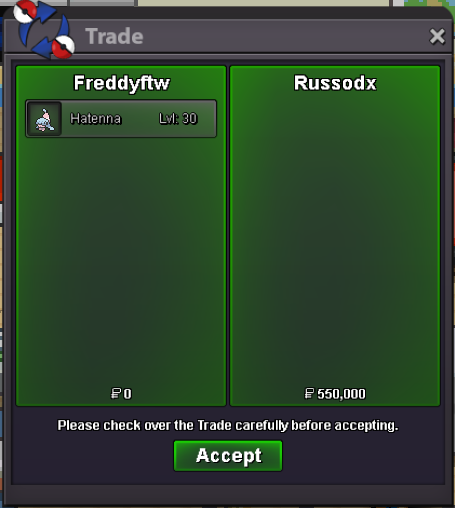
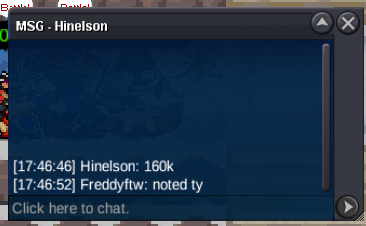
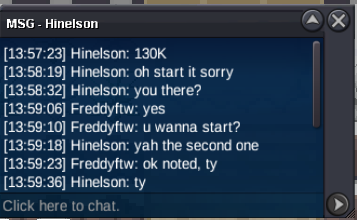
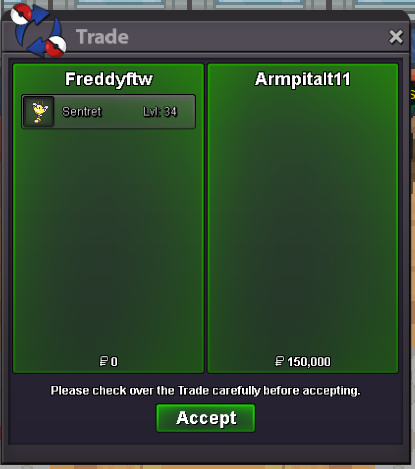
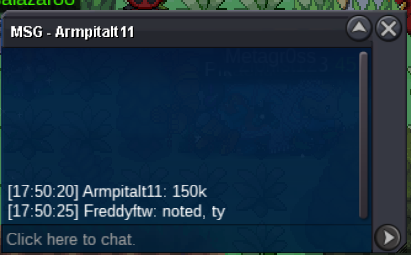
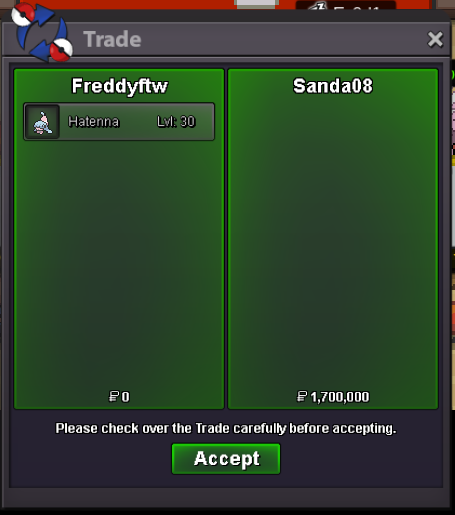 5m4,5m3.5m3mHello, just a little suggestion as your working already on boxes. If u use the search function in backpack, for example, clicking in the search string and starting to write, will overwrite the existing words/letters. If u do the same thing in box search string, starting to write won't overwrite existing words/letters but will just add more letters. I would suggest u to align the two functions. Hope my thoughts are understandable 😆 GreetingsFreddyFTW - Silver Thank You!FreddyFTW - Silver Thank you!Freddyftw , Silver Thank youFreddyFTW, Silver Thank you!@Worksdiaaa You won this auction, let me know when you are onlineBump48 Hours since first bid S.o. 1m Min bid 100k No insta Pokedollars and cc (500k) accepted
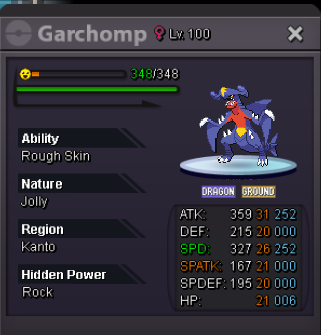 9.9m
9.9m
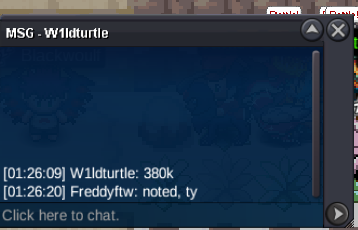
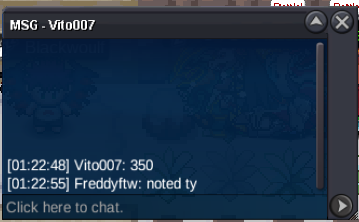
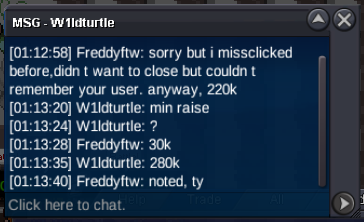



Account
Navigation
Search
Configure browser push notifications
Chrome (Android)
- Tap the lock icon next to the address bar.
- Tap Permissions → Notifications.
- Adjust your preference.
Chrome (Desktop)
- Click the padlock icon in the address bar.
- Select Site settings.
- Find Notifications and adjust your preference.
Safari (iOS 16.4+)
- Ensure the site is installed via Add to Home Screen.
- Open Settings App → Notifications.
- Find your app name and adjust your preference.
Safari (macOS)
- Go to Safari → Preferences.
- Click the Websites tab.
- Select Notifications in the sidebar.
- Find this website and adjust your preference.
Edge (Android)
- Tap the lock icon next to the address bar.
- Tap Permissions.
- Find Notifications and adjust your preference.
Edge (Desktop)
- Click the padlock icon in the address bar.
- Click Permissions for this site.
- Find Notifications and adjust your preference.
Firefox (Android)
- Go to Settings → Site permissions.
- Tap Notifications.
- Find this site in the list and adjust your preference.
Firefox (Desktop)
- Open Firefox Settings.
- Search for Notifications.
- Find this site in the list and adjust your preference.