




New Trade Zone
Trade Zone is now live
Use the new Trade Zone for auctions and instant-price trades so Pokemon and item offers are easy to find.

Anson4416
Registered User
-
Joined
-
Last visited
Everything posted by Anson4416
-
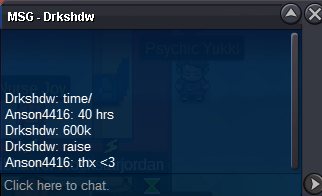
Noted, but can I remain the CO as 600k? I feel bad for him to pay such a huge amount of money due to a tiny mistake lol @Eon
-
-
auction endedUpdated@D4ggerupdatedbumpUpdatedupdated 🙂Payment Methods: CC= 400k RR Ticket= 750k NR Ticket= 375k SOLD TO D4gger for 1.6m (800k + 2cc) Duration: https://www.timeanddate.com/countdown/generic?iso=20210520T1021&p0=122&msg=AUCTION'S+DURATION&font=serif&csz=1 (3Days)
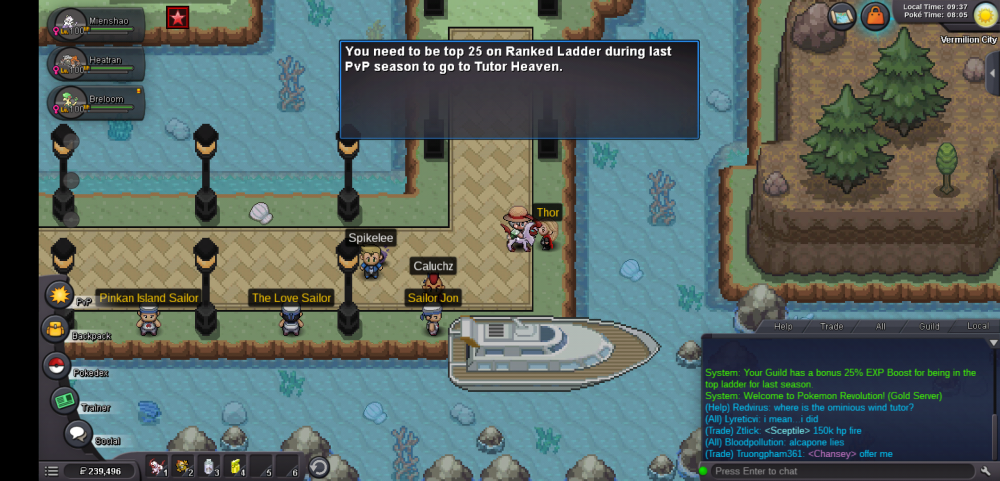
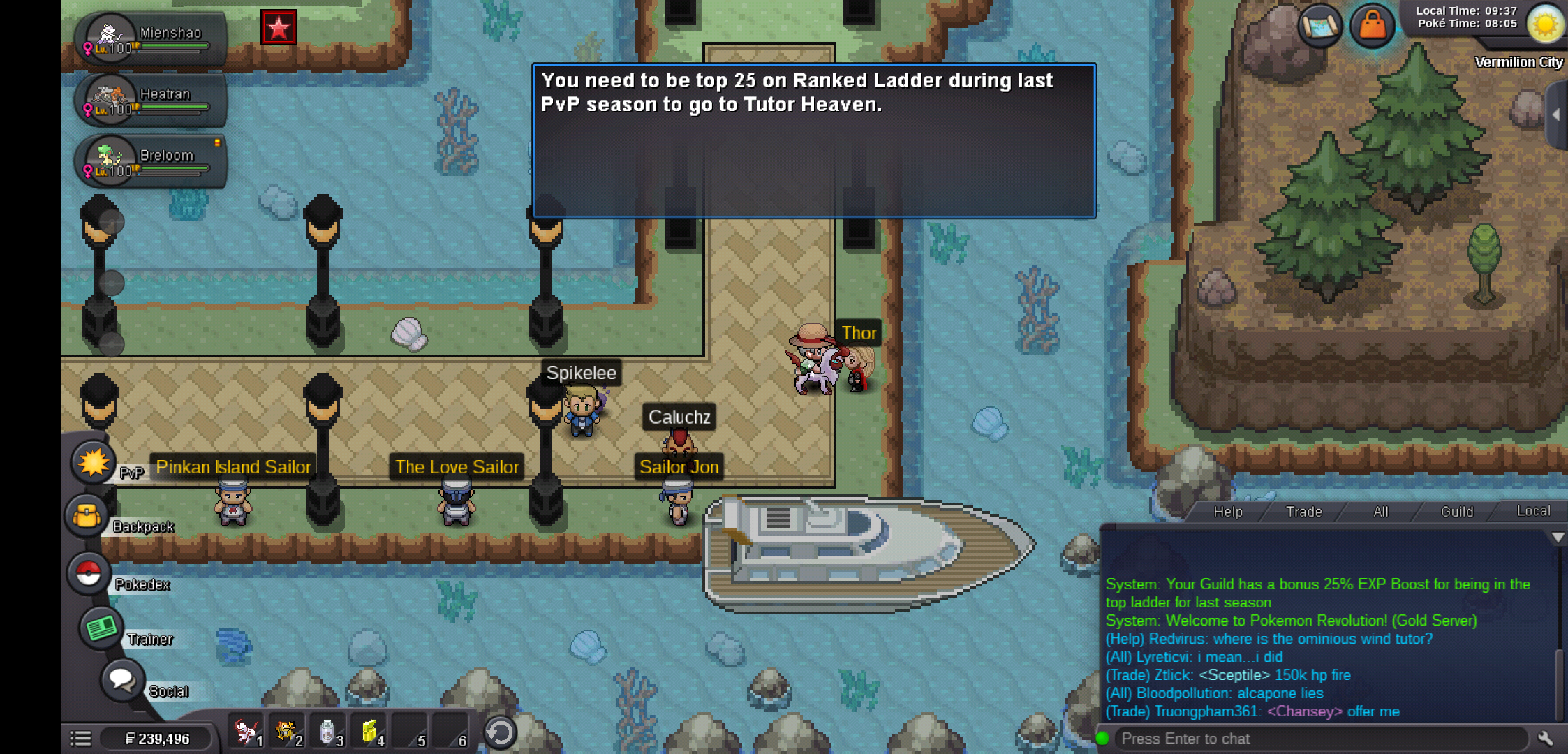
.PNG.69ad2860d76d1c071f21fca2d322aa80.PNG) Staff should make shards purchaseable for now imo, like using PVE coins to buy them :xIGN=anson4416 server=gold timezone=gmt+8I was a ladder player last season but i couldnt access tutor heaven
Staff should make shards purchaseable for now imo, like using PVE coins to buy them :xIGN=anson4416 server=gold timezone=gmt+8I was a ladder player last season but i couldnt access tutor heaven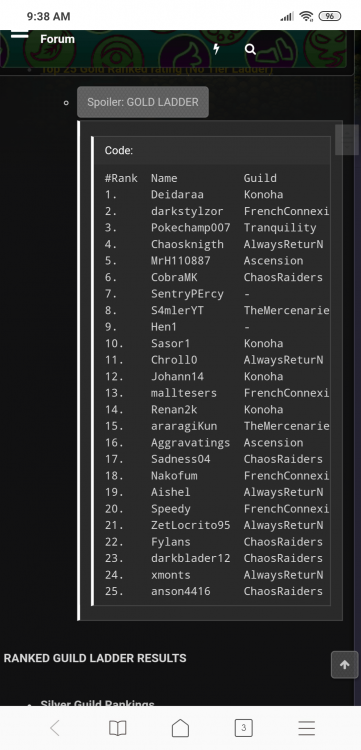
 In-Game Name: Anson4416 Discord Tag: chingchong100#3105 Server: Gold How often do you use Discord?: Often What is one suggestion you have for PRO Discord?: Fix some of the command like ^mostused , i found out that it's not working(maybe?)Re: MAX SPD STARMIE <t>500k :></t>-> pm me ingame/forum -> fake bid will be reported -> auction start if start offered -> all auction last 3 days -> I don't accept coin items -> price are negiotable. -> i have the right place to cancel an auction if i changed my mind or the final offer isn't what i expect -> Ign : Anson4416 ^start : 800k insta 1.5m ^start : 900k insta 2m [ hp dragon ] ^ start : 600k insta 1.5m ^ start : 700k insta 1.7mstart breloom :Grin:Re: togikiss 31spd/31spatk <r>1m <E>:Grin:</E></r>
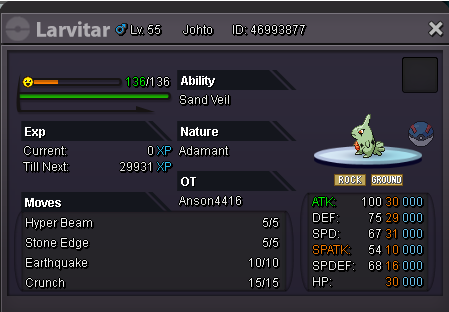

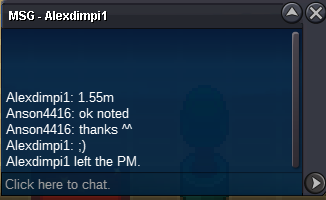

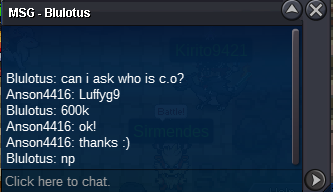
.PNG.15ca72952e9078a802997b856287f739.PNG)
.PNG.3b1fd7bebc7402667898db5891ed88bd.PNG)
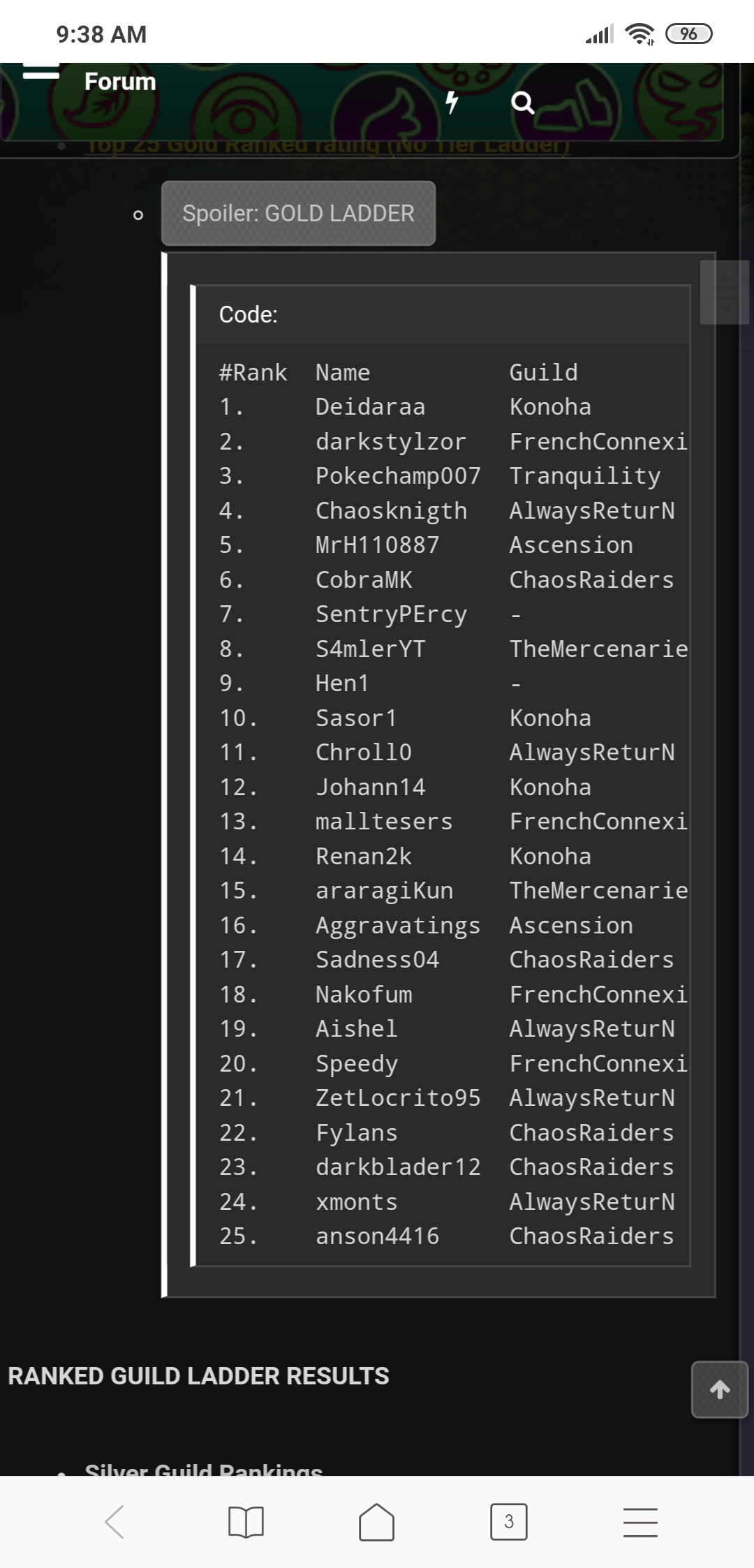
Account
Navigation
Search
Configure browser push notifications
Chrome (Android)
- Tap the lock icon next to the address bar.
- Tap Permissions → Notifications.
- Adjust your preference.
Chrome (Desktop)
- Click the padlock icon in the address bar.
- Select Site settings.
- Find Notifications and adjust your preference.
Safari (iOS 16.4+)
- Ensure the site is installed via Add to Home Screen.
- Open Settings App → Notifications.
- Find your app name and adjust your preference.
Safari (macOS)
- Go to Safari → Preferences.
- Click the Websites tab.
- Select Notifications in the sidebar.
- Find this website and adjust your preference.
Edge (Android)
- Tap the lock icon next to the address bar.
- Tap Permissions.
- Find Notifications and adjust your preference.
Edge (Desktop)
- Click the padlock icon in the address bar.
- Click Permissions for this site.
- Find Notifications and adjust your preference.
Firefox (Android)
- Go to Settings → Site permissions.
- Tap Notifications.
- Find this site in the list and adjust your preference.
Firefox (Desktop)
- Open Firefox Settings.
- Search for Notifications.
- Find this site in the list and adjust your preference.