




New Trade Zone
Trade Zone is now live
Use the new Trade Zone for auctions and instant-price trades so Pokemon and item offers are easy to find.

Meruchan
Registered User
-
Joined
-
Last visited
-
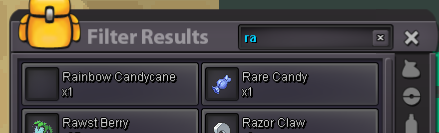
Hi, I lost all my rare candies after being kicked out of the easter event island while I was in Breezy Falls for the LC. Is it possible to get them back? Thanks for reply!
-
Hi, I accidentally released my Cleffa, ID 32880694, on Server Gold while cleaning my box. I hope it can be restored. Thanks!

-
Meganium mount ;D
-
IGN: Meruchan Server: Gold [1 TICKET] 1. What do you want to ask from Santa this Christmas? > I want everyone to enjoy this year's Christmas :D [1 TICKET] 2. Post a picture of your Christmas Tree! > Unfortunately I don't have one this year D:
