




New Trade Zone
Trade Zone is now live
Use the new Trade Zone for auctions and instant-price trades so Pokemon and item offers are easy to find.


Niuniu
Registered User
-
Joined
-
Last visited
Everything posted by Niuniu
-
sorry i dont know :C
-
niceeee. im very glad to heard this. see you in the game ^^
-
hi bro. I'm not sure it'll help you. but have you ever tried uninstall the old version before install the newest one?
-
still waiting for @Prayforstefantrade solrock. sold others already. can be close now. thank you for the time .Merry christmas you all ^^
-
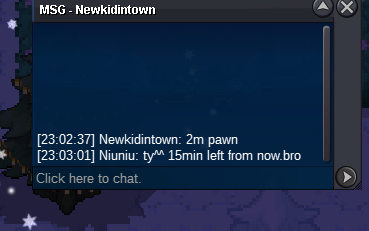
15min from now
-
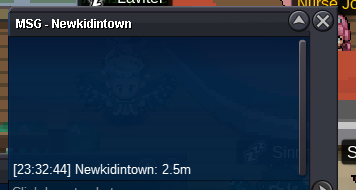
2.5m new offer. bid in lat 30 seconds XD

-
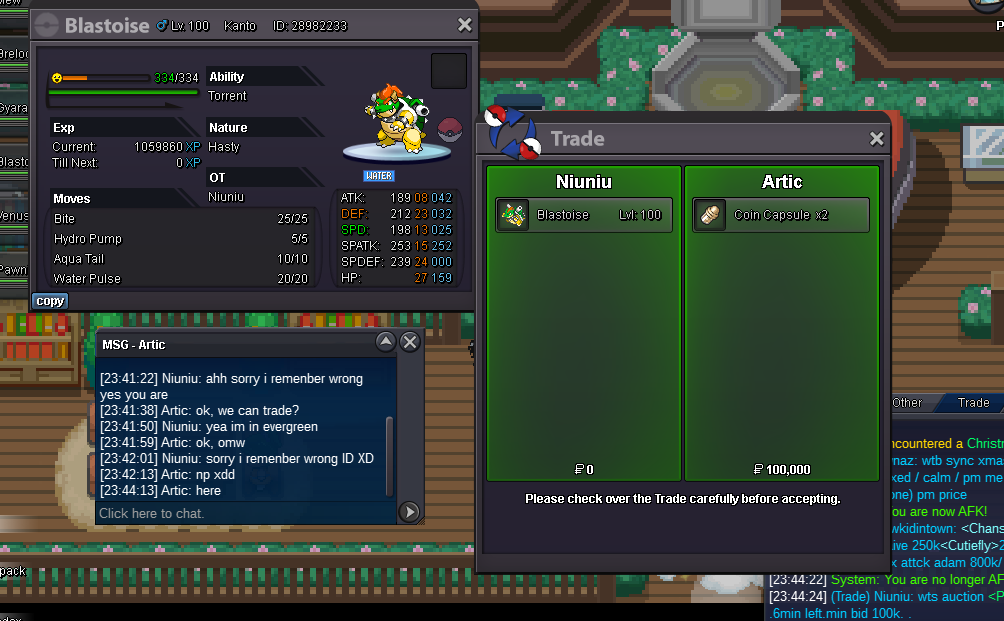
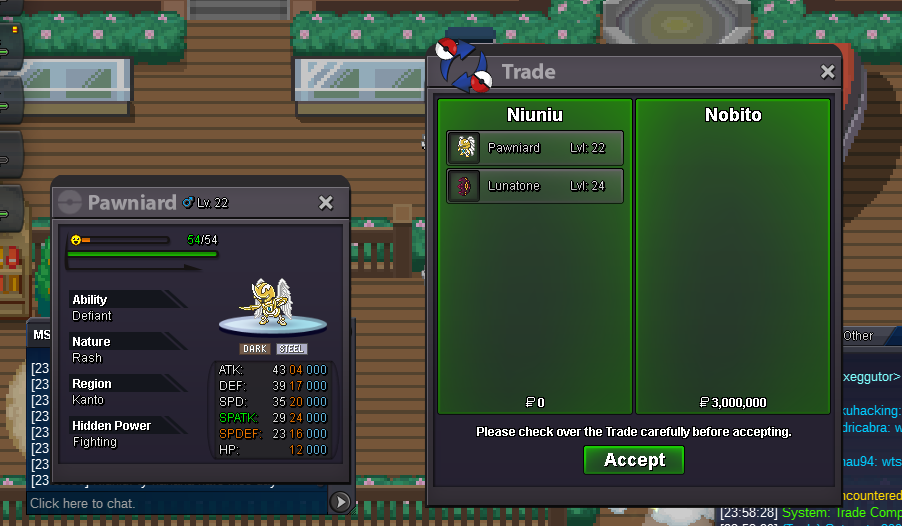
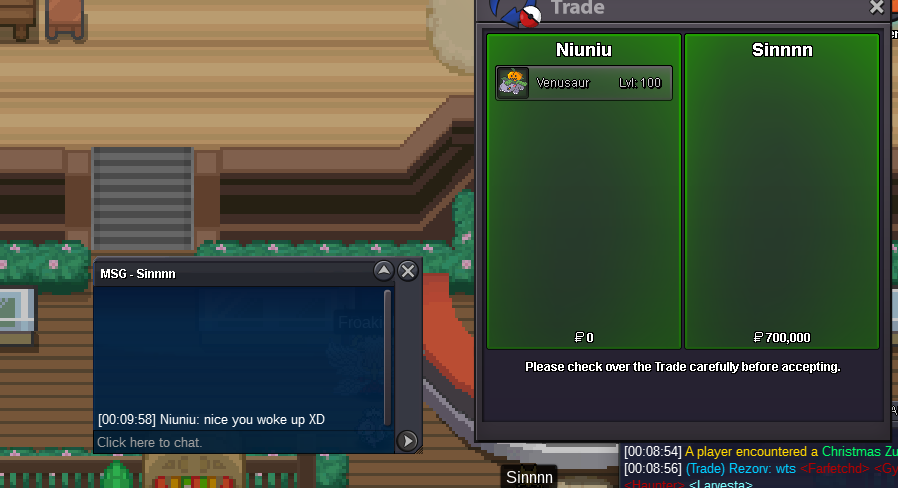
sorry im wrongnow only pawniard have 4min left.and c,o is 2.4M ^^now pawniard 15min left venu8min left blastoise 9min leftno bro. Newkidintown bit 2,2m in last 15mins. so we have 15min left again
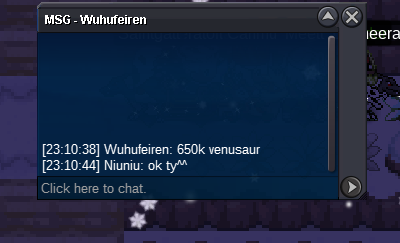
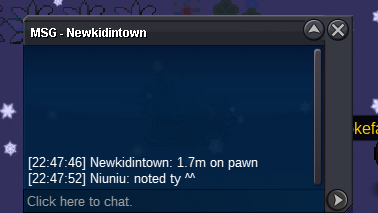
 hi blastoise have 10min from now.because someone bid it in the last 15minshi im so sorry min bid is 100K. but its fine. other one player bid 700K^^hi venu 650k now ^^pawniard rightsilver server was crashed.you can log in right now 😄if you are talking about this red one Xmas Kyurem-White. you have to got kyurem and reshiram xmas form. but currently there is no way to get xmas kyurem form. + = + =

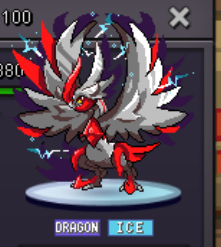

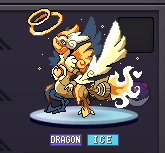 blastoise and venusaur started by Isildurr2x. Solrock Lunatone Pawniard started by Leeluckya. ty ^^Xmas Pawniard: Venusaur Blastoise Lunatone Solrock Start bid 50k for each Min bid 100K for each Accept payment poke dollar and CC(400K) End time 24hours after the first bid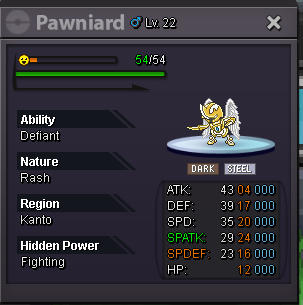


 hi bro Silver server crashed now. we have to wait until it opens again.



Account
Navigation
Search
Configure browser push notifications
Chrome (Android)
- Tap the lock icon next to the address bar.
- Tap Permissions → Notifications.
- Adjust your preference.
Chrome (Desktop)
- Click the padlock icon in the address bar.
- Select Site settings.
- Find Notifications and adjust your preference.
Safari (iOS 16.4+)
- Ensure the site is installed via Add to Home Screen.
- Open Settings App → Notifications.
- Find your app name and adjust your preference.
Safari (macOS)
- Go to Safari → Preferences.
- Click the Websites tab.
- Select Notifications in the sidebar.
- Find this website and adjust your preference.
Edge (Android)
- Tap the lock icon next to the address bar.
- Tap Permissions.
- Find Notifications and adjust your preference.
Edge (Desktop)
- Click the padlock icon in the address bar.
- Click Permissions for this site.
- Find Notifications and adjust your preference.
Firefox (Android)
- Go to Settings → Site permissions.
- Tap Notifications.
- Find this site in the list and adjust your preference.
Firefox (Desktop)
- Open Firefox Settings.
- Search for Notifications.
- Find this site in the list and adjust your preference.