




New Trade Zone
Trade Zone is now live
Use the new Trade Zone for auctions and instant-price trades so Pokemon and item offers are easy to find.


Niuniu
Registered User
-
Joined
-
Last visited
Everything posted by Niuniu
-
hi Silver Server crashed.we have to wait XD
-
i will transfer to gold service
-
insta hlw volcarona ^^
-
sold . can be close now


-
-
15min left from now again

-
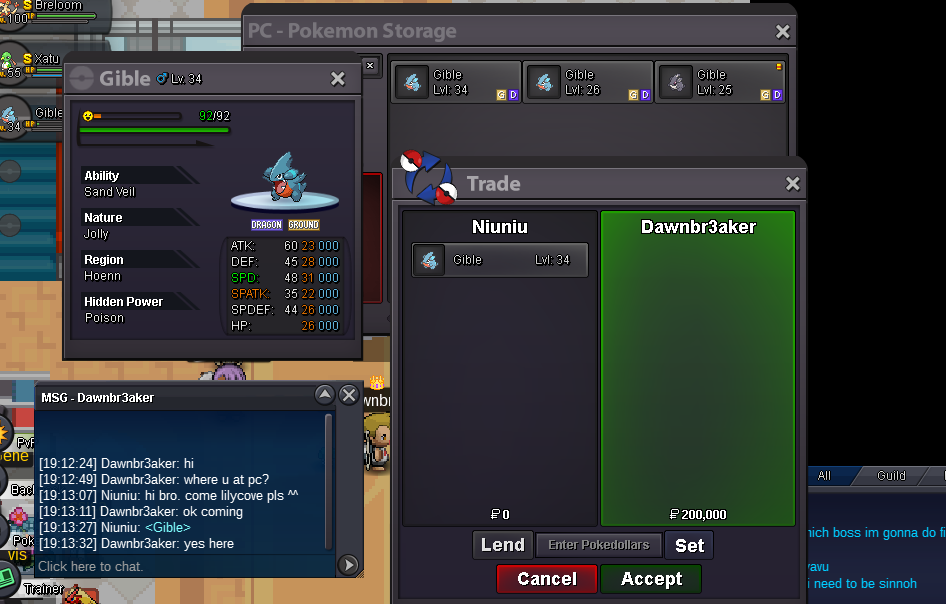
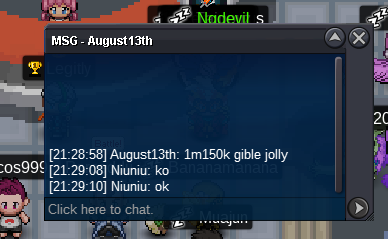
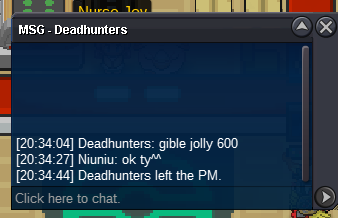
1.3M jolly gible.
 1M jolly gible 15min left from now
 jolly gible right?800k jolly one now
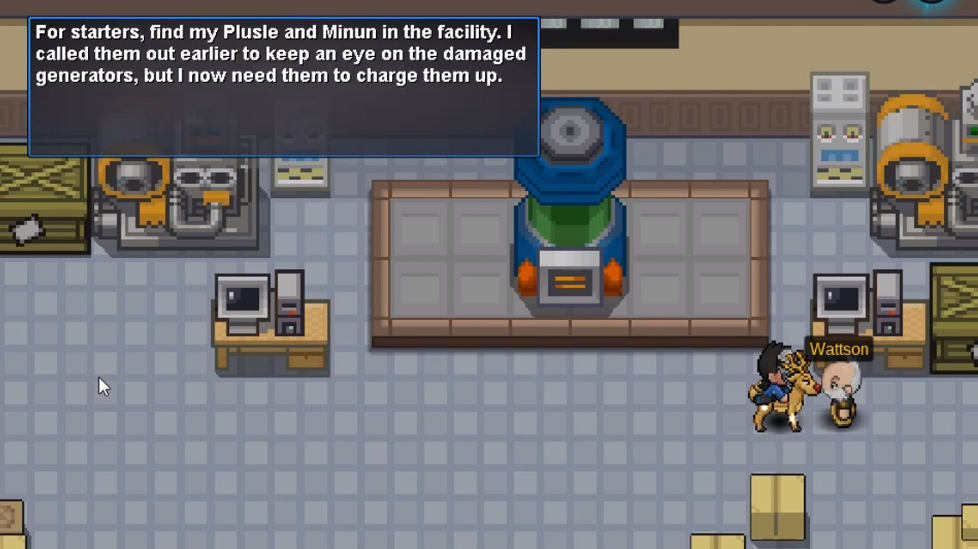
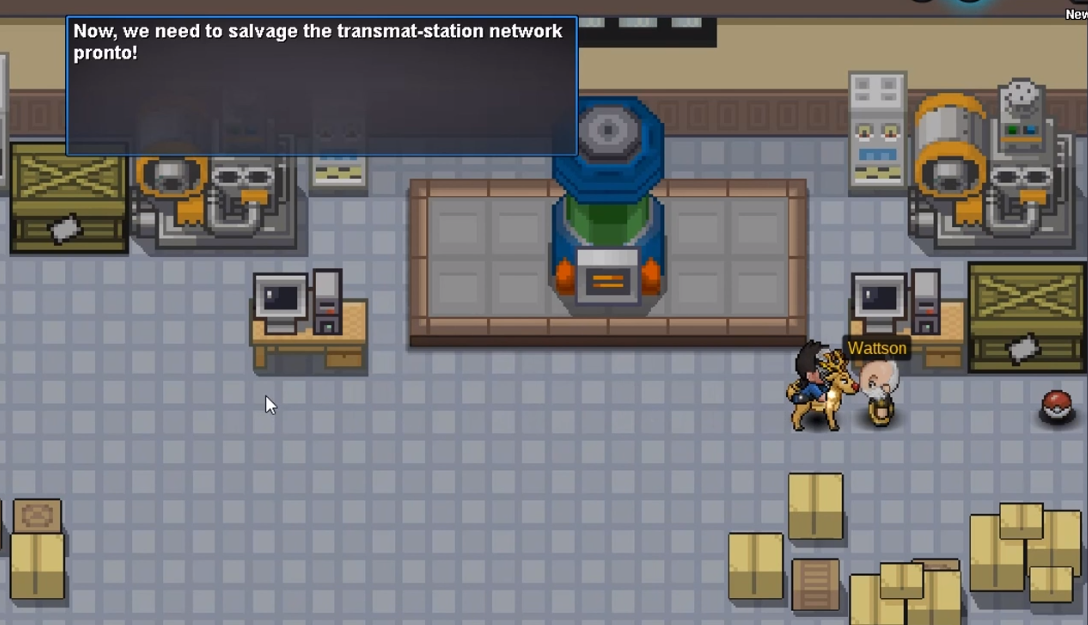
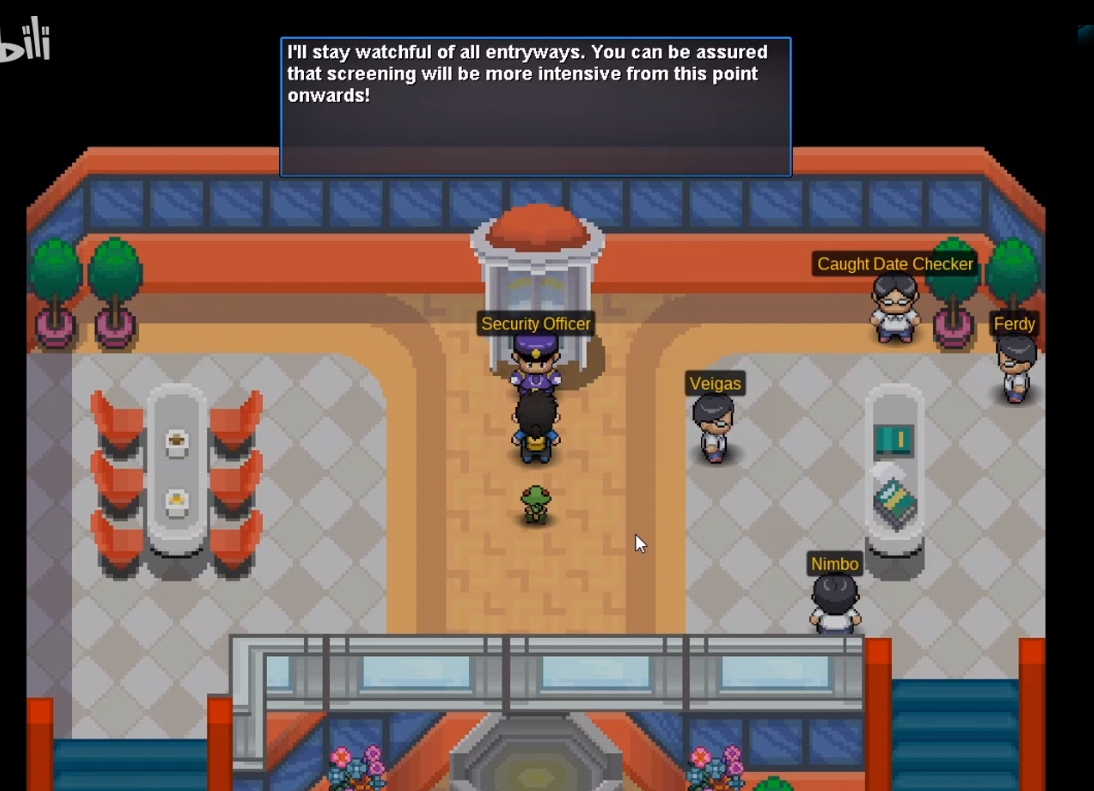
 holaaaaHi bro. I don't know what you're supposed to do right now, but I can try to help. I need to ask you a few questions to make a judgment. did you talked with Wattson? Let me try to describe the process: STEP 1: before you come to New Mauville. you talked with Wastton STEP 2: after you beat them. you meet Wattson again. and he wants you to find Plusle and Minum in the facility. Plusle is here Minum is here STEP3: After you find it all. talk with Wattson. and he want you go to the Mauville PC.talk with the Security Officer Do you remember what you did? ^^


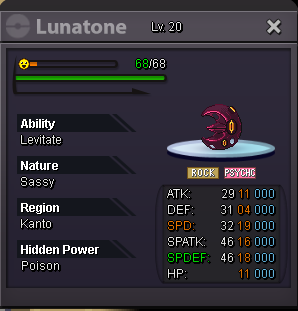
 lunatone 150k now
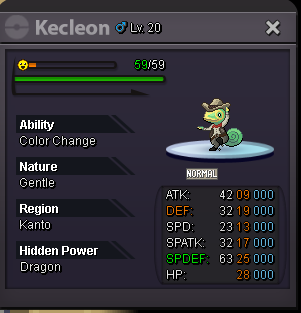
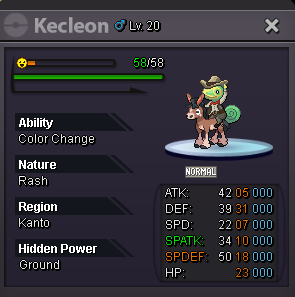
 5st kecleon 100K now
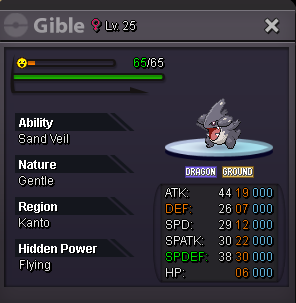
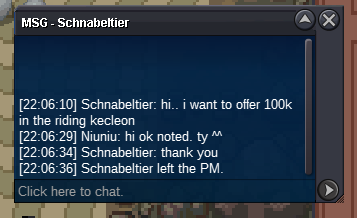 The 1st Gible END The 2st Gible END The 3st Lunatone END The 4st Kecleon pass The 5st Kecleon END Start bid: 50K each. Min bid: 50K for each Payment: Poke dollar and CC(380k) Auction end time: 24hours after the first bid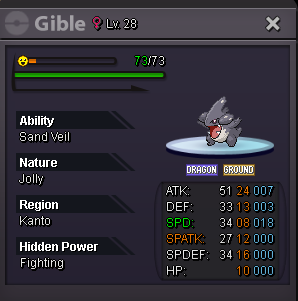
 bumpsold all. can be close now.thank you ^^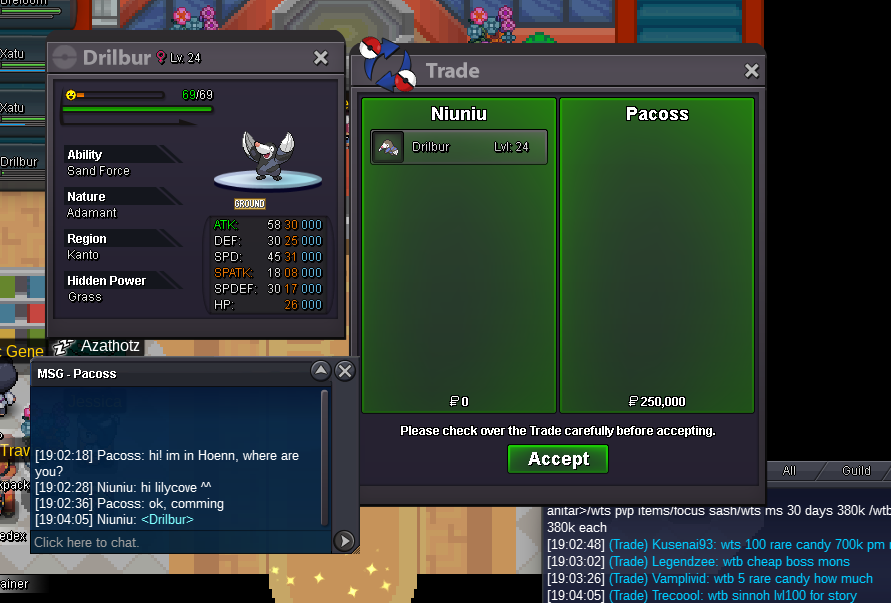

 hi im online right now.





Account
Navigation
Search
Configure browser push notifications
Chrome (Android)
- Tap the lock icon next to the address bar.
- Tap Permissions → Notifications.
- Adjust your preference.
Chrome (Desktop)
- Click the padlock icon in the address bar.
- Select Site settings.
- Find Notifications and adjust your preference.
Safari (iOS 16.4+)
- Ensure the site is installed via Add to Home Screen.
- Open Settings App → Notifications.
- Find your app name and adjust your preference.
Safari (macOS)
- Go to Safari → Preferences.
- Click the Websites tab.
- Select Notifications in the sidebar.
- Find this website and adjust your preference.
Edge (Android)
- Tap the lock icon next to the address bar.
- Tap Permissions.
- Find Notifications and adjust your preference.
Edge (Desktop)
- Click the padlock icon in the address bar.
- Click Permissions for this site.
- Find Notifications and adjust your preference.
Firefox (Android)
- Go to Settings → Site permissions.
- Tap Notifications.
- Find this site in the list and adjust your preference.
Firefox (Desktop)
- Open Firefox Settings.
- Search for Notifications.
- Find this site in the list and adjust your preference.