




New Trade Zone
Trade Zone is now live
Use the new Trade Zone for auctions and instant-price trades so Pokemon and item offers are easy to find.


Niuniu
Registered User
-
Joined
-
Last visited
Everything posted by Niuniu
-
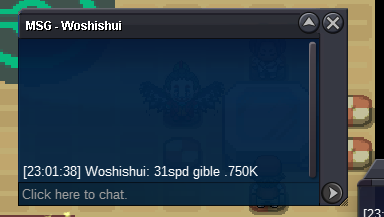
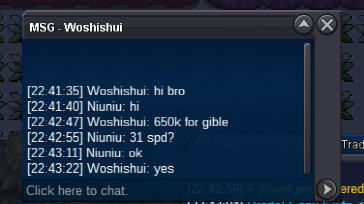
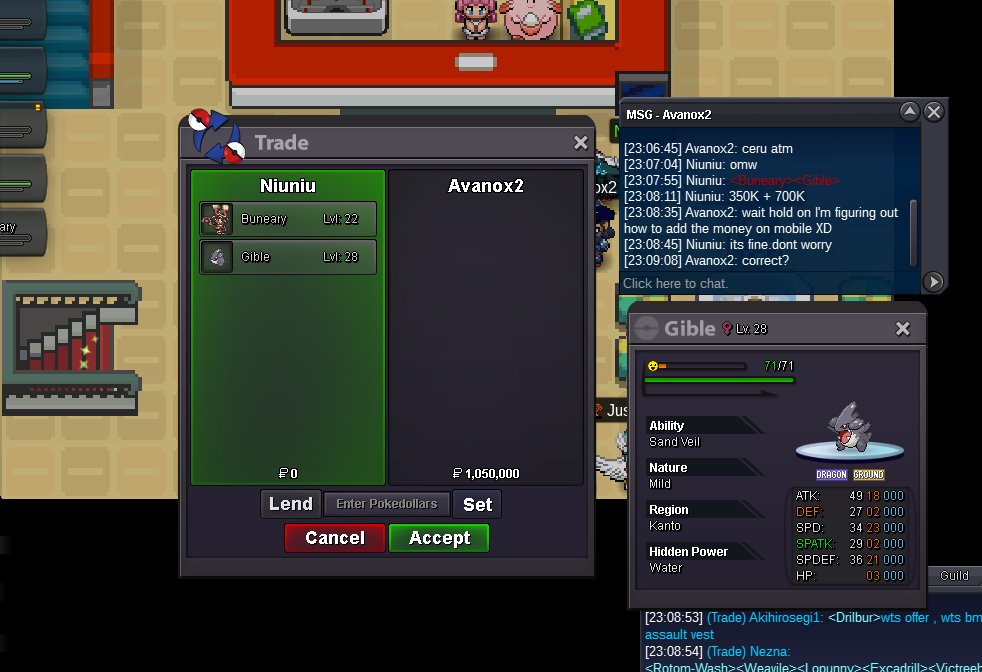
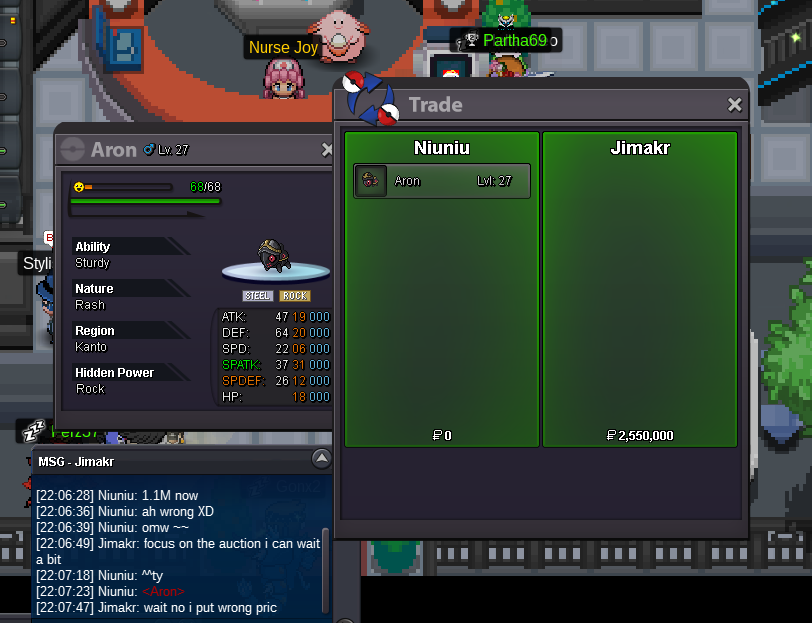
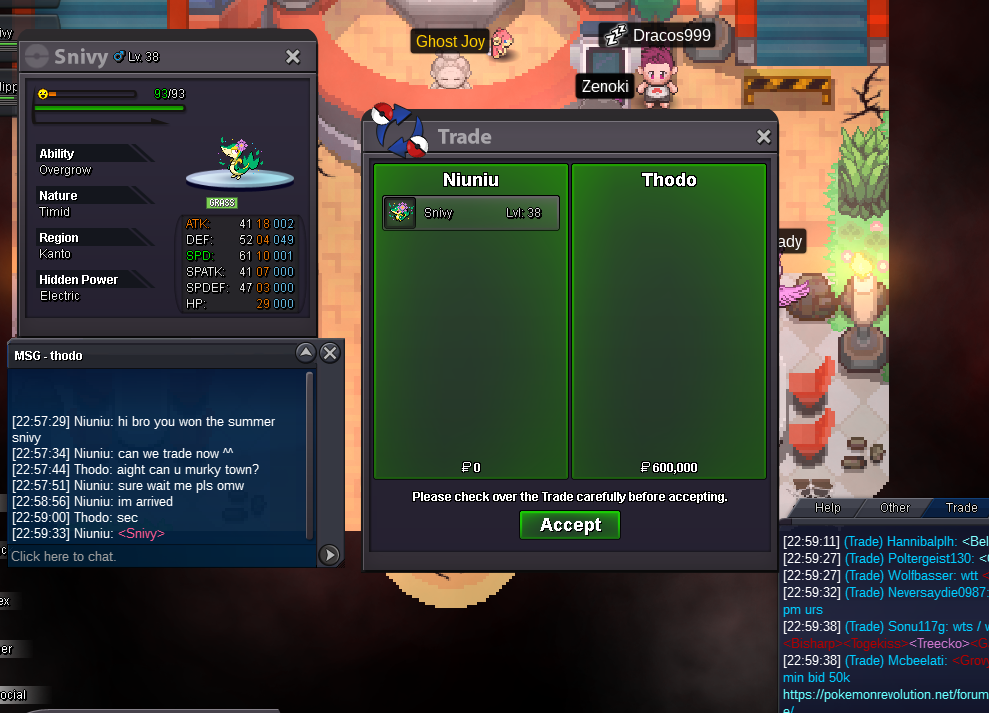
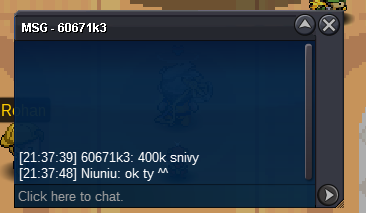
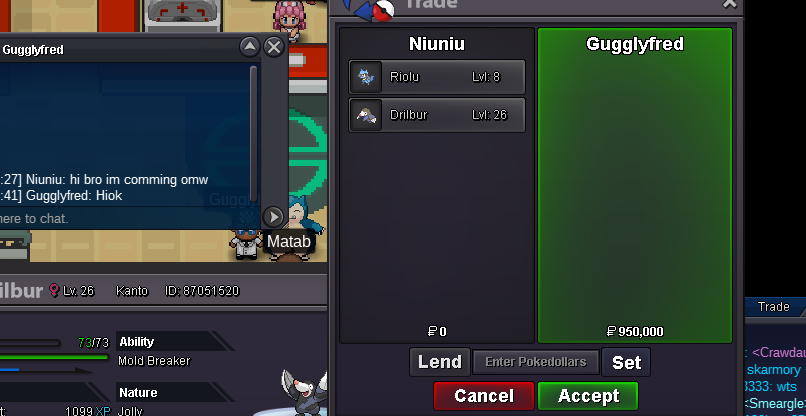
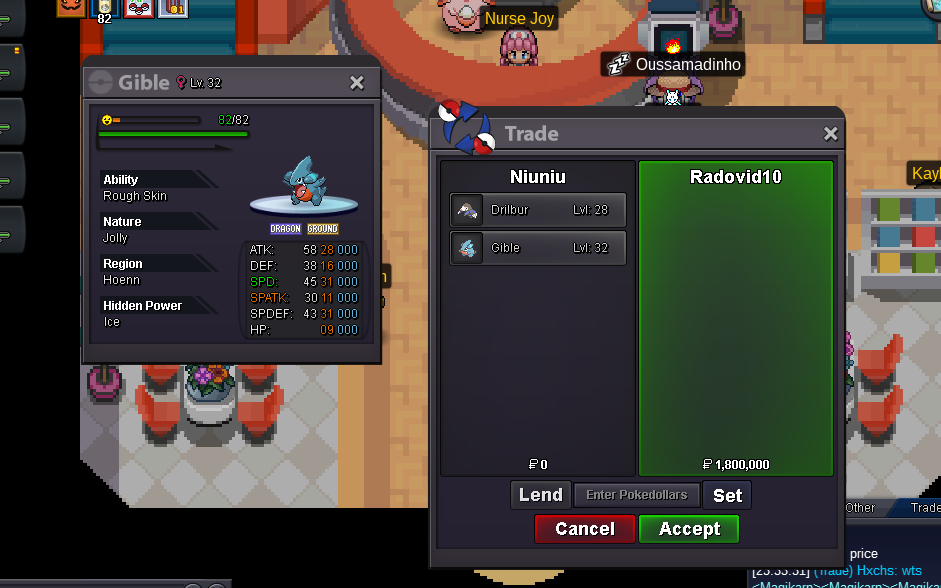
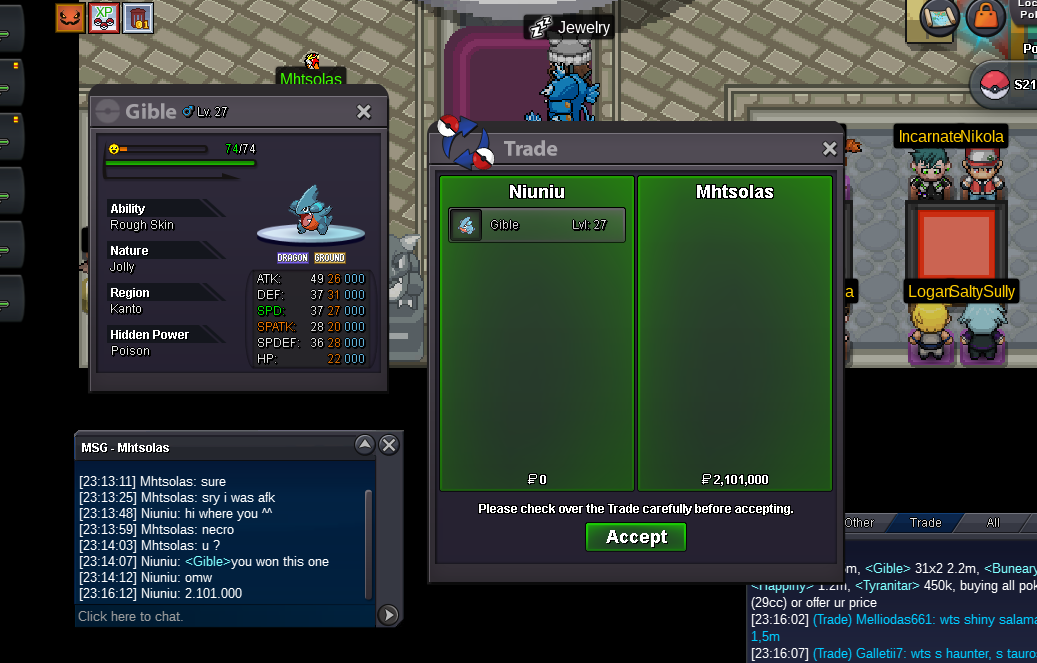
yes you won. are you online right now?hi bro. auction already end. August13th won riolu by 2.45m before end^^ thank you for your time and patiencehi im so sorry mate aron already end. Jimkar won it his offer 2.55M is the last one bid before the auction end. thanks for your time so much. good luck to you!^^hi gible buneary and aron is end.12hours leftbumpGible .Aron .Hawlucha 150K now
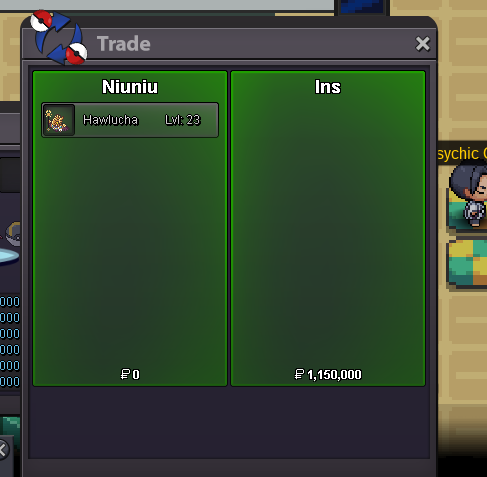
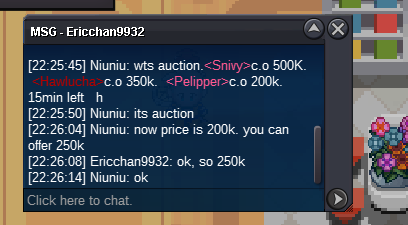
 1:Riolu C.O: 2.45M end 2: Gible C.O: 700K end 3: Aron C.O: 2.55M end 4: Hawlucha C.O: 1.15M end 5; Buneary C.O: 350K end Start price: 100K for each Min bid: 50K for each Accept payment: Poke dollar and CC (370K) End time: 48 hours after the first bid⏰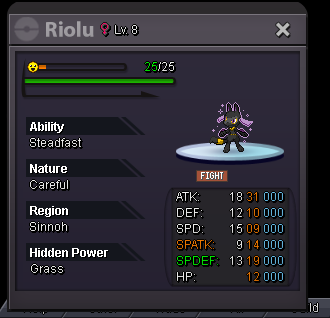
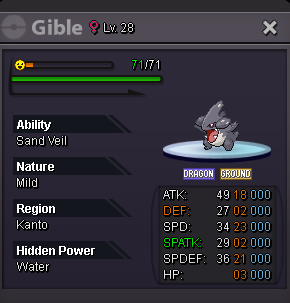
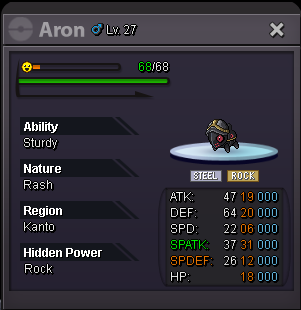
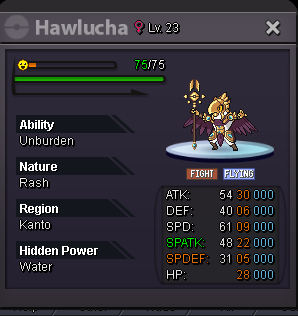
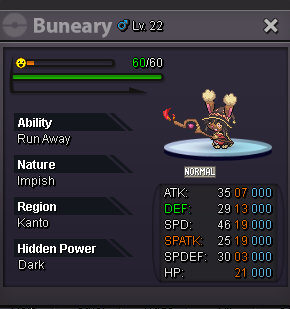 Lucario : C.O 2.35M Start price 2M. Min bit 50K Marowak C.O 1.2M Start price 1M. Min bid 50K Accept money only End time: 48hours after first bid ⏰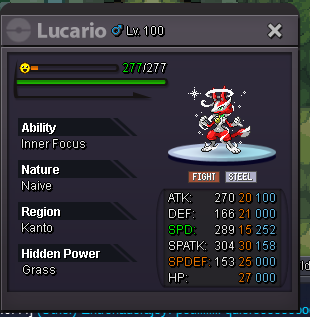
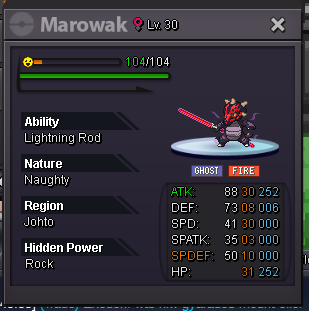 sold all. can be close now
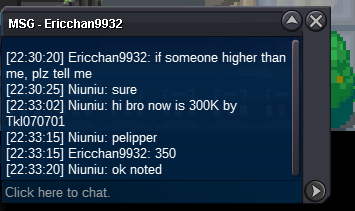
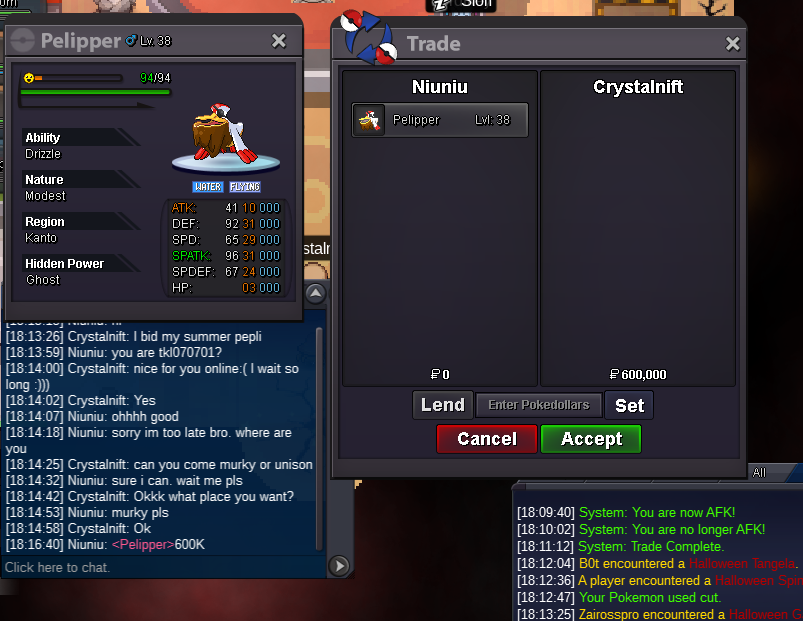
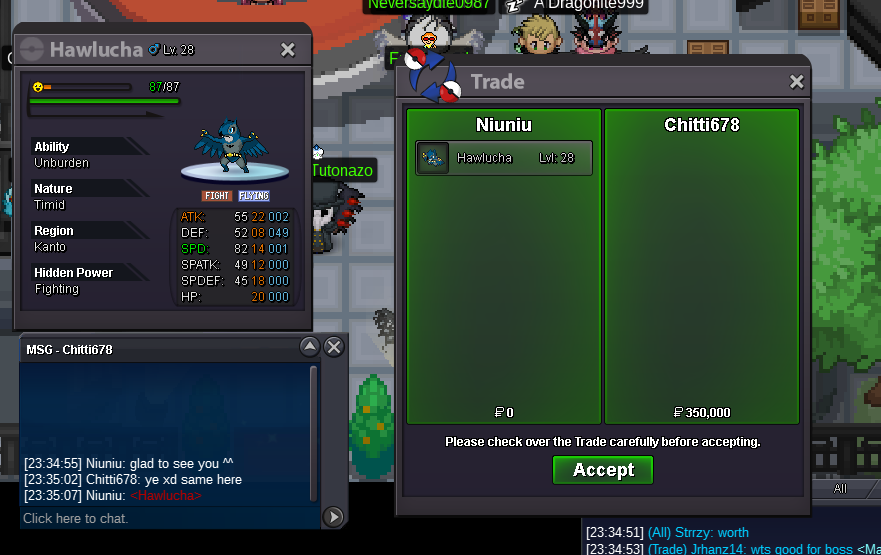 hi im really sorry bro. this auction already end. Chitti678 won the Hawlucha. his offer 350k is best offer before the auction end. good luck to you and have nice dayits pelipper right?pelipper 450K now
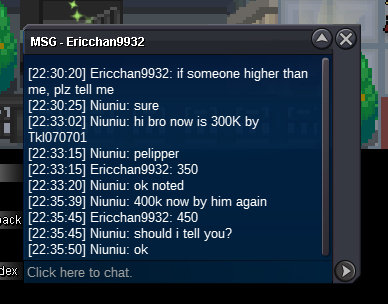 pelipper 350K now
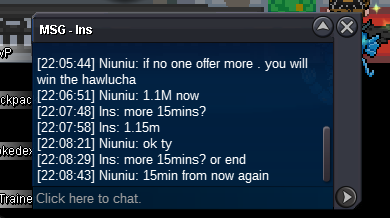
 bump ⏰15min left now
 15min left again
 14min left from now


Account
Navigation
Search
Configure browser push notifications
Chrome (Android)
- Tap the lock icon next to the address bar.
- Tap Permissions → Notifications.
- Adjust your preference.
Chrome (Desktop)
- Click the padlock icon in the address bar.
- Select Site settings.
- Find Notifications and adjust your preference.
Safari (iOS 16.4+)
- Ensure the site is installed via Add to Home Screen.
- Open Settings App → Notifications.
- Find your app name and adjust your preference.
Safari (macOS)
- Go to Safari → Preferences.
- Click the Websites tab.
- Select Notifications in the sidebar.
- Find this website and adjust your preference.
Edge (Android)
- Tap the lock icon next to the address bar.
- Tap Permissions.
- Find Notifications and adjust your preference.
Edge (Desktop)
- Click the padlock icon in the address bar.
- Click Permissions for this site.
- Find Notifications and adjust your preference.
Firefox (Android)
- Go to Settings → Site permissions.
- Tap Notifications.
- Find this site in the list and adjust your preference.
Firefox (Desktop)
- Open Firefox Settings.
- Search for Notifications.
- Find this site in the list and adjust your preference.