New Trade Zone
Trade Zone is now live
Use the new Trade Zone for auctions and instant-price trades so Pokemon and item offers are easy to find.


Dkim0107
Registered User
-
Joined
-
Last visited
Everything posted by Dkim0107
-
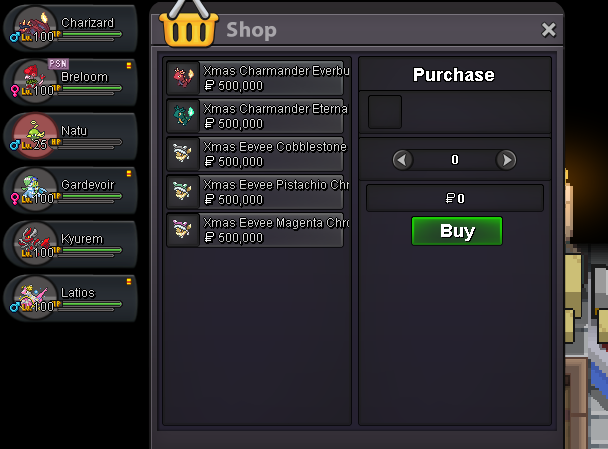
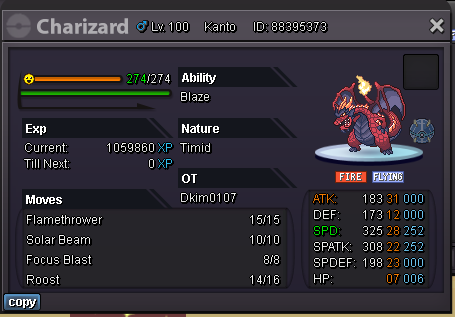
Hi, so I caught a xmas charmander this event and when I was buying the chromas, I had to pay 500k for each chroma. I have a screenshot here of the shop that is selling me the chromas. A guildmate of mine also got a charmander with his OT and he said he only paid 250k for each chroma. So I am not sure why mine was not discounted.
-
start
-
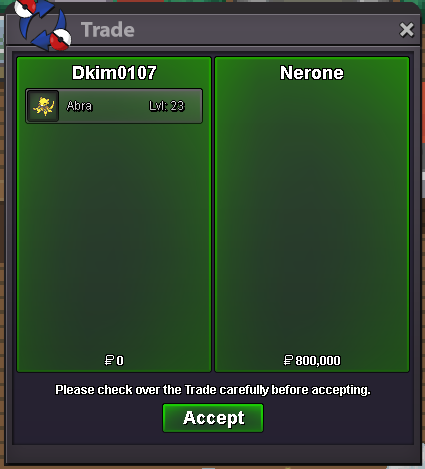
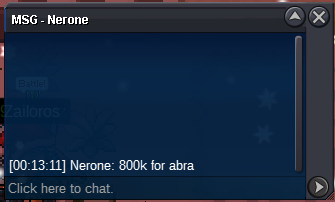
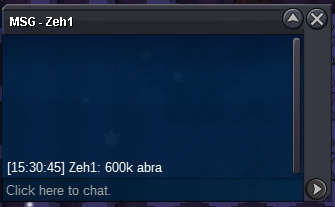
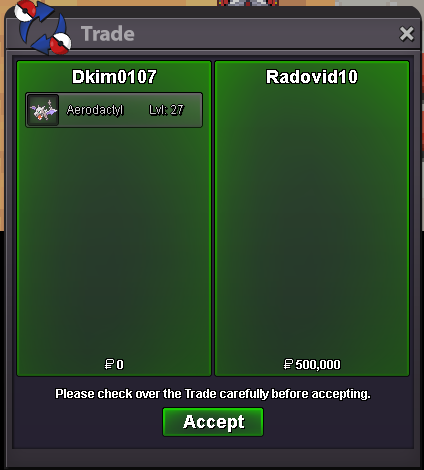
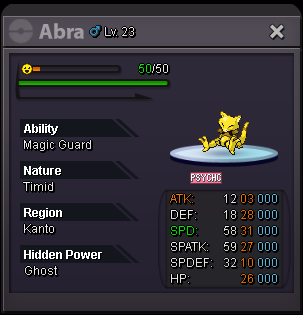
Bump! Less than 7 hours left!Hey guys, I am willing to sell this amazing abra! This auction will be 48 hours after first bid. Message me in game, forums, or on discord if you have any questions. s.o: 500K min bid: 50K insta: 5M COIN CAPSULE: 400K IV RR: 500K NATURE RR: 250K GOOD LUCK EVERYONE!
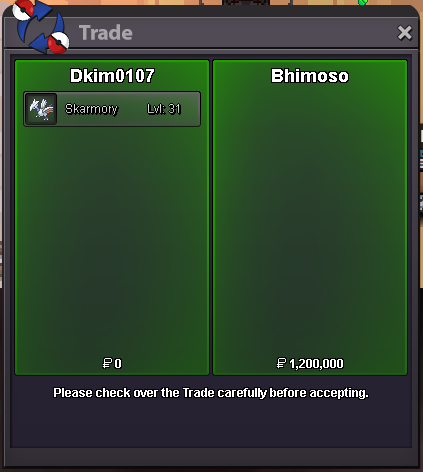
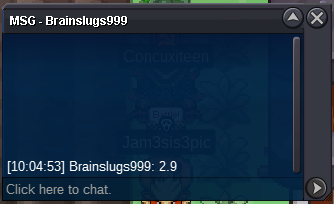
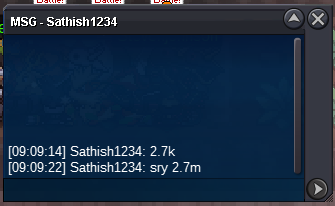
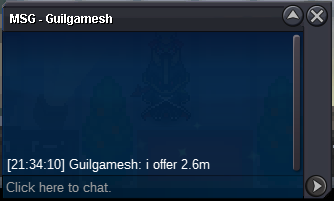
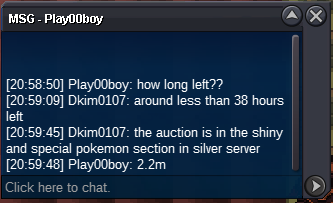
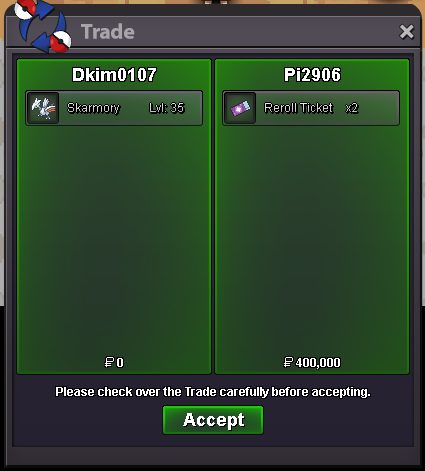
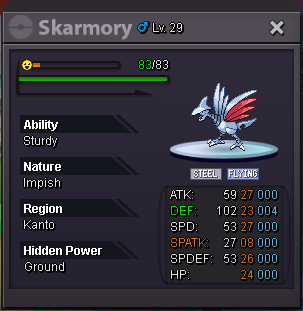
 450k1.7m3.3mi would say around 350kHey guys, I am willing to sell this amazing skarmory! This auction will be 24 hours after first bid. Message me in game, forums, or on discord if you have any questions. s.o: 300K min bid: 100K insta: 2M COIN CAPSULE: 400K IV RR: 550K NATURE RR: 275K GOOD LUCK EVERYONE!
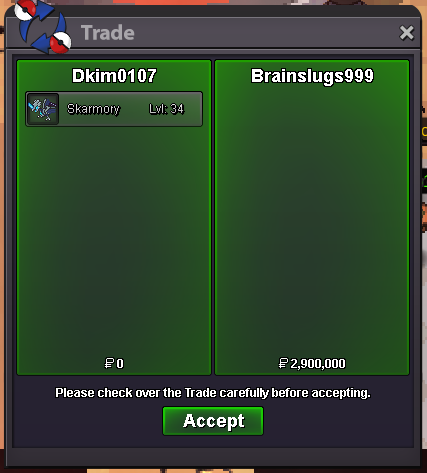
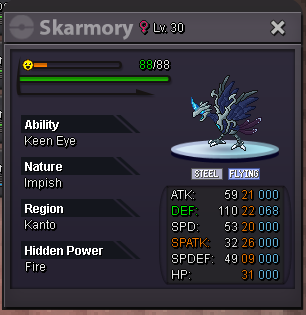
 You won the auction! Let me know when youre available to trade ❤️Hey guys, I am willing to sell this amazing skarmory! This auction will be 48 hours after first bid. Message me in game, forums, or on discord if you have any questions. s.o: 2M min bid: 100K insta: 7M COIN CAPSULE: 400K IV RR: 550K NATURE RR: 275K GOOD LUCK EVERYONE!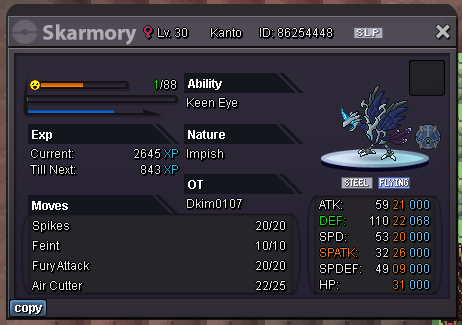
Account
Navigation
Search
Configure browser push notifications
Chrome (Android)
- Tap the lock icon next to the address bar.
- Tap Permissions → Notifications.
- Adjust your preference.
Chrome (Desktop)
- Click the padlock icon in the address bar.
- Select Site settings.
- Find Notifications and adjust your preference.
Safari (iOS 16.4+)
- Ensure the site is installed via Add to Home Screen.
- Open Settings App → Notifications.
- Find your app name and adjust your preference.
Safari (macOS)
- Go to Safari → Preferences.
- Click the Websites tab.
- Select Notifications in the sidebar.
- Find this website and adjust your preference.
Edge (Android)
- Tap the lock icon next to the address bar.
- Tap Permissions.
- Find Notifications and adjust your preference.
Edge (Desktop)
- Click the padlock icon in the address bar.
- Click Permissions for this site.
- Find Notifications and adjust your preference.
Firefox (Android)
- Go to Settings → Site permissions.
- Tap Notifications.
- Find this site in the list and adjust your preference.
Firefox (Desktop)
- Open Firefox Settings.
- Search for Notifications.
- Find this site in the list and adjust your preference.