




New Trade Zone
Trade Zone is now live
Use the new Trade Zone for auctions and instant-price trades so Pokemon and item offers are easy to find.

Justcrown
Registered User
-
Joined
-
Last visited
Everything posted by Justcrown
-
Can be closed
-
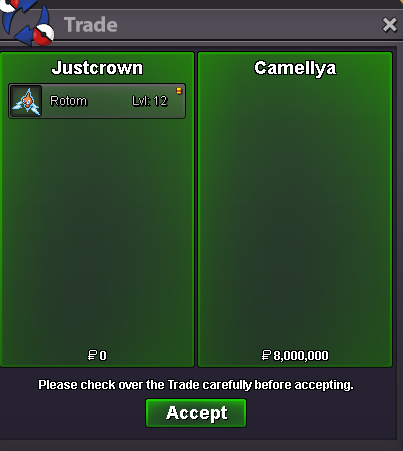
gratz @Camellya contact me ingame(Justcrown) or via discord to claim your rotom
-
bump
-
bump
-
S.O: 2m Min-bid: 500k Ends in 48 hrs after first bid Accepting CC = 450k and RR = 500k

-
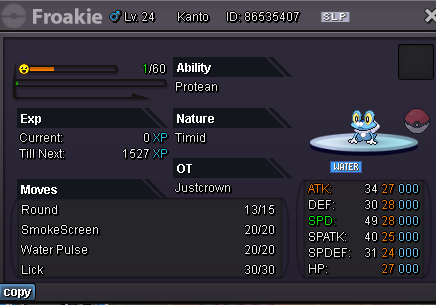
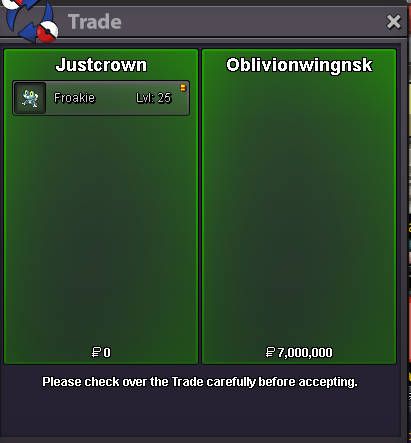
Gratz, contact me either ingame or via discord to claim the froakie
 bumpSTART: 1m Min bid 250k No insta Time: 72hrs after first bid Payment: Pokedollars, reroll 550k
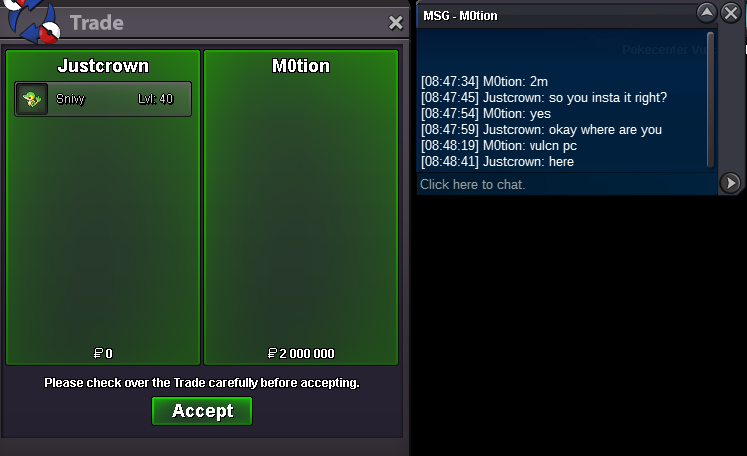
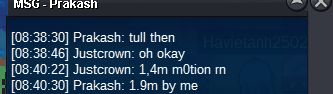
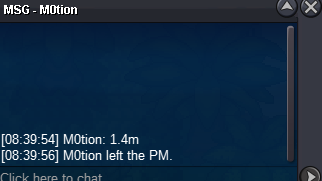
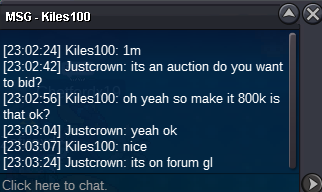
 900ks.o. 800k min bid 100k insta 2m CC 400K reroll ticket 700k nature reroll 320k ends in 48hrs after 1st bid(16/09/2021 11:05 PM GMT+2)
 Player name: JustCrown Showdown name: JustCrown Server: Silver Timezone: GMT +2 Rank on ladder: 15Welcome! Rules: 1.Fake offers will be reported 2.Prices are negotiable 3. Once you offer or accept my offer it can't be changed 4. PM me here or in game (JustCrown) or on discord (JustCrown#0909) Payments: CC = 400k Nature reroll = 350k IV reroll = 720k


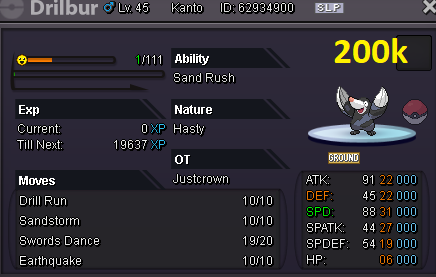


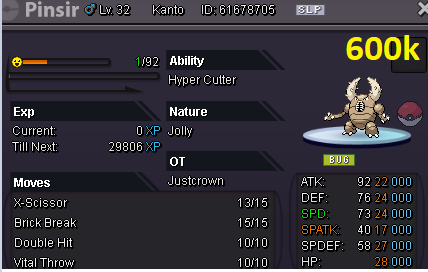
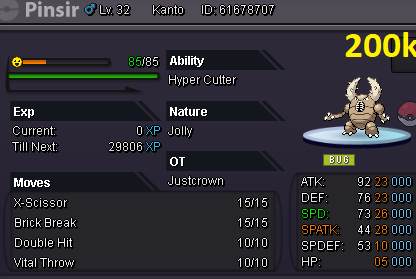


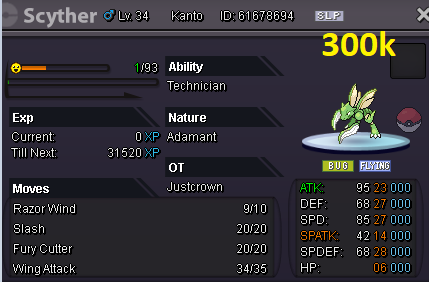 Username: JustCrown Server: Silver Country/Timezone: Poland GMT+2oof i just realized my mistakeAuction ended
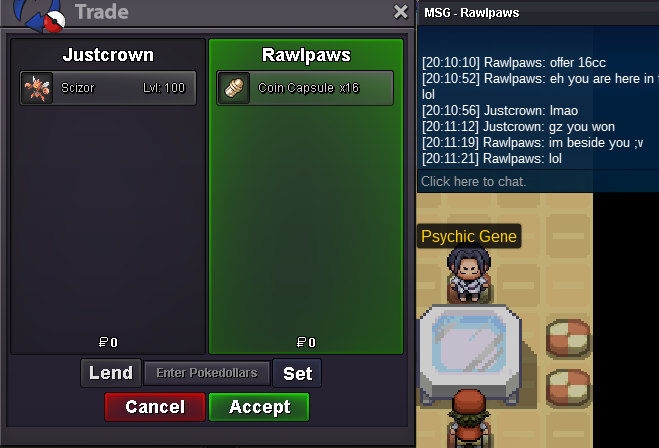 Less than 1hr left bumpBUMP less than 24hrs leftPlayer name: JustCrown Showdown name: JustCrown Server: Gold Timezone: GMT+2 Rank on ladder: 9




Account
Navigation
Search
Configure browser push notifications
Chrome (Android)
- Tap the lock icon next to the address bar.
- Tap Permissions → Notifications.
- Adjust your preference.
Chrome (Desktop)
- Click the padlock icon in the address bar.
- Select Site settings.
- Find Notifications and adjust your preference.
Safari (iOS 16.4+)
- Ensure the site is installed via Add to Home Screen.
- Open Settings App → Notifications.
- Find your app name and adjust your preference.
Safari (macOS)
- Go to Safari → Preferences.
- Click the Websites tab.
- Select Notifications in the sidebar.
- Find this website and adjust your preference.
Edge (Android)
- Tap the lock icon next to the address bar.
- Tap Permissions.
- Find Notifications and adjust your preference.
Edge (Desktop)
- Click the padlock icon in the address bar.
- Click Permissions for this site.
- Find Notifications and adjust your preference.
Firefox (Android)
- Go to Settings → Site permissions.
- Tap Notifications.
- Find this site in the list and adjust your preference.
Firefox (Desktop)
- Open Firefox Settings.
- Search for Notifications.
- Find this site in the list and adjust your preference.