




New Trade Zone
Trade Zone is now live
Use the new Trade Zone for auctions and instant-price trades so Pokemon and item offers are easy to find.

Barakbar155
Registered User
-
Joined
-
Last visited
-
like your message, I have defeated Horon without any of my pokemon dying, so I got the new rapidash mount, and after that, when I entered Alucards castle and defeated Alucard without any of my pokemon dying, I still couldn't enter the Dark Realm. left or right is the same. is there something wrong?
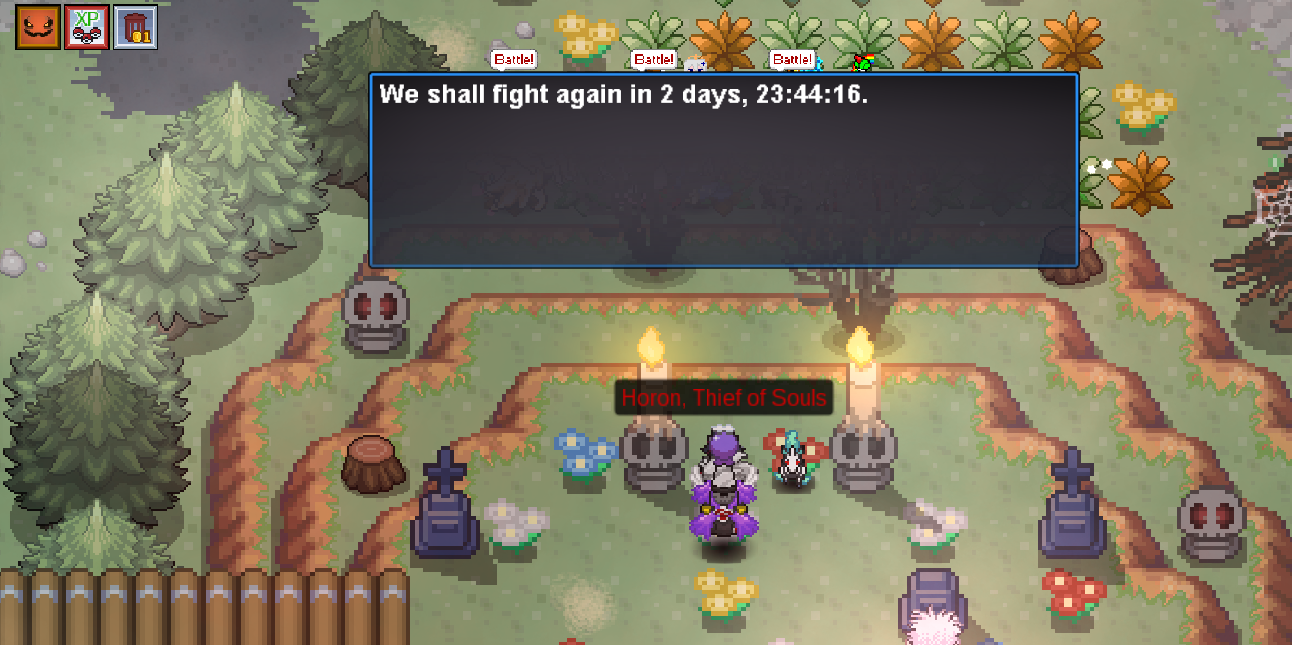
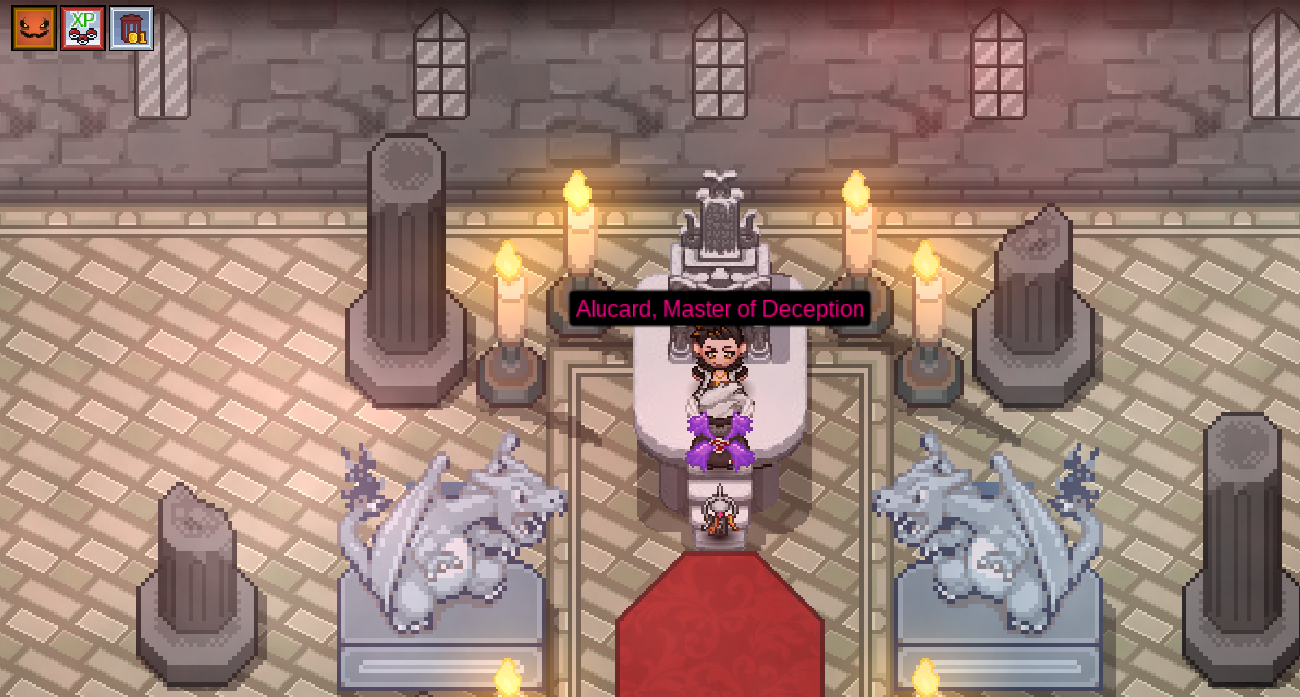
-
I already completed the darkrai quest before, how do I go to the Dark Realm again?
-
Previously I had completed the main quest at the Halloween event and had obtained the clothes according to the instructions, but I couldn't start the Mega Gengar quest at this event, please help
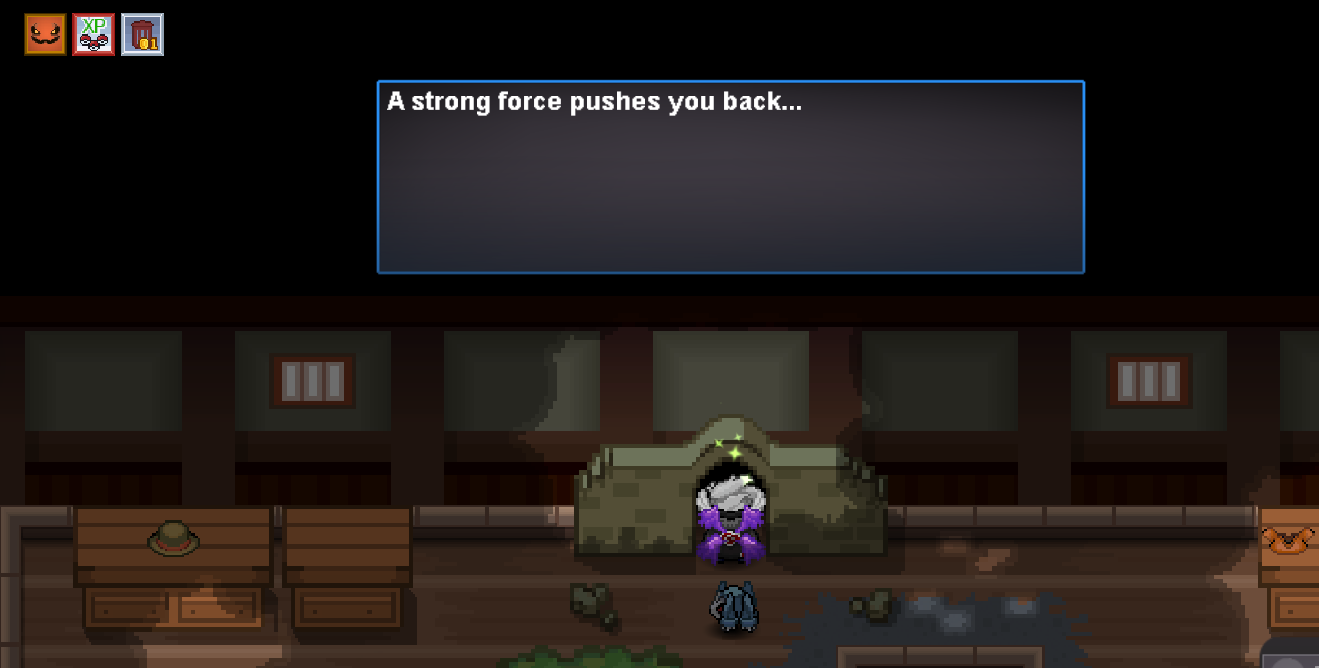
-
Barakbar155 changed their profile photo
-
300k for pancham atk 31?
-
i have completed the halloween quest and have caught darkrai last year, but now i want to do the mega gengar quest can't go through the chamber, help me. thanks

-
Username: barakbar155 Server: Silver ID or description of your Pokemon: 59992213 Bisharp lvl 100 Reason: Accidental wrong pick poke at npc, so he take my poke. Please give back my bisharp, this poke really important for me.

-
Username: barakbar155 Server: Silver ID or description of your Pokemon: 59992213 Bisharp lvl 100 Reason: Accidental wrong pick poke at npc, so he take my poke. Please give back my bisharp, thats poke really important to me. Thanks

