New Trade Zone
Trade Zone is now live
Use the new Trade Zone for auctions and instant-price trades so Pokemon and item offers are easy to find.

Cyburner
Registered User
-
Joined
-
Last visited
Everything posted by Cyburner
-
bump
-
bump
-
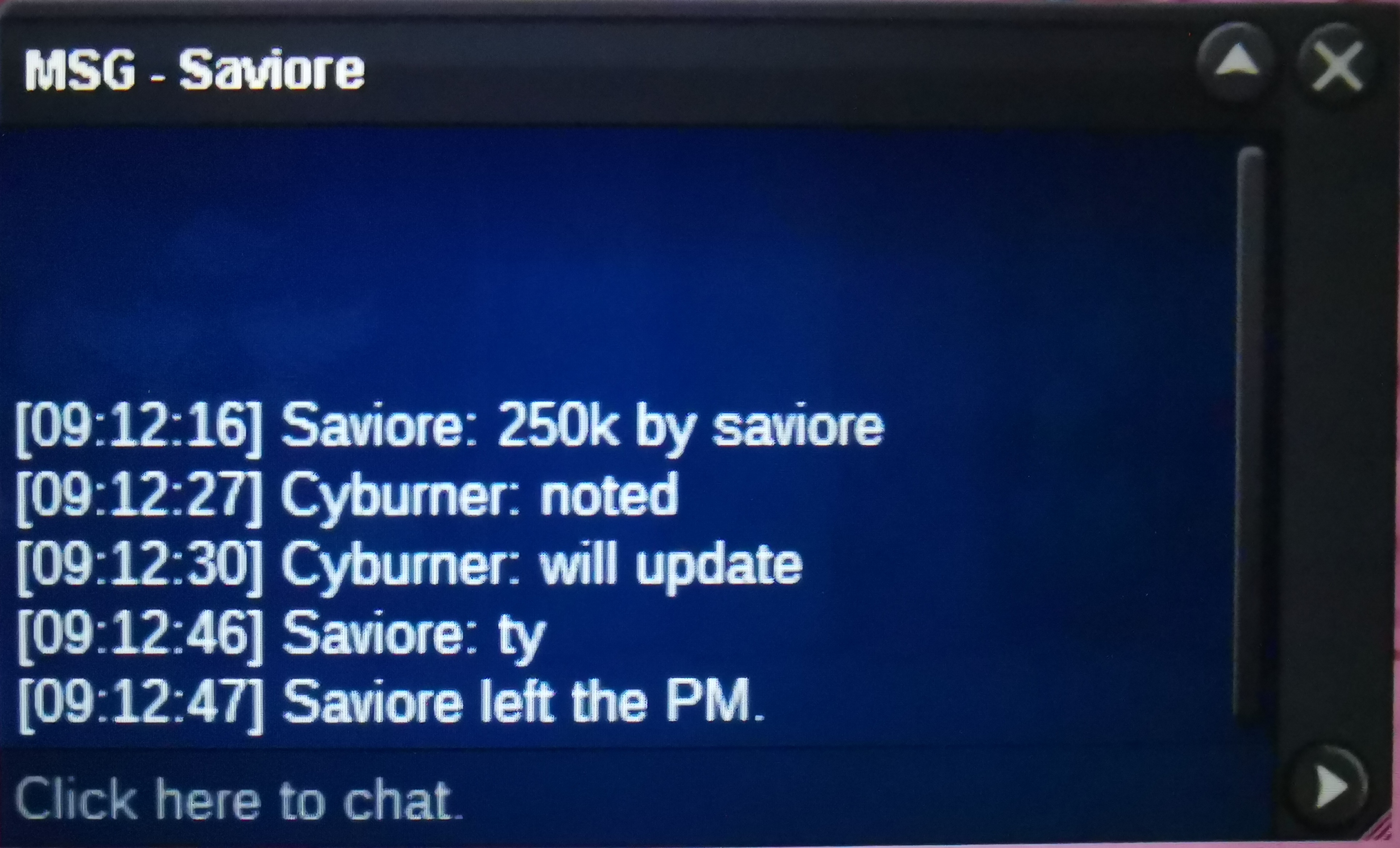
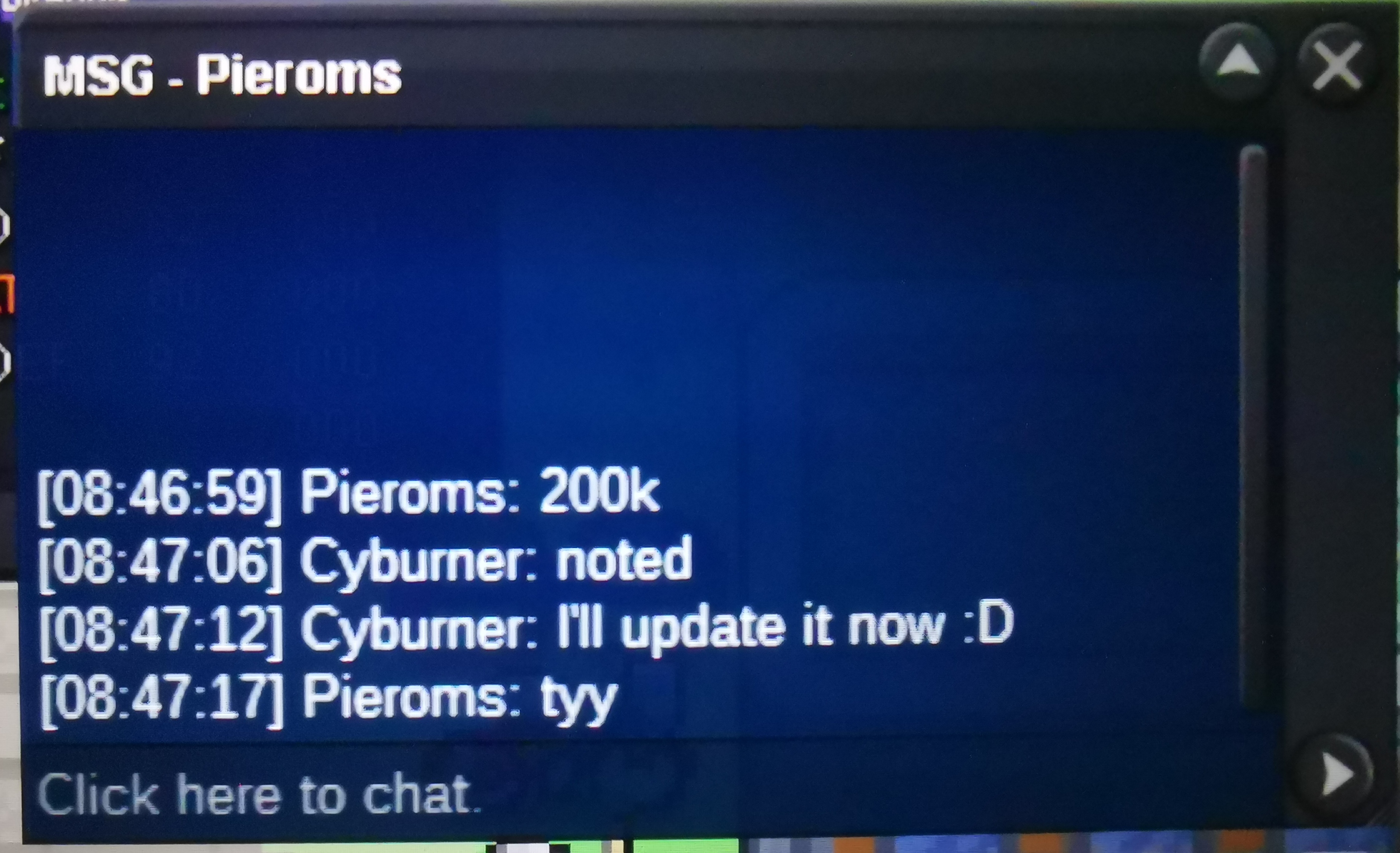
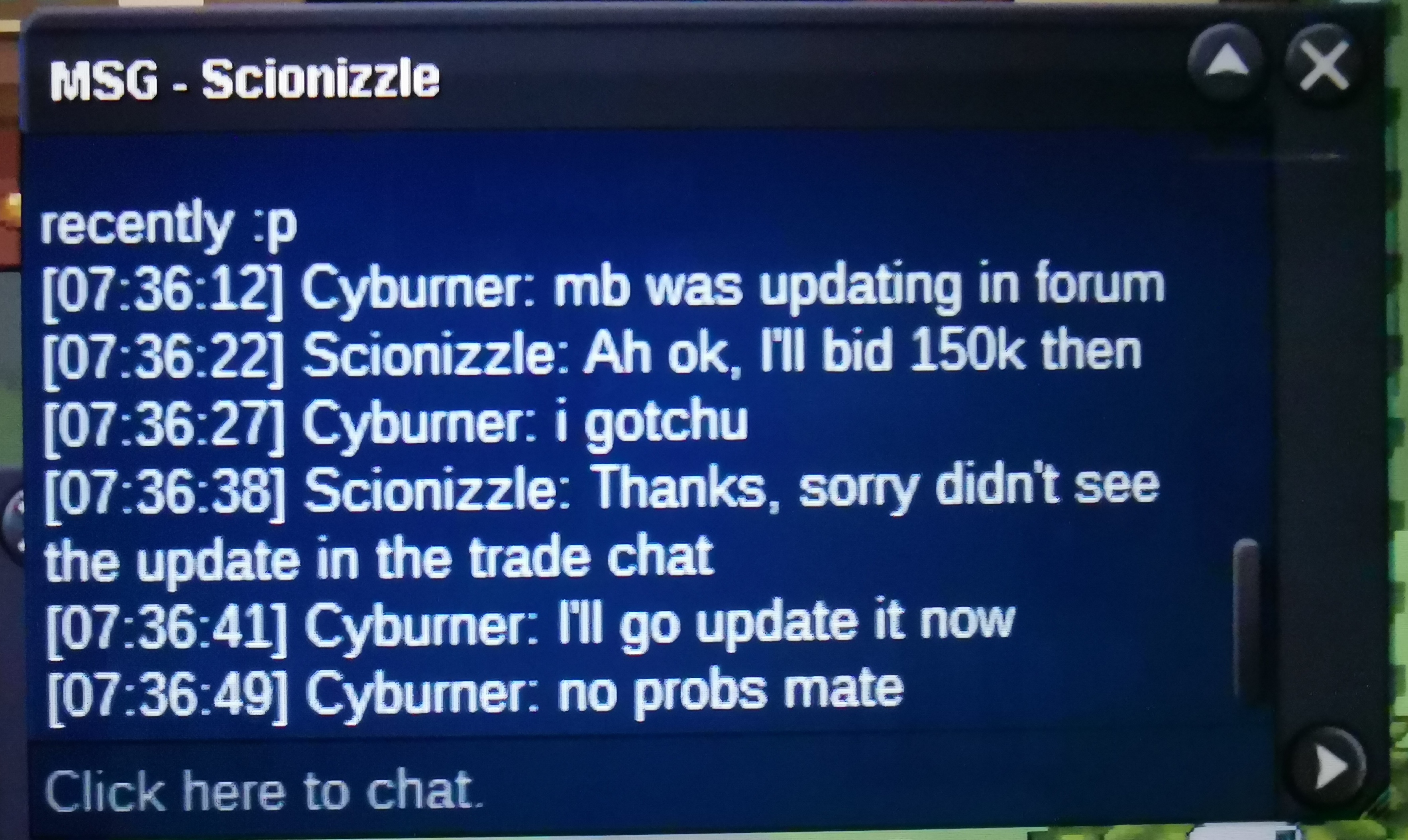
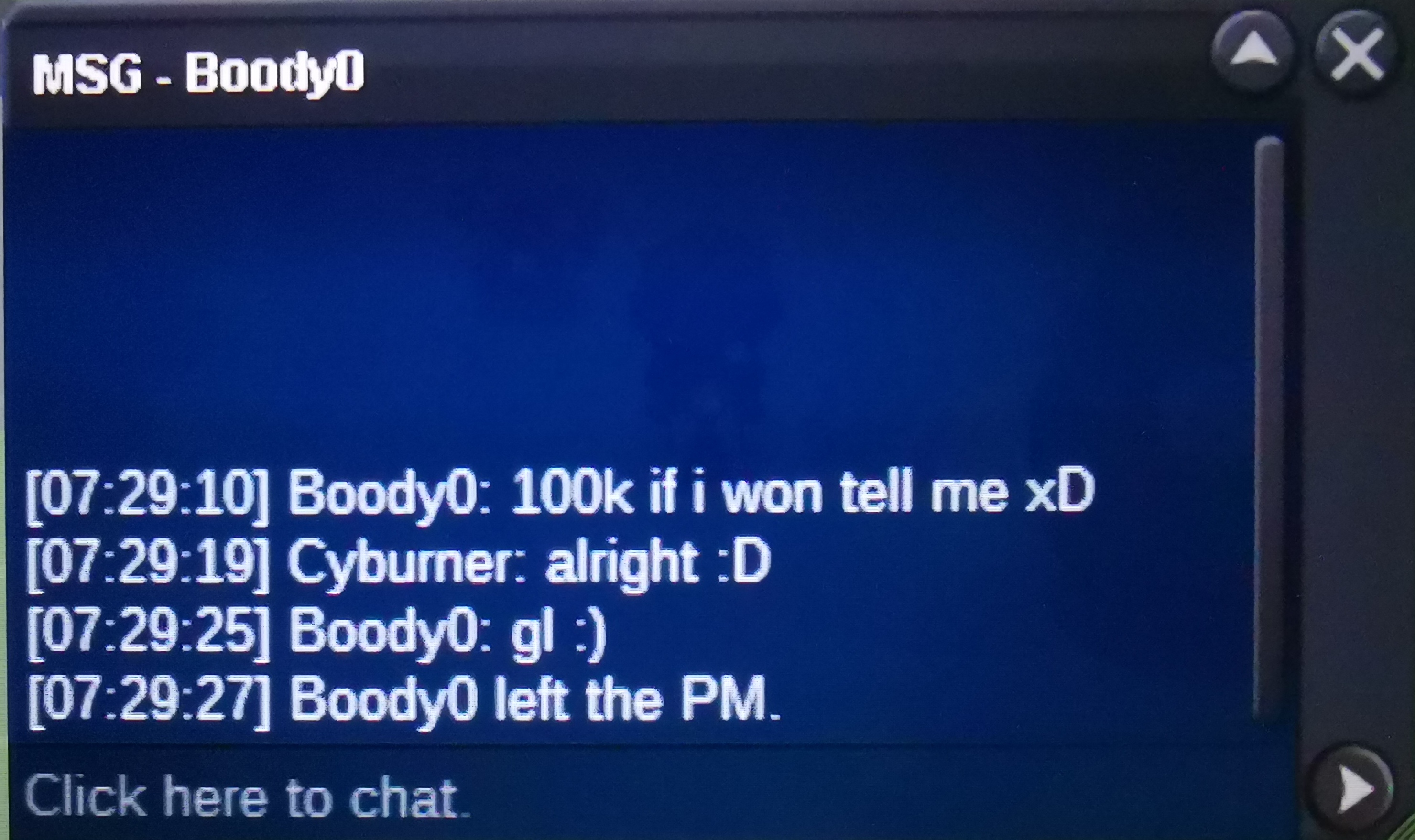
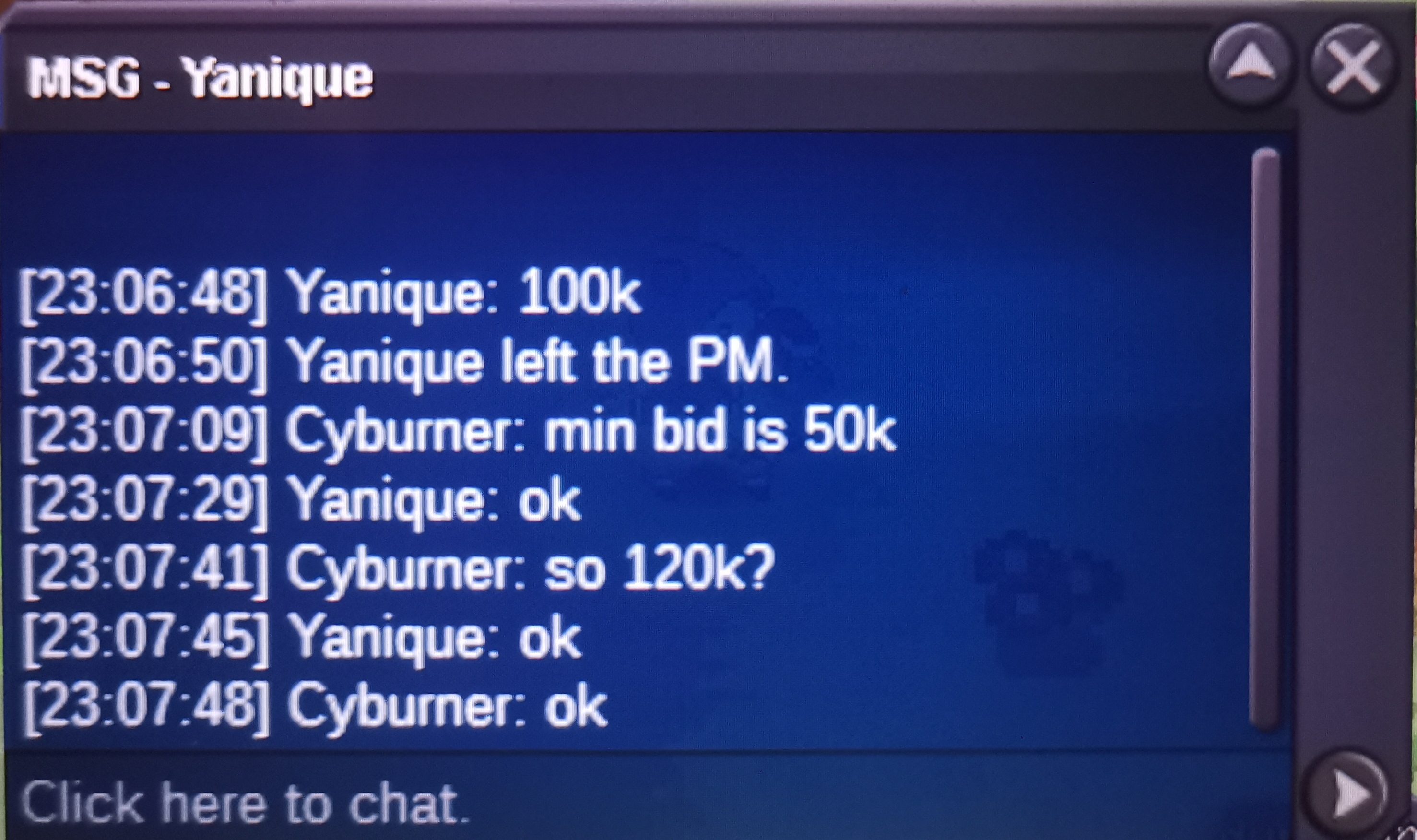
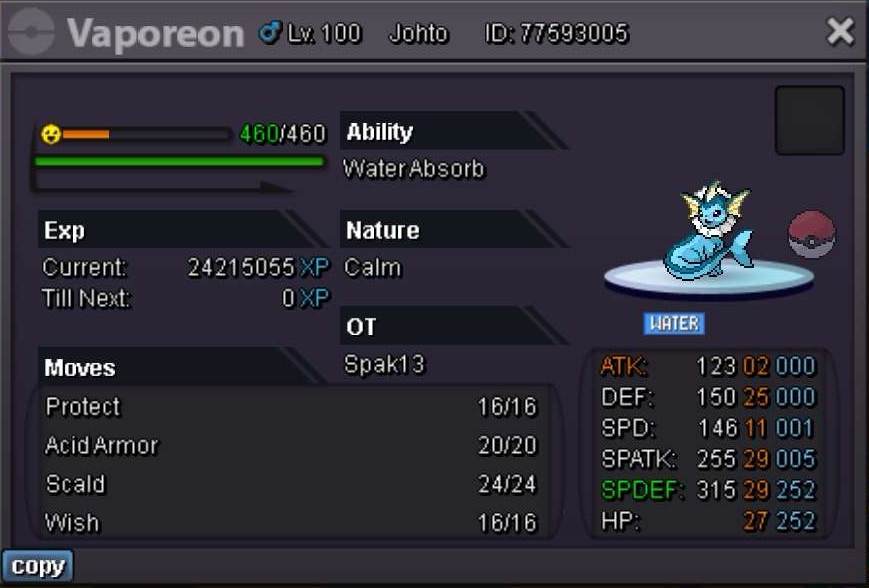
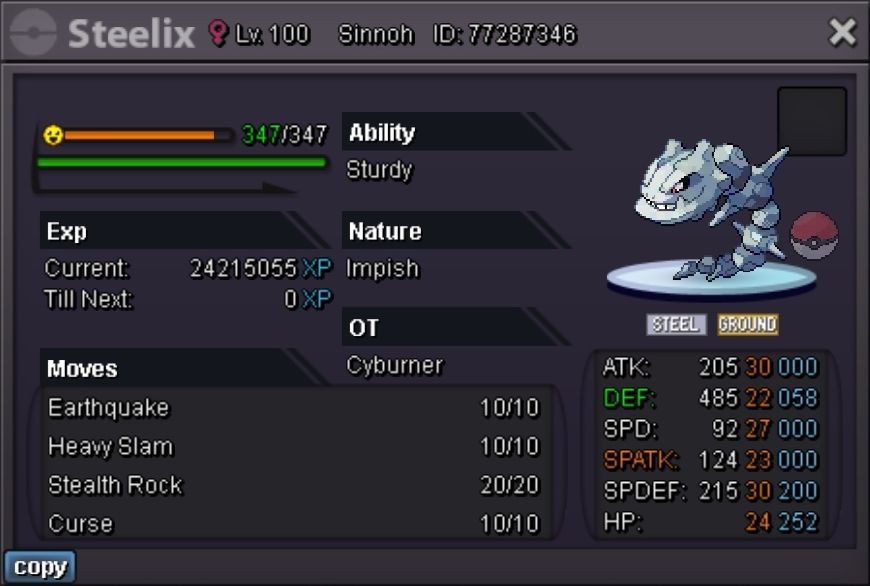
[AUCTION] 25+(except spd) Vaporeon c.o: 450k by KenshinV min. bid: +50k accept cc(380k) ends at 11a.m. GMT+8
-
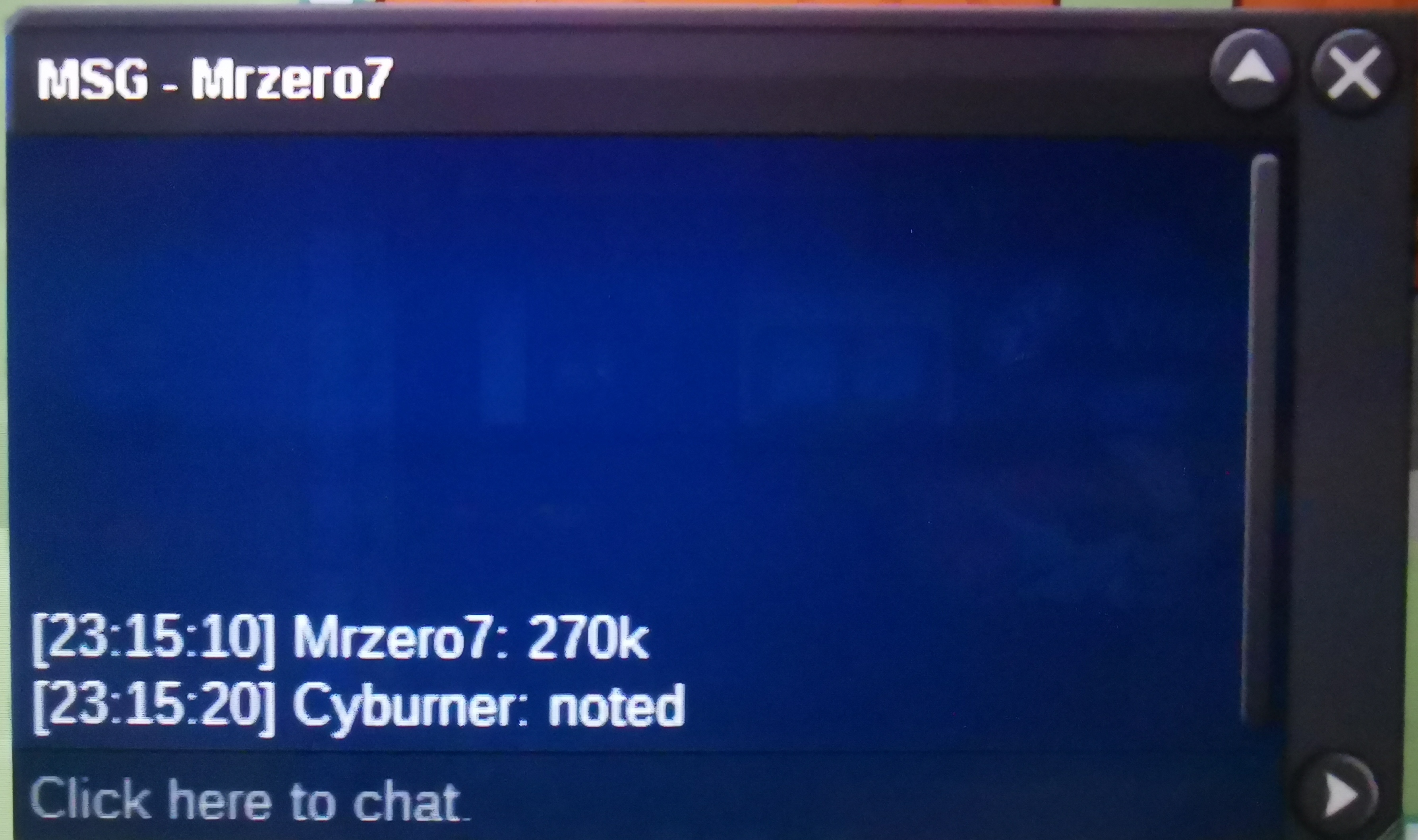
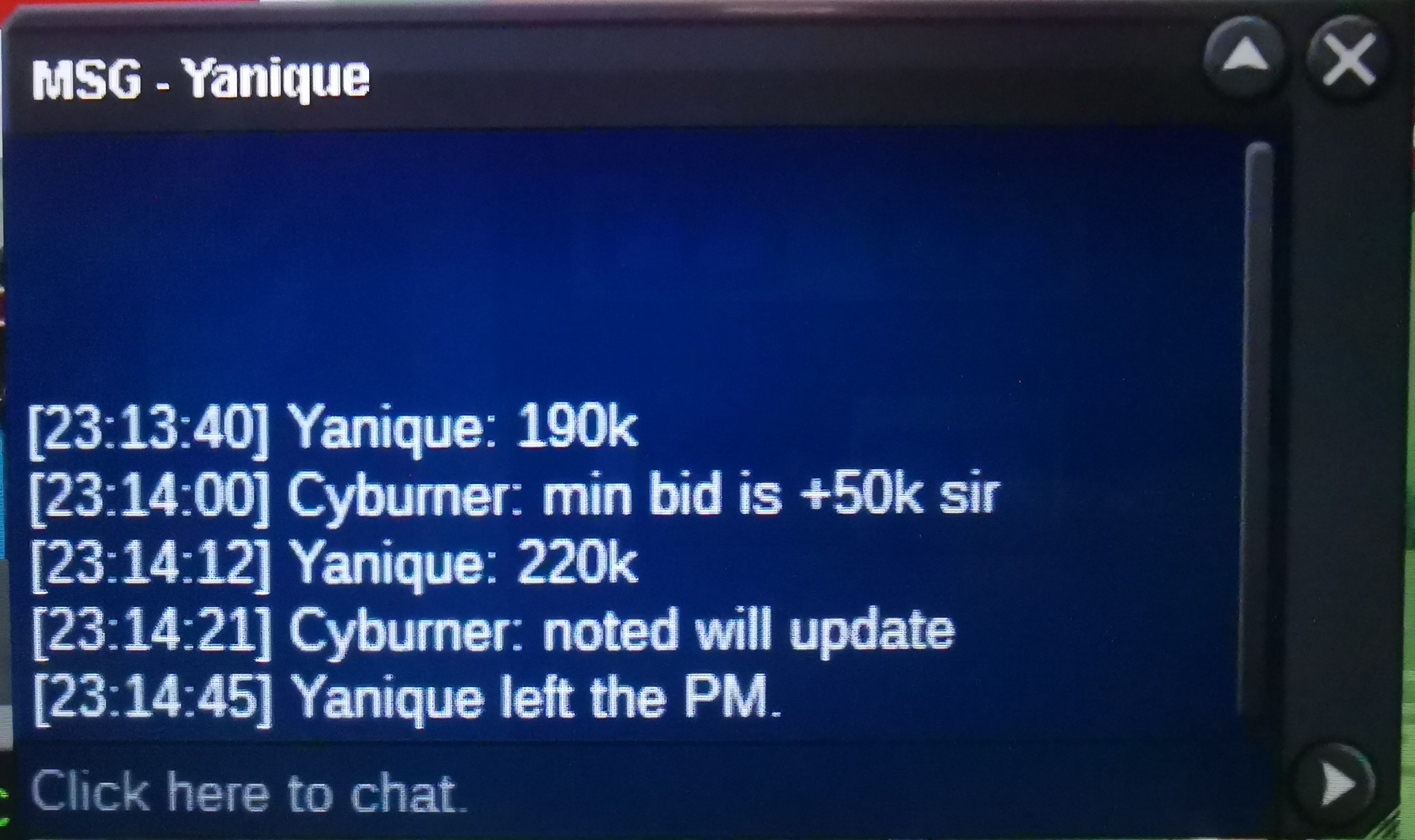
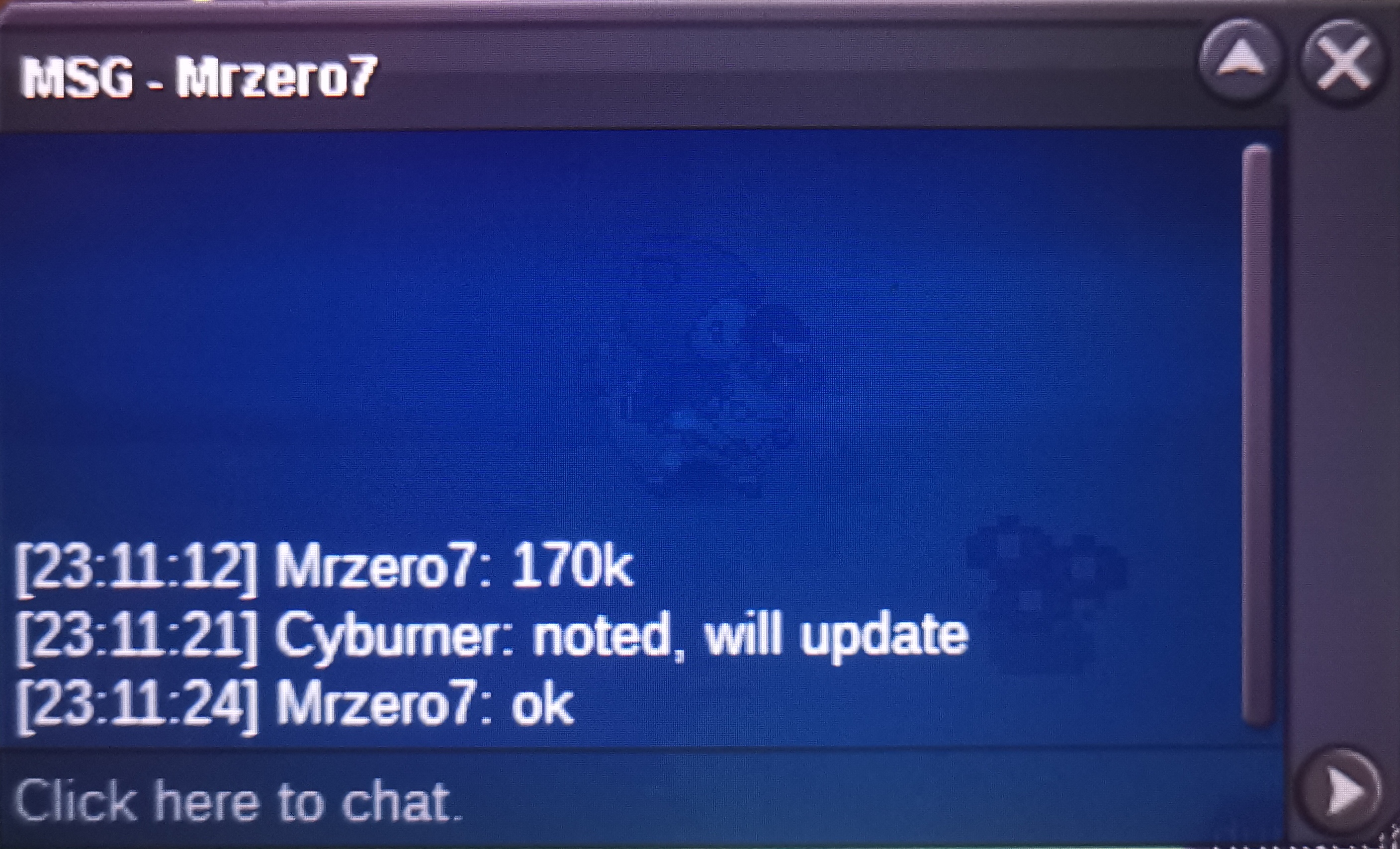
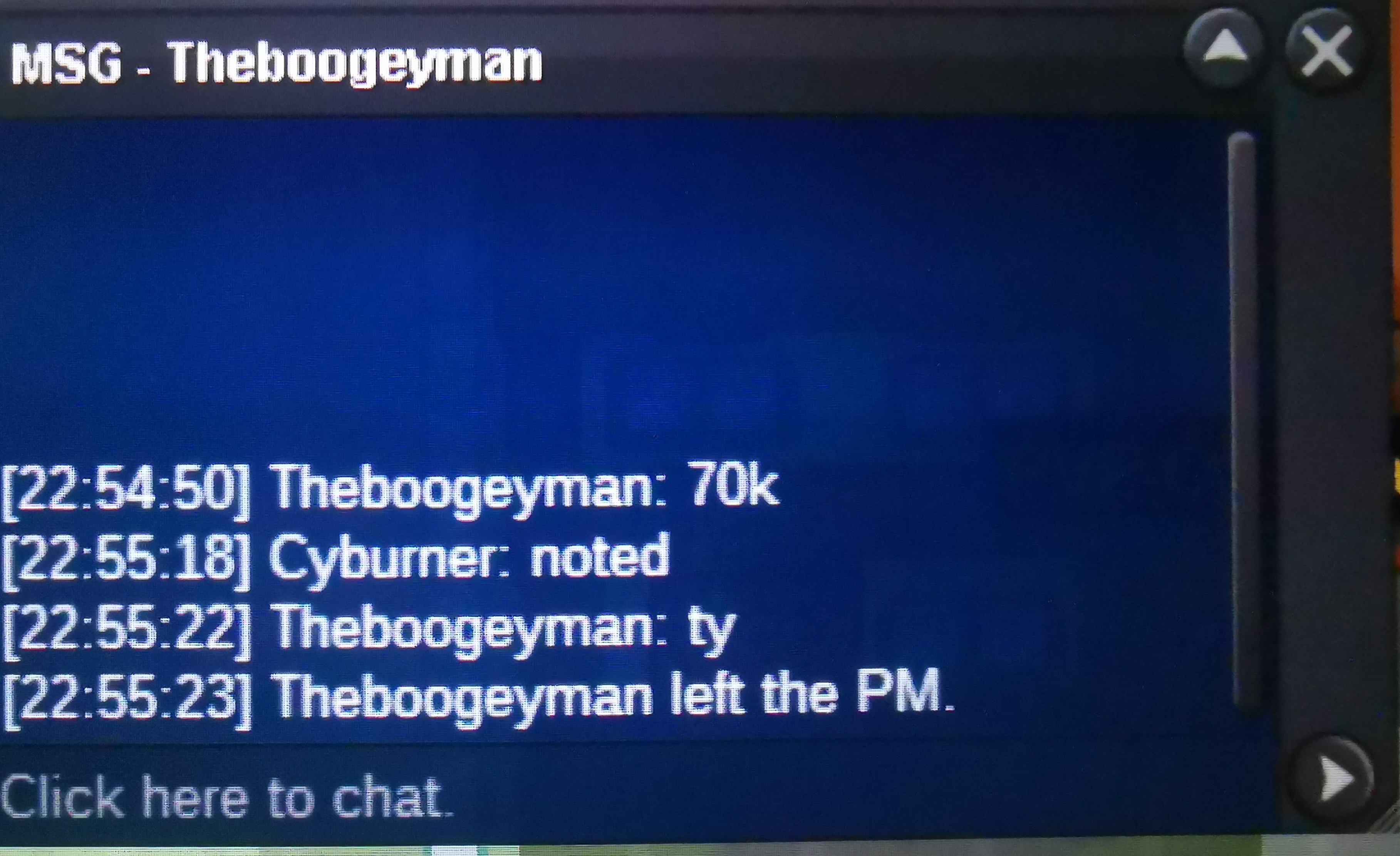
c.o: 400k by Robinc min. bid: +50k accept cc(370k) ENDS AT 7P.M. GMT+8 WON BY ROBINC
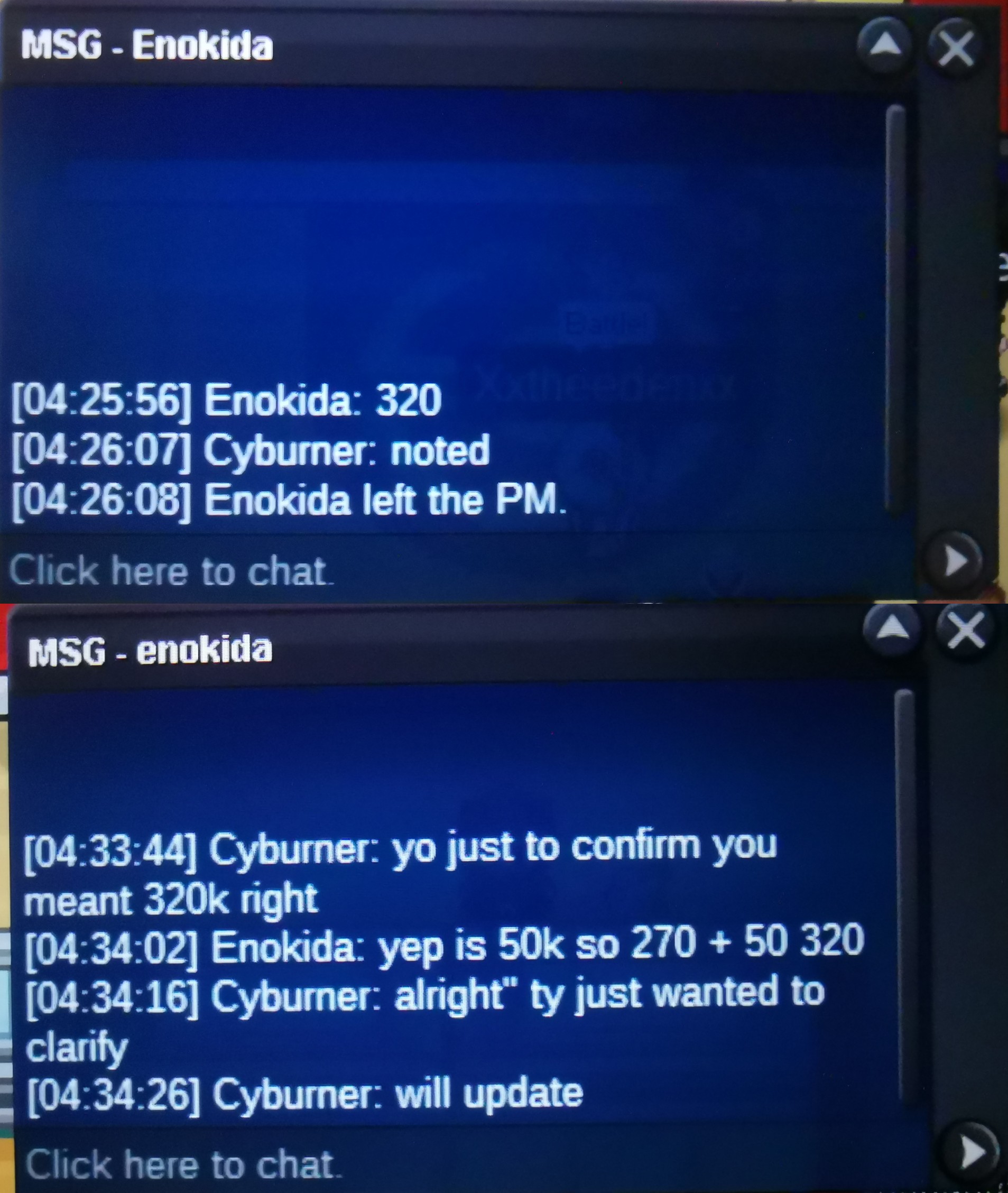
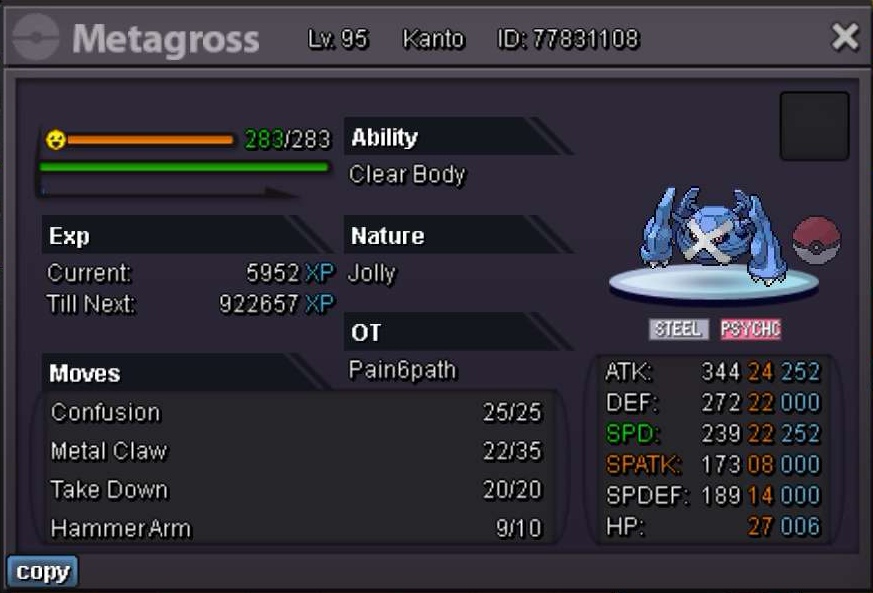 bumpc.o: 320k by Enokida Min. Bid: +50k accepting cc(370k) Ends in 24 hours after posted Enokida won the auction with an offer of 320k
 1. Cyburner 2. 732 Hrs 3. SCIZORR 4. Mostly hunting and leveling/EVing :))Gratz for winners! :Grin:Re: ♦ Multiserver Coin/Coin items Giveaway (Red/Blue/Yellow) #2 ♦ <r>im participating...Ty for doing this!<br/> <br/> Server : Red<br/> IGN : Cyburner<br/> <br/> <br/> <E>:thanks:</E></r>Re: Reborn [international Guild][Recruiting][Red Server] <r><EMOJI seq="274c">❌</EMOJI> Name / In Game name : Cyburner<br/> <EMOJI seq="274c">❌</EMOJI> Hours played : 133 hr 26min<br/> <EMOJI seq="274c">❌</EMOJI> Where are you from ? : UK<br/> <EMOJI seq="274c">❌</EMOJI> What's your playtime / How often do you play PRO ? : 2-3 hours a day (I might be offline for 4 days)<br/> <EMOJI seq="274c">❌</EMOJI> Why do you want to be part of Reborn ? : I want to see people and make more friends!<br/> <br/> <E>:thanks:</E> <E>:Shy:</E></r>Re: Reborn [international Guild][Recruiting][Red Server] <r>How do i join this guild? I want to meet more people and make friends!<br/> <E>:Grin:</E> <E>:thanks:</E></r>
Account
Navigation
Search
Configure browser push notifications
Chrome (Android)
- Tap the lock icon next to the address bar.
- Tap Permissions → Notifications.
- Adjust your preference.
Chrome (Desktop)
- Click the padlock icon in the address bar.
- Select Site settings.
- Find Notifications and adjust your preference.
Safari (iOS 16.4+)
- Ensure the site is installed via Add to Home Screen.
- Open Settings App → Notifications.
- Find your app name and adjust your preference.
Safari (macOS)
- Go to Safari → Preferences.
- Click the Websites tab.
- Select Notifications in the sidebar.
- Find this website and adjust your preference.
Edge (Android)
- Tap the lock icon next to the address bar.
- Tap Permissions.
- Find Notifications and adjust your preference.
Edge (Desktop)
- Click the padlock icon in the address bar.
- Click Permissions for this site.
- Find Notifications and adjust your preference.
Firefox (Android)
- Go to Settings → Site permissions.
- Tap Notifications.
- Find this site in the list and adjust your preference.
Firefox (Desktop)
- Open Firefox Settings.
- Search for Notifications.
- Find this site in the list and adjust your preference.