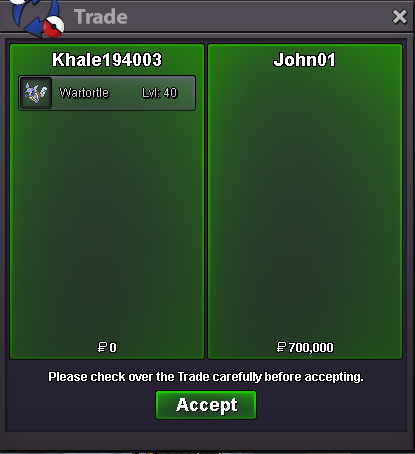
New Trade Zone
Trade Zone is now live
Use the new Trade Zone for auctions and instant-price trades so Pokemon and item offers are easy to find.


Artisankiller
Registered User
-
Joined
-
Last visited
Everything posted by Artisankiller
-
3m4
-
3m
-
2m5
-
1m2
-
1m800
-
1m550
-
1m2
-
700k
-
240k
-
start
-
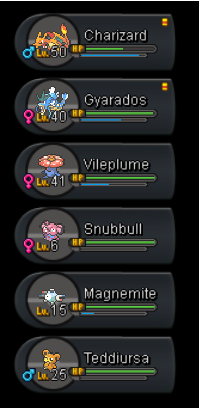
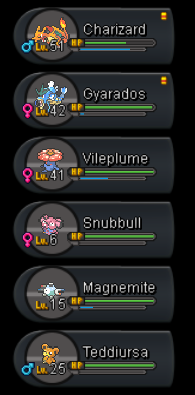
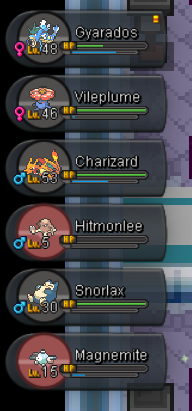
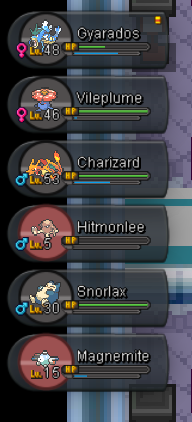
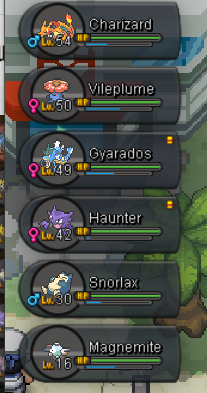
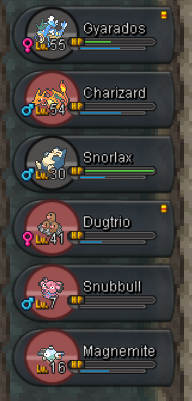
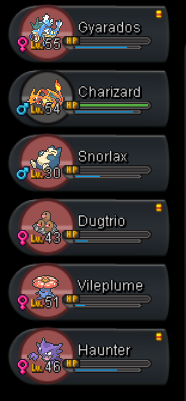
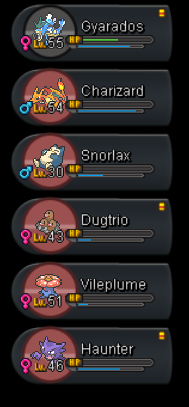
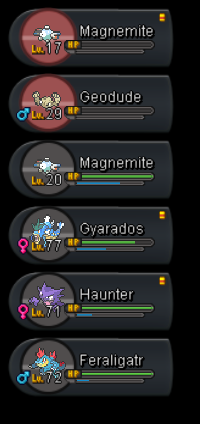
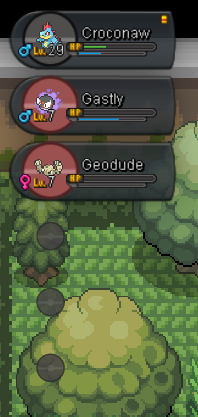
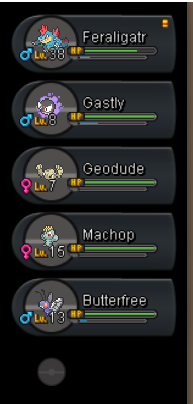
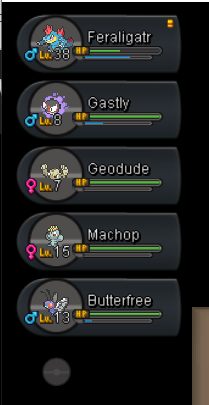
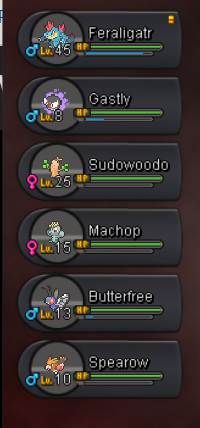
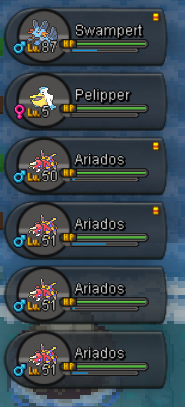
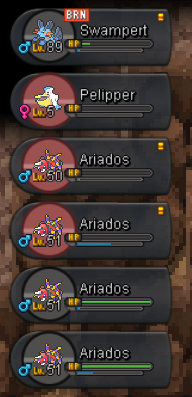
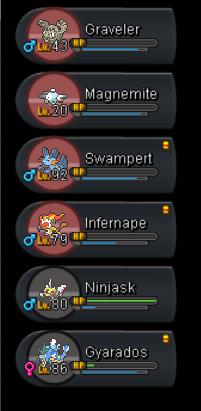
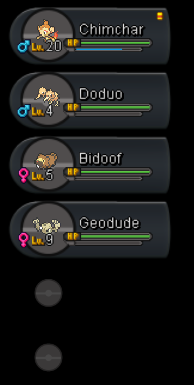
1. Kanto (finished): 2. Johto (finished) 3. Hoenn (finished) 4. Sinnoh (finished) 5. My opinions after all:
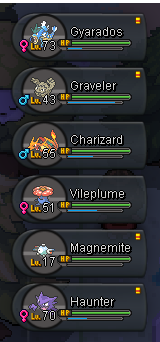
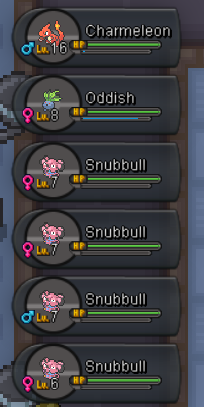

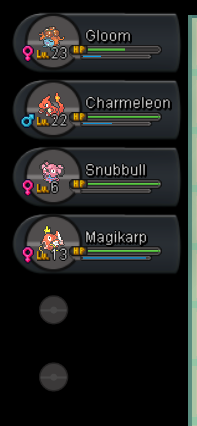
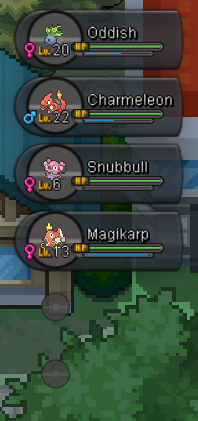

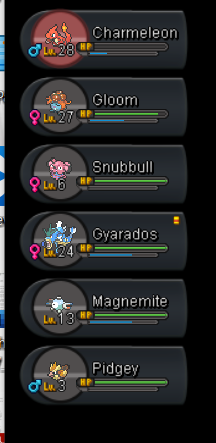
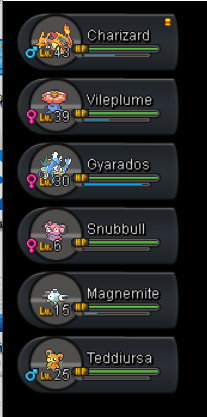
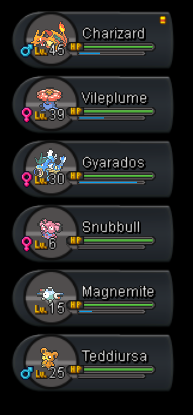
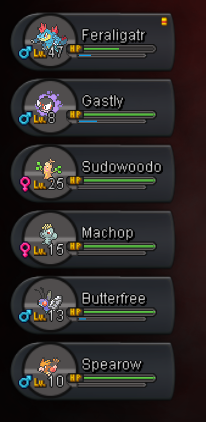
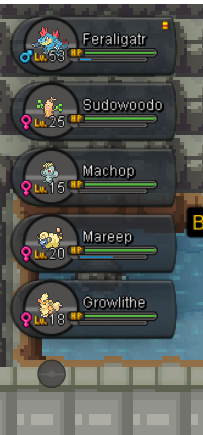
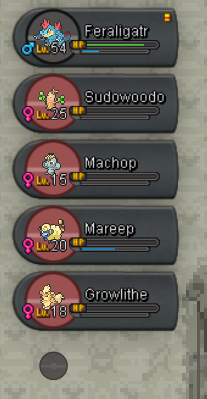
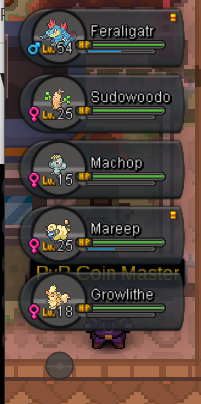
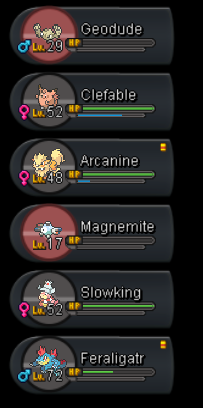
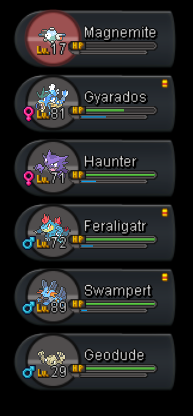
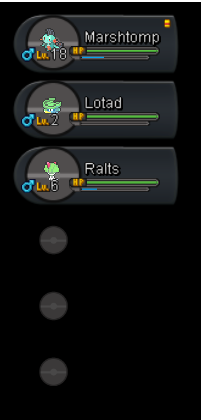
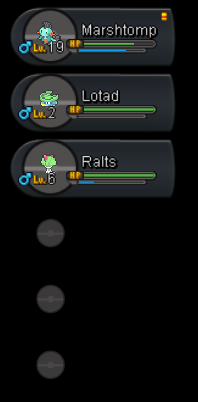
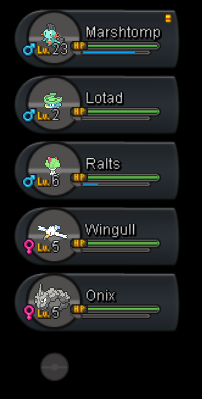
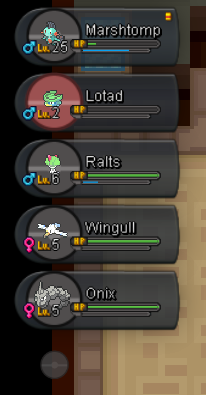
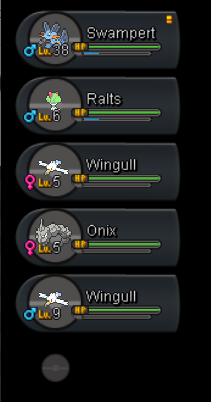
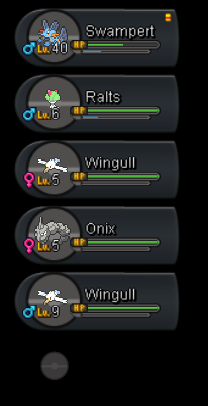
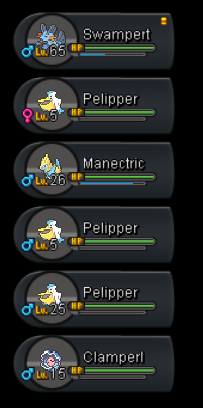
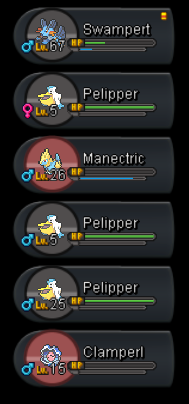
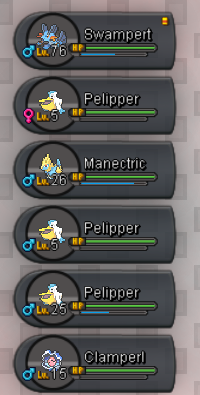
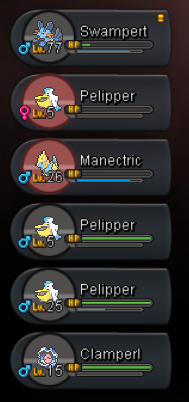
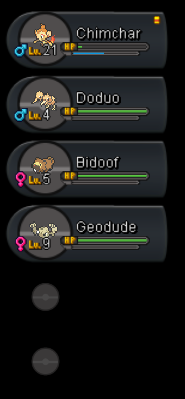
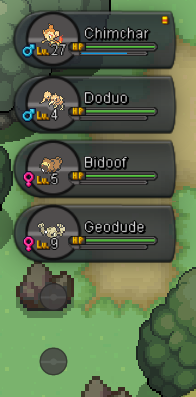
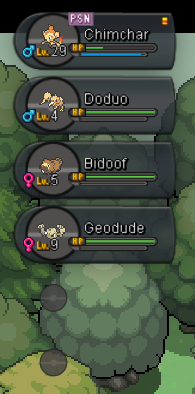
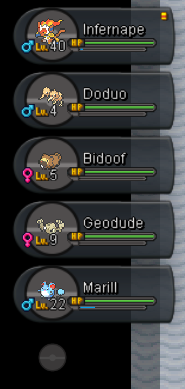
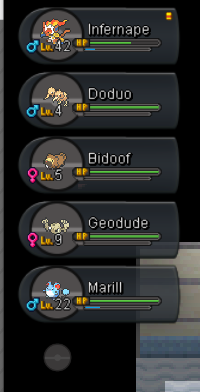
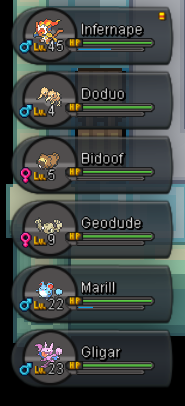
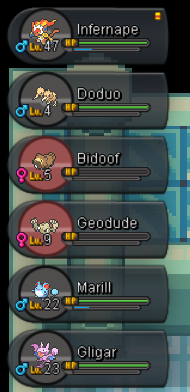
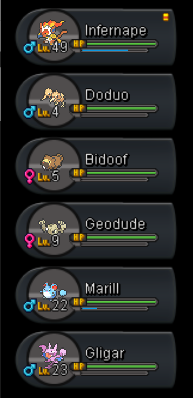
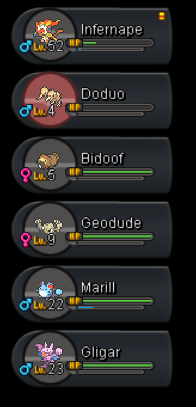
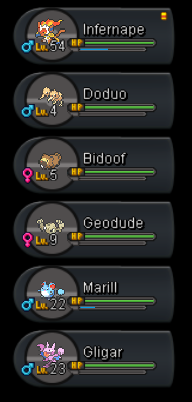
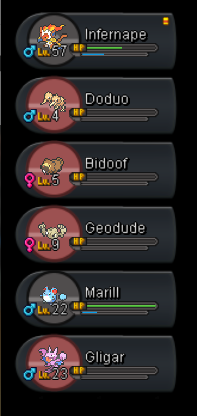
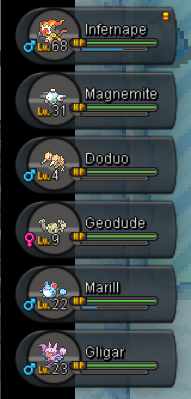
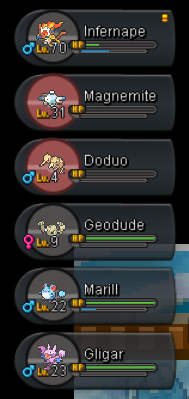
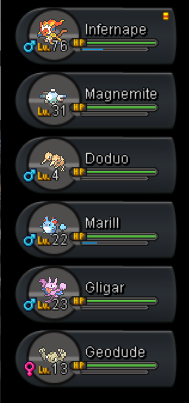
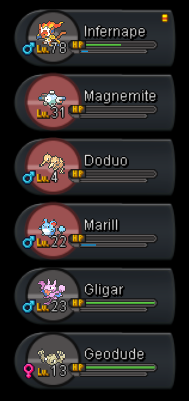
-
+1. Nice suggestion. And i really wanna make sure that staffs know my truely owned 4 acc
-
start loppuny
-
-
-
-
-
-
1m for relaxed scyther
-
888k for relaxed
-
-
-
-
531k for relaxed scyther
-
poke traded. thanks