




New Trade Zone
Trade Zone is now live
Use the new Trade Zone for auctions and instant-price trades so Pokemon and item offers are easy to find.

Popinsmoke
Registered User
-
Joined
-
Last visited
Everything posted by Popinsmoke
-
When can we meet, im online now
-
-
Ill take both, im on the gold Server
-
Still awaiting your reply
-
Alright, when can you log in for the trade
-
Cancelled
-
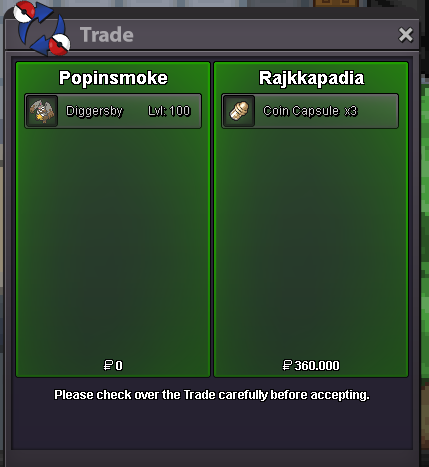
Jolly Diggersby sold and removed
-
I can log in now
-
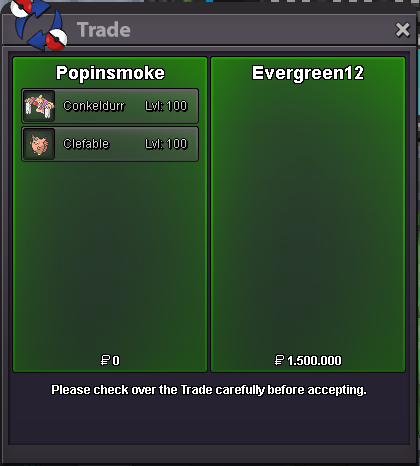
Conkeldurr #1 and Clefable Sold and removed
-
Alright, let me know when you can log in
-
Sorry no.
-
Ill accept Cc's at 380K each at the moment so to meet the price ill accept 3 Cc's +360K
-
Im sorry but since it took a week for you to reply i have moved to Gold in the meantime for my auctions. Yes, everything listed is still available
-
bump
-
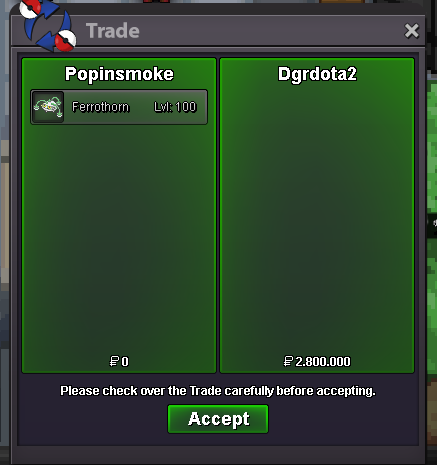
Hello all, i want to sell this Ferrothorn, the Pokémon is on the Gold Server at the moment but will be delivered to Silver if the winner is from Silver. Bids can be made on this thread, the auction will run for 48 hours after it started. Unrelated comments and fake offers will be reported. Start Price: 2M Minimum raise: 200K Insta:: No Insta Duration: 48 hours when started Accepted payments: - Cash - Coin Capsule as 380K each Current Offer:

-
Auction ended and Pokémon traded to the winner, can be locked
-
Noted, you are the B.o
-
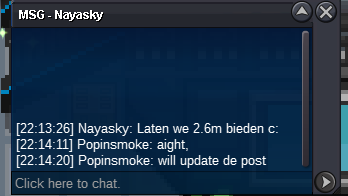
2.6m by Nayasky, 40 minutes left
-
Noted, you are the B.o now, little more than 1h to go
-
Noted, you are the B.o now
-
Noted, you are the B.o now
-
New best offer
-
Bump, 1 day left
-
-
Noted, the 48 hour started with your comment, you are the B.o atm