New Trade Zone
Trade Zone is now live
Use the new Trade Zone for auctions and instant-price trades so Pokemon and item offers are easy to find.

Hierryisaac
Registered User
-
Joined
-
Last visited
-
My account does reset thanks alot for helping me Shinohara :) Have a wonderful day May God Bless You :)
-
You need 150 Happiness for a pokemon to use dig move .
-
Ohhh sorry i didnt notice this alert since im very busy . I will check after the server going back online and i will inform it to your . Sorry for late replying sir and thank you very much for helping :) .
-
Thats would not be a problem . Thank you so much for helping me :)
-
Yes sure . Thats will be better . I accept it do reset . Thank you so much :)
-
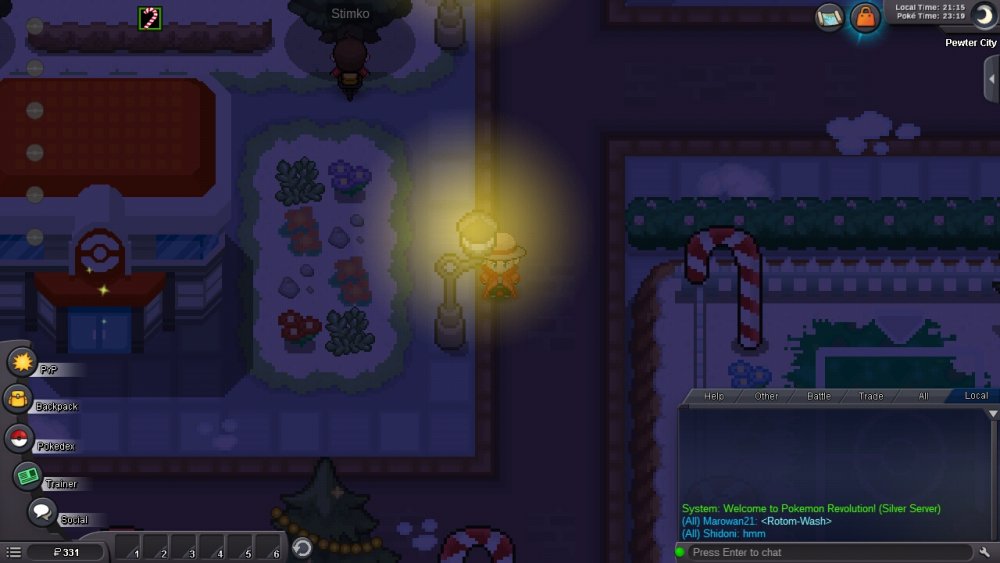
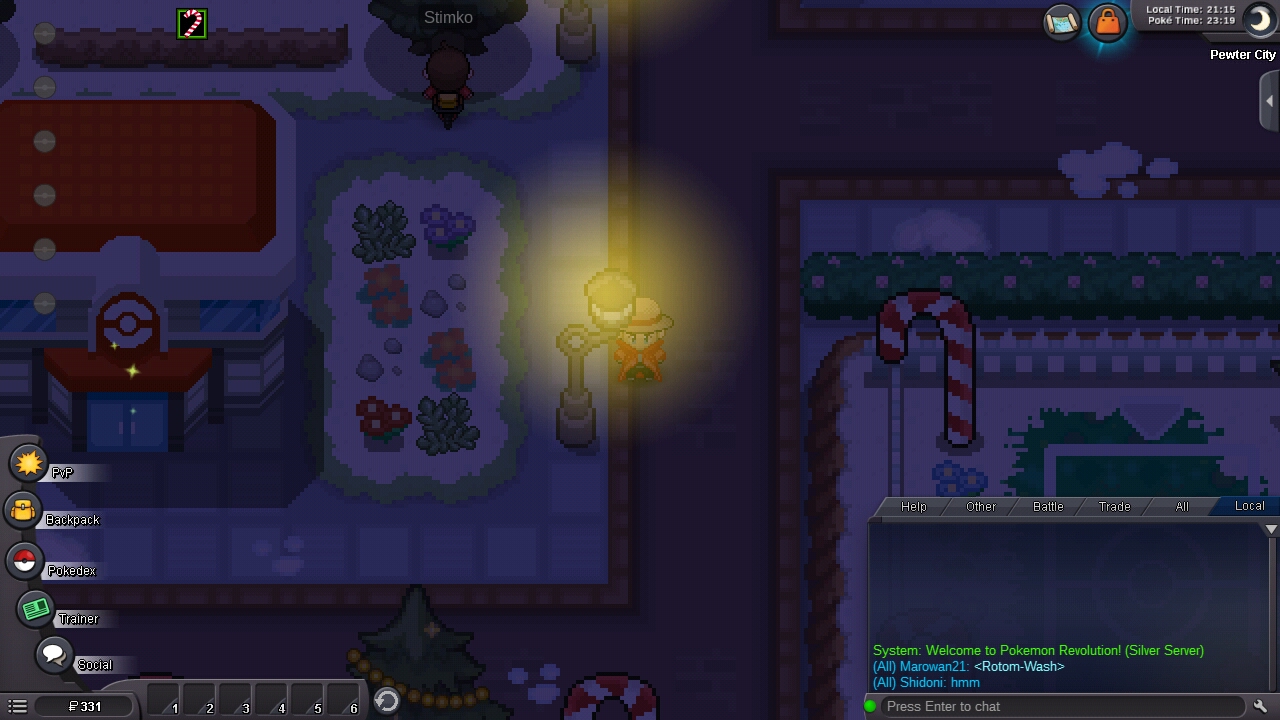
Well, I play back this game these days . When I try to log in Silver Server, it told me to merge, so I did . I chose the Red Server as my main server . After that I go back to the client to log in . I successfully logging but when I realize, I dont have any pokemon in party and even in PC . When I try go back home, I cant because wild pokemon attacks but Im automatically go back to PC . I tried buying repels but it doesnt work . I hope you can help me back home because I cannot pass through Viridian Forest . Im in Pewter City . I didnt remember what I did last time playing this account . I did screenshot .