New Trade Zone
Trade Zone is now live
Use the new Trade Zone for auctions and instant-price trades so Pokemon and item offers are easy to find.

Akaklofa
Suspended
-
Joined
-
Last visited
-
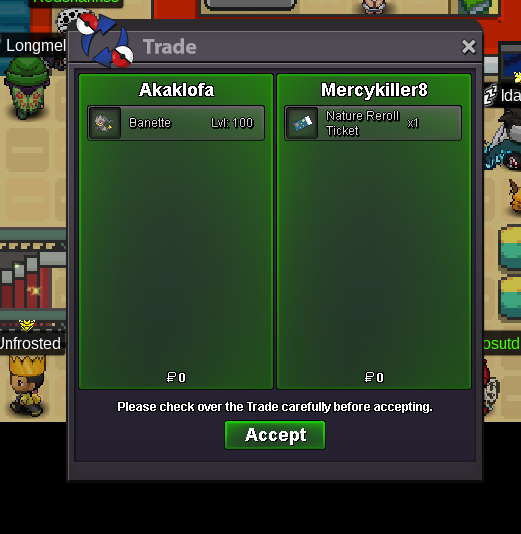
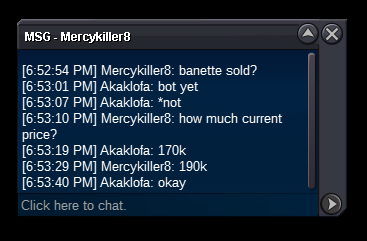
Buy instant with nature reroll... Sold @mercykiller
-
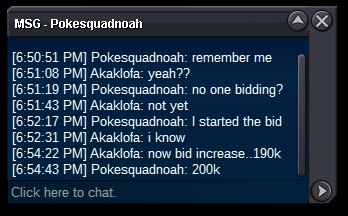
Increase 200k
-
Now 190k
-
okay start...21 hours left
-
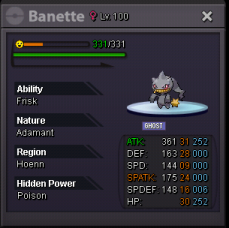
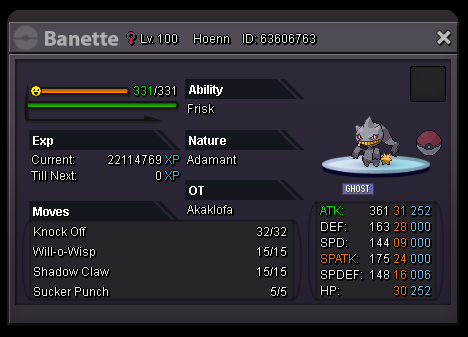
Start offer 170k min bid 20k insta 350k nature rr 350k 24 hours auction
-
Type of request: Restoration Username : Akaklofa Server: Silver Pokemon name: Scyther Pokemon ID: 63178540 Reason: Released by accident cause clear boxes Pokemon information : Technician Adamant Lvl 71 i dont get the screenshot because it crash while i want to screenshot pls help me...
-
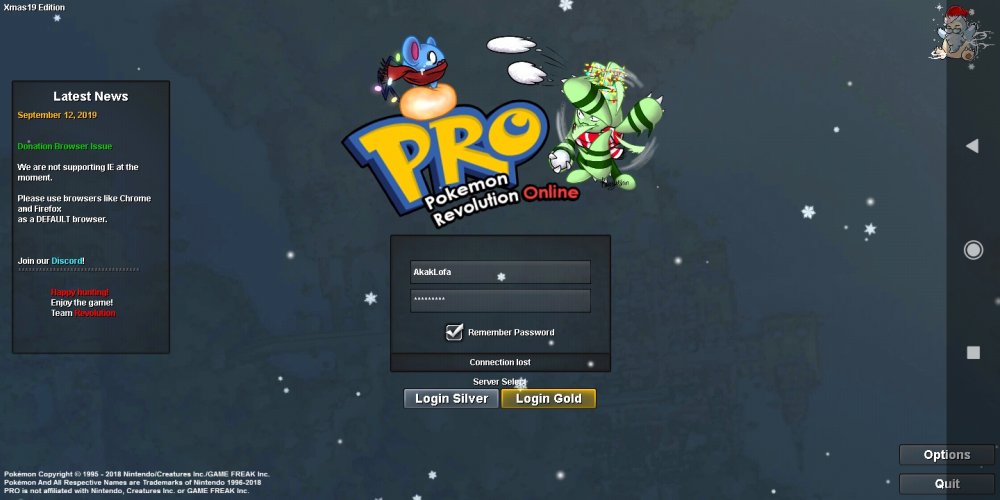
Why everytime i in bug catching area.. this will happen and i need to wait for 10 minutes for that....My connection is good but the why this always happen....and i need to wait until tommorow for bug catching cooldown the time.... Pls i need your help......
-
sorry...it my mistake because dont follow the guest very well... i so sorry.... and thanks to the admin
-
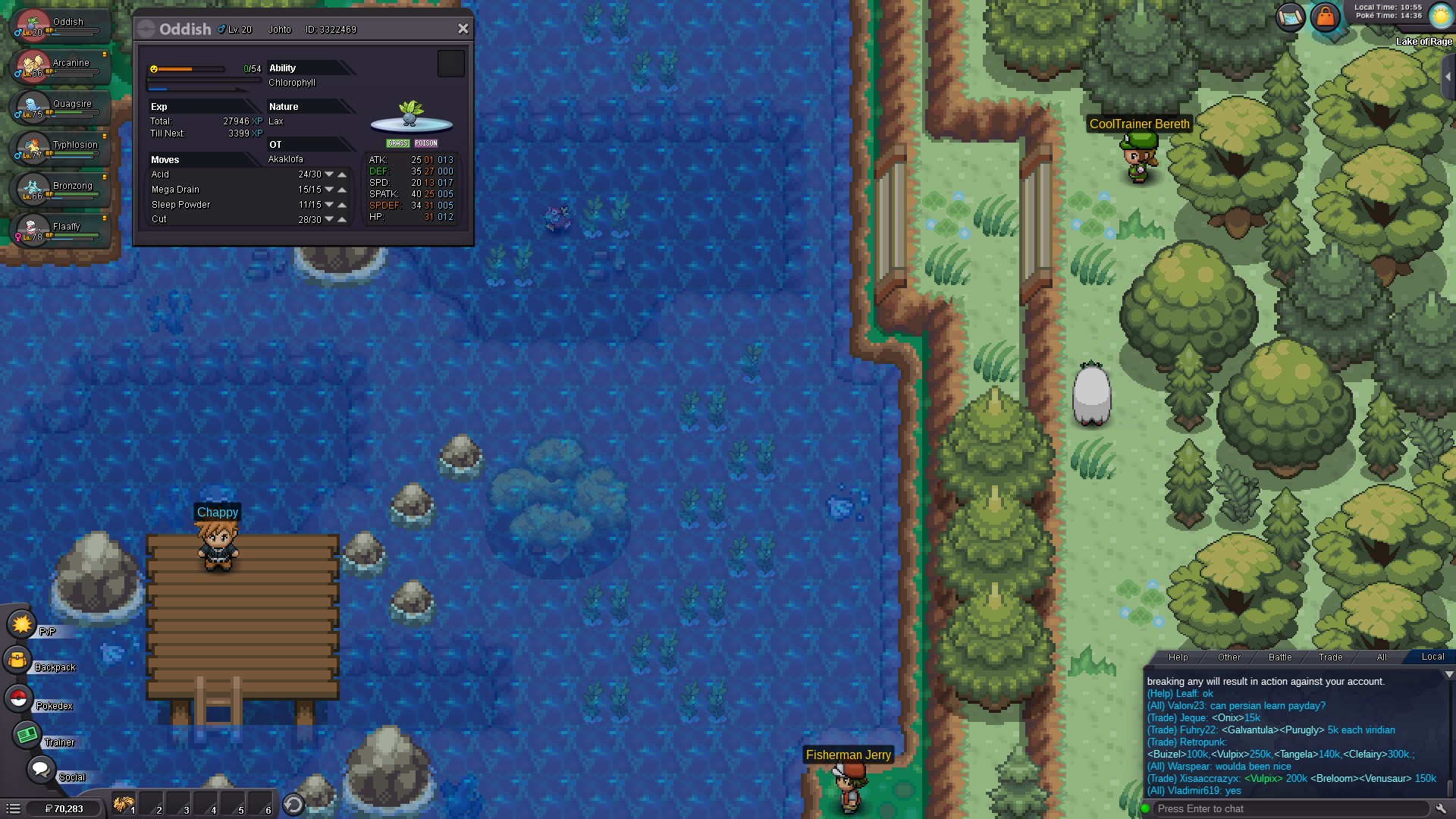
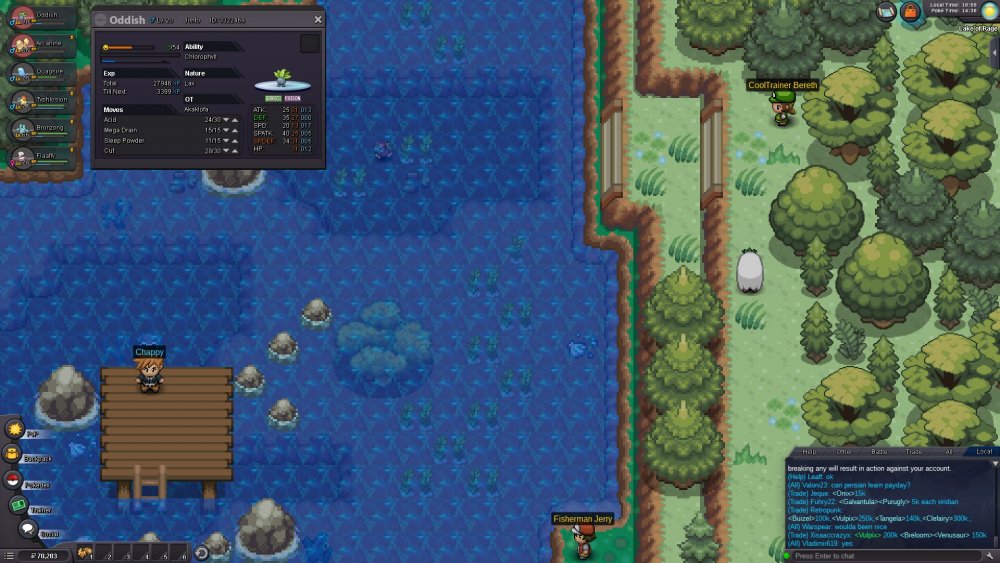
i have pokemon that has cut but i cannot get pass.... i dont have HM cut & i am in johto please help me..

-
my id is akaklofa
-
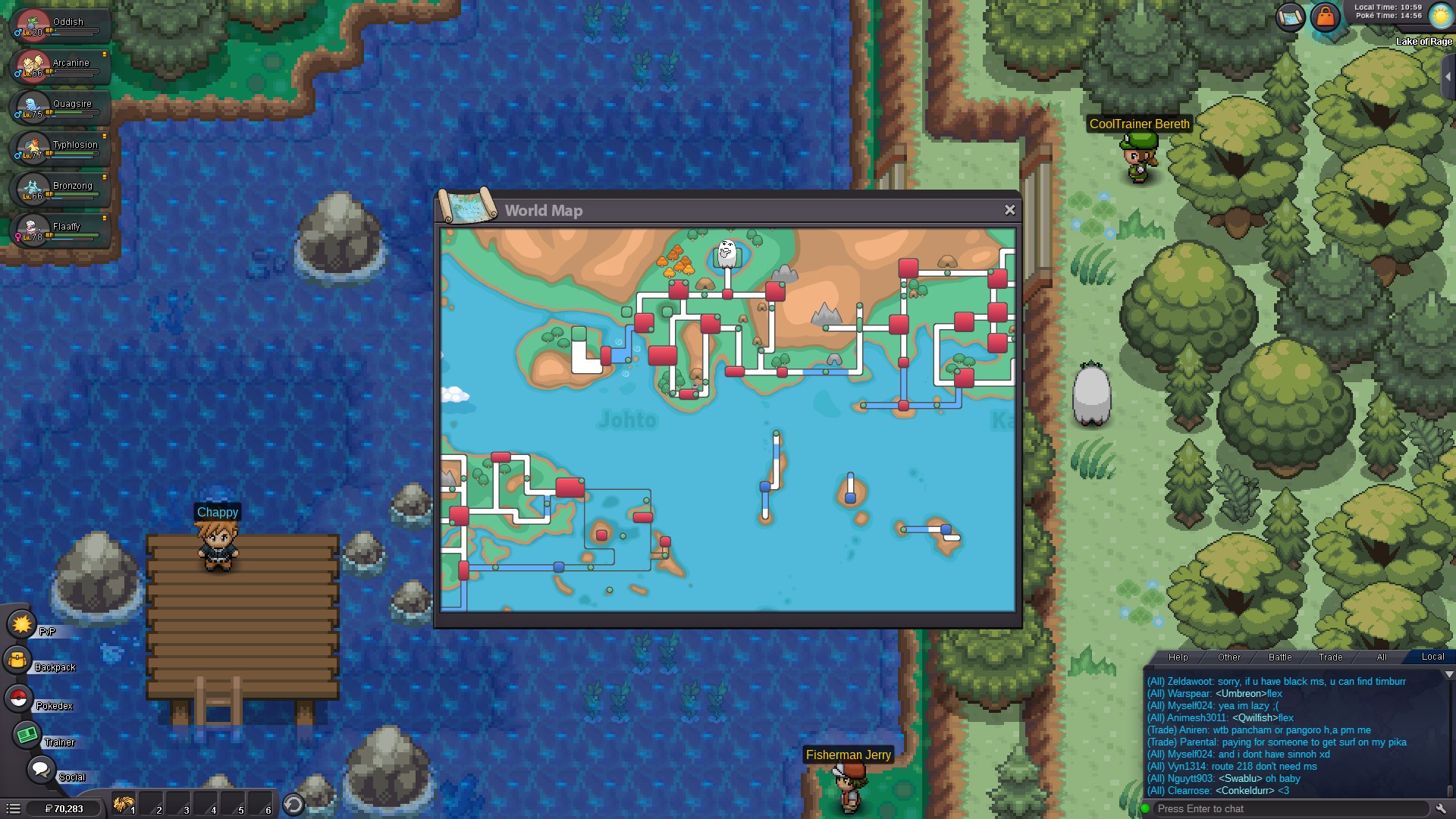
after i merge the account.....i have play back from kanto into johto but i cannot through the tree..... before this i can....but since two weeks...i can cut but cannot through.. pls help me...i want to pass the johto region and back to kanto.......