




New Trade Zone
Trade Zone is now live
Use the new Trade Zone for auctions and instant-price trades so Pokemon and item offers are easy to find.

Iva
Registered User
-
Joined
-
Last visited
Everything posted by Iva
-
• IGN (In-Game Name) Iva Age-23 • Have you completed kanto:Yes • Do you use Discord frequently and have it installed Yes, im active on discord. • What do you want to achieve by joining this guild? make few friends, enjoy hunting, and pve/pvp together! • Do you know anyone in the guild prior to your application No
-
bump!!
-
+1
-
wtb epic jangmo or kommo o can pay mills
-
bump
-
bump
-
no sir
-
hp ice 3m 1m
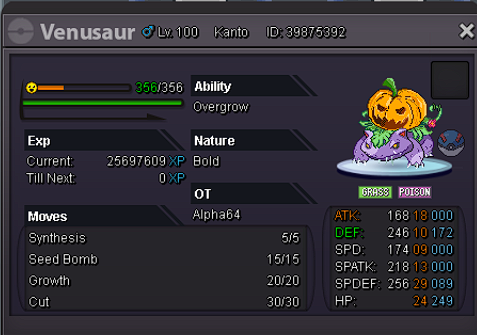
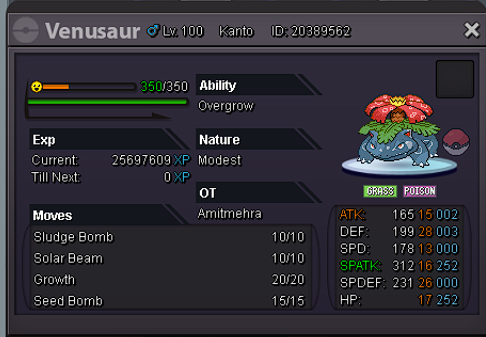
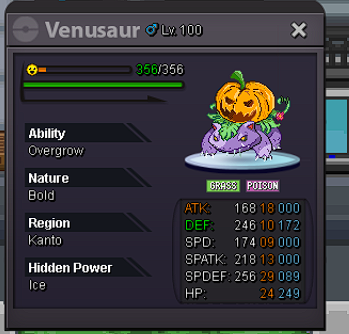
-
get online iff you can right now 🙂 ty
-
start
-
closed due to no bidder
-
bump
-
since noone bidder for it , I decided to close the bid
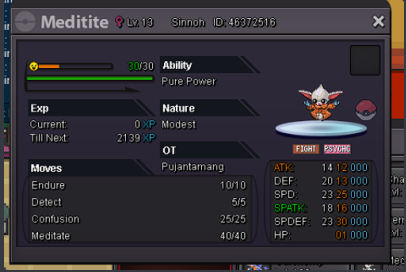
-
i start 2nd sab
-
sold ingame
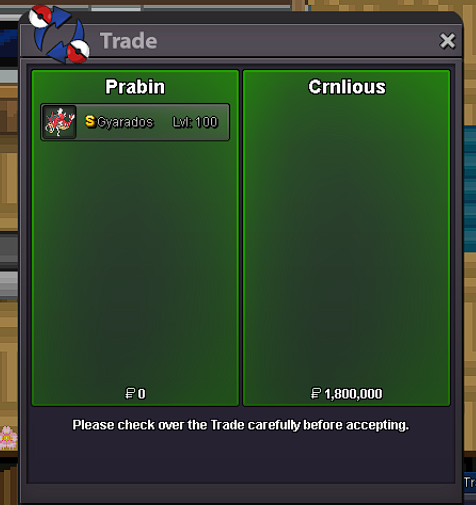
-
last bid and the winner
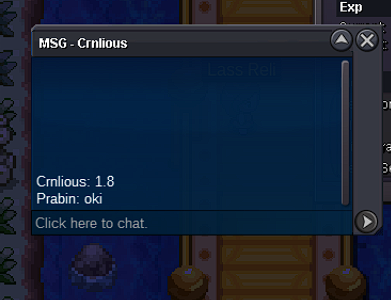
-
by miki 3 ingame i.e 1.7m
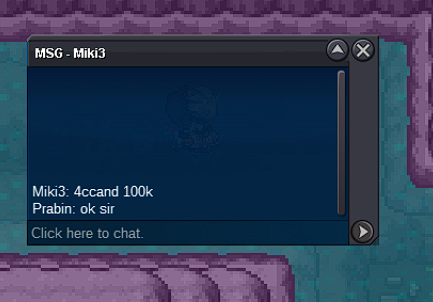
-
updated.about 6 hrs left
-
bidded ingame
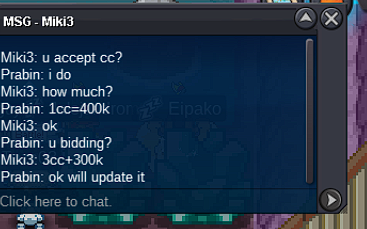
-
bidded ingame
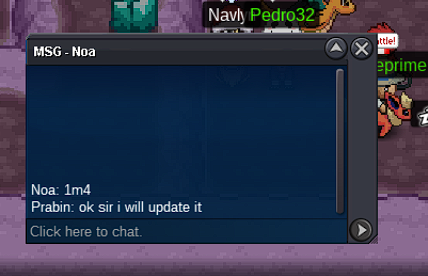
-
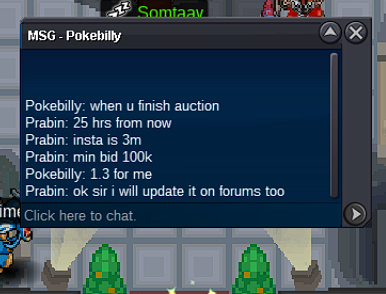
1.3m by pokebilly ingame
-
ok about 30 hrs left
-
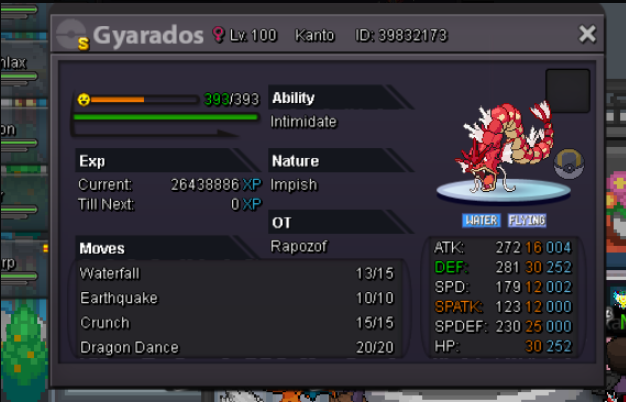
sold ty
-
goodluck with your shop mate ❤️
-
got one can close
