New Trade Zone
Trade Zone is now live
Use the new Trade Zone for auctions and instant-price trades so Pokemon and item offers are easy to find.

Yudox
Registered User
-
Joined
-
Last visited
-
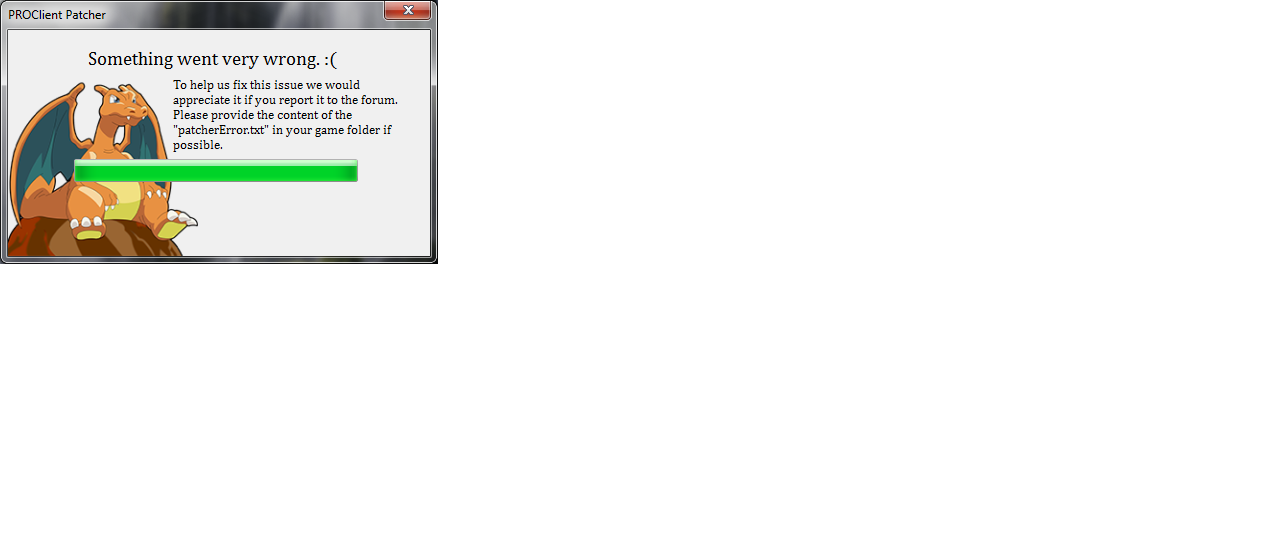
hola buenas tardes tengo problemas con el cliente para entrar me manda un error de resolución no entiendo a que se deba
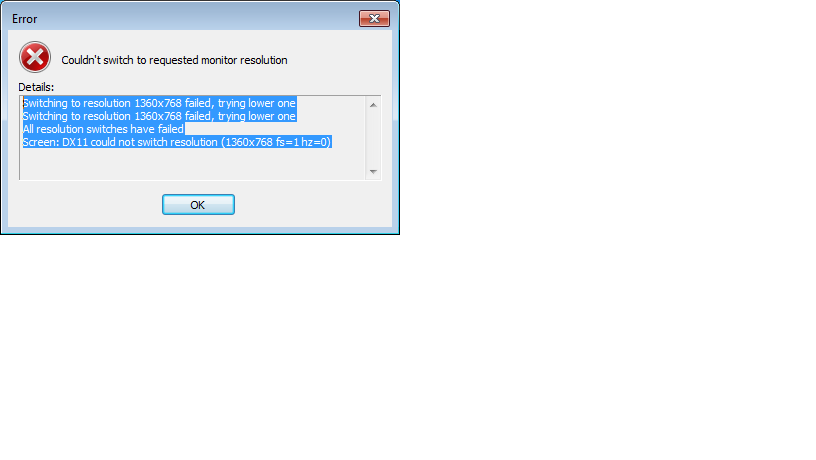
-
imágenes aquí gracias a vos
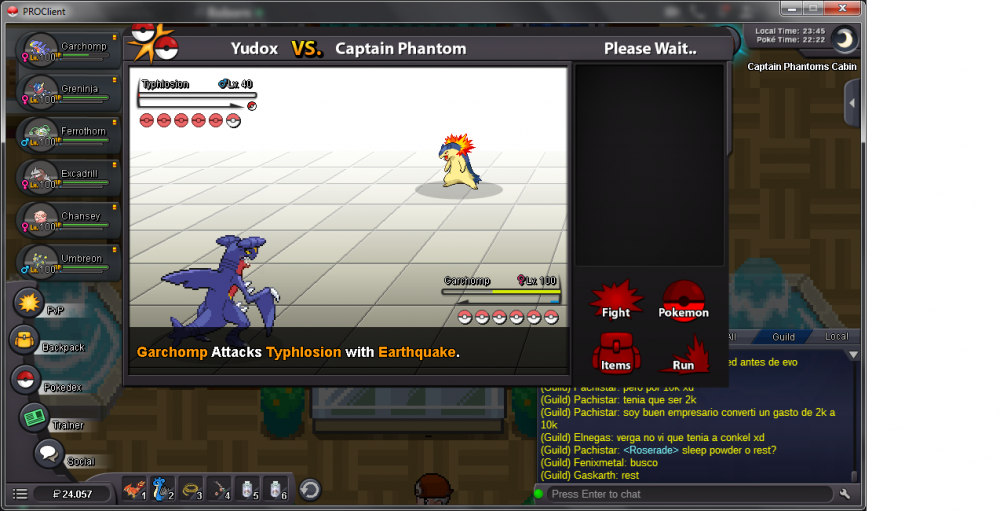
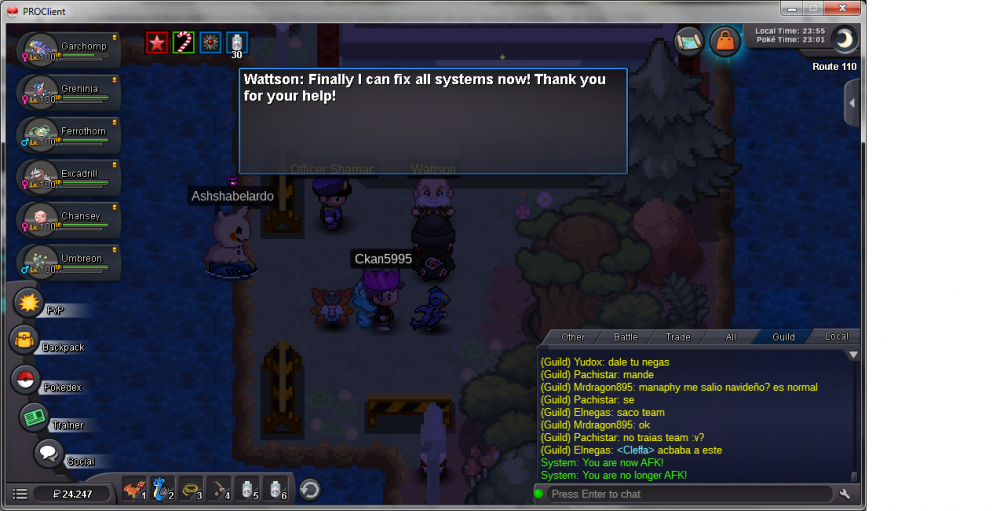
-
Ya logre pasar la primera parte de verdad verdad muchas gracias staff shinohara la logre pasar gracias a tu ayuda aora podre ir por mi manaphy dios del mar para mi rain tean ya hice la primera parte
-
ok eso haré
-
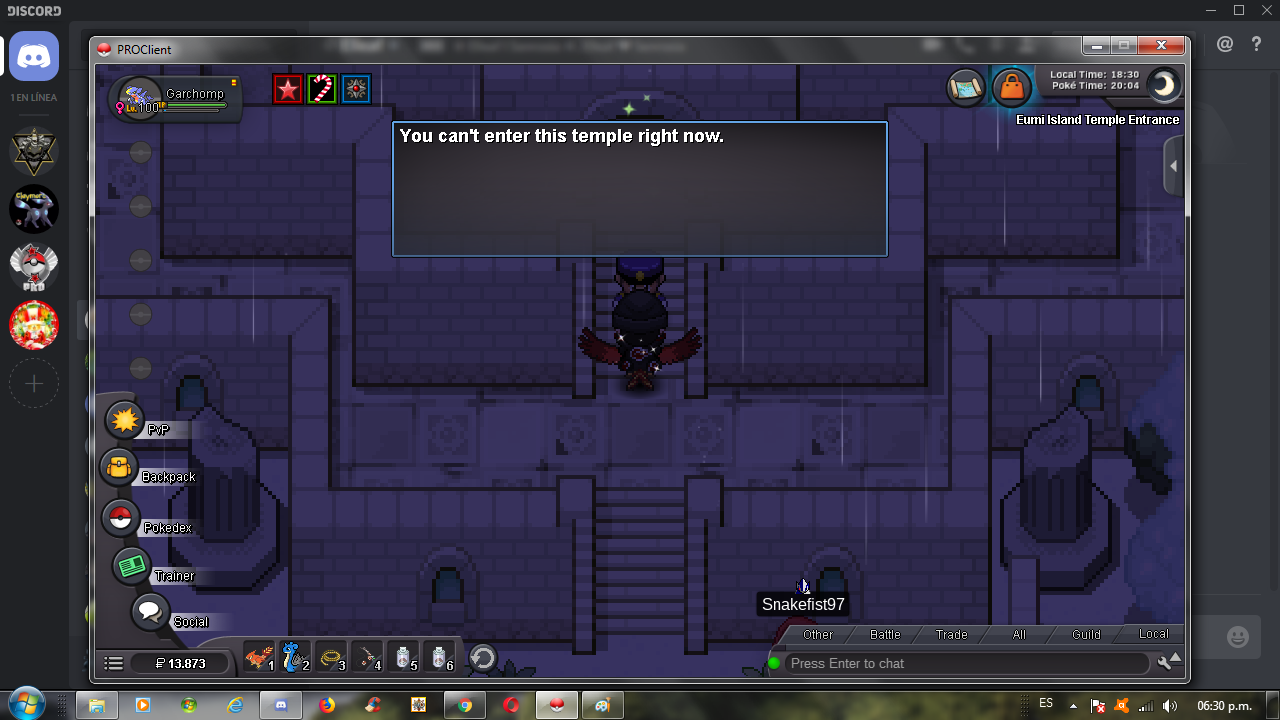
Por favor me puede ayudar con mi problema no puedo ir a la isla eumi island 3 para comenzar la segunda parte.
-
no lo creo personalmente shinohara aora es que iniciaba la búsqueda navideña parte 1 porque estaba es muy enfermo muy pronto en el hospital.
-
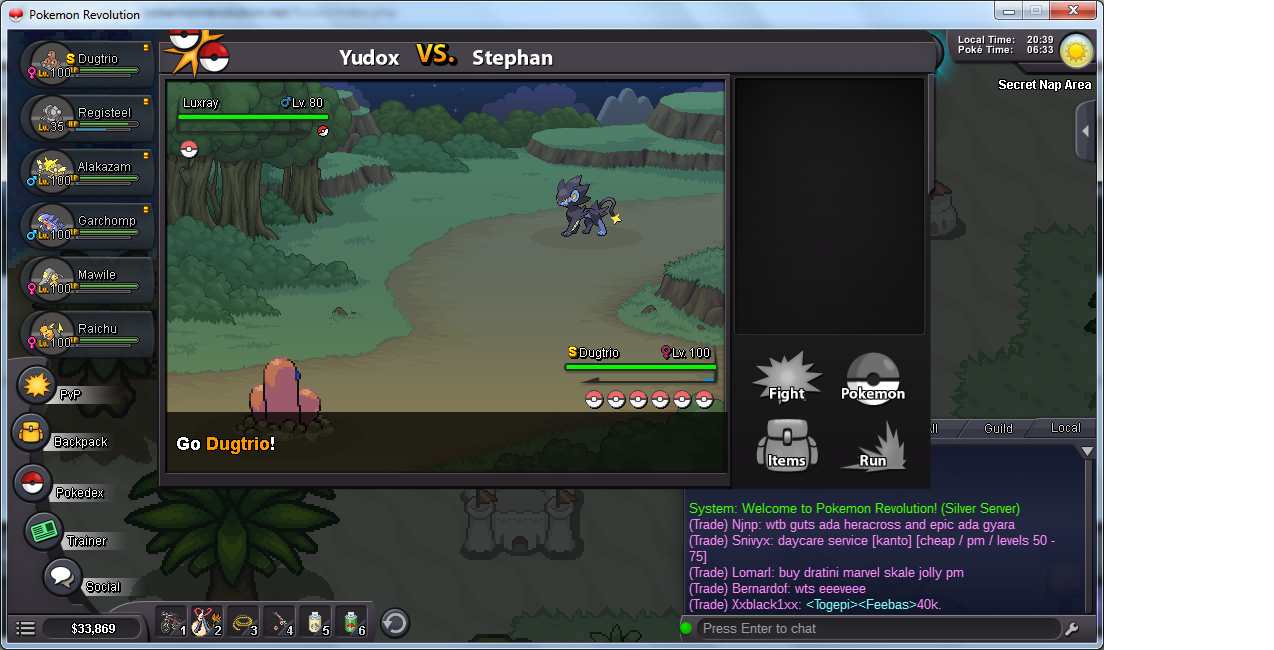
staff shinohara no puedo pasar todavida tengo el problema aqui dejo la captura
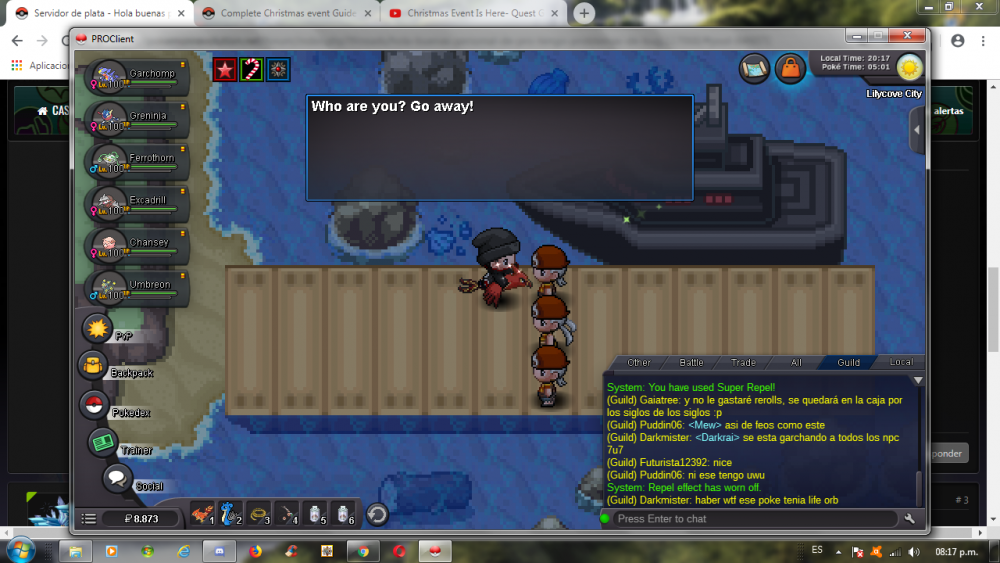
-
Muchas gracias eres la mejor Shinohara de verdad muchas gracias Feliz navidad y Prospero año para vos
-
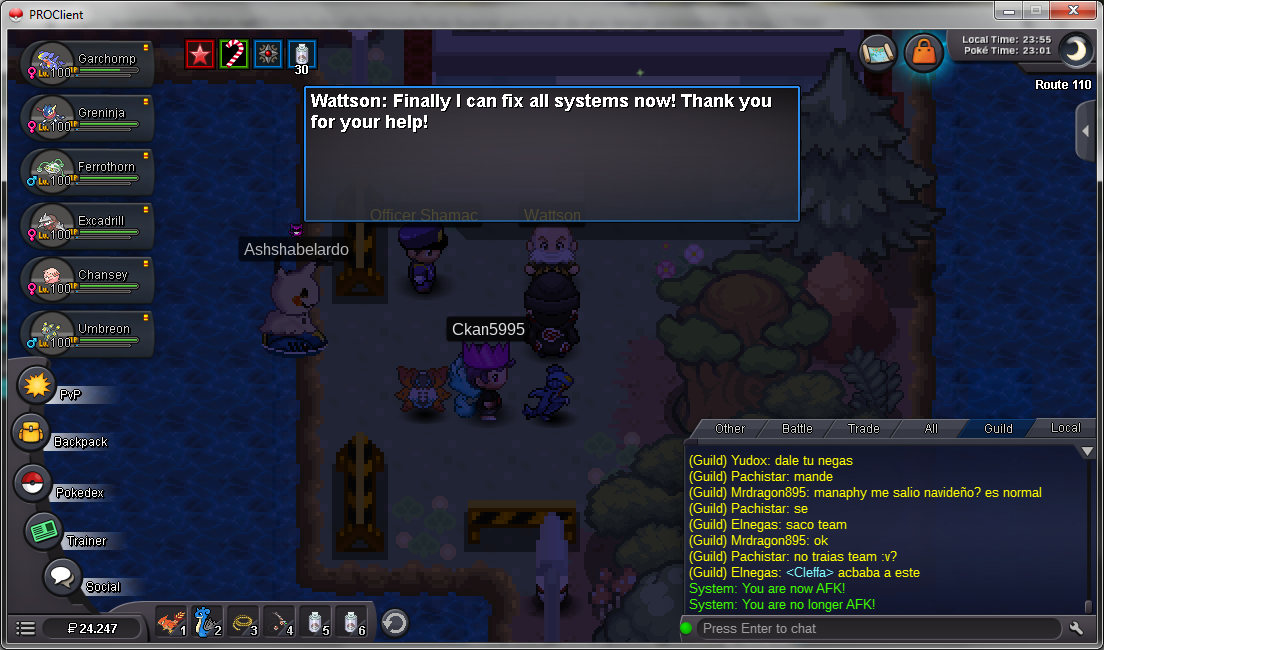
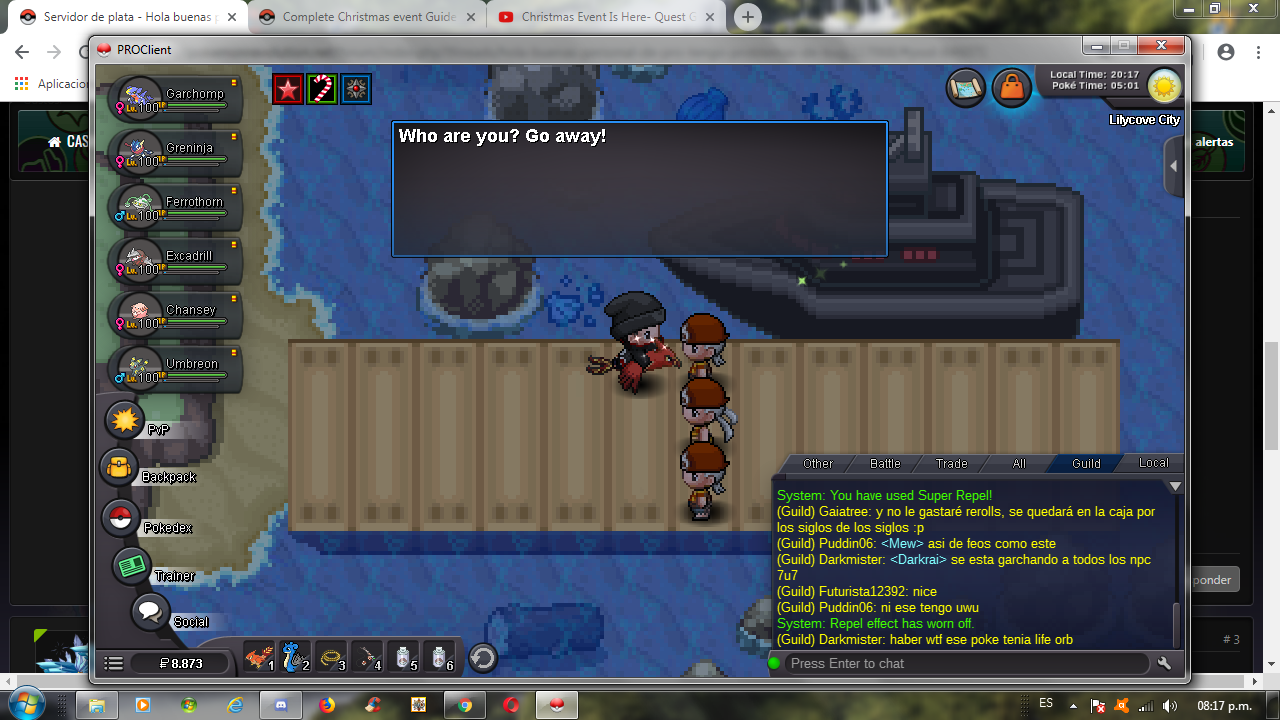
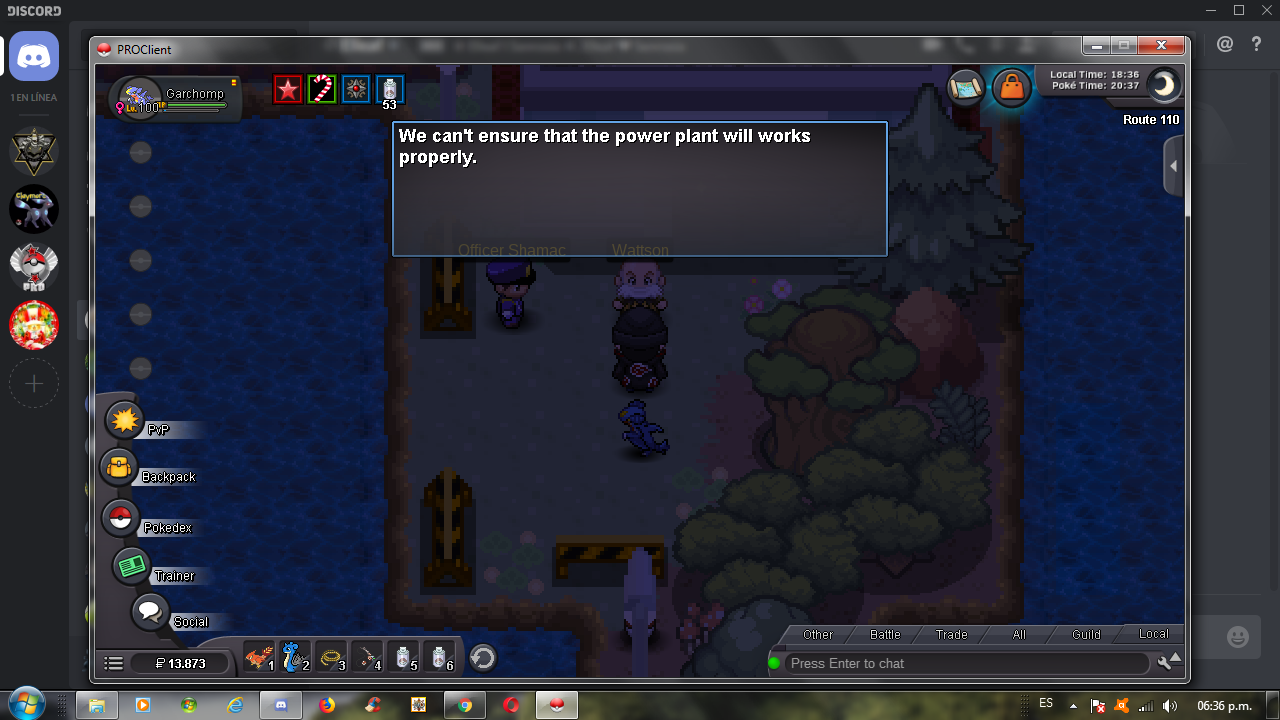
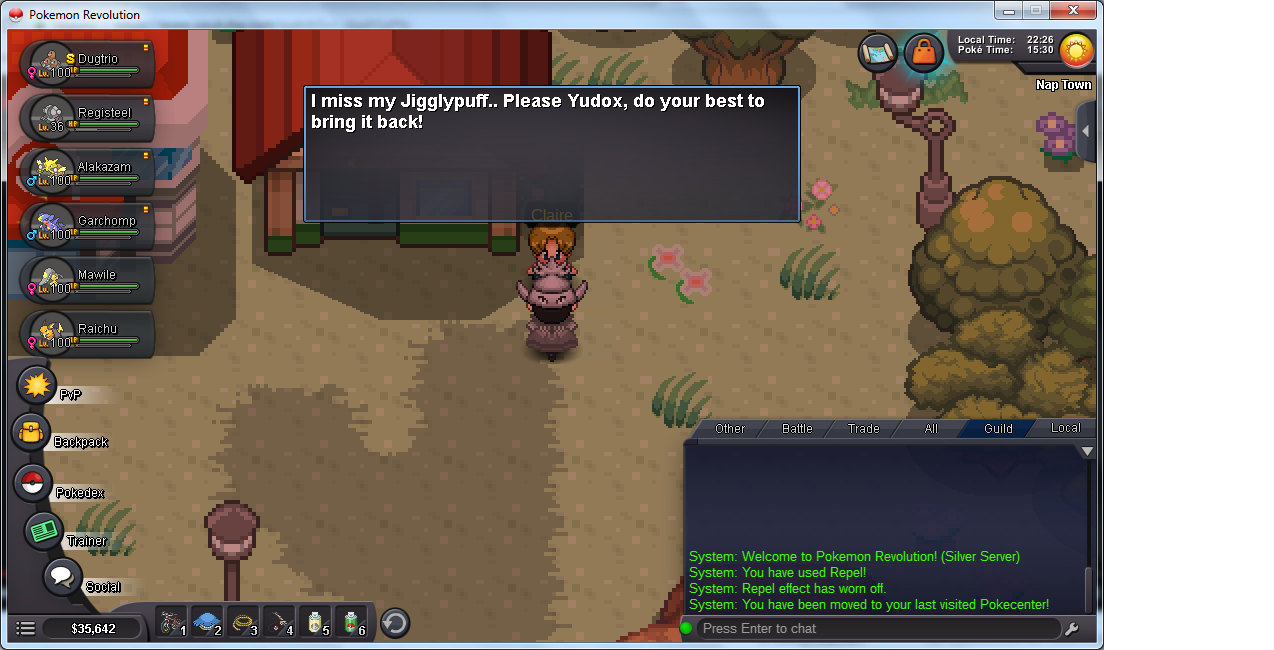
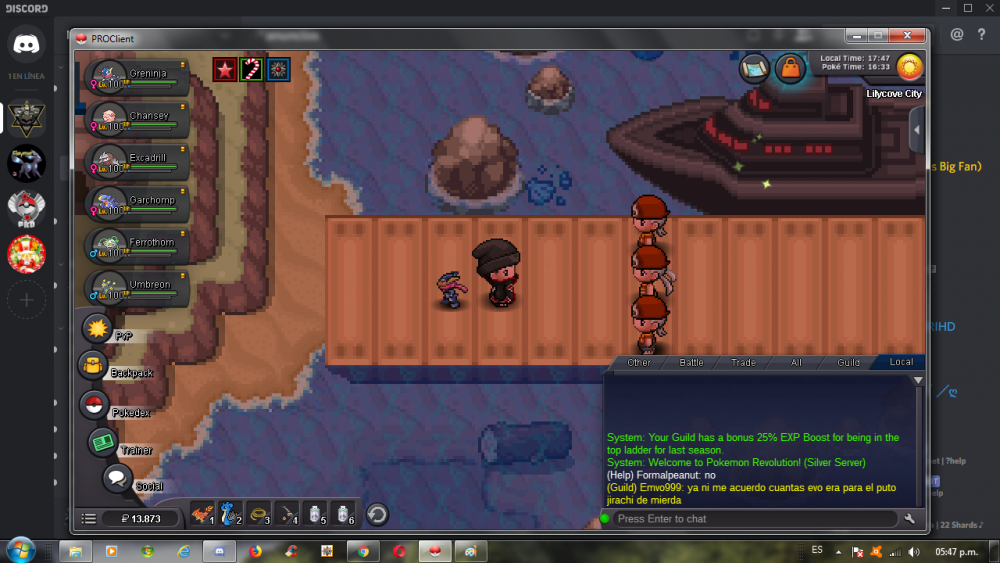
Hola me dirijo con un cordial saludo de navidad personal de pro es para reportar un problema de bug q tengo al iniciar la primera quest de navidad 3 hombres rojos no se van...
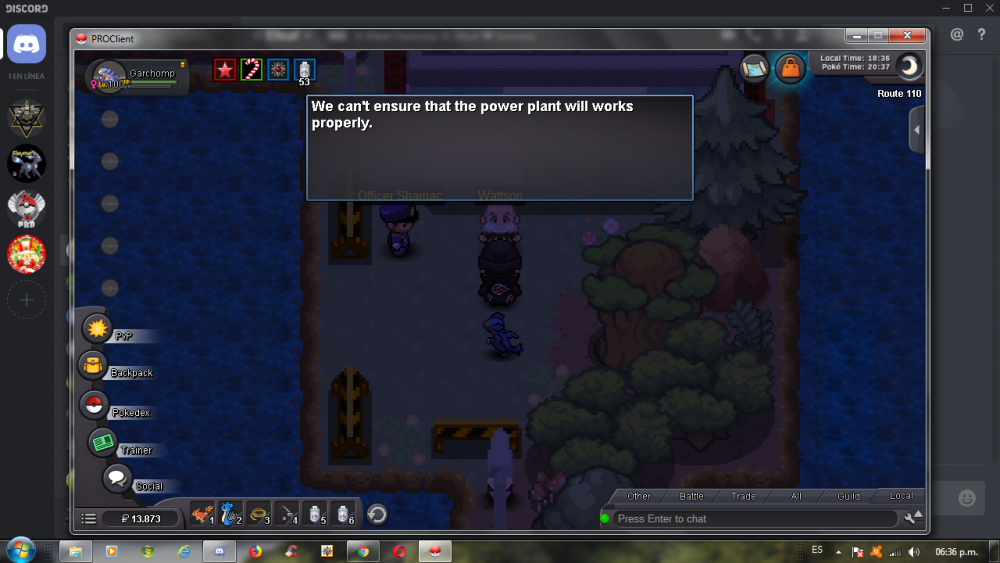
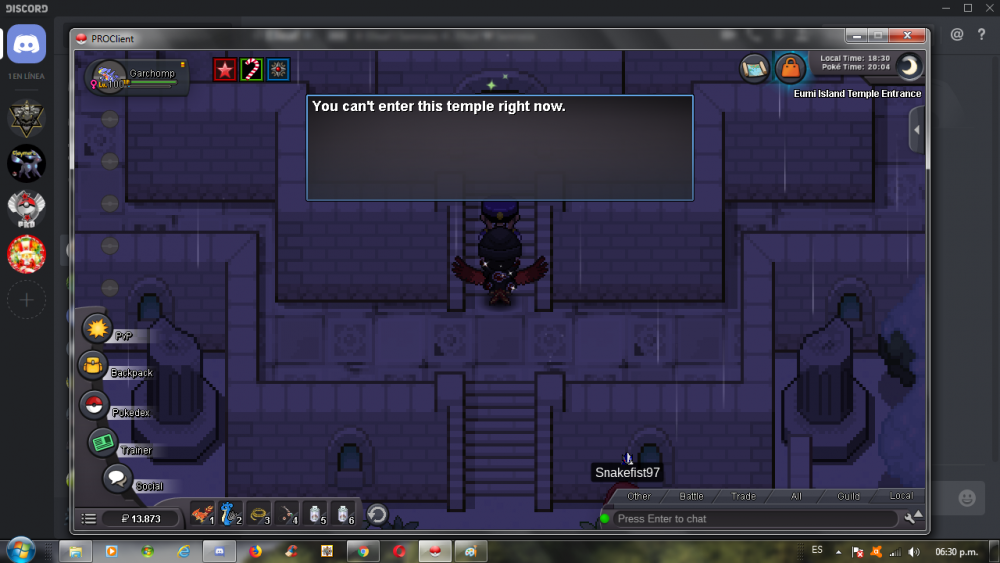
-
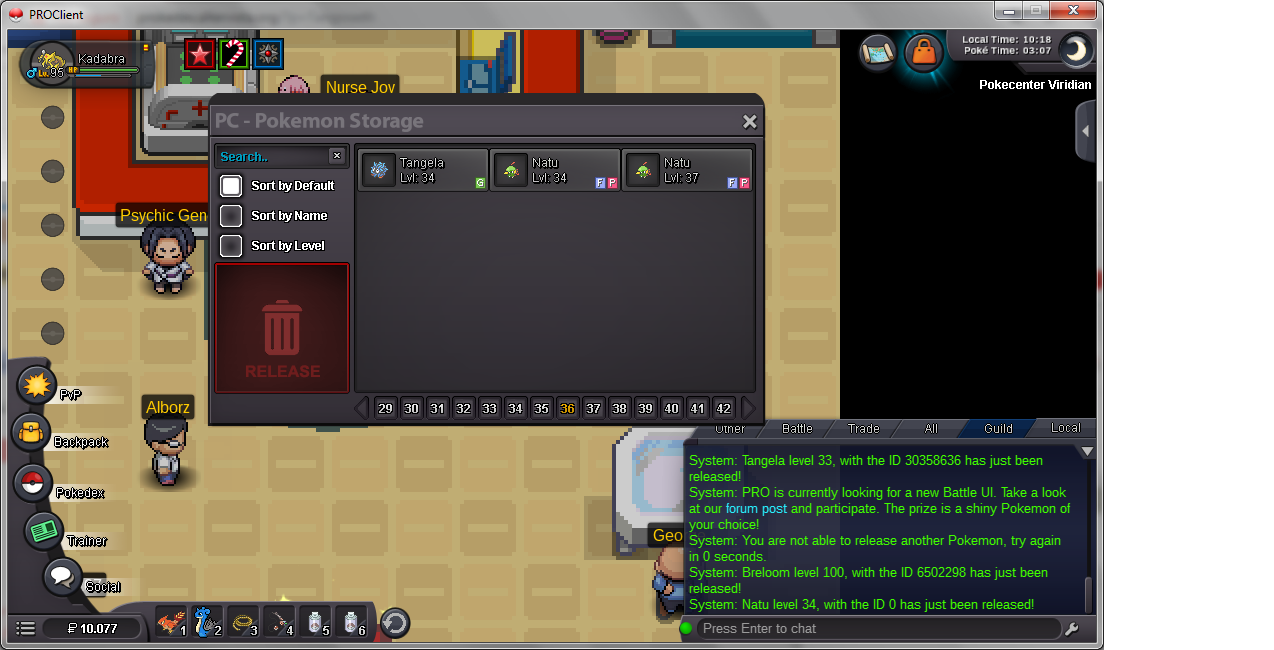
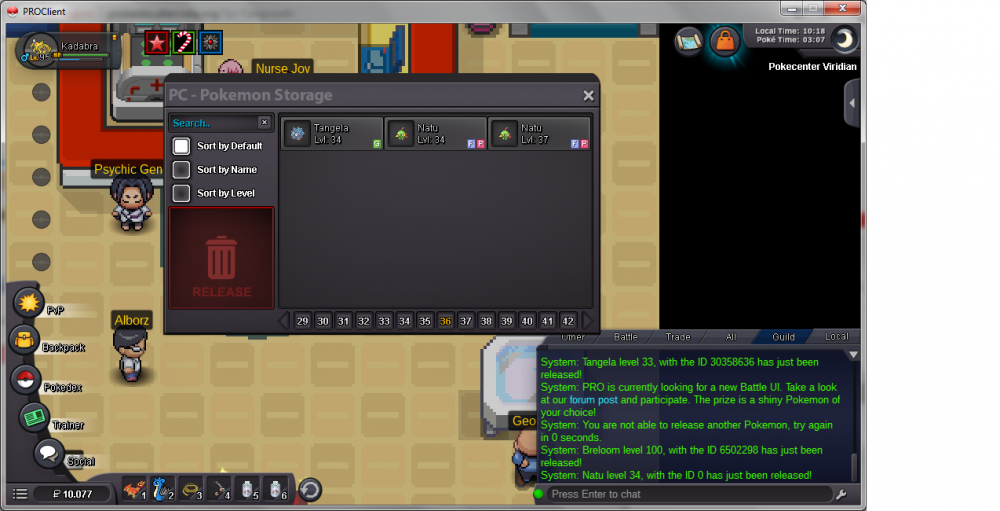
borre mi pokemon por error, fue mi culpa. Quería saber si pueden ayudarme. Muchas gracias. Personal PRO ... Breloom ha
-
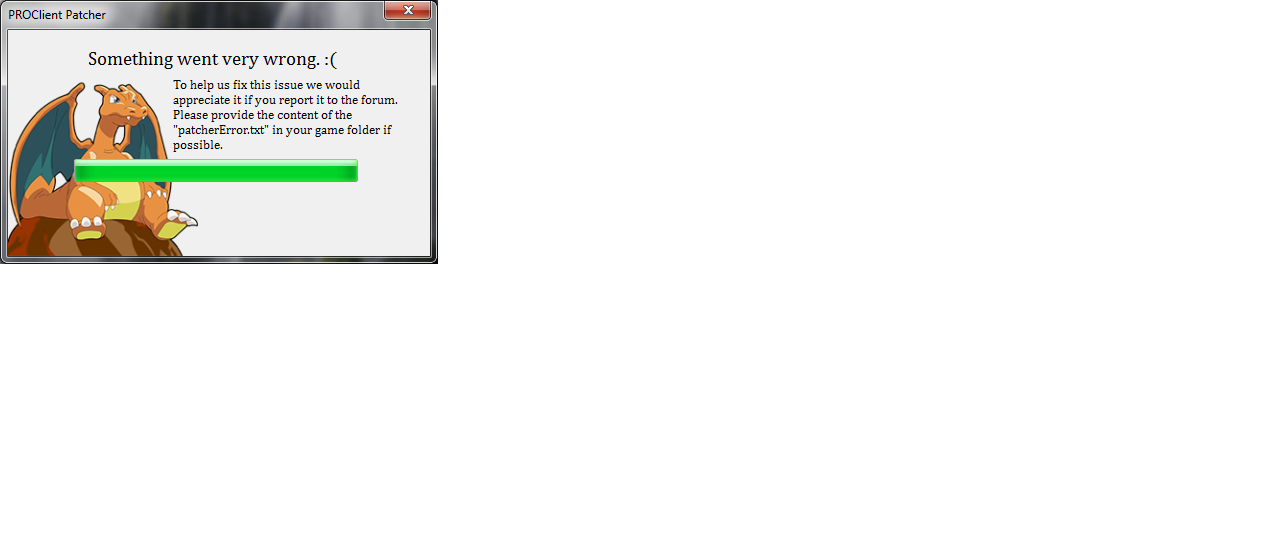
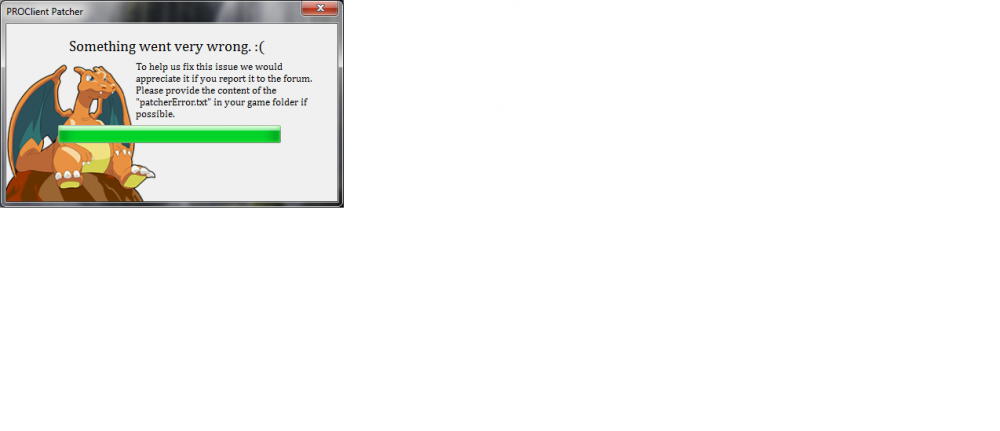
Hola staff de pro. No me deja ingresar ayuda descargo de nuevo el juego... aquí dejo pruebas
-
Ya inicie la quest de nuevo Senrosia MOD pero nada
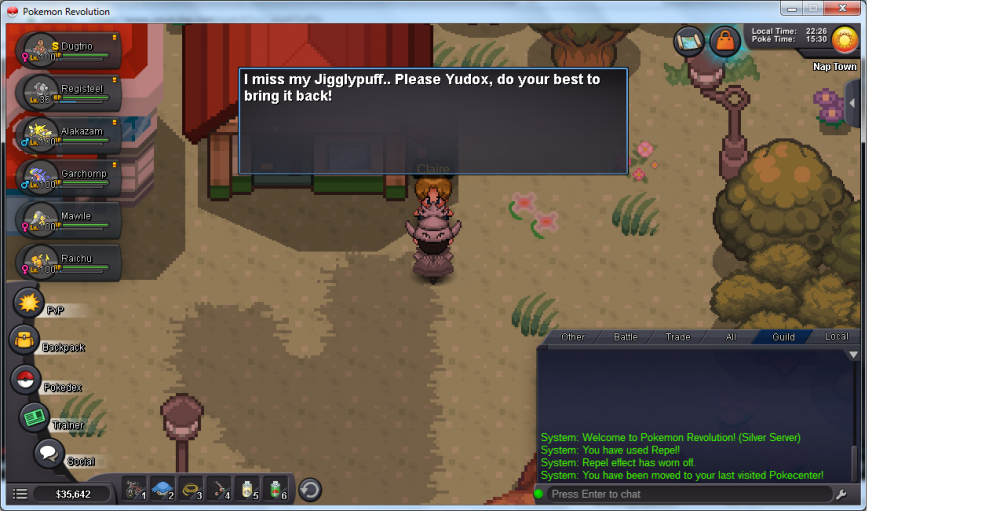
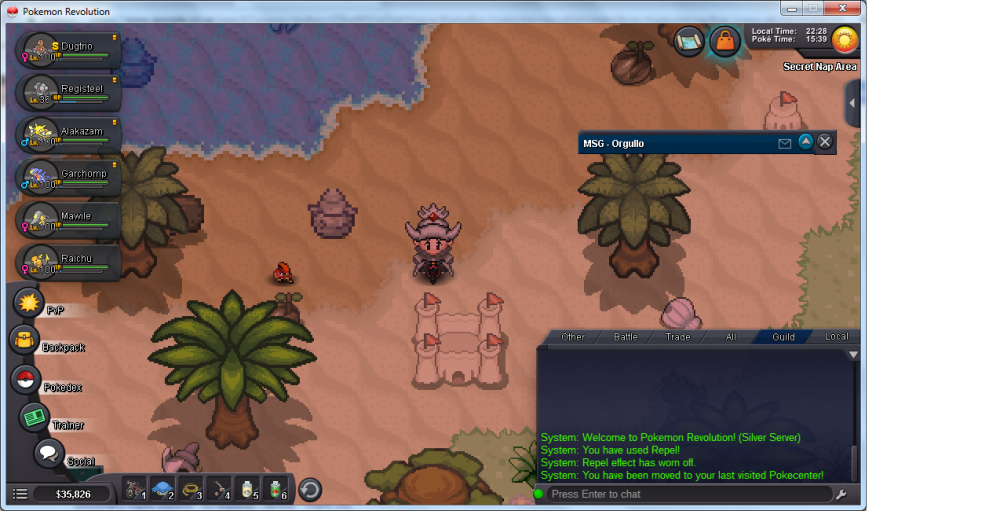
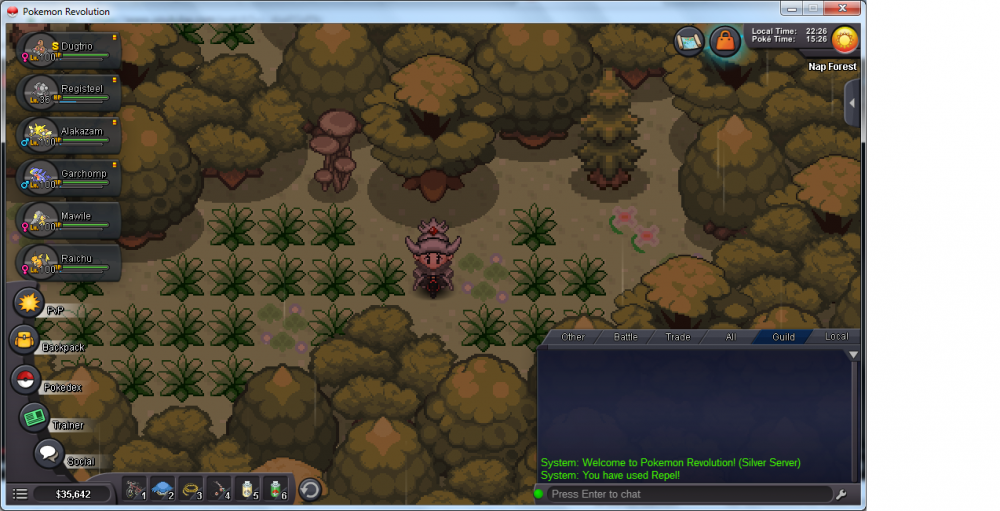
-
No se que hacer... I do not know what to do
-
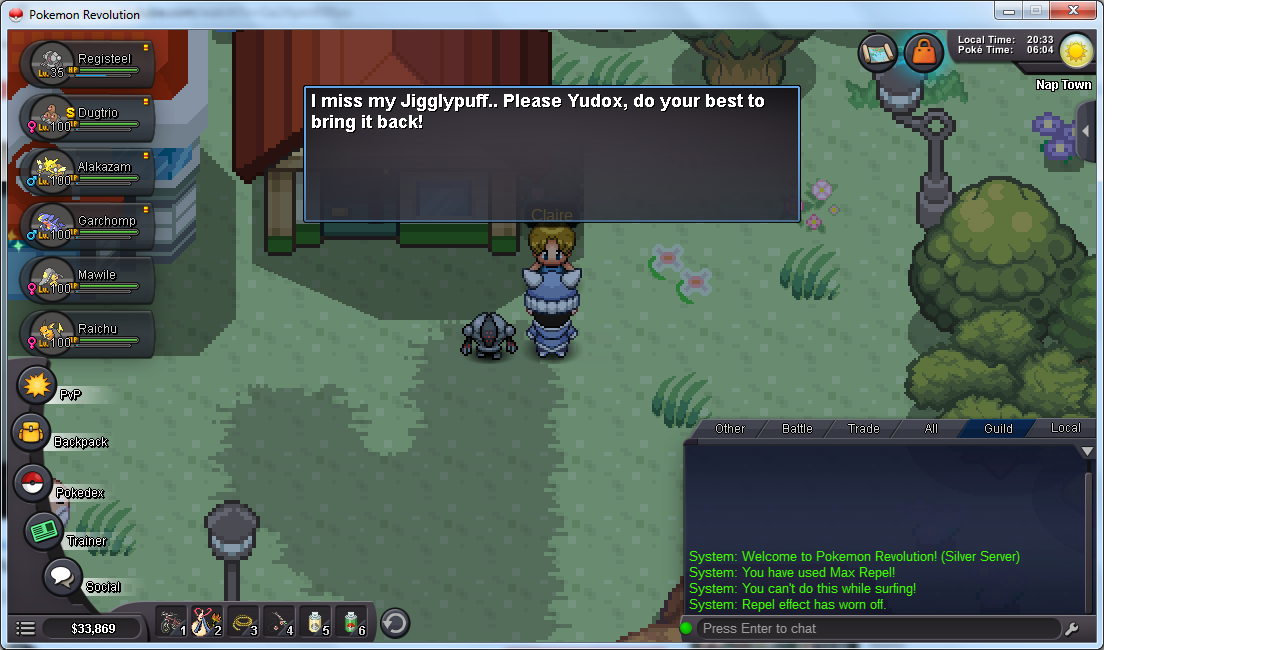
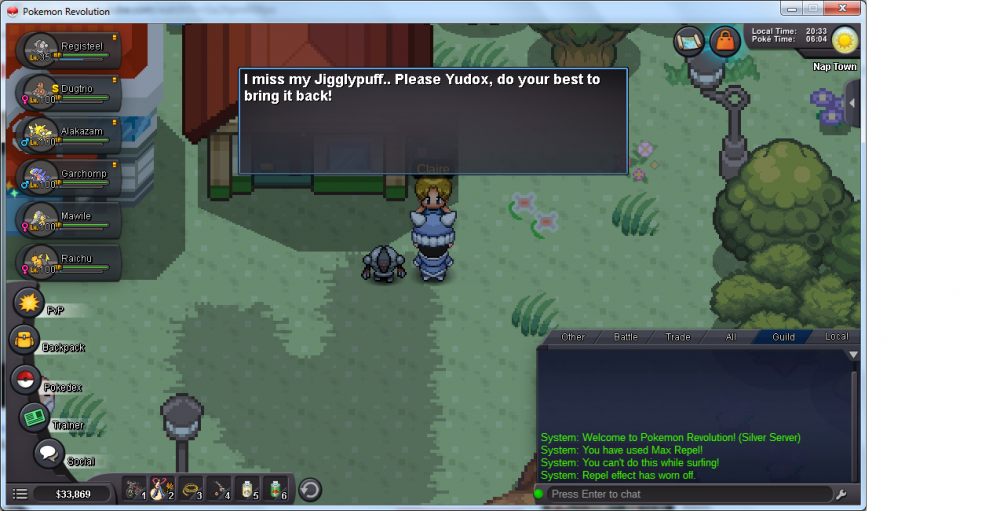
2) here are the screenshots... @DrowningPsyduck Staff and Senrosia MOD
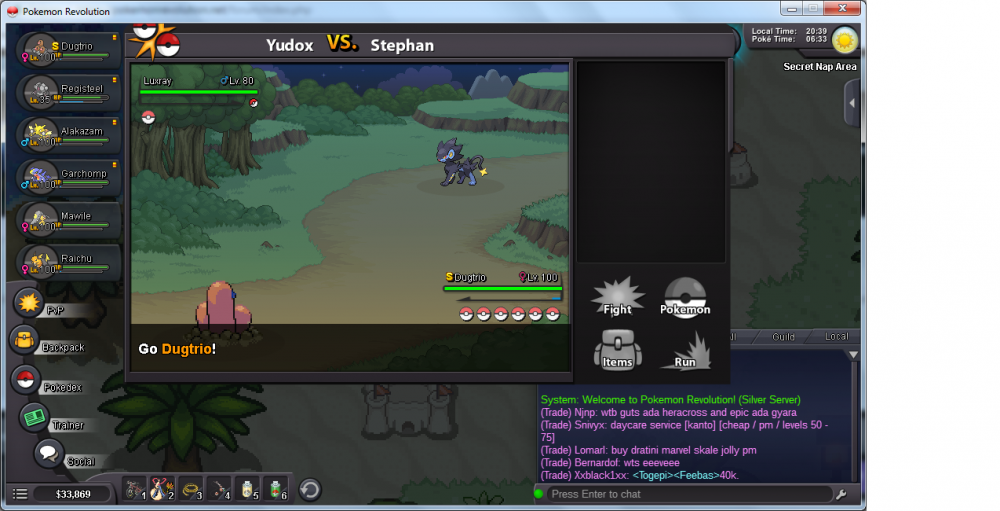
-
here are the screenshots