New Trade Zone
Trade Zone is now live
Use the new Trade Zone for auctions and instant-price trades so Pokemon and item offers are easy to find.

Adiiiiiit
Registered User
-
Joined
-
Last visited
Everything posted by Adiiiiiit
-
Not here for the giveaway, reroll if I win. Very sad to hear this and I hope you find your form back. Hope they do take some action at least because you can't fcking screenshot everything in the advent that something may happen in the future. +1 for the awareness.
-
Final Bump! around 2 hrs remain
-
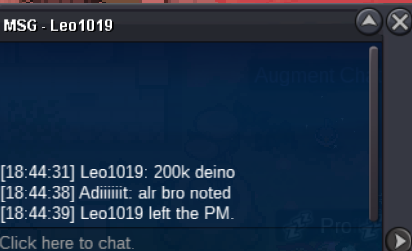
deino c.o 200k
-
BUMP!
-
NOT A BUNDLE Starting Offer: 100K Each Minimum Bid: 50K Each No Insta Accepted Payments: Pokedollars, Coin Capsule @ 470k, IV Rerolls @ 700k, End Point: 48 hours after first bid separately on each pokemon
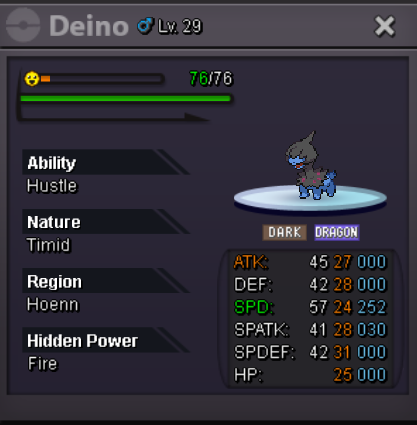
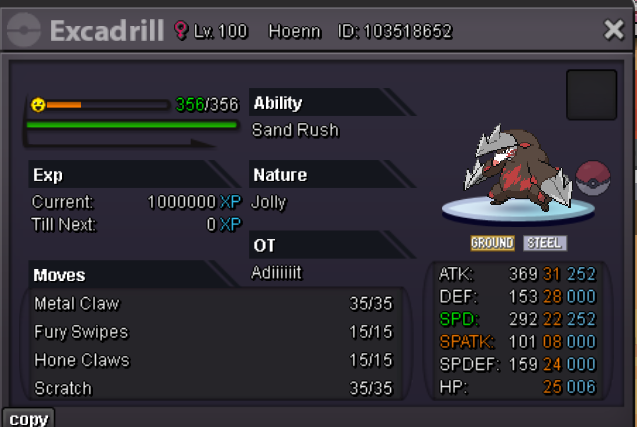
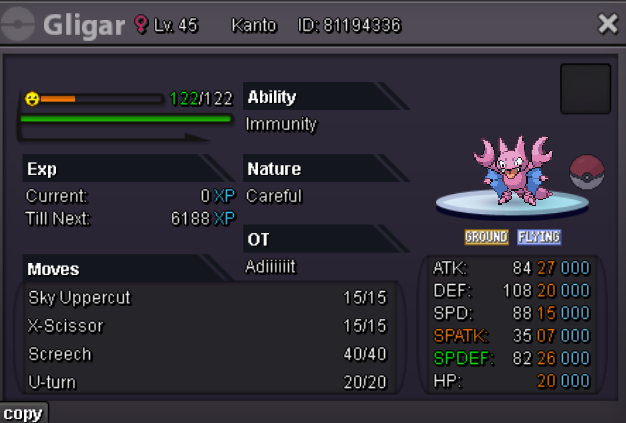
-
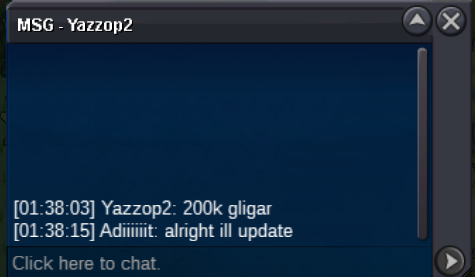
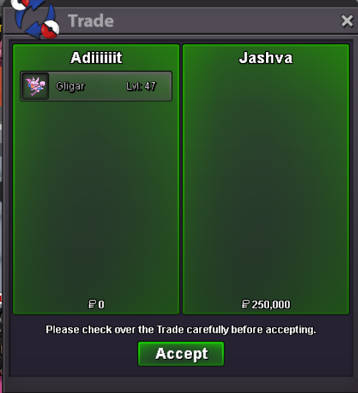
@Somphong1616won gible 500k @Turboowon hippo 200k Pls tell when u both online or dm me discord |Kai|#1369 gligar trade done
-
bump, less than 24 hours left ^^
-
gligar c.o 250k
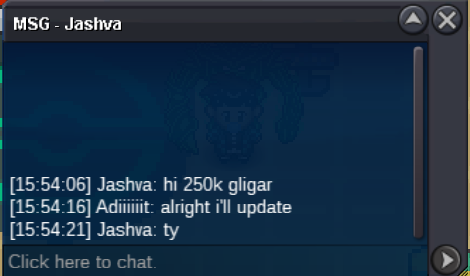
-
hippo c.o 200k
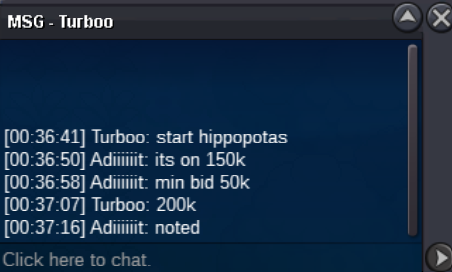 startSorry just a small heads up, gligar c.o 150k gible c.o 250k hippo c.o 150kNOT A BUNDLE Starting Offer: 100K Each Minimum Bid: 50K Each No Insta Accepted Payments: Pokedollars, Coin Capsule @ 470k, IV Rerolls @650k, End Point: 48 hours after first bid separately on each pokemon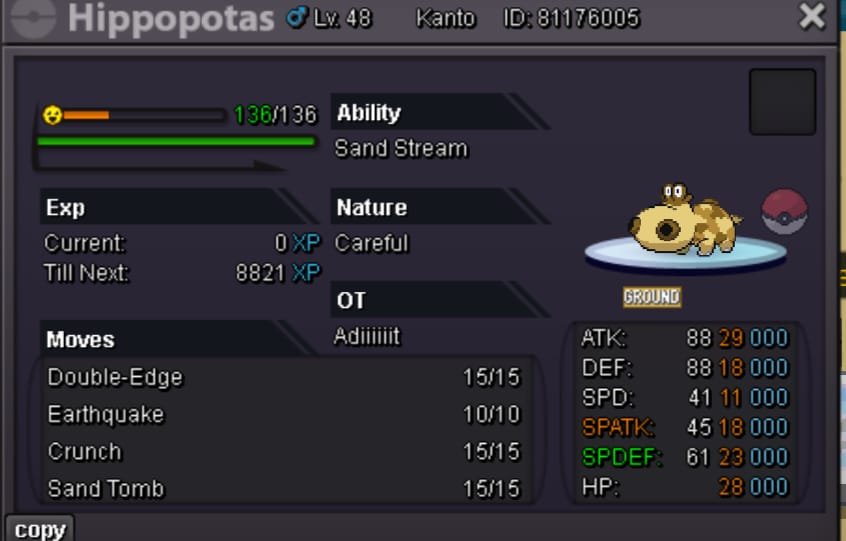
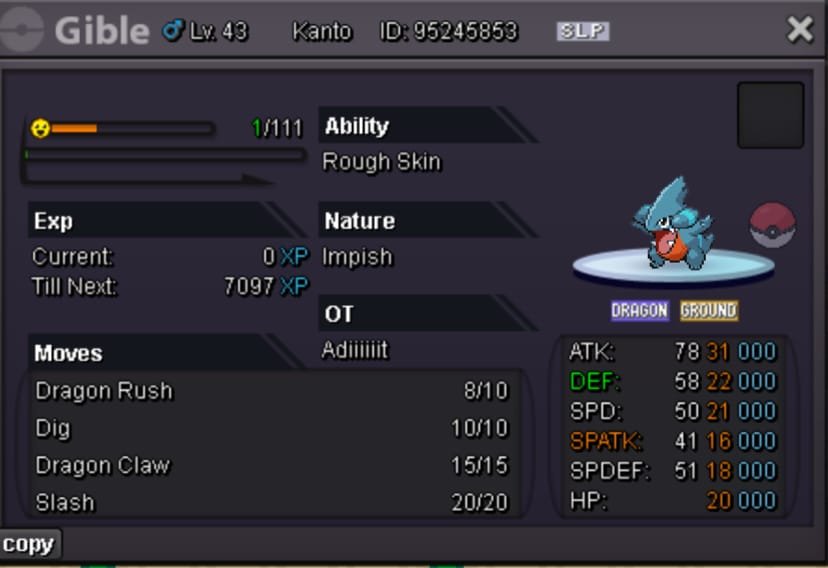
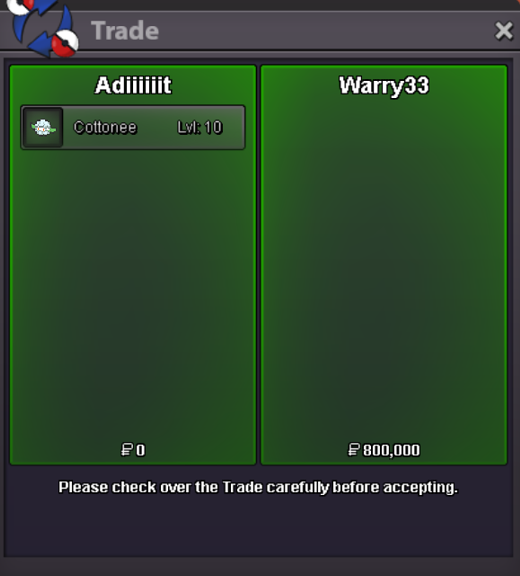
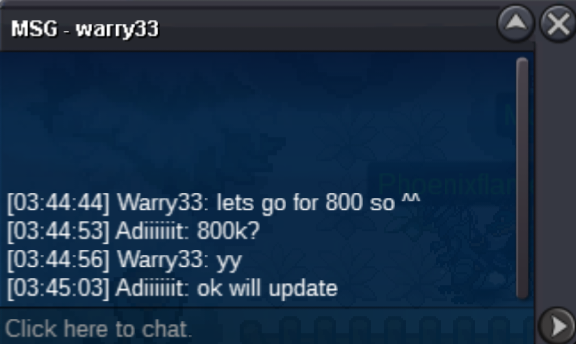
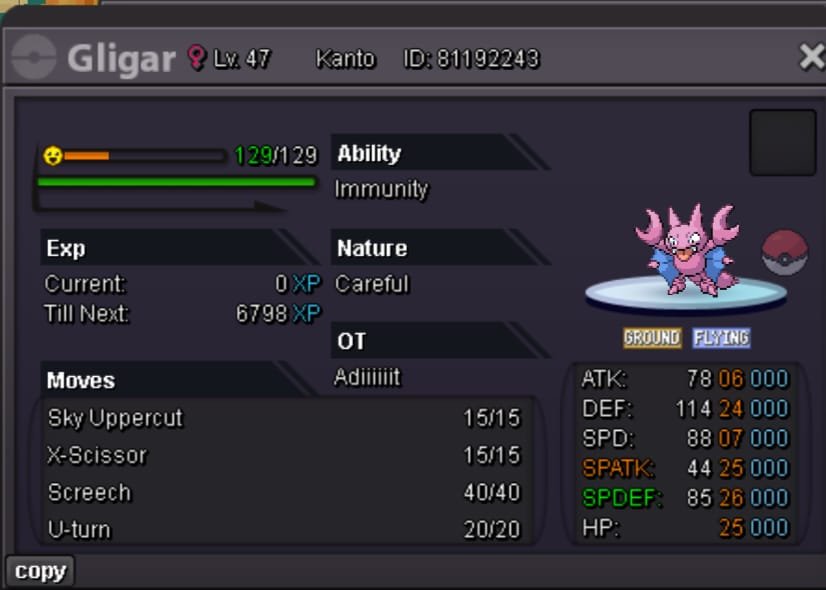 600kflying 500k600ksorry it ended, @Warry33is the winnerbump less than 2 hrs left^^1.5m snivyS.O - 100k Min bid 50k Duration - 48 hours after start Accept cc - 420k, iv reroll - 500k and $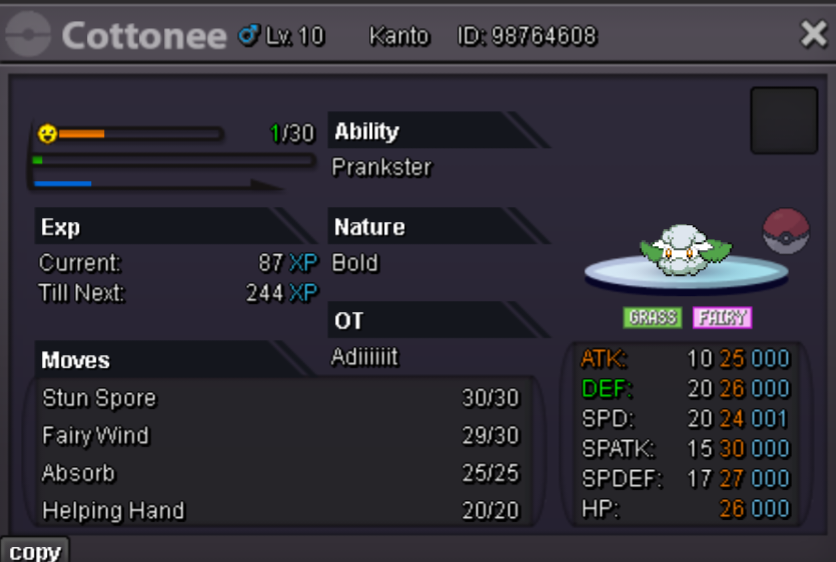
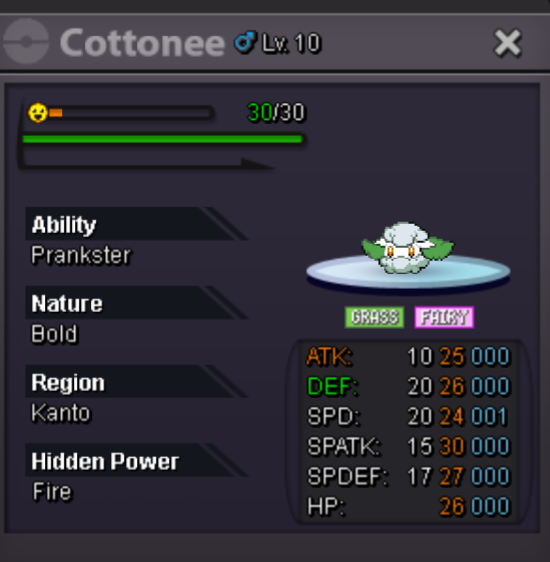 trade done, can be closed thanks!
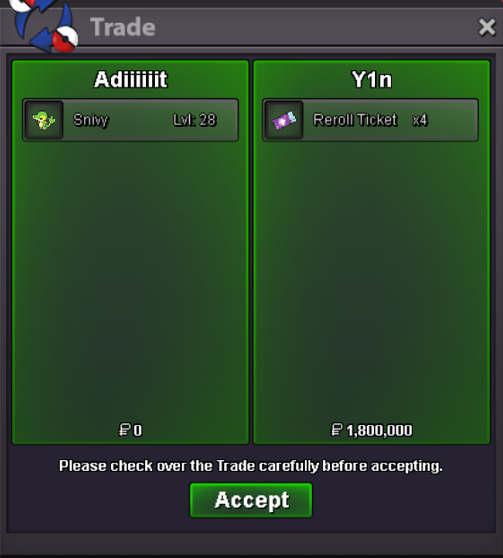 no bro 15mins already over since last bid