New Trade Zone
Trade Zone is now live
Use the new Trade Zone for auctions and instant-price trades so Pokemon and item offers are easy to find.

Torrico
Registered User
-
Joined
-
Last visited
Everything posted by Torrico
-
im online now
-
Hello, I'm sorry for the delay in the response, I couldn't get into the game at the same time as the seller due to work, but I plan to get in later today to make the purchase
-
hello, i would like you to help me discover the real value of my pokémons
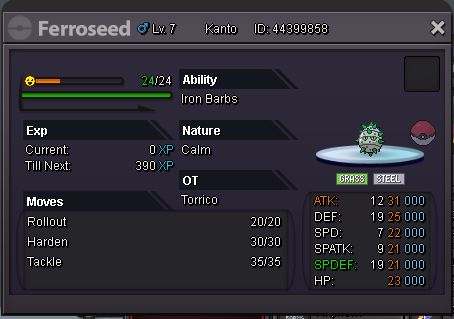
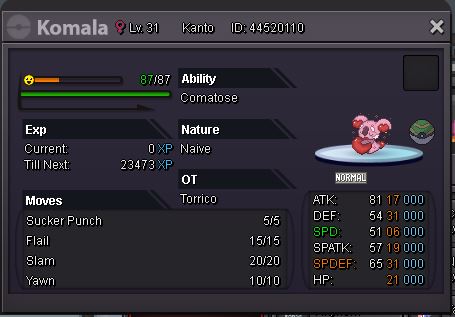
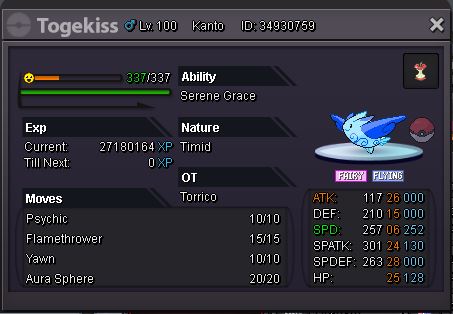
-
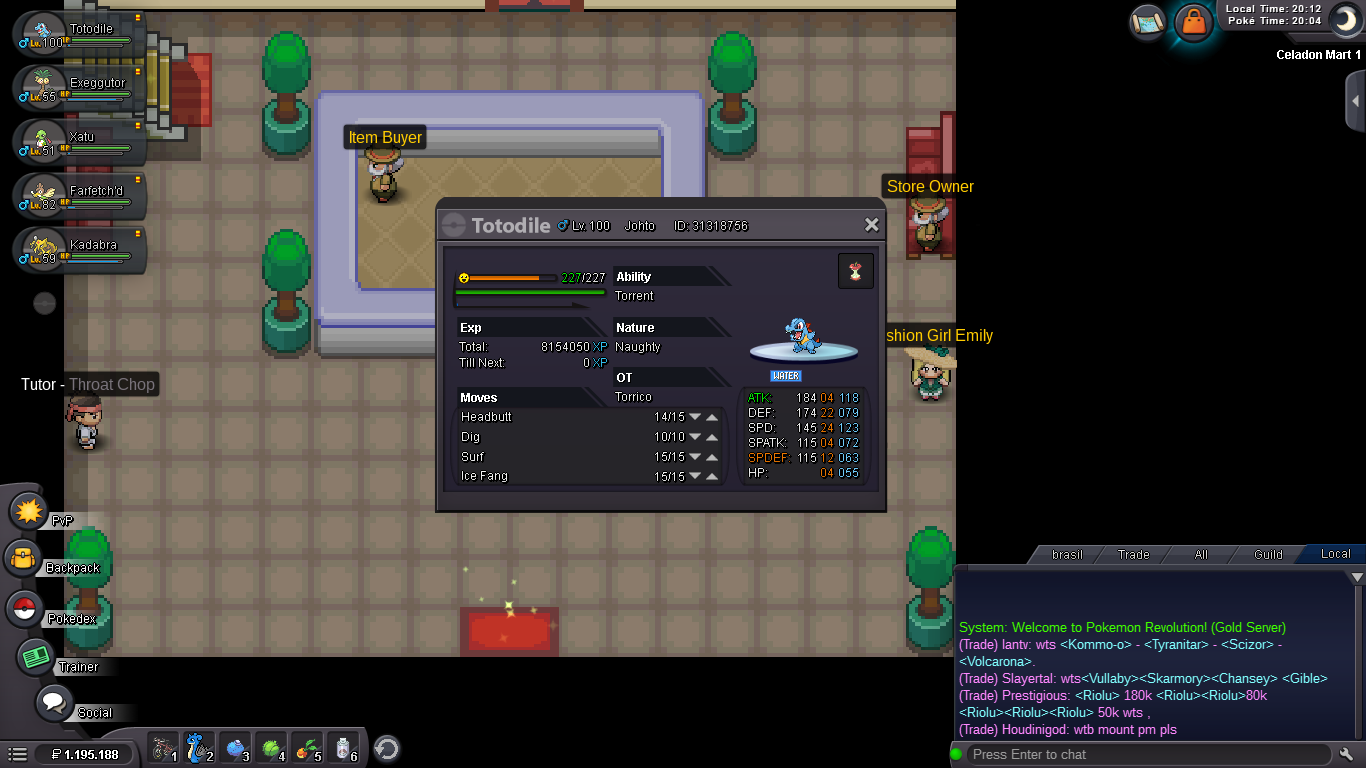
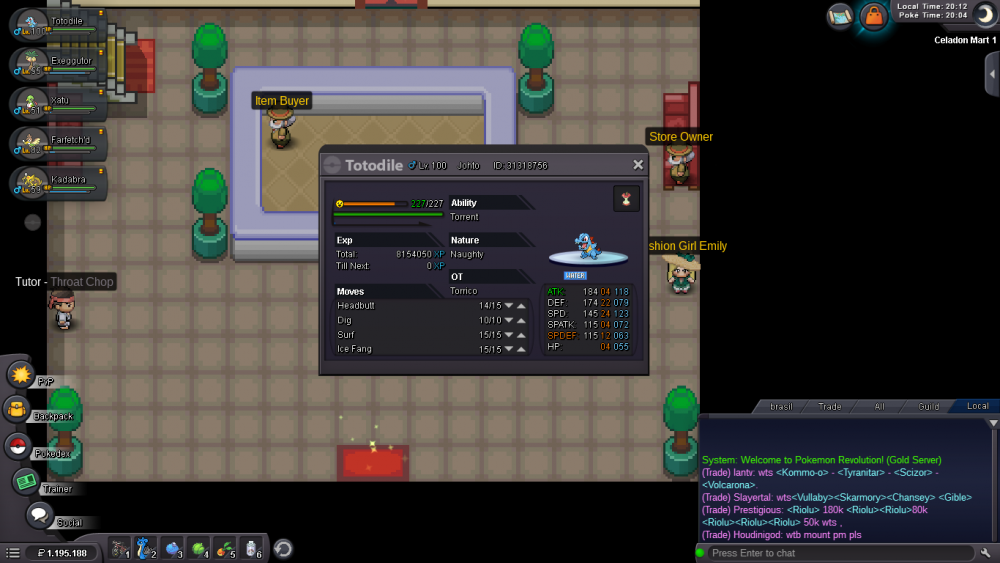
Hi, i want delevel in my totodile. He's lv 100 i would like him to come back lv 98 so he can become feraligatr. In-game name: Torrico Server: Gold Pokemon ID and/or screenshot: 31318756
-
Ah, ok ty man, i didnt know
-
Hi, I did the bike quest and when I got caught there I ended up talking to the wrong NPC and I lost 60k. I thought he would give it to me for free. Can someone help me?