




New Trade Zone
Trade Zone is now live
Use the new Trade Zone for auctions and instant-price trades so Pokemon and item offers are easy to find.

Toantoanel98
Suspended
-
Joined
-
Last visited
-
Hello keita and friends First my english is not good so sorry if it confuses you. There is one problem that makes me wonder: once I hunted pokemon on the event valenatine event map, the server lag sent me flying into the clouds (I don't use other software) and I got banned. Although I was spared but I lost 1 time unbanned. Next time if that happens I will be banned forever. So, next time if this happens, who can I contact to help me?? And how to contact?? Thank you very much.
-
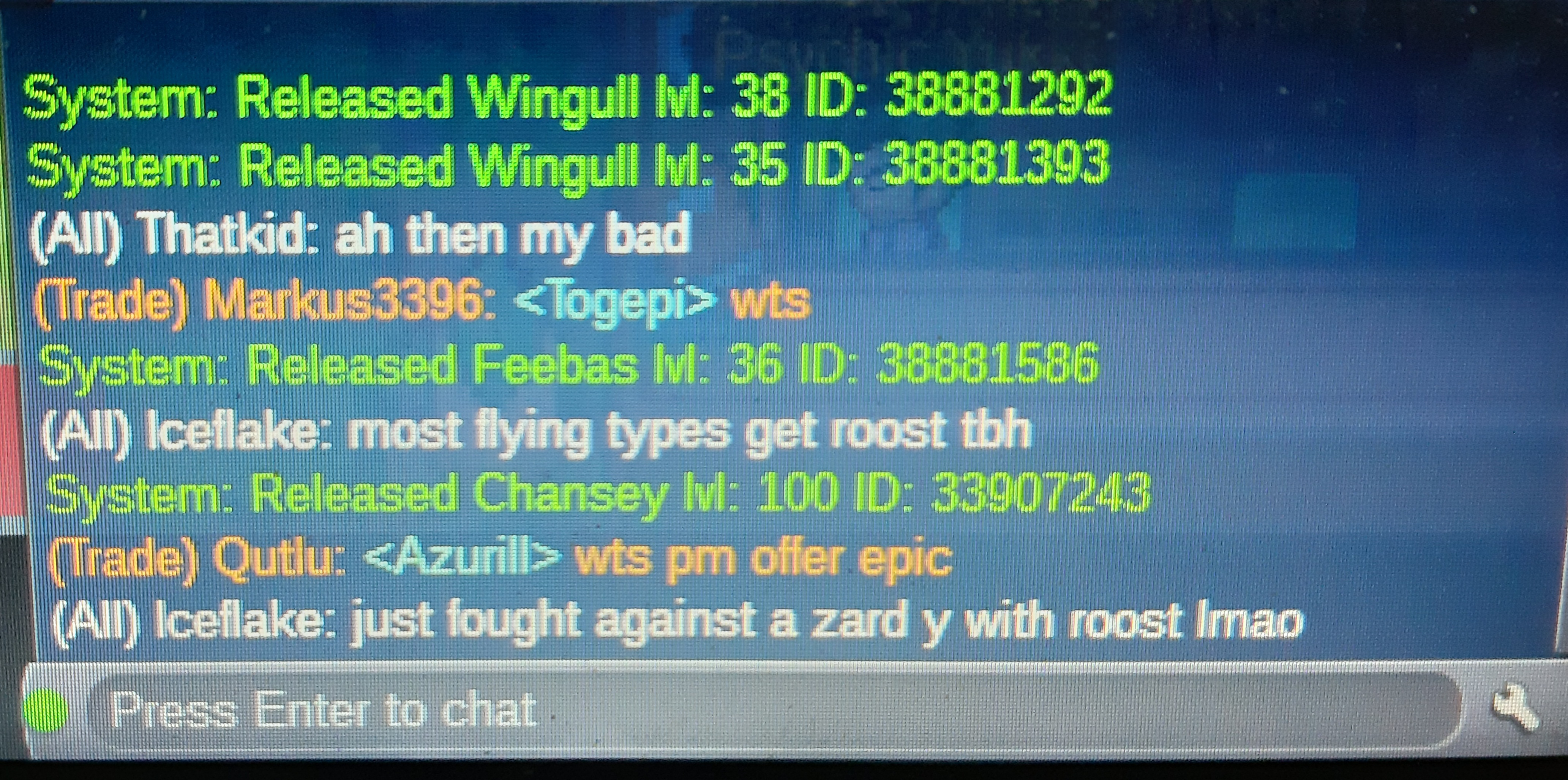
Please help me restore my chansey. SV: Gold Thank you so much.
-
Hi. please help me!! I have a shiny buneary with a hasty nature. But. I don't see her now. I didn't delete, sell or give her away. Sever: Gold
-
Sorry for the inconvenience, I deleted my CHANSEY pokemon. Please help me. Thank you !!!Thank you so much!! I received my Lanturn.Xin lỗi vì sự bất tiện này nhưng tôi đã xóa nhầm pokemon của mình. Pokemon của tôi là Lanturn.