New Trade Zone
Trade Zone is now live
Use the new Trade Zone for auctions and instant-price trades so Pokemon and item offers are easy to find.

0rekastanie
Suspended
-
Joined
-
Last visited
Everything posted by 0rekastanie
-
up
-
sold
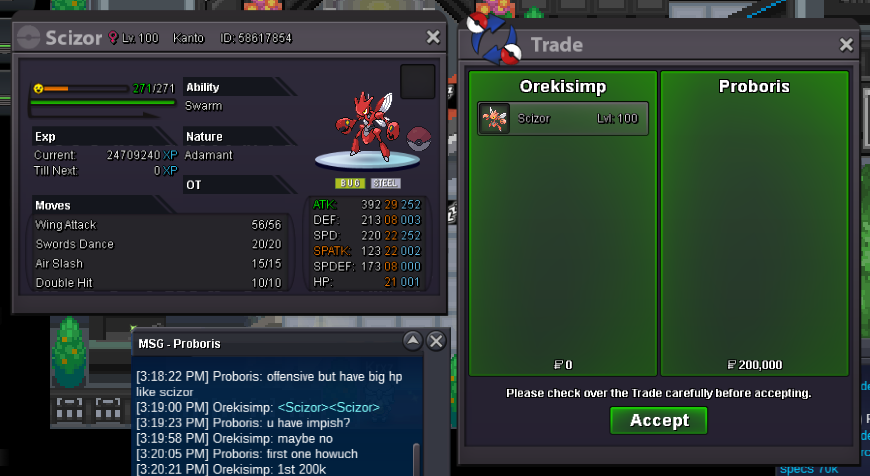
-
bump
-
bump
-
will buy if i sell all my cc and rr to make 21 million for this, can u wait?
-
bump
-
bump
-
ty
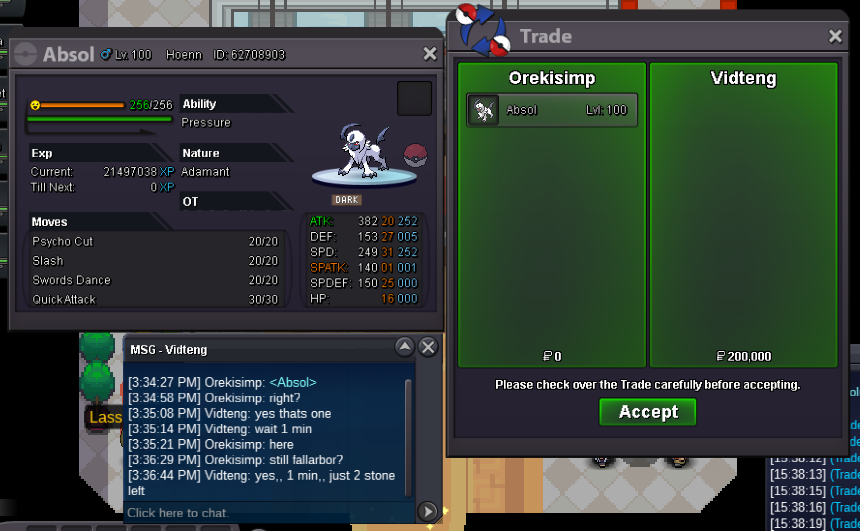
-
hi are u online?
-
bump
-
up
-
-
up
-
up
-
-
sold Smoochum
-
bump
-
-
bump
-
bump
-
-
ump
-
bump
-
1m
-
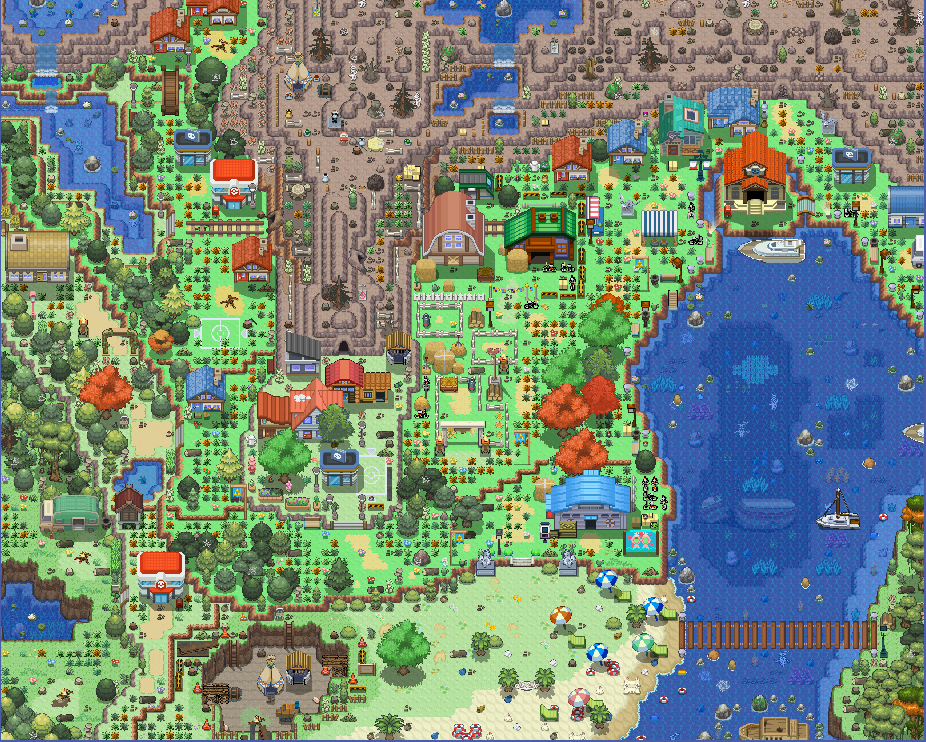
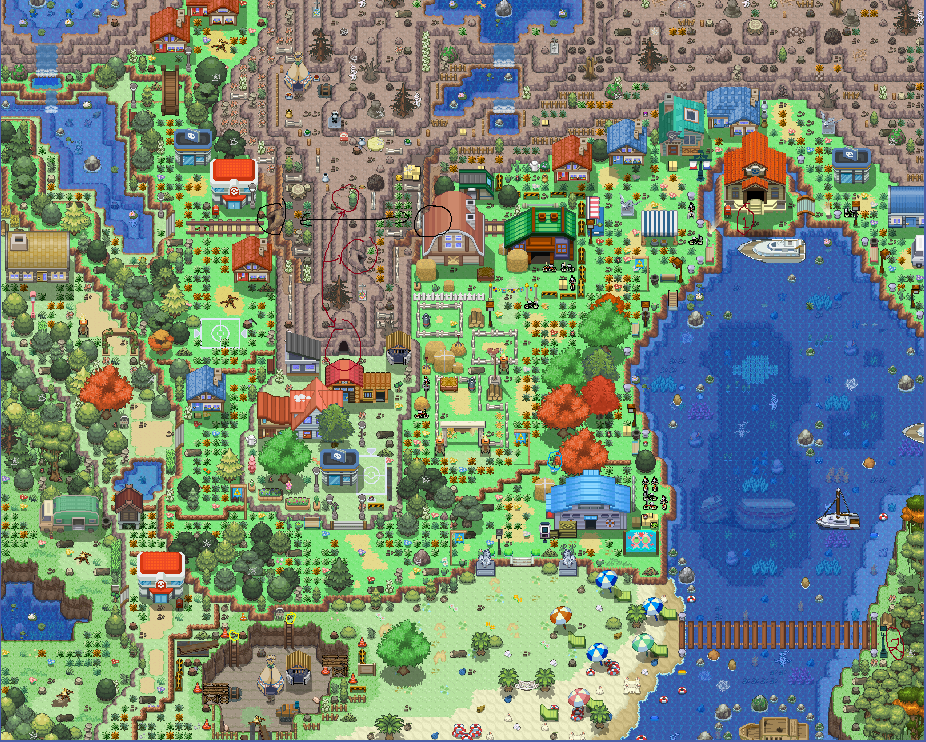
Sorry, the map looks pretty confusing. and i have some guide for my map to mapper. 1. The black line is an interconnected cave that can be moved back and forth and so is the red line. 2. Red circle with number, I want NPC there. 3. Yellow circle, I want rock smash. I'm also posting the .pm file to you guys check what I done with better quality. And will update more if there are image errors. Summer Town.pm Sorry for edit.