




New Trade Zone
Trade Zone is now live
Use the new Trade Zone for auctions and instant-price trades so Pokemon and item offers are easy to find.

H2oalkana
Registered User
-
Joined
-
Last visited
Everything posted by H2oalkana
-
Finally i have a reason to stop playing again. This is a bad update but somehow i need it.
-
Contact me on discord PuffyPuff#1171
-
2.1m
-
Hey now my both account in same server (silver). Can you transfer it now. Thanks in advance.
-
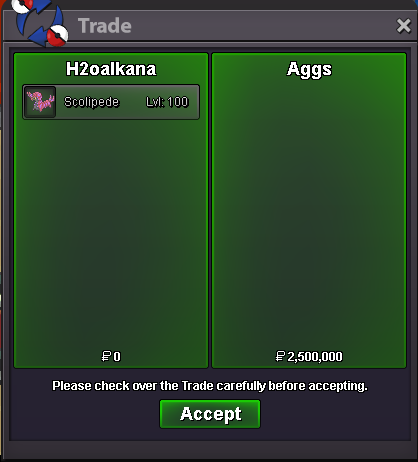
Sold insta in game
-
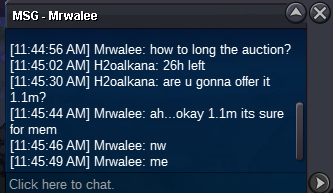
1.1m offer by Mrwalee

-
Up
-
up
-
= This is An Auction = S.O : 1M Min Raise : 100K Time : 48h after first bid Insta : 2.5m Accept CC(400K) and Reroll (600k) Discord : PuffyPuff#1171 Time Count : SOLD Thanks and Have a nice day ^^

-
450k
-
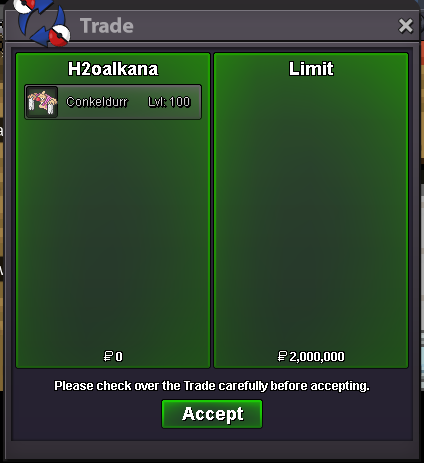
Sold insta to Limit.
-
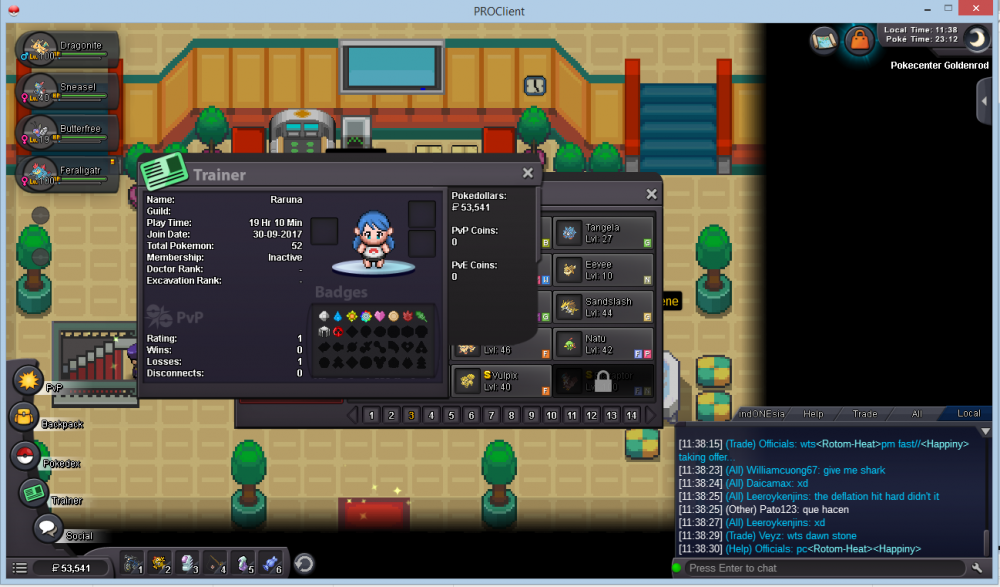
I was going to make shiny playthrough with my alternative account (Raruna) but i traded wrong shiny, can u give it back to my Primary Account H2Oalkana. here i screenshot the shiny : can u give it back shiny staraptor and shiny vulpix, or just one of them. Raruna in silver and H2Oalkana in gold(i just transfer server). Thanks.
-
Bump!650K by Tejkkapadia123
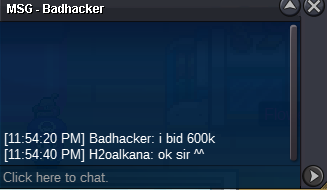
 600k by Badhacker
 550k by Verkurt
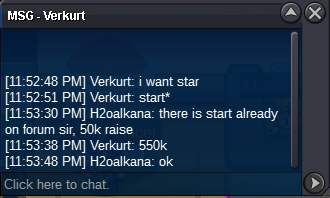 = THIS IS AN AUCTION = Start : 500k Min Raise : 50k Insta : 2m 48H After first bid Accept CC(400k), Reroll(600k) Time Count : https://www.timeanddate.com/countdown/generic?iso=20200422T235959&p0=439&font=cursive Good Luck and Have a nice day ^^
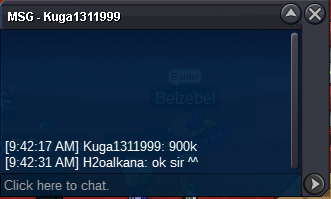
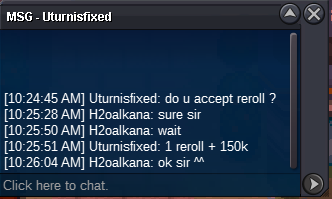
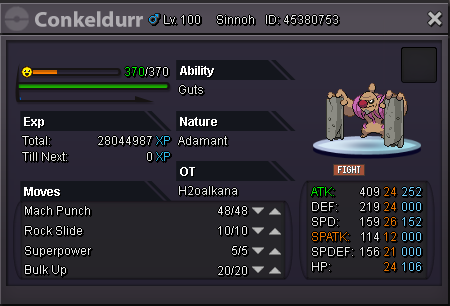 Auction End. Kemalinc Win. Thanks for bidding, have a nice day ^^ .Final bump!@Glaciate i actually waiting for u to ask sir ^^new offer 2.5m
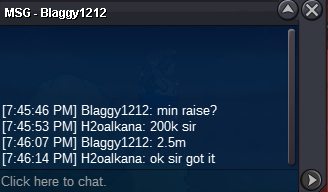 2.2m offer by Anonymous



Account
Navigation
Search
Configure browser push notifications
Chrome (Android)
- Tap the lock icon next to the address bar.
- Tap Permissions → Notifications.
- Adjust your preference.
Chrome (Desktop)
- Click the padlock icon in the address bar.
- Select Site settings.
- Find Notifications and adjust your preference.
Safari (iOS 16.4+)
- Ensure the site is installed via Add to Home Screen.
- Open Settings App → Notifications.
- Find your app name and adjust your preference.
Safari (macOS)
- Go to Safari → Preferences.
- Click the Websites tab.
- Select Notifications in the sidebar.
- Find this website and adjust your preference.
Edge (Android)
- Tap the lock icon next to the address bar.
- Tap Permissions.
- Find Notifications and adjust your preference.
Edge (Desktop)
- Click the padlock icon in the address bar.
- Click Permissions for this site.
- Find Notifications and adjust your preference.
Firefox (Android)
- Go to Settings → Site permissions.
- Tap Notifications.
- Find this site in the list and adjust your preference.
Firefox (Desktop)
- Open Firefox Settings.
- Search for Notifications.
- Find this site in the list and adjust your preference.