




New Trade Zone
Trade Zone is now live
Use the new Trade Zone for auctions and instant-price trades so Pokemon and item offers are easy to find.


Idreamyl
Registered User
-
Joined
-
Last visited
-
Google DocsPRO newmons
-
324k
-
-
-
Hii, i miss ur message. Are u online?
-
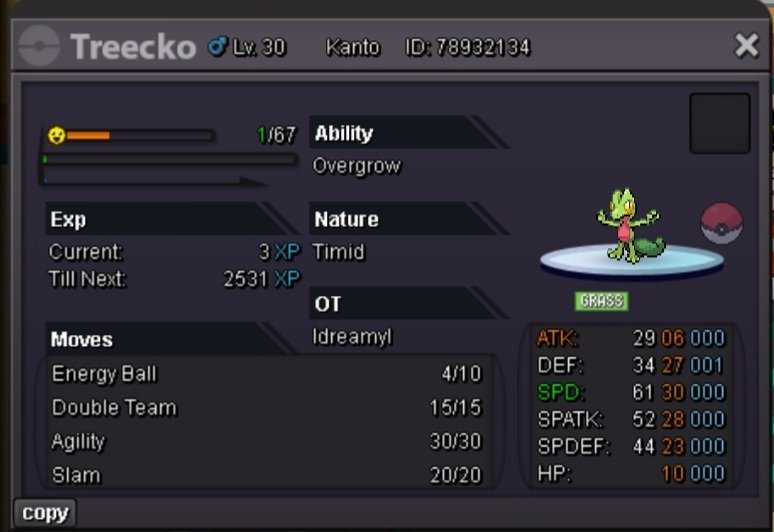
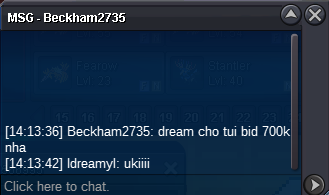
Hi, im here again~ feel free to offer :33 Start: 500k Ins: 4m mid bid: 50k, Time: 24h from the 1st bid (GMT+7) End: 17:29 13/1/2025 Accept: CC= 500k Rr ivs= 550k Rr nature= 270k
-
I'll auction this Treecko again in new post. Thank for waiting
-
@Kisslove098 Already ended
-
Start: 500k Ins: 4m mid bid: 50k, Time: 48h from the 1st bid (GMT +7) (start: 2:33 a.m 16/12/24 - end: 2:33 a.m 18/12/24) Accept: CC= 500k Rr ivs= 550k Rr nature= 270k
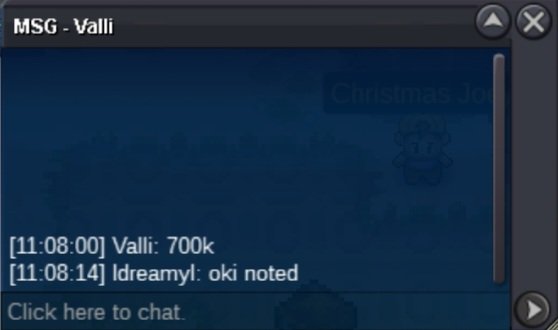
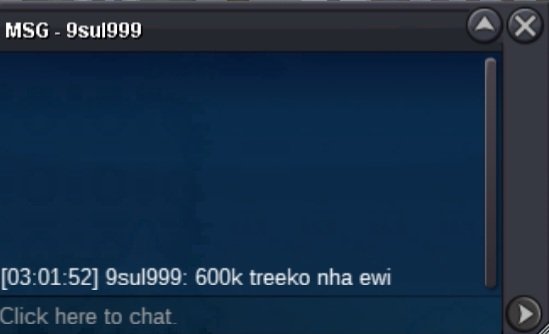
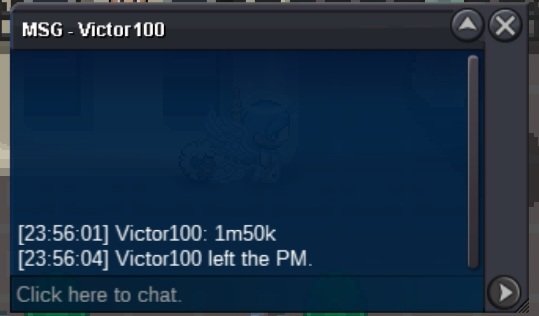
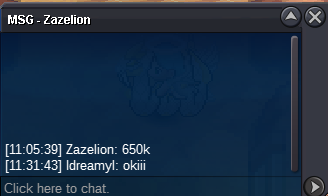
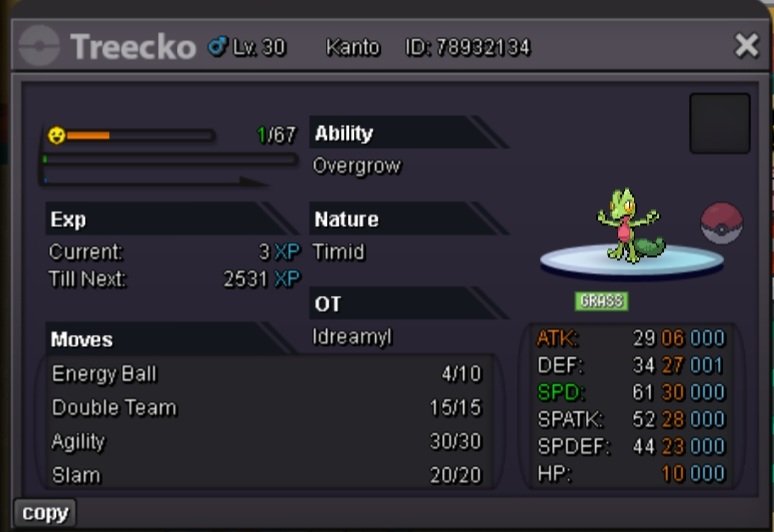 The auction ended and @Krucify won the auction Sableye with 1m1. Please pm me to trade. Contact me: discord: Dreamy25

Account
Navigation
Search
Configure browser push notifications
Chrome (Android)
- Tap the lock icon next to the address bar.
- Tap Permissions → Notifications.
- Adjust your preference.
Chrome (Desktop)
- Click the padlock icon in the address bar.
- Select Site settings.
- Find Notifications and adjust your preference.
Safari (iOS 16.4+)
- Ensure the site is installed via Add to Home Screen.
- Open Settings App → Notifications.
- Find your app name and adjust your preference.
Safari (macOS)
- Go to Safari → Preferences.
- Click the Websites tab.
- Select Notifications in the sidebar.
- Find this website and adjust your preference.
Edge (Android)
- Tap the lock icon next to the address bar.
- Tap Permissions.
- Find Notifications and adjust your preference.
Edge (Desktop)
- Click the padlock icon in the address bar.
- Click Permissions for this site.
- Find Notifications and adjust your preference.
Firefox (Android)
- Go to Settings → Site permissions.
- Tap Notifications.
- Find this site in the list and adjust your preference.
Firefox (Desktop)
- Open Firefox Settings.
- Search for Notifications.
- Find this site in the list and adjust your preference.