New Trade Zone
Trade Zone is now live
Use the new Trade Zone for auctions and instant-price trades so Pokemon and item offers are easy to find.

Mrbuffalobull
Registered User
-
Joined
-
Last visited
Everything posted by Mrbuffalobull
-
12h left
-
S.o 160k Instant 300k Time: 1 day

-
Where are you from?: Vietnam How old are you?: 32 How much playtime do you have on PRO (including alternate accounts if any)?: 700h Has the game improved since you first joined? If yes, how?: Yes, wonderful Is there a staff member or player who you feel is underrated?: Nope If you could change one thing about PRO, what would it be (no restrictions, be creative)?: All legendary catch able
-
I accidently released my Skrelp. Please help me ID: 21133604 Thanks

-
It is fixed. Thanks so much.
-
Thanks so much
-
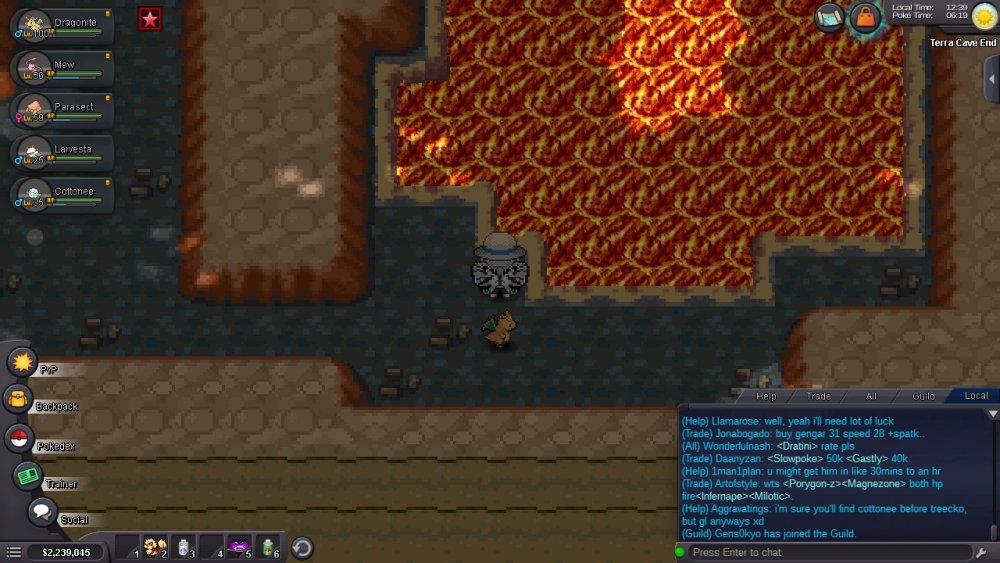
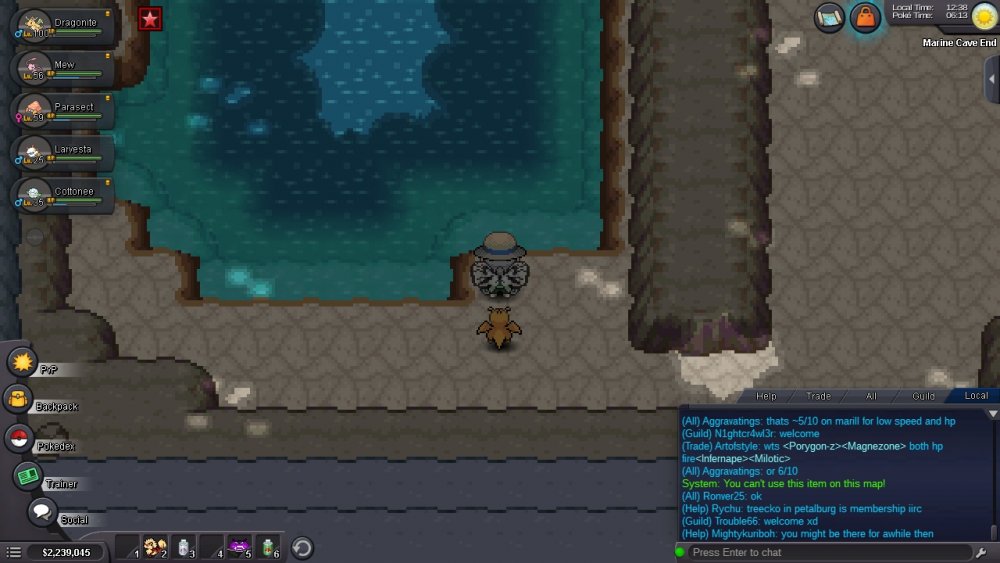
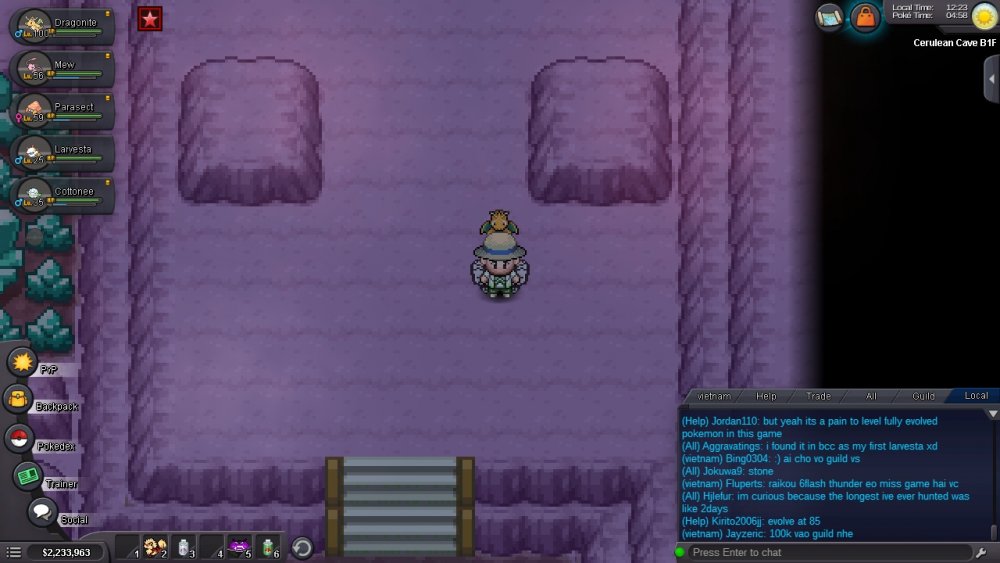
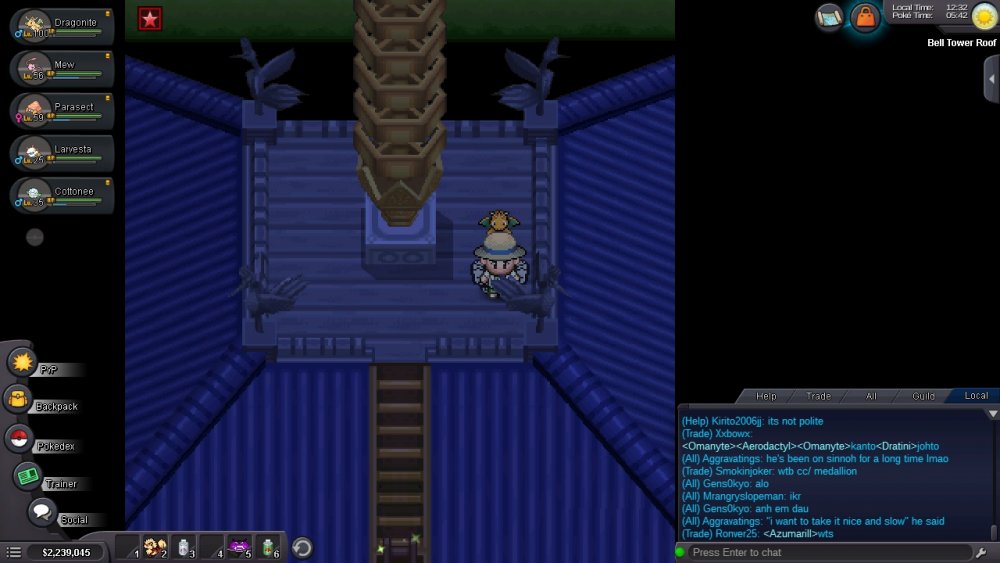
Here sir
-
Thanks so much!
-
Please help
-
lugia and rayquaza are cooldown and mewtwo hooh groundon are not cooldown
-
i mean mini bosses not cooldown, plz help
-
Anyone help me plz
-
I don't see mewtwo ho oh kyoge and groudon, because I beat these bosses after staff create mini-bosses. Lugia and rayquaza is cool down because I beat them before time staff create mini-bosses. Please help. Thanks for read!
-
I'm too, I don't see mewtwo ho oh kyoge and groudon, because I beat these bosses after staff create mini-bosses. Lugia and rayquaza is cool down because I beat them before time staff create mini-bosses. Please help. Thanks for read!