




New Trade Zone
Trade Zone is now live
Use the new Trade Zone for auctions and instant-price trades so Pokemon and item offers are easy to find.

Blackfoot
Registered User
-
Joined
-
Last visited
-
10/8/2026Sorry if it felt like I disappeared, I needed a break from everything. Added the ability to alter the last 10 encounters. Please use this wisely. Fixed Professor Rowan cooldown. (Was actually like 4 updates ago) Fixed Terminator. Unsure how he went from 288 to 264, but he is back. Maps now list bosses information as you click on them. Fixed typing icons/sprites in a good amount of places. This should now be corrected everywhere. Battle Sim Pokémon now have 0's to reflect better on how PRO stats are. Previous battle users now shows the Pokémon that were used, and what moves have been used. This still needs work however. Added in a method so if a user finds an unusual level on a map, a second tracker will now need to verify before this locks. (AKA Mirage Island, some spawn at 40, some spawn at 70). Started building a repel trick system. However, I need more level data from users. You can opt in on maps to share level data, and this updates in real time, and logs nothing else. Next update will not be until after Halloween event has started. This way I can get the sprites ready.
-
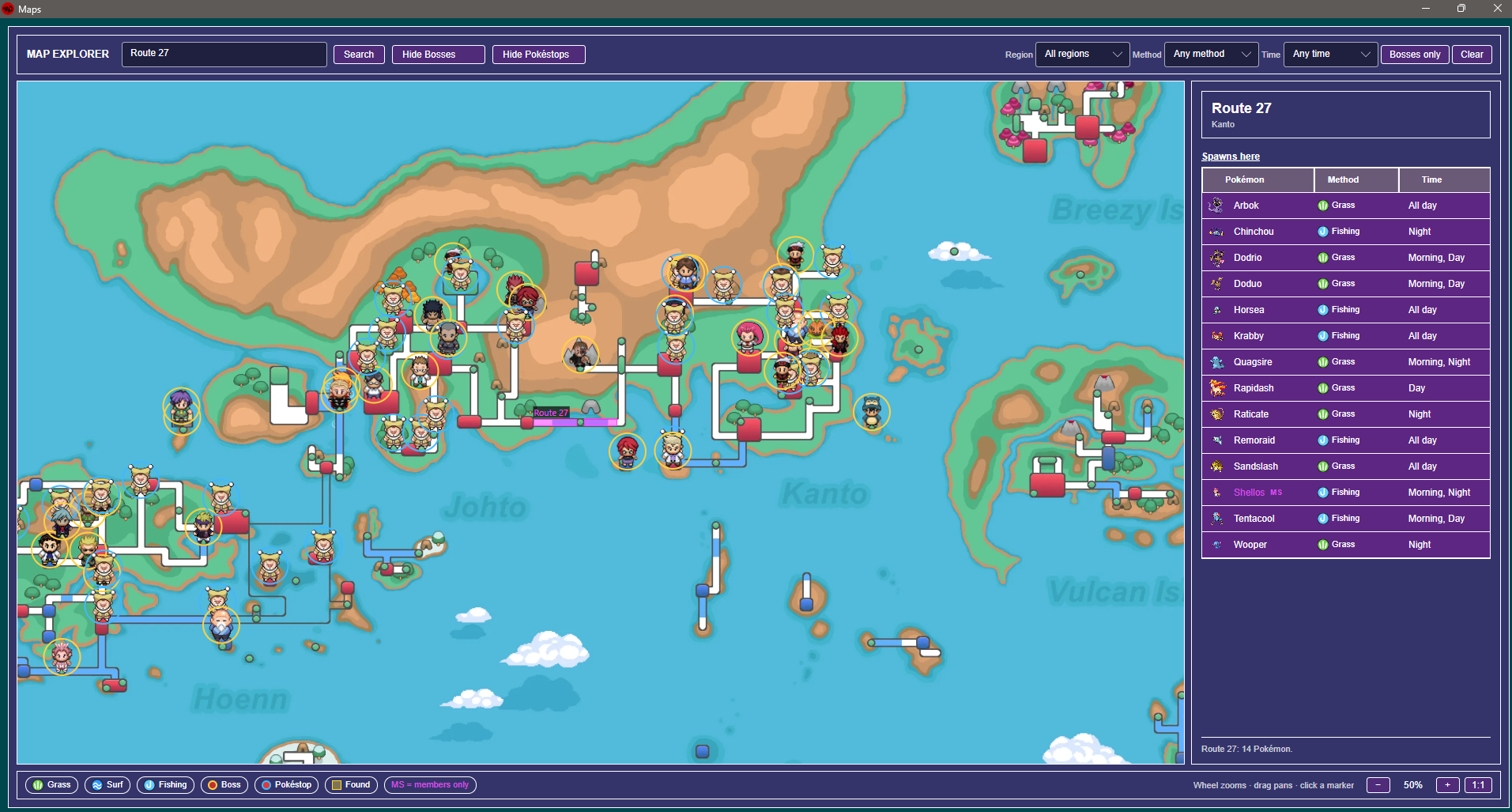
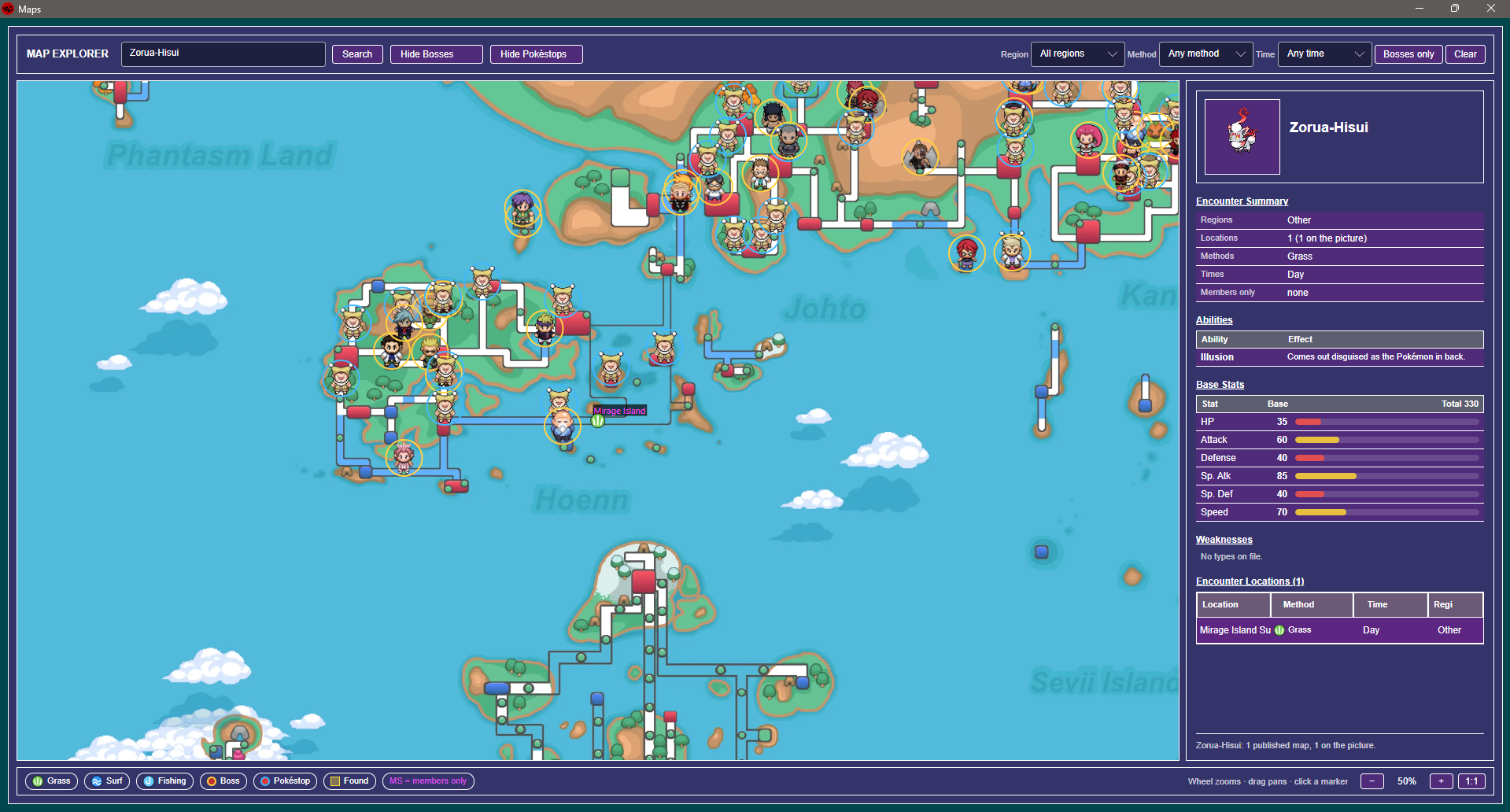
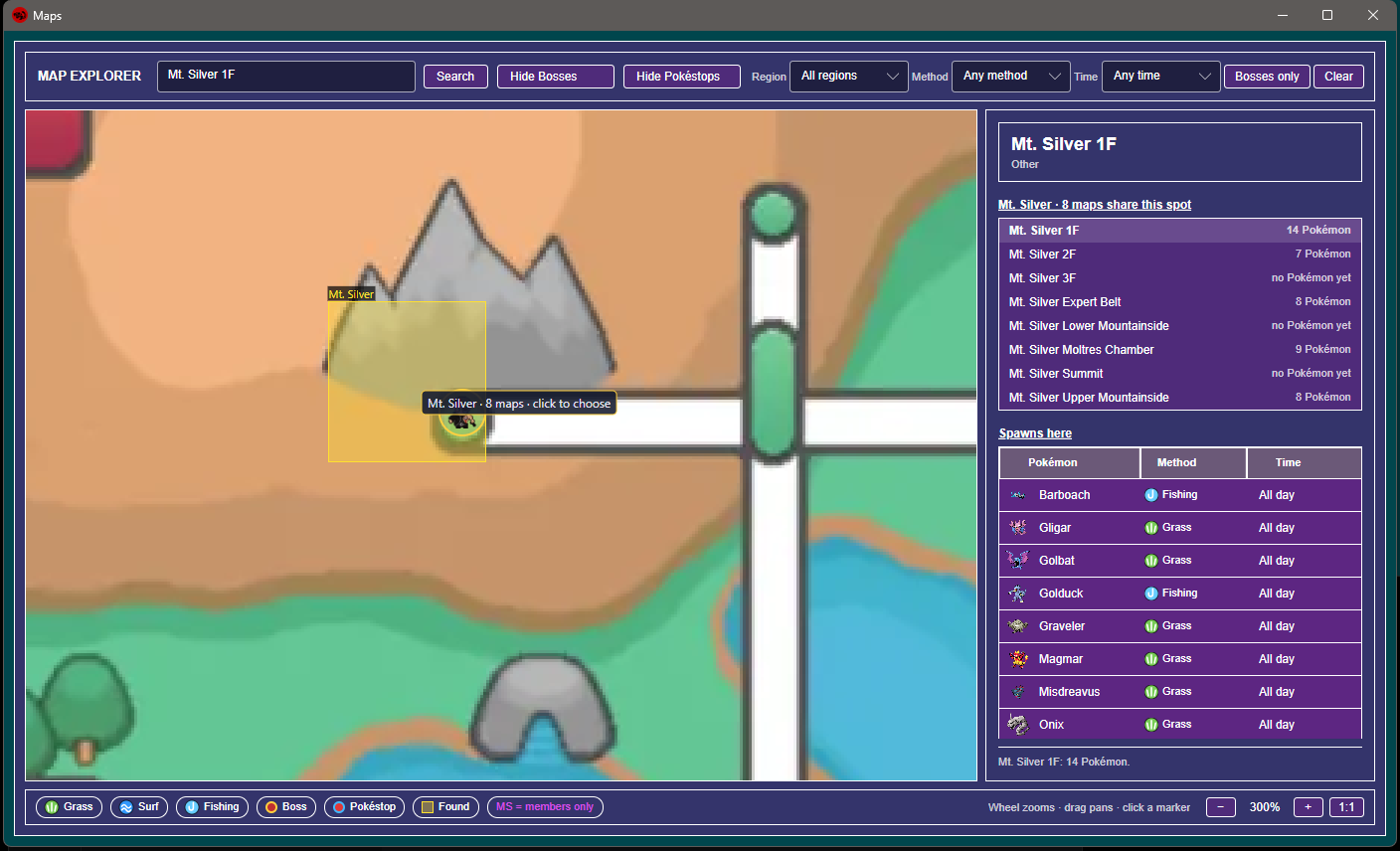
9/26/2026Added Maps under Game Data. 90% complete. Features: Search Pokémon, viewing all spawns locations. View boss locations, view pokestop locations. This is also available with Android, but still no tracking. Fixed a few various bugs from last week encountered from the appearance update. 9/28/2026Added to maps the option to share levels from encounters. This will build a database for the community of the level ranges, and updates in real time on the map.
-
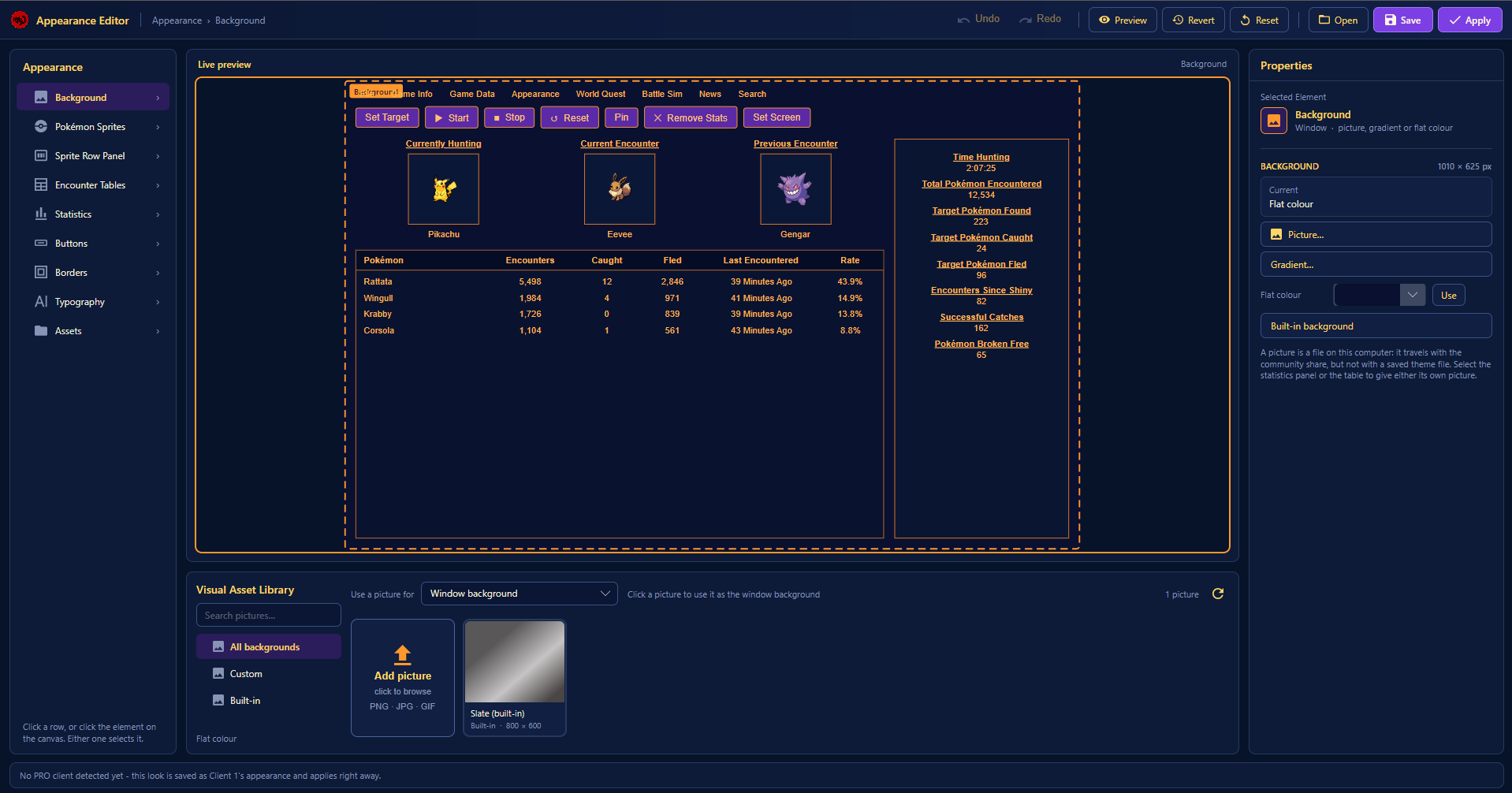
9/20/2026Appearances was reworked again (final time). You are now able to upload custom images for the main background, tables, statistics, and behind the Pokémon sprite panels. (each spot has the width and height. Each section has control over borders, font, font size, border color, font color. You may also upload your own font. Sound settings now allows for the changing of devices. Fixed another bug from Linux. Added more items missing from the battle simulator, and Z-Crystal images. Removed baseline and deep learning AI (This was going nowhere).
-
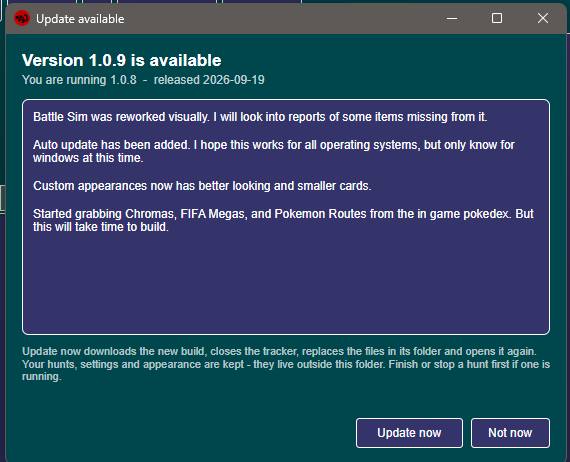
9/19/2026Added in auto updates. (Only windows confirmed at this time) Battle Simulator cards were reworked (Storage untouched) Battle Simulator was also redesigned a bit. Custom appearances now have smaller cards. This will be 4 on top, 4 on bottom with pages generating after. Please feel free to submit, I will approve/reject as soon as I can. Obviously nothing explicit. Began collecting Pokémon routes, chromas, and FIFA mega forms.
-
9/18/2026Fixed an OCR issue again where Pokémon with the letters g j or y would fail to be detected as the letter fell outside the box. Due to me seeing most people resizing the window bigger, I decided to make it start bigger again. Removed Catch Rate on statistics. Added Targeted Pokémon Caught Added Targeted Pokémon Fled Shiny Pokémon were added to Set Target. You may now select more than one form of the same Pokémon species to hunt. Max 3. Example (Summer Gible, Summer Gible, and Shiny Gible) all at once under Currently Hunting. All buttons on the top (Start, Stop, etc.) now have fixed widths and heights. This should help with them randomly changing otherwise. Encounters Since Shiny and Encounter Since Form no longer reset. These are a permanent thing now.
-
9/17/2026All download links have been replaced from mediafire. This is hosted with cloudflare. https://protrackerdb.com/ Appearance was redone (still ugly imo) but brings a huge set of new options for customization. News should be fixed hopefully, idk why it disconnected. Images should not die after 24 hrs either. Added a second check for maps specifically involving things like 2F or 2B. This should now provide the map Mt. Summer B2F (whatever it was called). Custom appearances can now be shared. Simply submit your appearance. I will reject/approve it, and every user can then see, and use it.
-
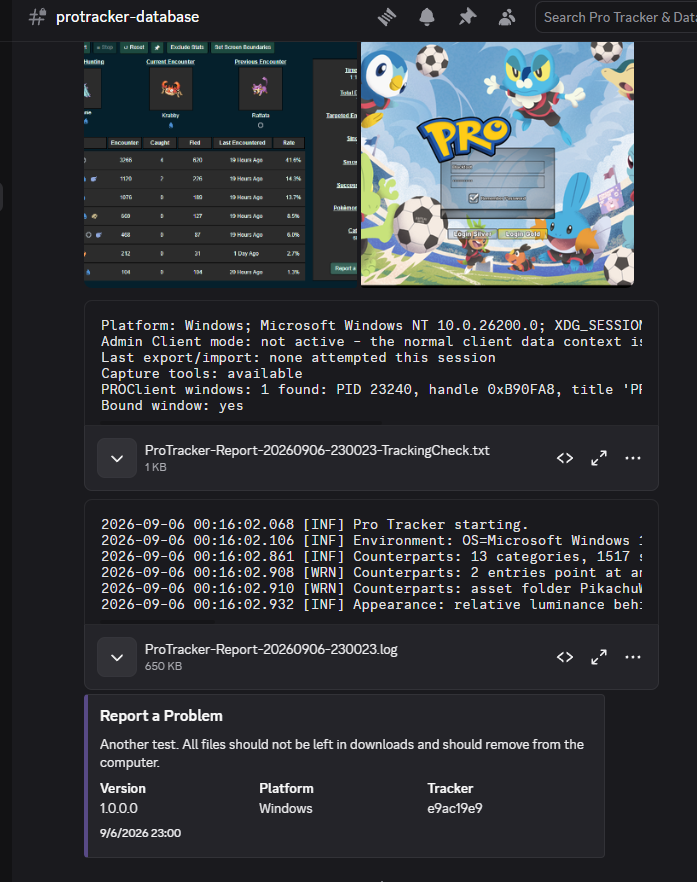
You can use set screen boundaries, if it still fails to detect anything, then use the report a problem, type anything and send me the logs.
-
9/16/2026Fixed a bug the screens could become disconnected (again). There should now be a check as well that searches for moving frames, and resets the tracker based on that. Removed a lot of the error messages/shortened them on the main window. This was causing some users to have data shifted up and down, over and over.
-
9/14/2026Added a new section to auctions. You can now watch auctions you are running, as well as auctions you are bidding on. Battle Simulator Every move, item, and ability available in pro should now be working. (Z moves and Mega Stones come next update) Damage Calculator was also refreshed with the exact same information above. Began retraining the deep learning with the updated information. Hopefully next update he will be stupidly annoying. Began porting over to Android. At this time only bosses and the simulator are available. This will require a lot more work. Fixed a bug when entering the world quest, at the same time a map is loading, an encounter is happening, or you are doing something else causing the OCR to malfunction, and causing the boxes watching text to shift off to the top right of the client. Fixed a bug causing some users unable to go past 1 encounter, and the tracker stopping. Fixed a bug with Linux where the cursor can become disconnected from the program causing a cross type pattern. This would then cause nothing to be clickable, or be very difficult. Fixed the bug causing the pro client to not be detected when swapping between maps, even though it still did. (You should not see this message anymore)
-
9/11/2026New addition to tracking. Found under File/Tracker Settings. This will offer the default version, or the new version. This version will offer that encounters are static to specific maps, changing maps starts a new encounter table. Heading back to a previous map reloads the encounter table for that map. Added a search feature at the end of the main window. This will allow you to search Pokémon, bosses, users you fought. I am working on building a list of spawns straight from the in game pokedex. Working on fixing it stating a window is not detected when moving between maps. This is a false flag due to the black loading. It still tracks. Boss Cooldowns were moved over to Boss Database, and that search window was cleaned up. Boss Cooldowns will also appear on the bosses information window, as well as track wins and losses now. Blank for nothing done. PVP tracking had an update. The list now has if you lost or won, and how many times you fought them. Clicking on the names still needs work, right now its only listing what was detected from the chat. Encounter history, All time was cleaned up. Found when clicking a Pokémon name from the encounter table. Removed click event with counterparts, these are just now standard cards until maps are finished. Added a return to forum from the auction you are tracking. Auctions ended will automatically end now, but may need a 2nd refresh despite loading it up and it staying they just refreshed. Will add a 2nd area next time so you can track not only auctions from yourself, but auctions you are bidding on. World quest will no longer remain blue/red after entering and exiting. It will remain if you choose not to enter. Upon entering world quest, Set Target, Start, Stop, and Reset have been removed. These have been replaced with the other buttons, auto detect, upload screenshot. You should also now be able to use Ctrl+V to paste a screenshot directly onto the application. News should now highlight yellow when a new announcement is posted. I set this to turn off after 24 hrs. Simulator now warns when 6 Pokémon are already present in your team. Damage calculator was cleaned up to look nicer. However it is still missing several things, similar to the simulator. Commas were added into numbers everywhere. It was bugging me being close to 10,000 on since shiny encounters, and seeing 9548.
-
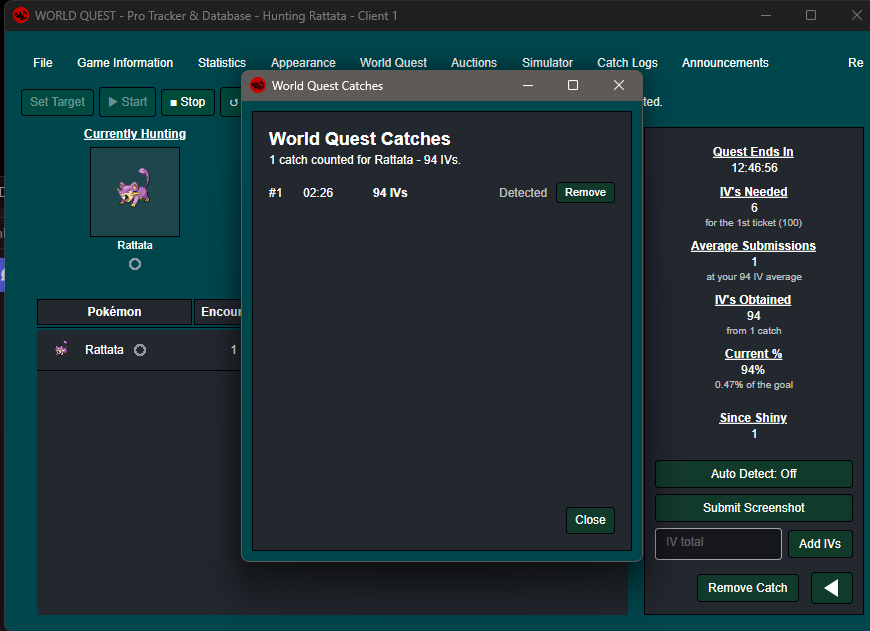
9/9/2026Completely redid the world quest. When a quest begins, the link at the top will now turn blue for dark background, and red for lighter backgrounds. Upon entering, the world quest Pokémon will be locked under current hunt. Clicking world quest again will take you back out. There are 3 options, you may turn on auto detect. This will detect any preview popups above the chat, and auto calculate the Pokémon IV's. You may also submit a screenshot of the Pokémon preview or card, and this will also auto calculate the IV's. (Any unread IV's will be advised, and need to be added by hand) Add them by hand. You may remove any of your catches, deducting the IV's. All catches, encounters do not affect client data. This data will not save, except for the current world quest. After 10 hrs have passed, a warning will appear advising to check in the game whether the world quest is still active. If you have a problem, please exit world quest and use the report a problem button, it is not available in world quest view. Redid the top links, shaving off some space. This will also keep the links from falling off the program when hiding the stats. Removed several files no longer working with the program. Hopefully fixed it so you do not have to run the program as administrator. No promises.

-
9/7/2026Report a problem now sends the files to a discord server instead of downloads. With 10 minute timeout. If I get spammed, this will be changed. Added World Quest Replaced Announcements. This should now post similar announcements directly from the discord. (Followed into mine, generated via a Bot + Cloudflare worker same as above). Fixed sprites not showing the correct direction. (Didn't realize it only pulled the first 1,000 from github) Added version numbers going forwards. This will help diagnose what issues one may be having, whether its an older build or not. Added Auction Tracker (Still under construction) Simply copy the link from the Trade Zone on forums, and everything else will be generated. You may then also refresh on there instead of going to forums to see current and last bid/bidders. Clicking end auction will add the total at the bottom, and +1 to auctions conducted. You may view the entire history. Deleting an auction will remove the amount earned, and -1 to auctions conducted. Fixed a few various bugs.
-
😎 Massive update posted.
-
Your welcomed 😁
-
Reuploaded new version of MacOS/Linux, as well as updates to windows. (Disabled Linux, there seems to be issues still) Several things were missed in the original compiles. However, now that they should all be there, the files have doubled in size. With this newer version this also add 8 new customized fonts, as well as the ability to change the size of the font. Bosses are clickable to start a cooldown, I am working on it tracking with it only being opened, and not having to press play. (Avoids adding time while ur not hunting)
