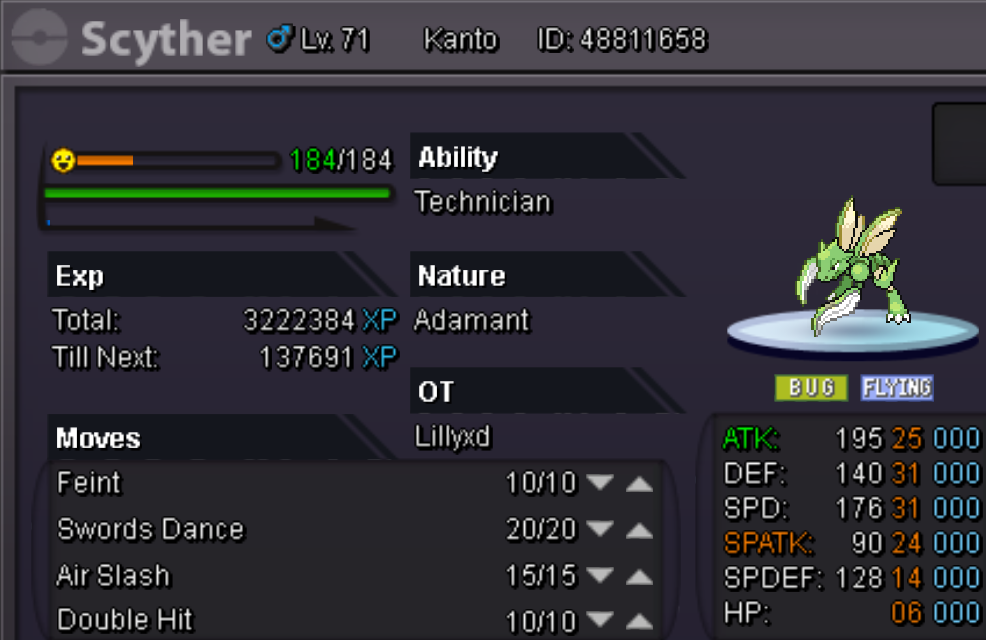
New Trade Zone
Trade Zone is now live
Use the new Trade Zone for auctions and instant-price trades so Pokemon and item offers are easy to find.

Lillyxd
Registered User
-
Joined
-
Last visited
Everything posted by Lillyxd
-
bump
-
up
-
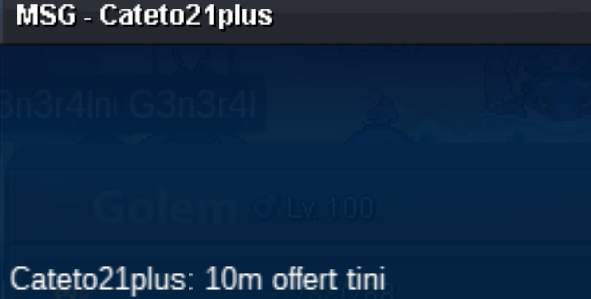
cateto21plus started yesterday 48 hours left
-
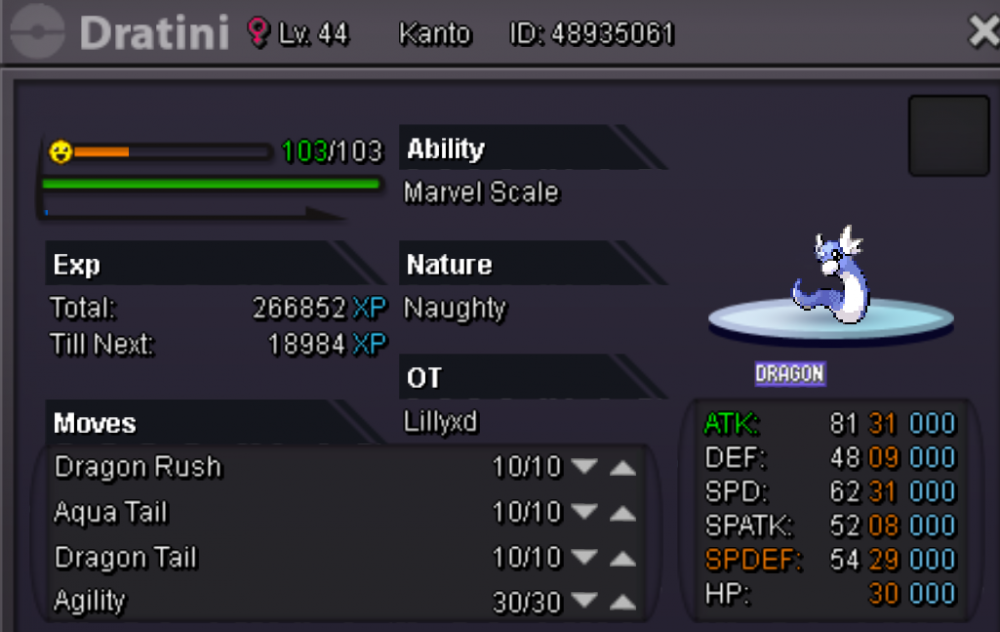
Start 10m insta 18m 72hours from start accepting shinys/items
-
sorry it got sold in game yesterday to alderego7 try contacting him
-
bump
-
bump
-
bump
-
bump
-
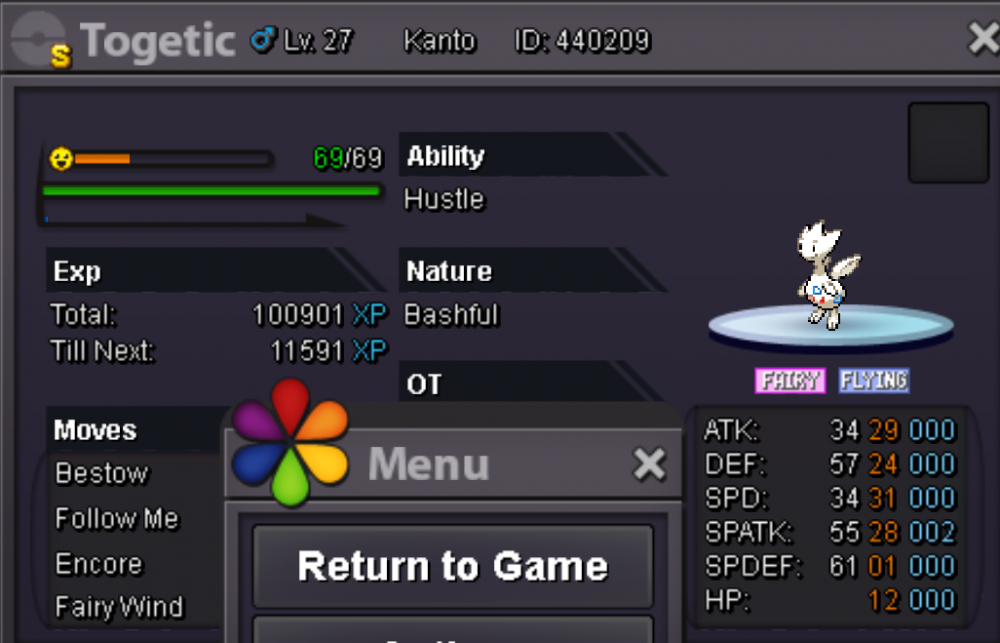
Start 2.5m Insta 5m Auction ends 3 days after start
-
bump
-
-
Depends on how much you spending i might deliver/give you a discount by 1 cc so you can pick it up on silver
-
bump
-
Bump
-
Bump
-
Bump
-
Bump
-
Bump
-
Bump
-
Bump
-
bump
-
bump
-
bump
-
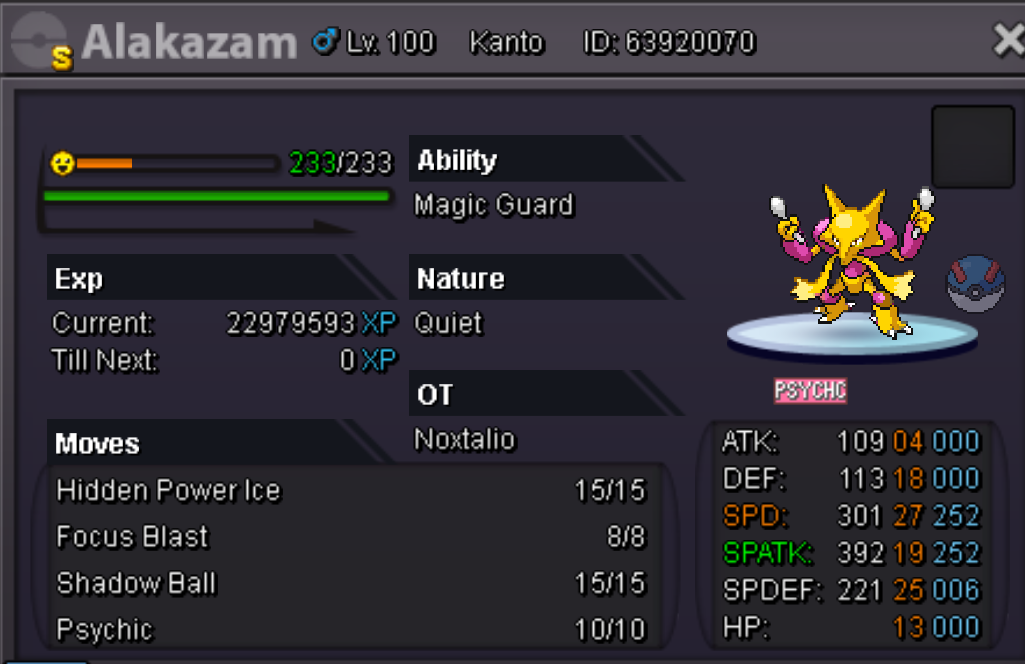
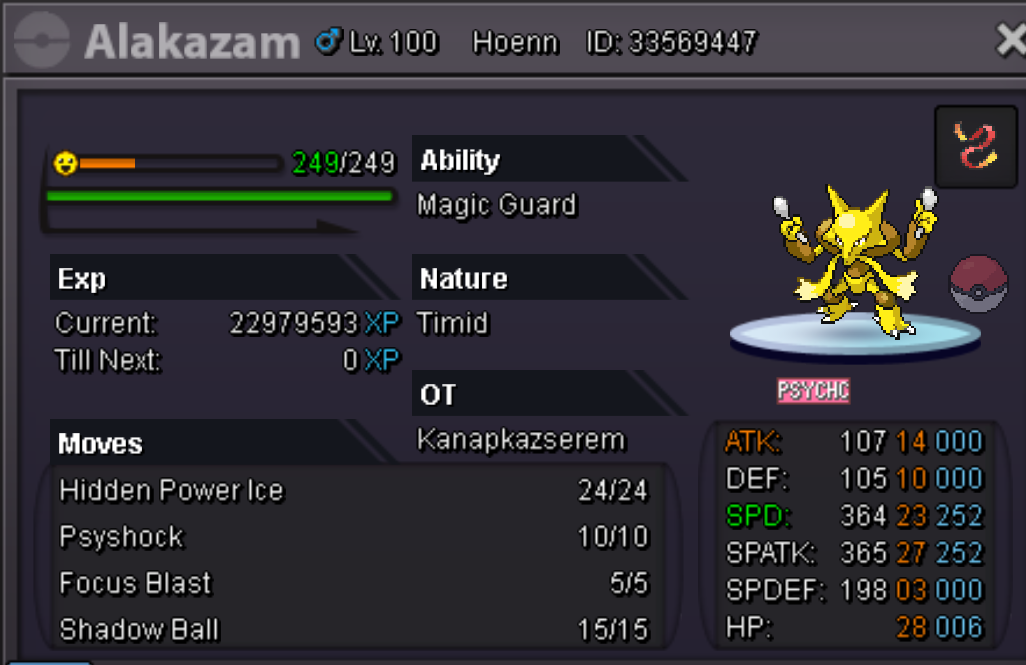
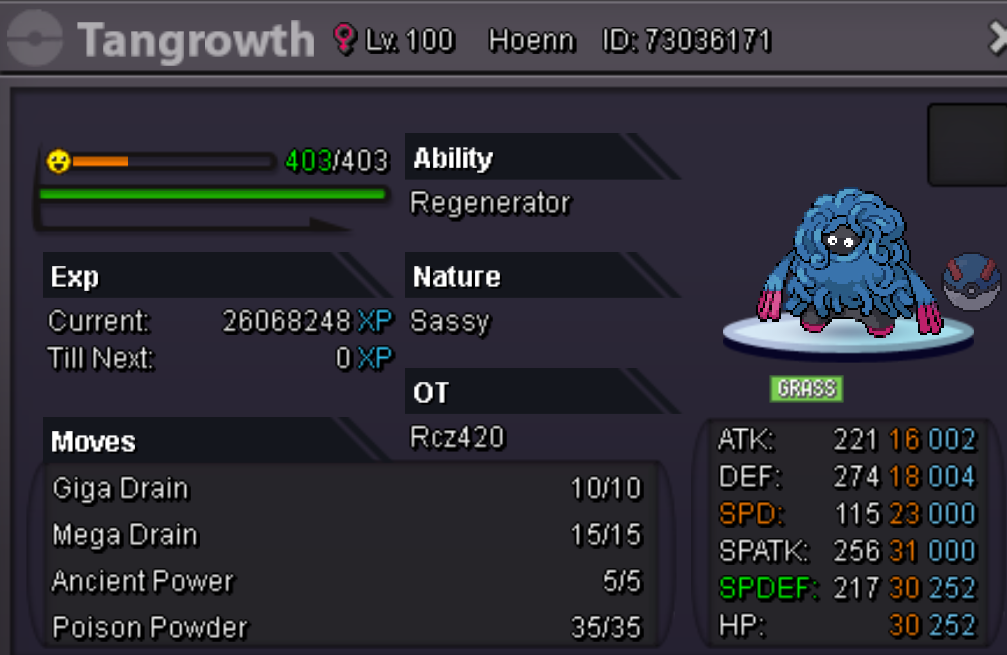
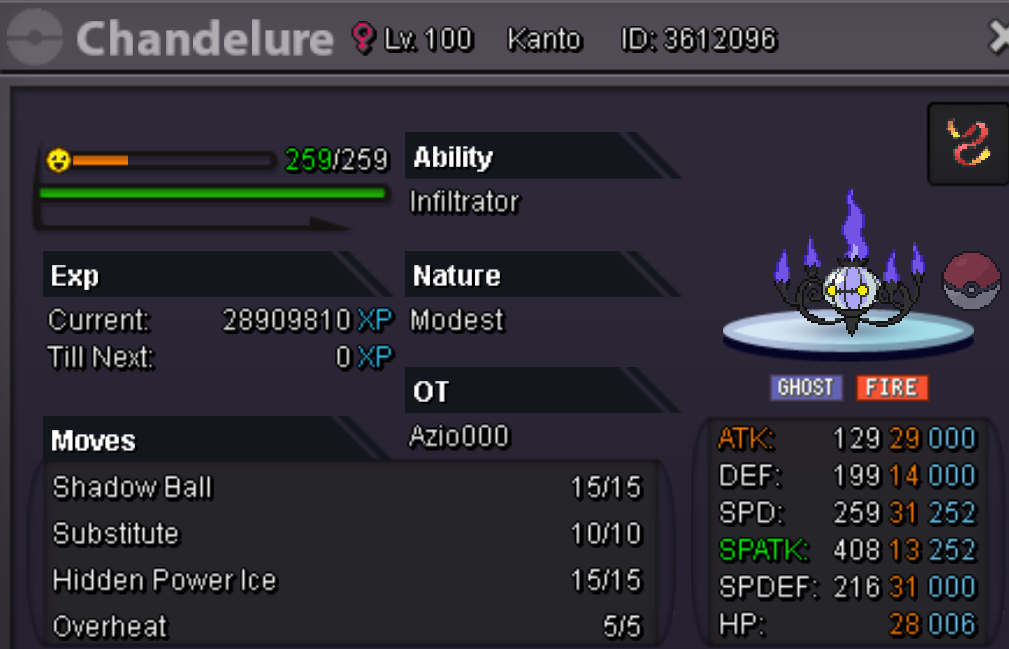
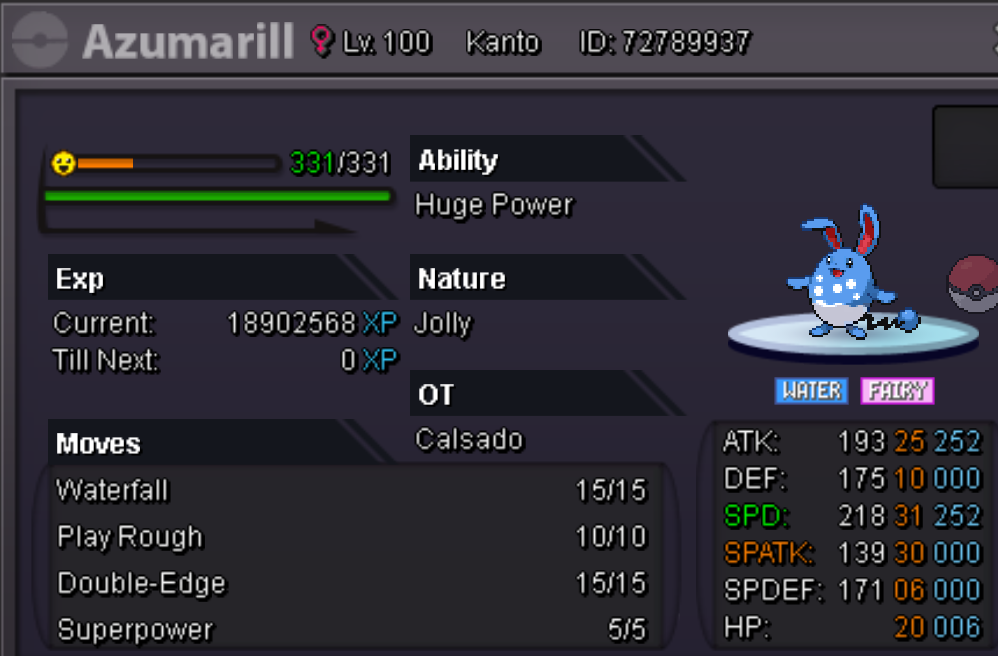
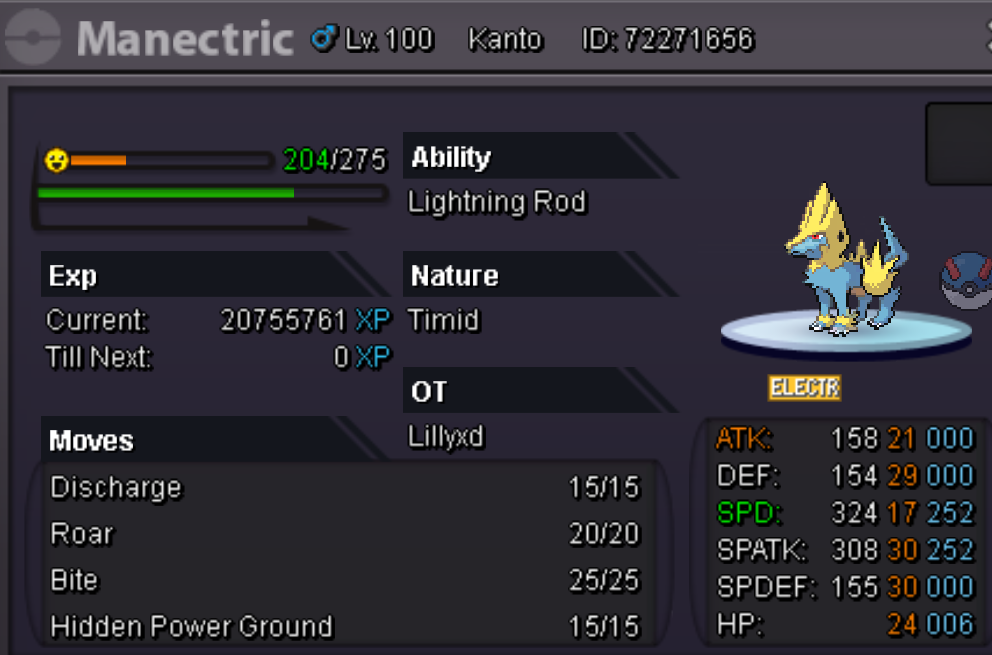
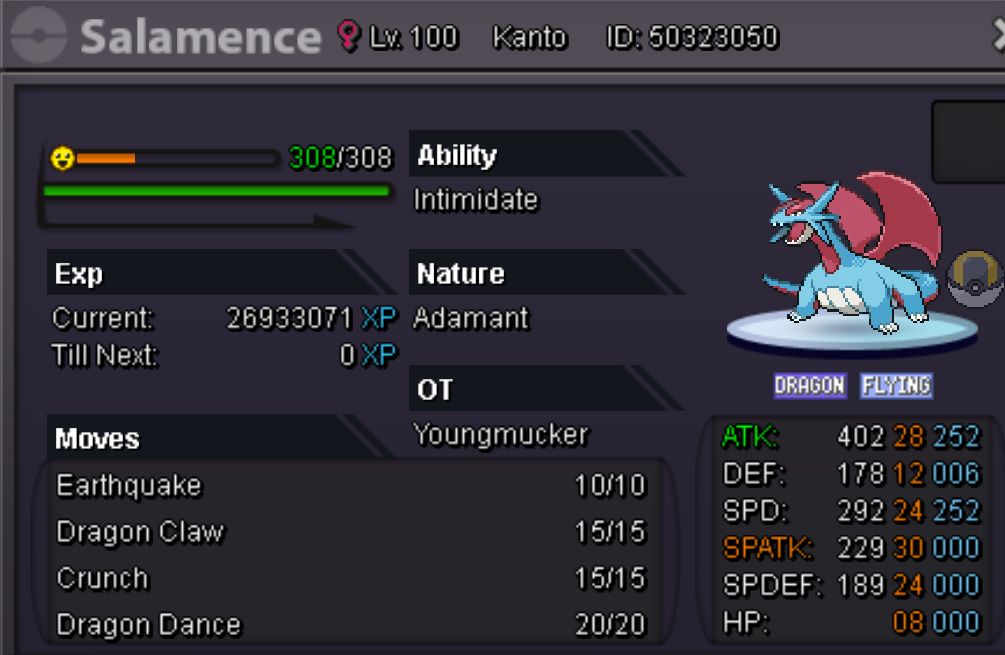
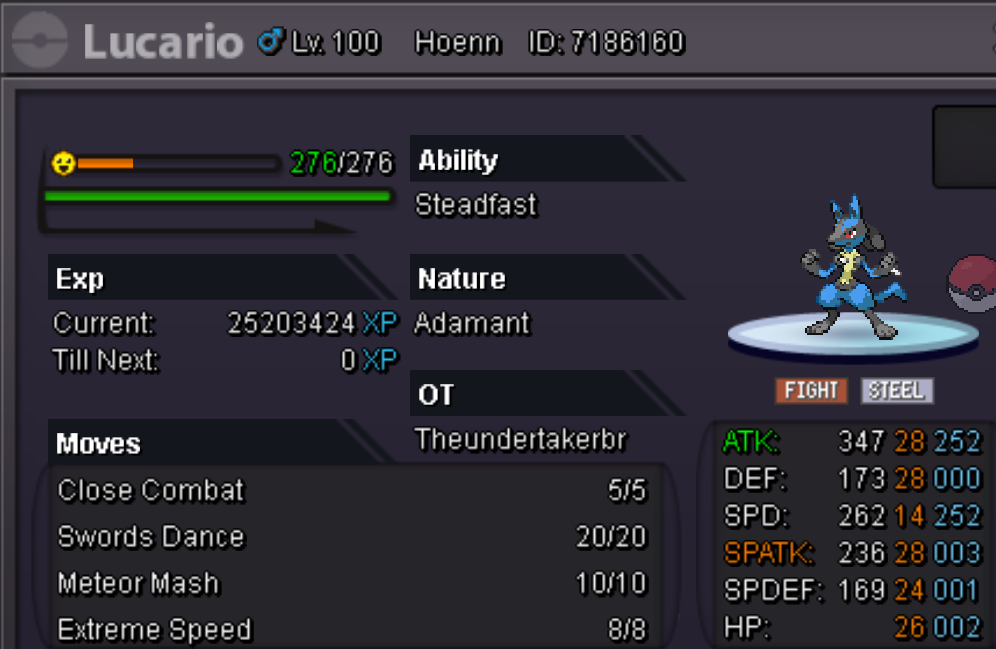
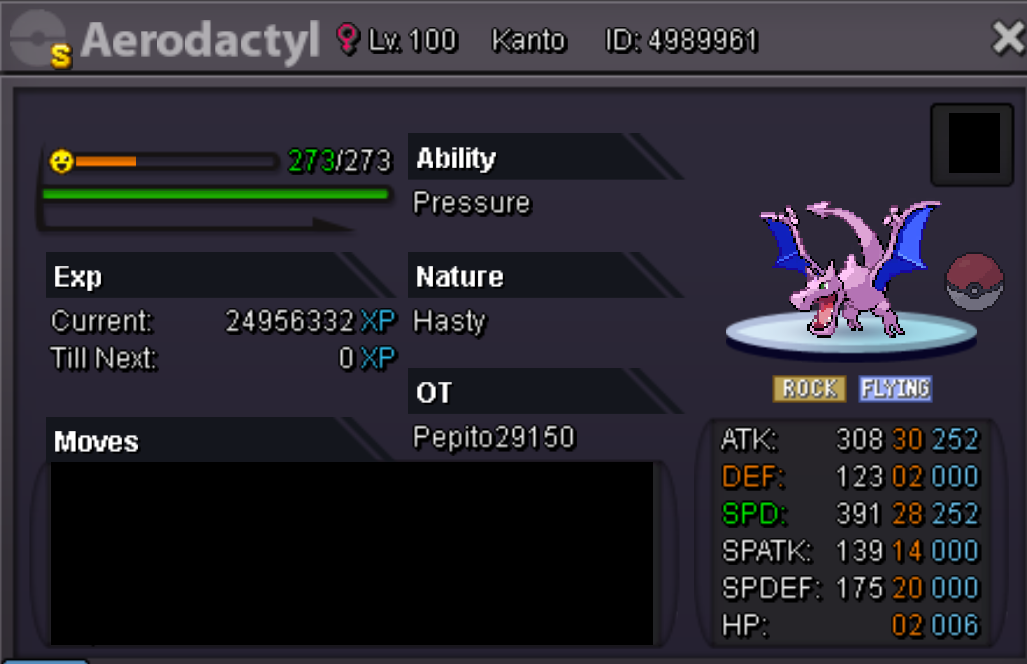
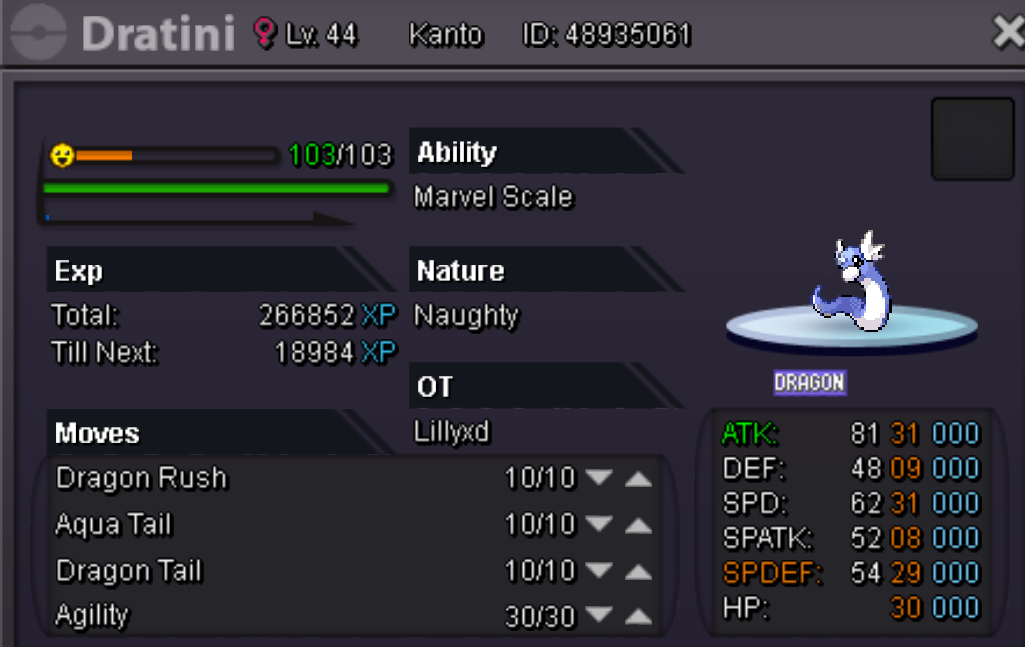
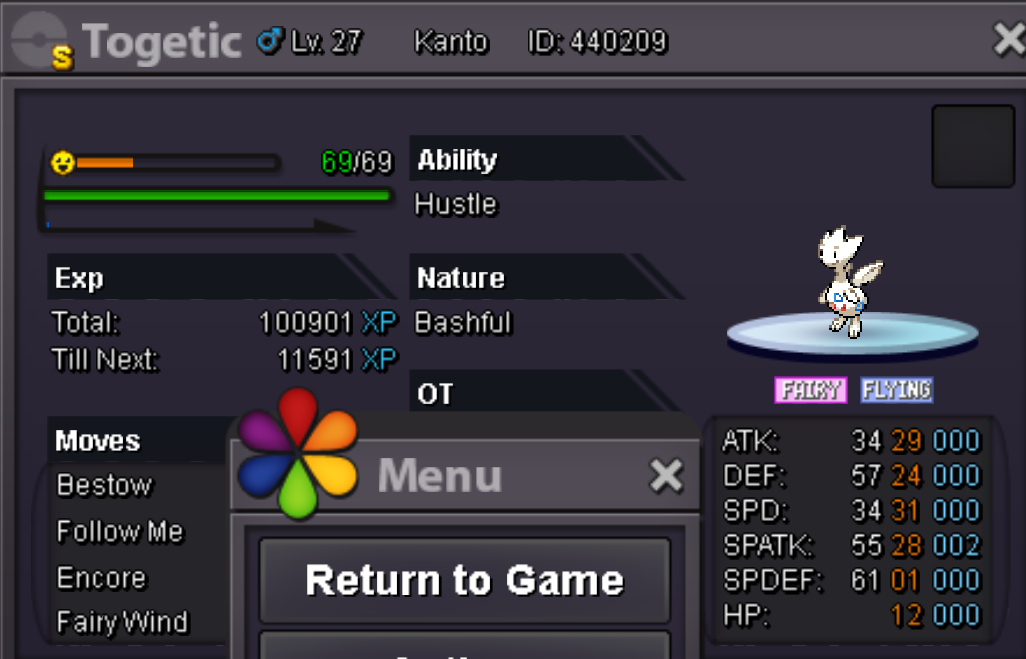
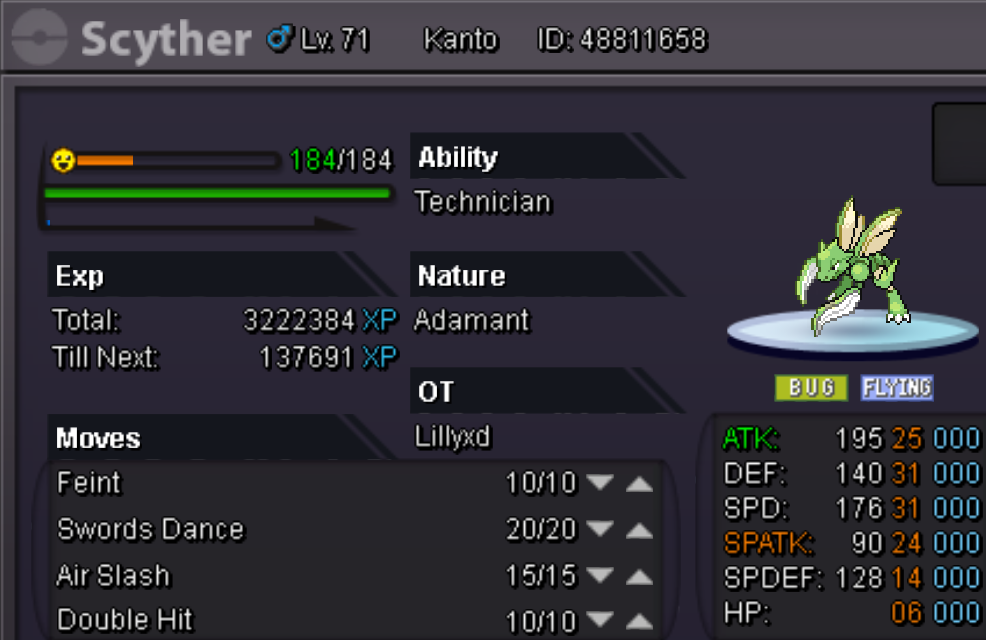
Welcome to my market everyone! Rules: 1. Prices are negotiable 2. Fake offers will be reported 3. I Have every right to decline your offer 4. No discussions, or any type of non business related comments are allowed (keep that in-game) 5. Once you offer, it's final (you can't go back, so be sure to check if you have the amount of money required before the purchase) Payment Options: CC 370k Iv Reroll 500k Nature Reroll 250k Pokedollars Rarecandys 6k Focus sash 1.5k Contact options: Contact me in game LILLYXD or leave a post/pm here on forums Alakazam Shiny h.a hp ice 5m Alakazam h.a hp ice 500k Tangrowth Sassy 400k Chandelure hp ice 500k Azumarill jolly 500k Manectric hp ground 500k Salamence ada 200k Lucario ada 200k Aerodactyl shiny 30m