New Trade Zone
Trade Zone is now live
Use the new Trade Zone for auctions and instant-price trades so Pokemon and item offers are easy to find.

Skygreen15
Registered User
-
Joined
-
Last visited
Everything posted by Skygreen15
-
This is silver server
-
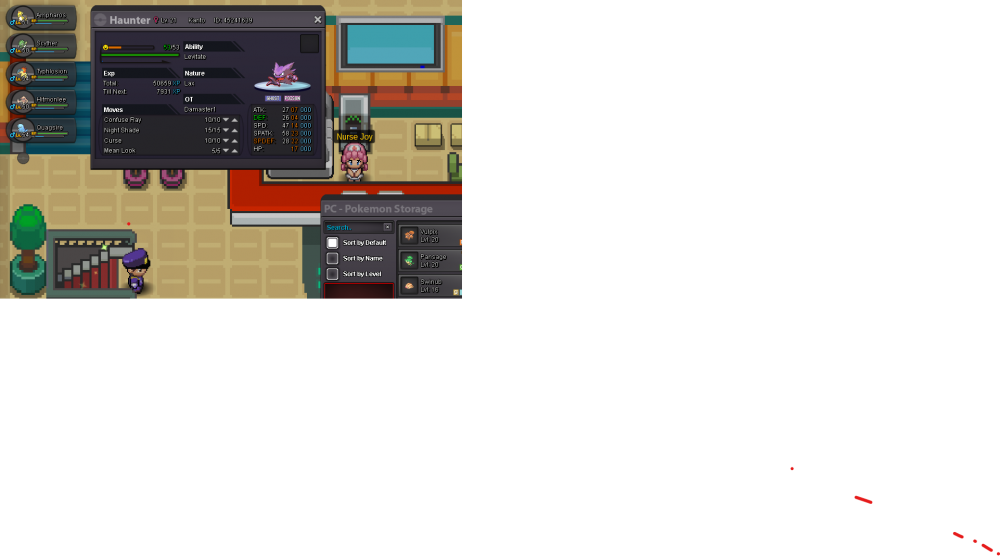
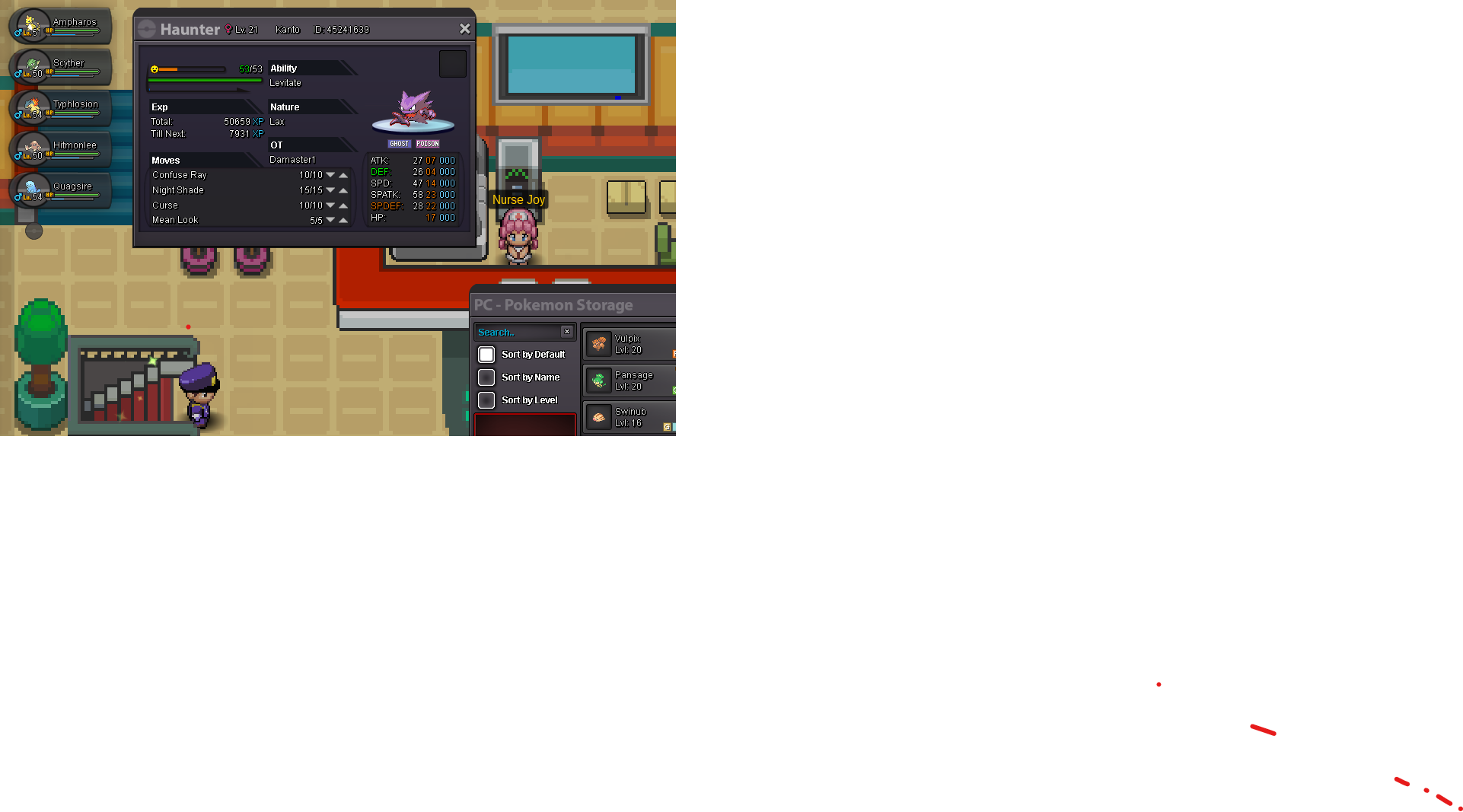
Hi so I traded haunters with "Damaster1" but his haunter got transferred to my PC and I can't take it out of the PC due to region lock. The person I traded with was Damaster1 and he tried to friend me and I accepted, but he does not appear on my social list. I tried messaging on here but the system couldn't find the user. Is there any way we could get our respective haunters back or if I could at least add on revolution without him being online because he has my Gengar. Thank you.