Skip to content
View in the app

A better way to browse. Learn more.

Pokemon Revolution Online

A full-screen app on your home screen with push notifications, badges and more.

To install this app on iOS and iPadOS
  1. Tap the Share icon in Safari
  2. Scroll the menu and tap Add to Home Screen.
  3. Tap Add in the top-right corner.
To install this app on Android
  1. Tap the 3-dot menu (⋮) in the top-right corner of the browser.
  2. Tap Add to Home screen or Install app.
  3. Confirm by tapping Install.
New Trade Zone
Trade Zone is now live
Use the new Trade Zone for auctions and instant-price trades so Pokemon and item offers are easy to find.
Open Trade Zone

Anshuman1

Registered User
  • Joined

  • Last visited

Everything posted by Anshuman1

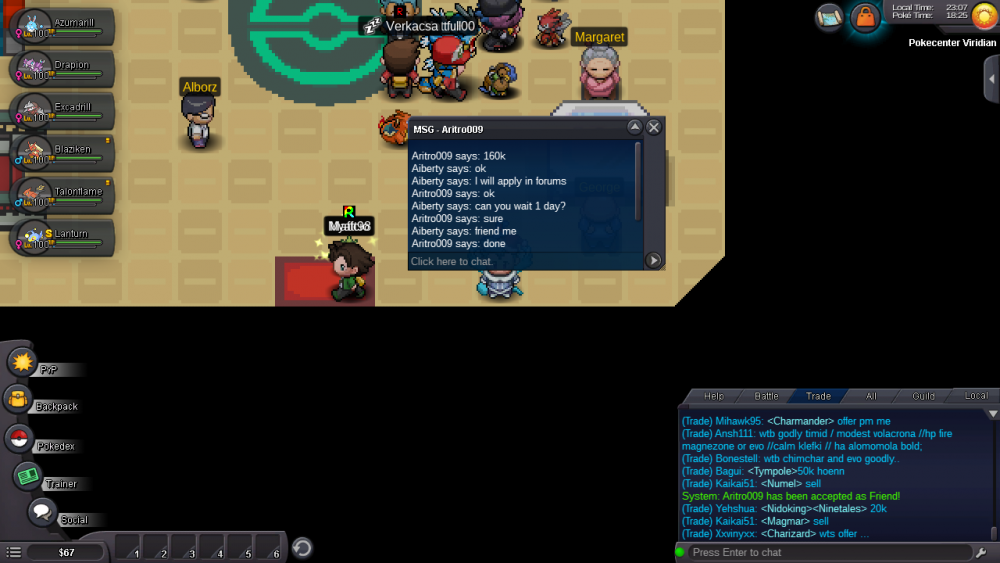
  1. ● What's your Name/IGN? Aiberty ● Are you active in Discord? Yes ● Where are you from? Japan ● What's your playtime?/How often do you play PRO? 700+ i play daily ● What's your goal in PRO? Be the best ofcourse ● Why do you want to be part of Chaos? I love this guild logo and i see many member of this guild in server they are freindly also ● What's your favorite Pokemon and why? My favoirite is charizard it is because the flame and power he shows inspire me ● What's your favorite animal and why? I love Dinosaur and dragon becuse i love dragons looking pokemon like charizard
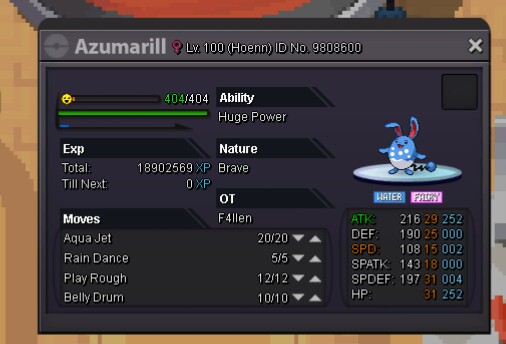
  2. It does 90 × 2
  3. Bid won by doalmingo 2 cc and 90k = 650k
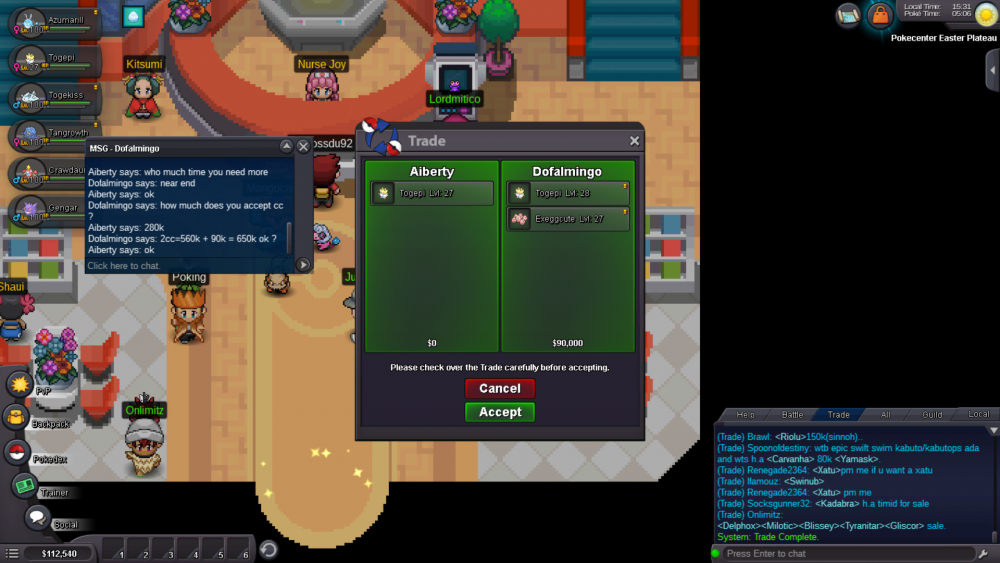
  4. 600k by tzrekjad
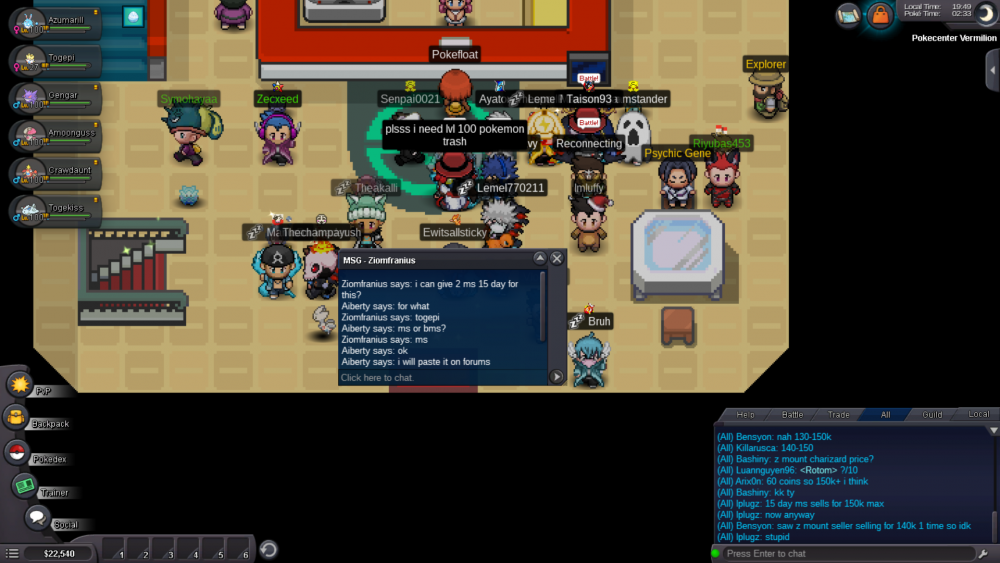
  5. Bid start by co 300k by Ziomfranius
  6. Togepi Bid ended Accepting ms 15 days = 150k and cc = 280k according to new enconomy Start bid 200k Insta 1m Minimum bid raise 50k
  7. Same problem I cant login in sliver main account but I can In gold
  8. I want that gliscor 350k for cc
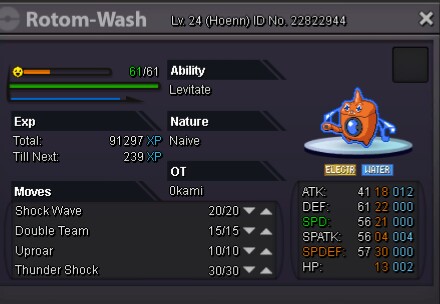
  9. I was leveling my room in jagged path to make it room heat but it it evolve in room wash I press u evolve button by mistake and now it a room wash fix this bug and male my room wash to rotom or room heat plz
  10. I am not able to login it stuck on connecting to server help
  11. I want that untrained starly pm my discord: Aiberty#6699

Account

Navigation

Search

Search

Configure browser push notifications

Chrome (Android)
  1. Tap the lock icon next to the address bar.
  2. Tap Permissions → Notifications.
  3. Adjust your preference.
Chrome (Desktop)
  1. Click the padlock icon in the address bar.
  2. Select Site settings.
  3. Find Notifications and adjust your preference.