New Trade Zone
Trade Zone is now live
Use the new Trade Zone for auctions and instant-price trades so Pokemon and item offers are easy to find.


Blunderr
Registered User
-
Joined
-
Last visited
Everything posted by Blunderr
-
2.6m
-
2.1m
-
1.8m
-
1.6m
-
Each time he doesn't see it, you're chances go up each time you talk to him until it's a 100% chance to see it. Just gotta keep checking daily.
-
500k
-
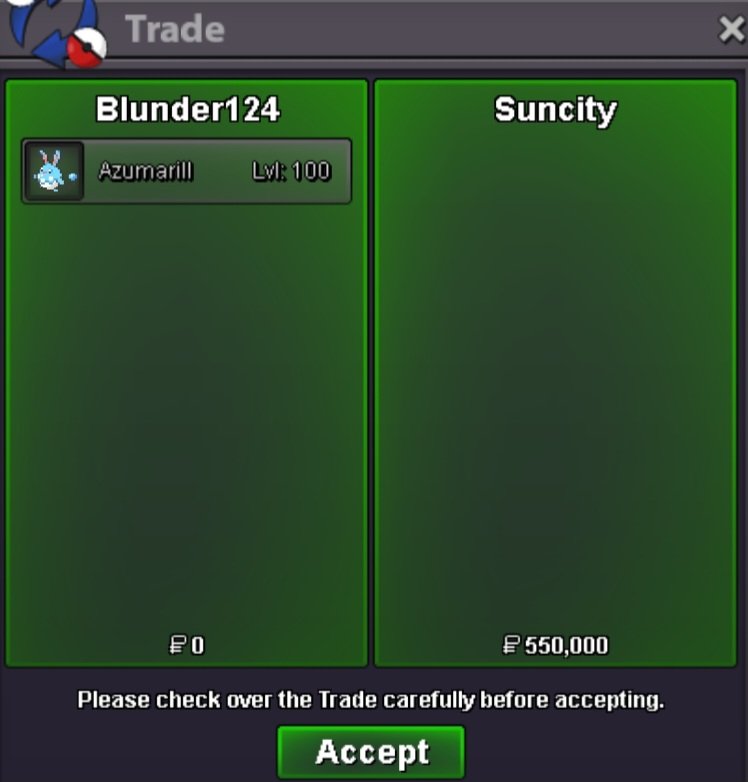
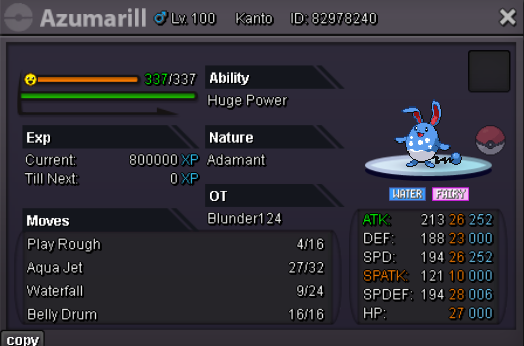
@Suncity winner with a bid of 550kI have tried in the past, and left it for weeks at a time but never anything happened. I am trying again for a name change. Any chance for this to happen this time?10.5hours left36 hours remainingAwaiting confirmation and tradeAuction Details: Start Price: 300k End Point: 48 hours (after start price is met) Insta Price: N/A Minimum Raise: 50k Accepted Payments: Pokedollars, Coin Capsules (x1 Coin Capsule = 450k), IV Reroll Tickets (x1 IV Reroll Ticket = 600k) Rare Candy (5k each) Important Reminders: This is a Gold Server auction. If bidding from an alternative server, state that you will transfer upon winning. If you intend to purchase with an alt account, specify the account alongside your bid. If a bid is received in the final 15 minutes of the auction, the end point will be delayed by 15 minutes from that bid, and will be delayed by 15 minutes for each new bid thereafter, until the current offer has been held for a full 15 minutes.
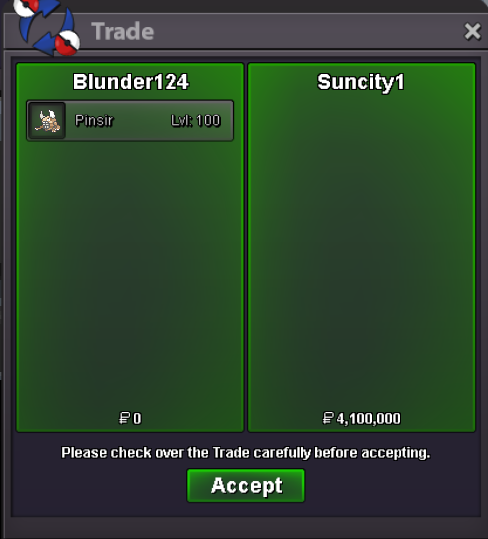
 750k@Suncity winner with a bid of 4.1mFinal 15 minutes. any new bids will reset the 15 minute timer.1.1m