




New Trade Zone
Trade Zone is now live
Use the new Trade Zone for auctions and instant-price trades so Pokemon and item offers are easy to find.


Zetzumi
Registered User
-
Joined
-
Last visited
-
What if I have a gold account associated with a username that I don't intend to keep that has more than ten minutes playtime. Can I get that account/character deleted? Thanks in advance, Zetzumi
-
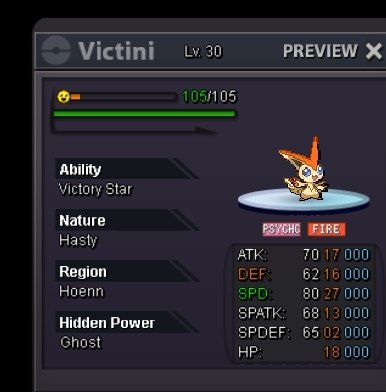
Had Lassij26 do dungeon service for me. They were very honest upfront while doing the dungeon if there was any issues. I am very pleased with the service. Thank you again @Lassij26 . I have caught my victini!
-
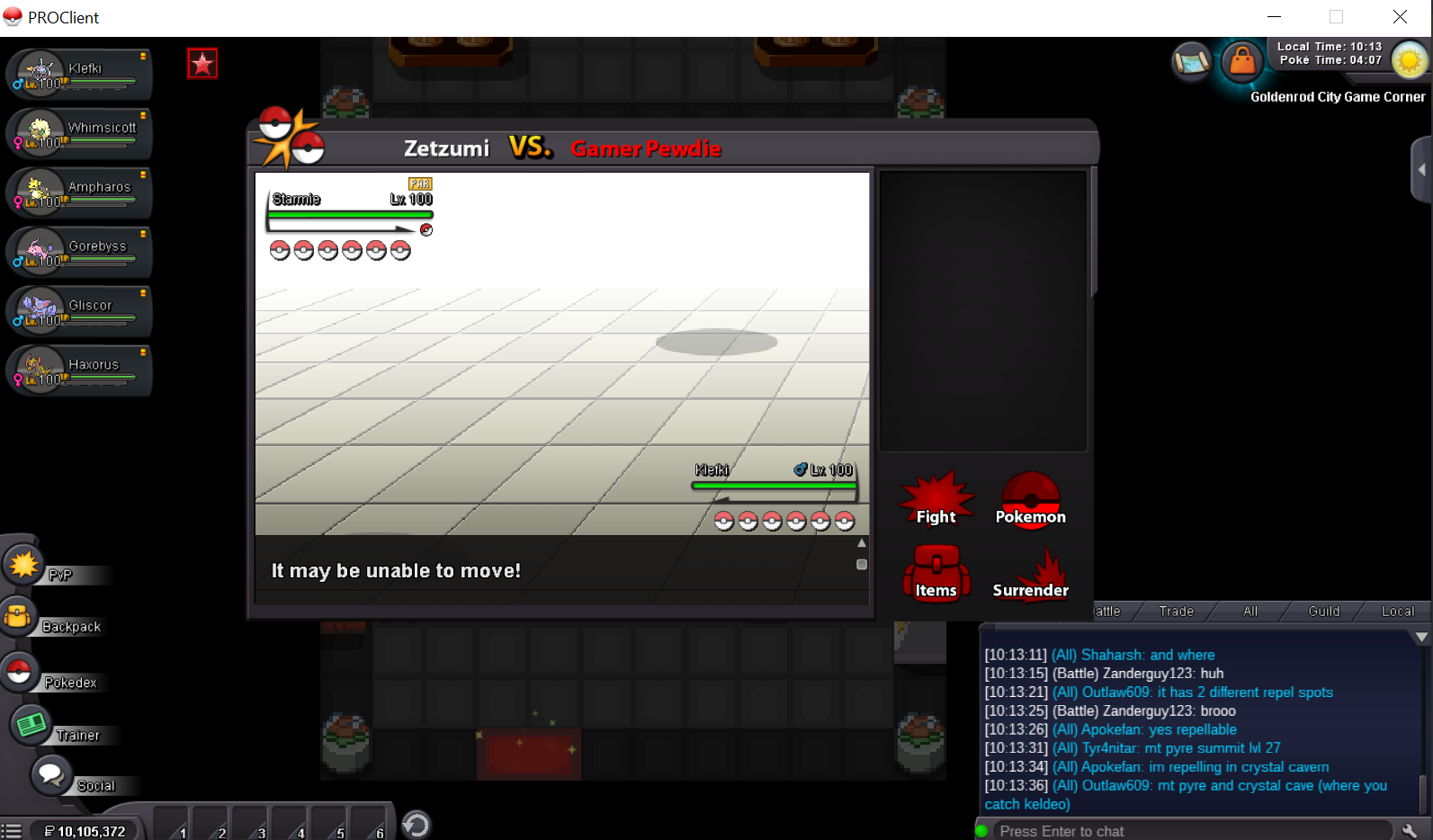
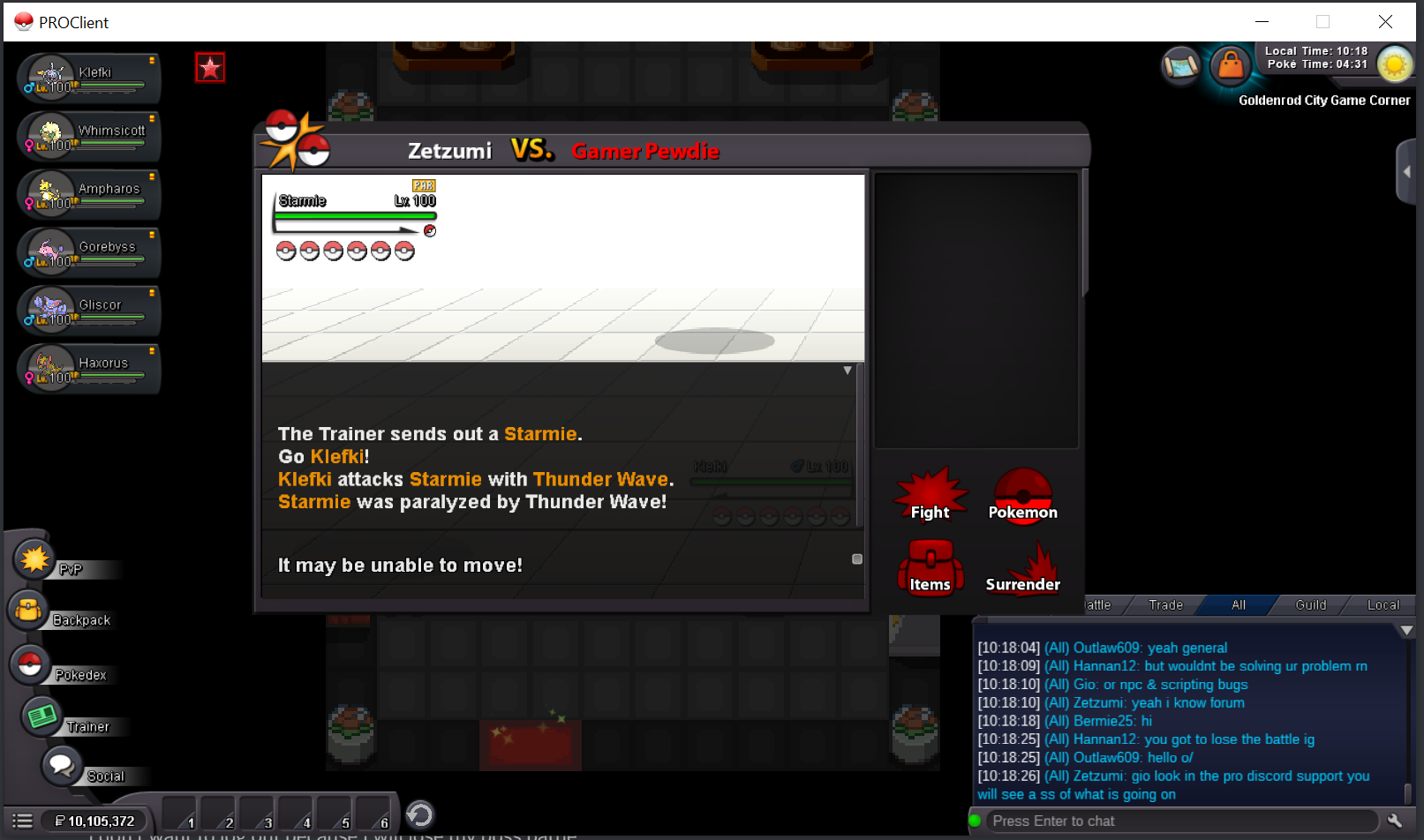
If it helps I can still talk in the chat and everything just the battle itself is stuck.
-
I reallly don't want to log out since I just started this battle and I would automatically lose and go into a cool down but it is so stuck I don't know what to do. Here is two screen shots of what is going on. and i can still have conversations in pro I am just stuck in the battle screen. I just remembered this and forgot to mention it earlier. I did buy the 30k transit for 30days in golden rod station just before I started this boss battle.
-
700k
-
Sent a friend request
-
Cool my discord is zetzumi#9267 message me so I can arrange pickup @xytreh
-
800k
-
700k
-
600k
-
@Piproom, You have won contact me via discord so we can figure out where to meet what server are you in?
-
3 hours left
-
There is still time left a little over 37 hours
-
Noted
-
Bump
