New Trade Zone
Trade Zone is now live
Use the new Trade Zone for auctions and instant-price trades so Pokemon and item offers are easy to find.

Regufe
Registered User
-
Joined
-
Last visited
Everything posted by Regufe
-
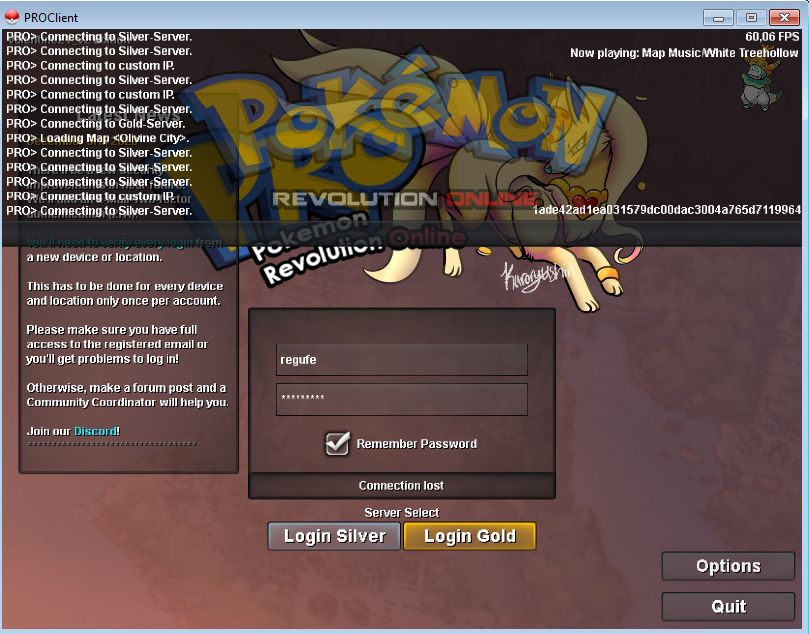
i was playing normally during wq, and for some reason i got dc, and cant login anymore. connection lost instantly. i tried everything, even insert a vpn, but nothing works someone can help? ty in advance
-
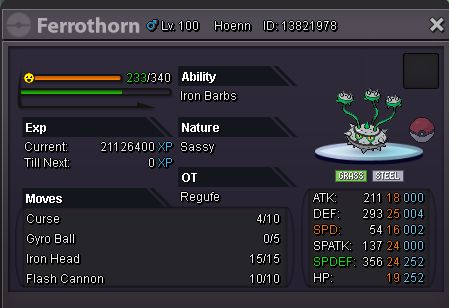
Ferrothorn 800k sold 😃
-
hi, i deleted a ferro by mistake, but dont know exactly who, its possible to restore pls? ty in advance Hi there, I've went ahead and recovered all the Pokemon listed above. They should be in the last slot of your PC. Have a lovely day! -Maisa

-
i pay inta 1.5m if still available
-
no more auction
-
-
Hello. I accidentally released my shellder id 53333529 put the information in attach. Thanks in advance.

-
In-game name: Regufe Server: Silver Pokemon ID and/or screenshot: 25819791 need to deleveled
-
In-game name: Regufe Server: Silver Pokemon ID and/or screenshot: pokemon id n° 411559 i need deleveled a 100 klank, thank you i advance
-
Thank you very much for the answer, now i have spikes on foretress =D
-
I have a forretress who doesnt learn spikes and a altaria who doesnt learn cotton guard, the moves dont appear on move buffet, how can i fix it? ty
-
Sendoff Spring: Simipour