




New Trade Zone
Trade Zone is now live
Use the new Trade Zone for auctions and instant-price trades so Pokemon and item offers are easy to find.

Gabeybmth
Suspended
-
Joined
-
Last visited
Everything posted by Gabeybmth
-
click once on the mega evolution icon under the moves in battle, just once, the logo should be on and colorful, then use any move. It will mega evolve and then attack
-
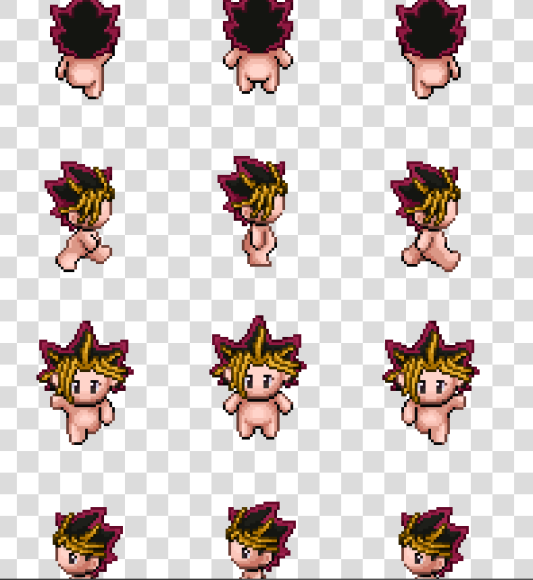
no need for a long explanation, just simply the best idea ever for a hair and clothes design. i'd love a reply confirming if we could see this in game anytime soon, for an event or something or just its general release in PvE shop, the point is that this is just beautiful and many agree on discord that we would love to see it in game. thanks

-
Y'all not gonna consider how lit would be to ride your Lugia or, even better, a LONG DESIGNED RAYQUAZA?
